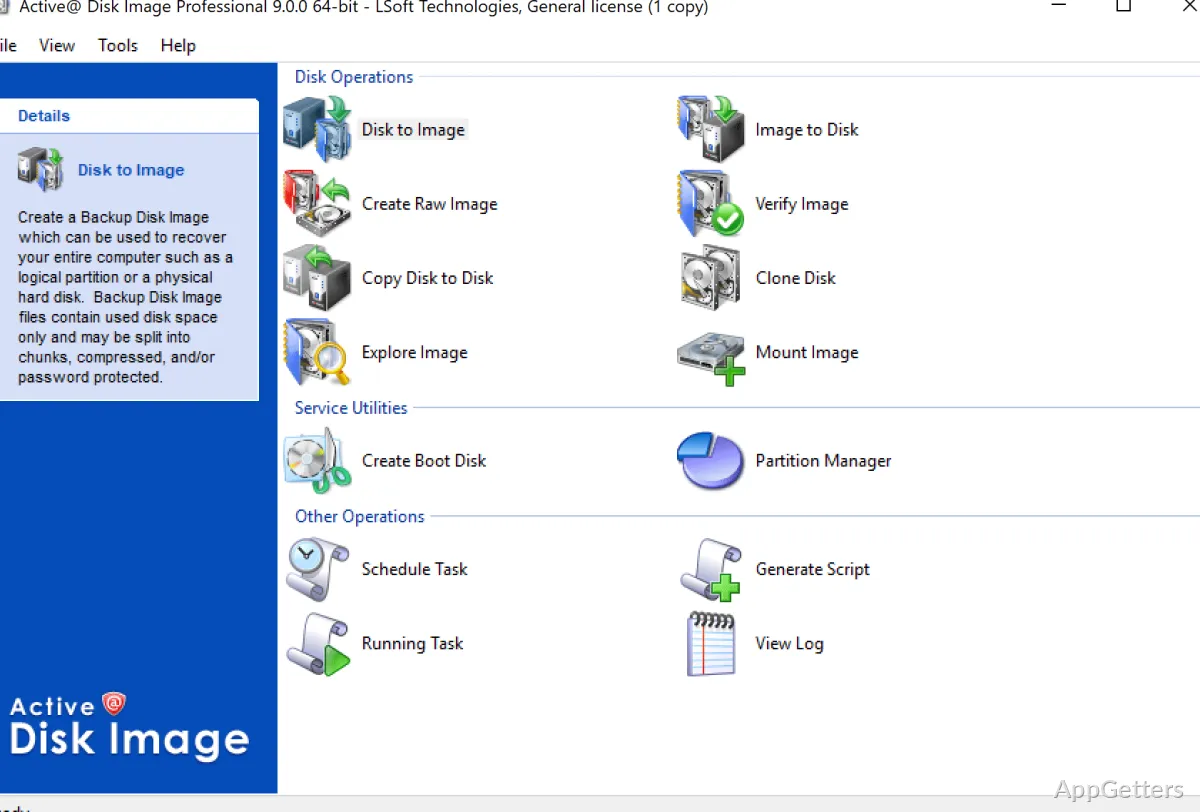
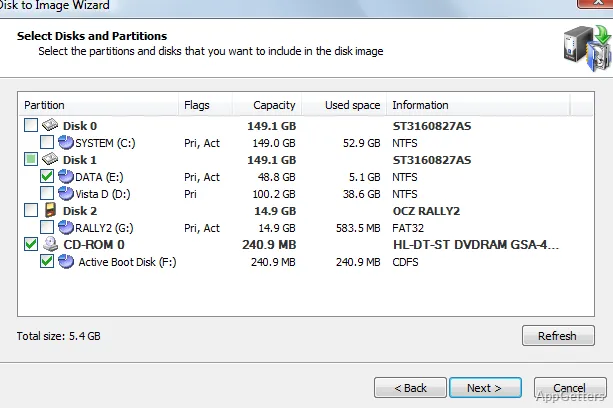
The Main Menu provides a wizard for choosing disks and partitions to image, plus a separate screen for setting up scheduled backup tasks. Active Disk Image creates disk images for backup, drive duplication, or recovery after a computer failure.
Active Disk Image saves disk copies for recovery or duplication
Choose a disk or partition in the imaging wizard, then select where to save the resulting image. The program supports HDDs, SSDs, external disks, USB drives, and CD, DVD, and Blu-ray media. Images are stored in a folder and can preserve a system for recovery or copying to another drive.
For a conventional image, Active Disk Image can save occupied clusters and apply compression. The compression choices are Fast, Normal, and High. Raw Disk Image mode instead copies data sector by sector, which preserves the disk's layout at a lower level.
Incremental and differential images reduce repeated copying
After creating a full image, choose incremental or differential images for later backup runs. These backup types capture changes since an earlier image, avoiding the need to create a complete image each time. Scheduled backup tasks can automate recurring runs; scripting support and email notifications are also available.
Mount images or restore them with recovery media
Mounting an image as a virtual drive lets you browse its contents and retrieve files without restoring the entire disk. When a system needs recovery, an image can restore the computer's saved state.
Active Disk Image can create bootable recovery media for restoring an image when Windows cannot start. The program also supports image encryption with AES options and backup to AWS S3 cloud storage.
Pros
- Creates images of HDDs, SSDs, USB drives, and optical discs
- Supports incremental and differential images
- Mounts images as virtual drives for file access
- Offers bootable recovery media and scheduled backups
Cons
- The available download is a trial
System requirements: Windows 7, Windows 8, Windows 8.1, Windows 10, Windows 11
What can Active Disk Image back up?
It can create images of HDDs, SSDs, external disks, USB drives, and CD, DVD, or Blu-ray media.
Can files be recovered without restoring the whole disk?
Yes. Mount an image as a virtual drive to browse it and retrieve files.
What is bootable recovery media for?
It provides a way to restore a disk image when Windows cannot start.