Looking for a free, open-source alternative to Internet Download Manager? Xtreme Download Manager (XDM) by Subhra Das speeds up big downloads with parallel connections, resumes broken ones, and catches downloads and videos from your browser.
XDM divides transfers across parallel connections
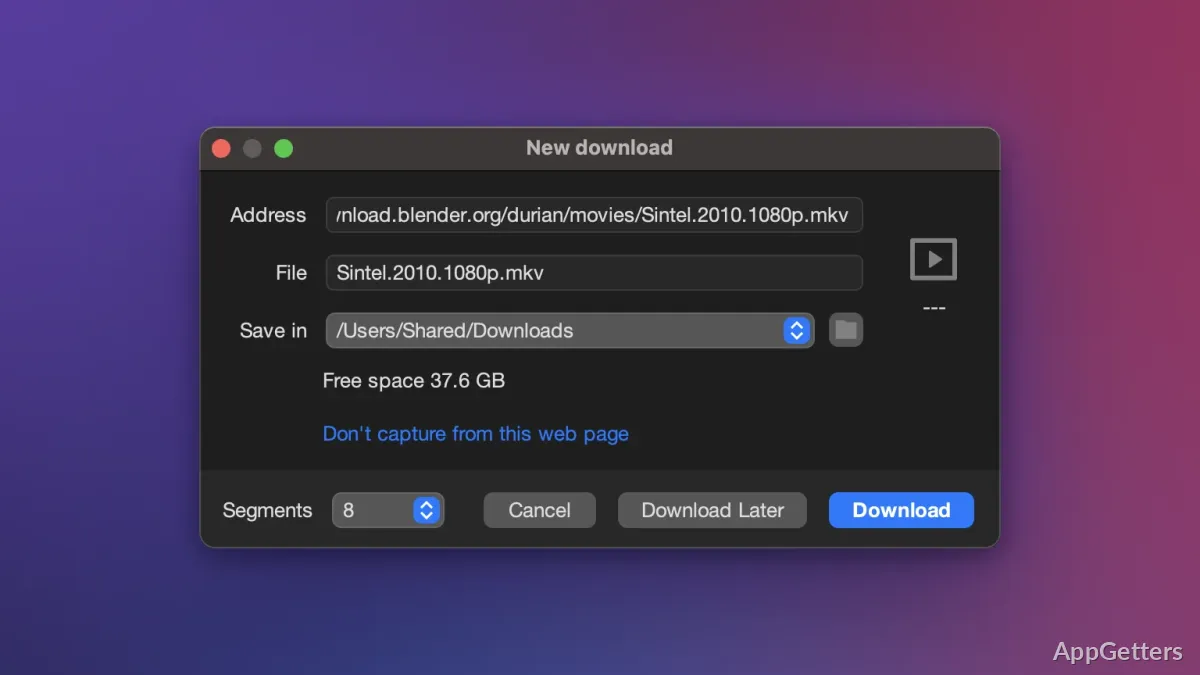
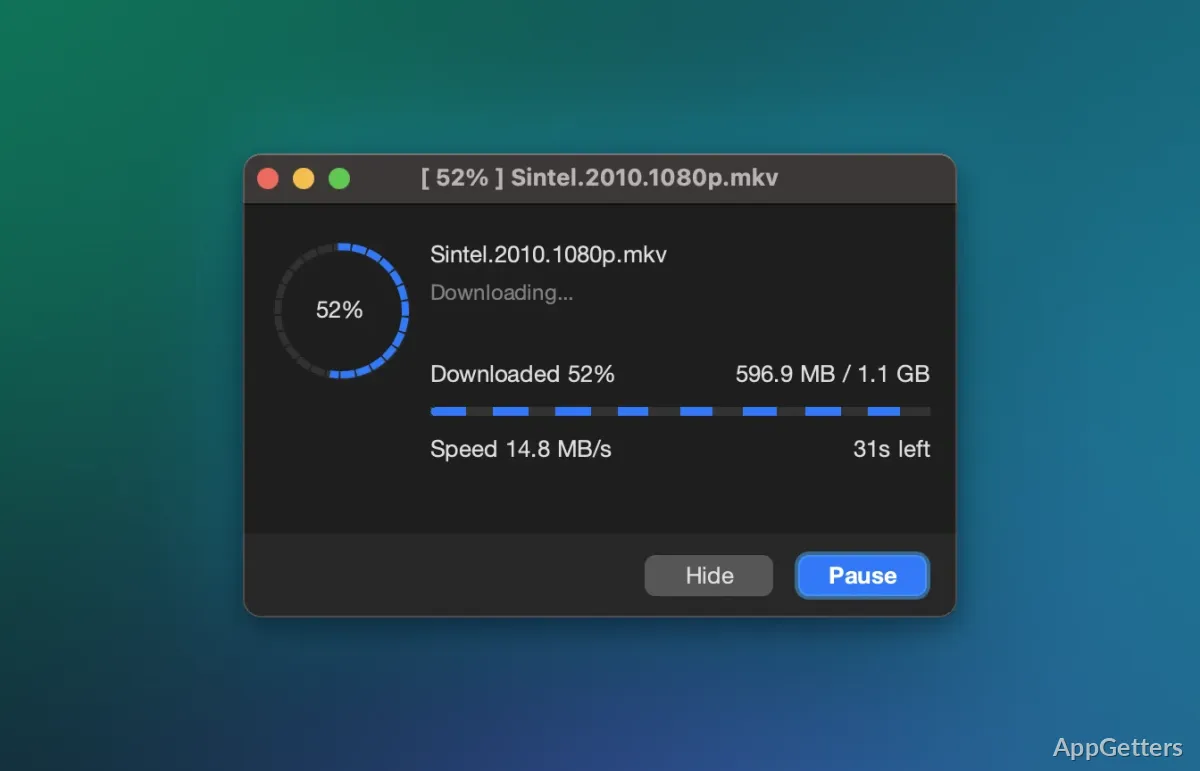
For supported downloads, XDM requests separate parts of a file at the same time. The program brings those parts together when the transfer finishes. This approach is intended to speed up downloads, though the server and connection still affect the result.
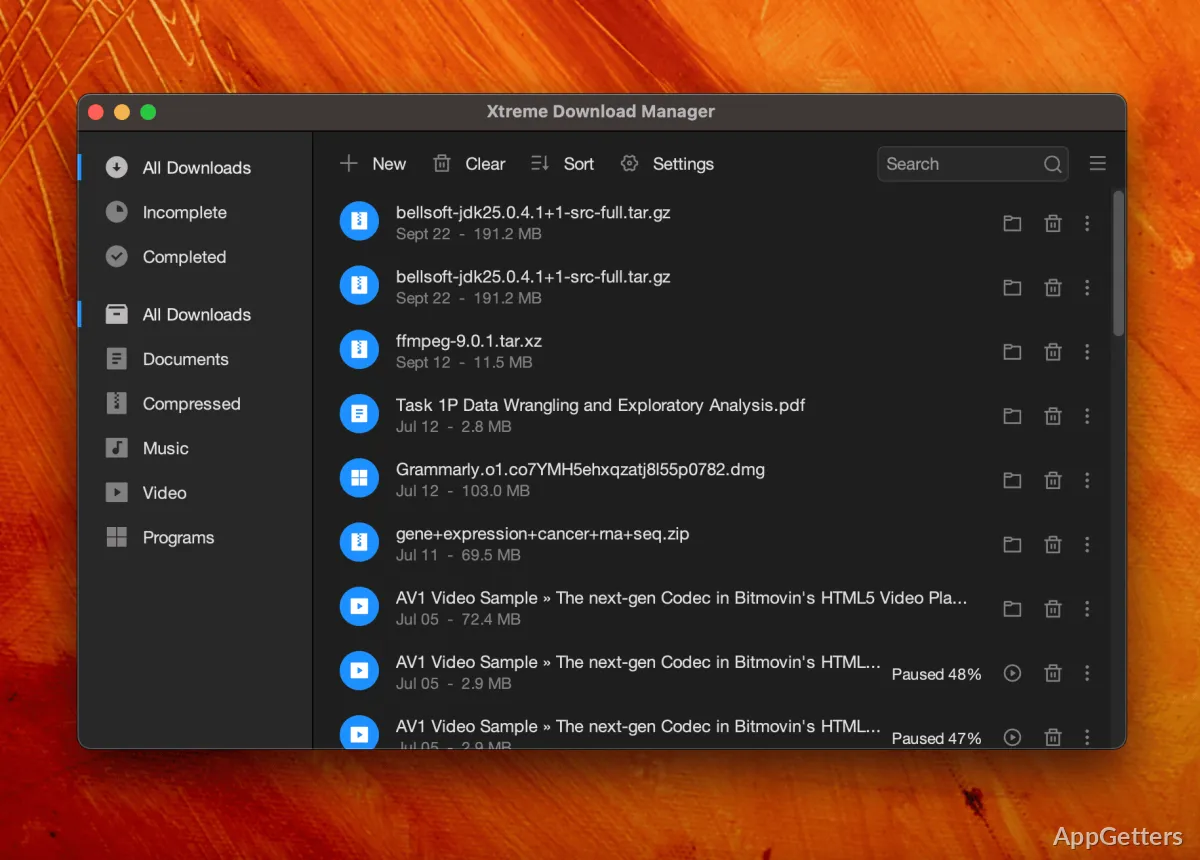
Pause a transfer and resume it later, including after a connection interruption. XDM can also limit download speed, leaving more bandwidth available for other activity on the PC. Add a download by entering its URL, or let browser integration pass a detected file or video to the manager.
Browser integration captures online video
XDM works with Chrome, Firefox, Opera, Vivaldi, and other browsers based on Chromium or Firefox. When a supported page contains downloadable video, browser integration can offer a way to send it to XDM. The program can also download video streams from websites.
- Choose a video download from the program when the option is available.
- Convert downloaded video to other formats or codecs using device-oriented presets.
The scheduler can disconnect after a transfer
Set a time for XDM to connect and start scheduled downloads. When the queue is done, XDM can go offline or turn the PC off. Proxies are supported too. Copyright still applies to saved videos, and many video sites forbid downloading in their terms.
Pros
- Splits downloads across parallel server connections
- Pauses and resumes interrupted transfers
- Captures downloadable video through browser integration
- Schedules downloads and can disconnect or shut down afterward
Cons
- Browser integration needs an extension in each browser
- Video capture may break site terms or copyright
System requirements: Windows 7, Windows 10, Windows 11 · Windows 7 installer is unsupported
Can Xtreme Download Manager resume an interrupted download?
Yes. Pause and resume downloads, including after a connection is disrupted.
Can XDM download and convert online videos?
XDM can capture video downloads through browser integration and convert downloaded video to different formats or codecs.
Can XDM run downloads on a schedule?
Yes. Downloads can start at a set time, with an optional disconnect or shutdown afterwards.