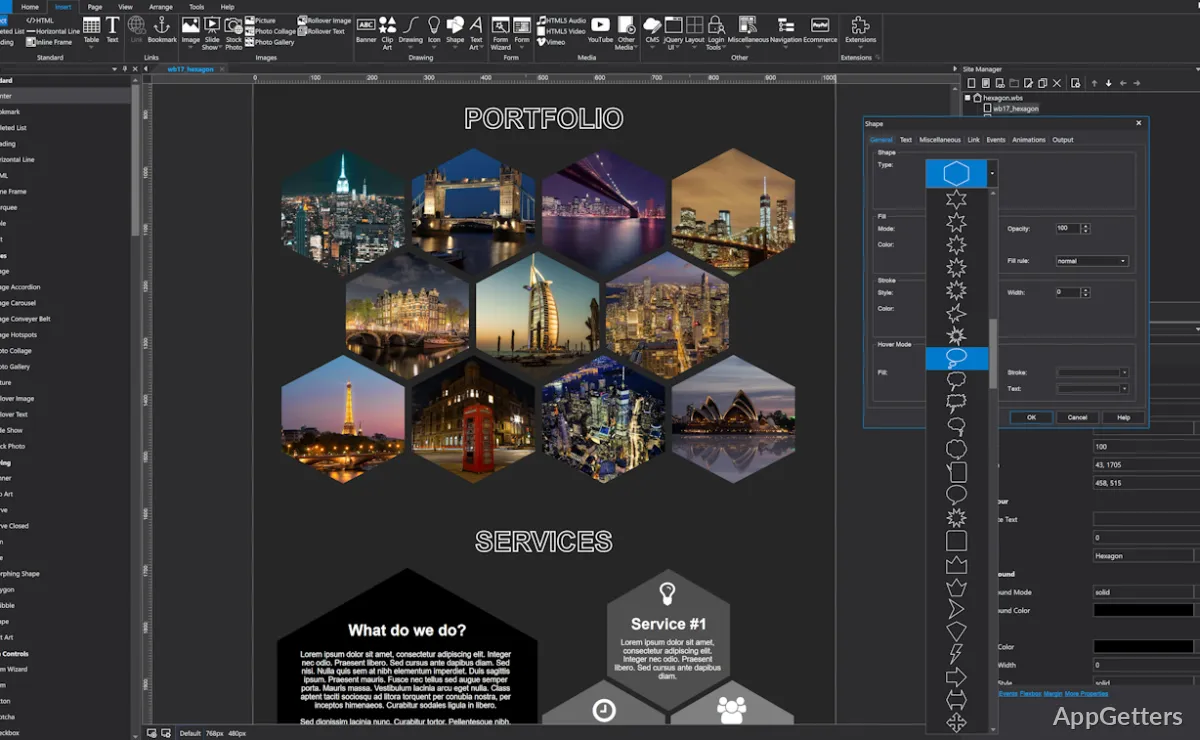
Need to build a responsive website visually and publish it from a Windows desktop? WYSIWYG Web Builder lets you arrange page elements on a canvas, generate the underlying HTML, and manage publishing from the same project workflow.
How does the visual editor shape pages?
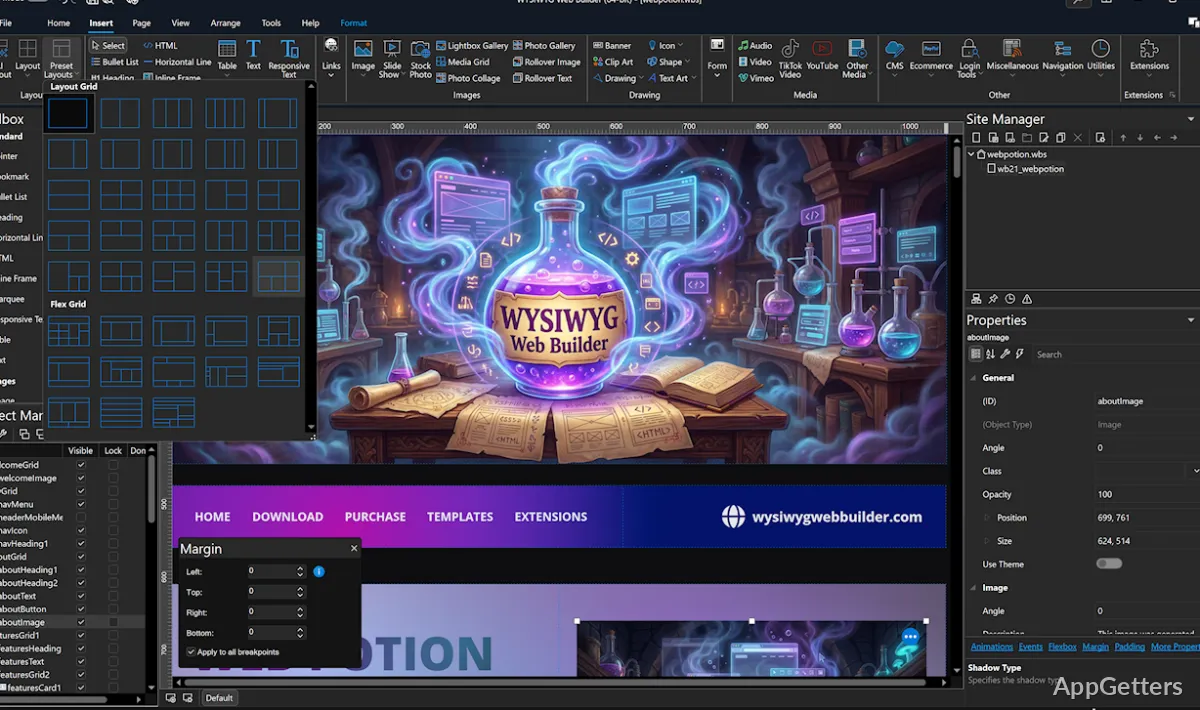
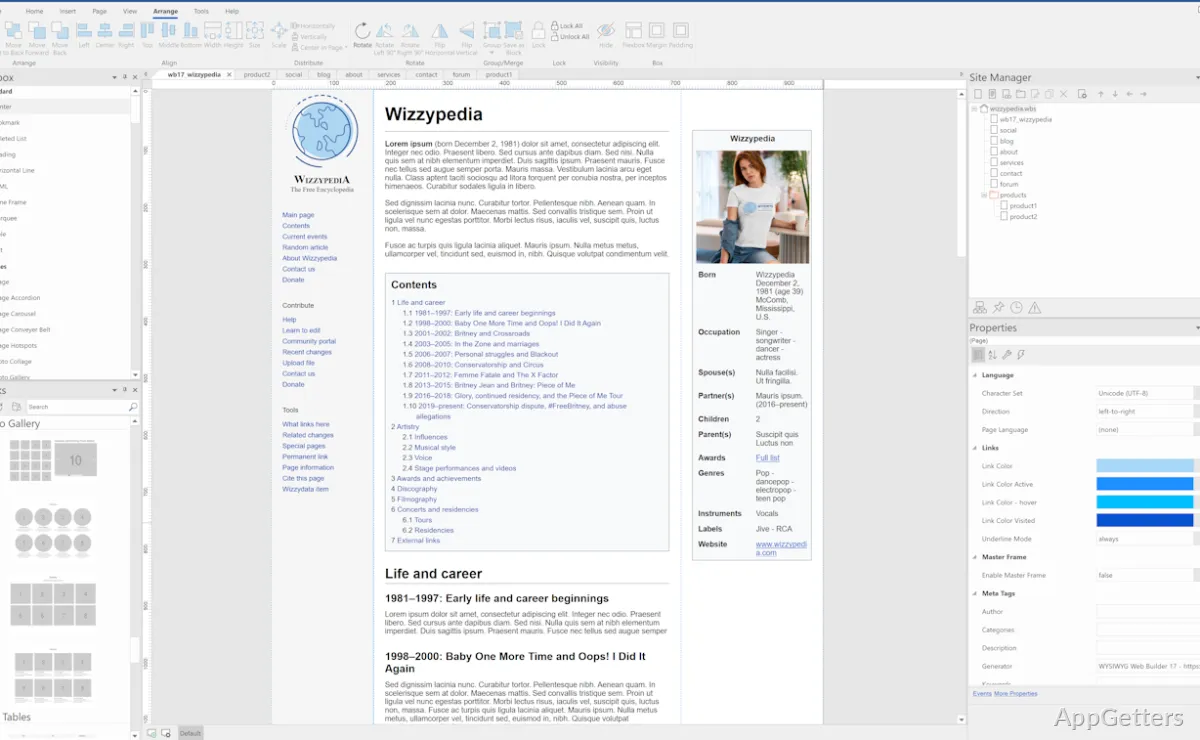
Add text, images, buttons, forms, and other objects by placing them directly on the page. The editor generates HTML from the layout, while object settings let you adjust appearance and behavior. Pre-made blocks offer a starting point for common page sections, and web-font support includes Google Fonts and other web fonts.
Navigation components include dropdowns, fullscreen menus, mega menus, panels, breadcrumbs, and pagination. Animations and transitions can be applied to page elements, with options for predefined effects or custom animations. Icon libraries such as Font Awesome and Material Icons are also supported.
Responsive layouts and page elements
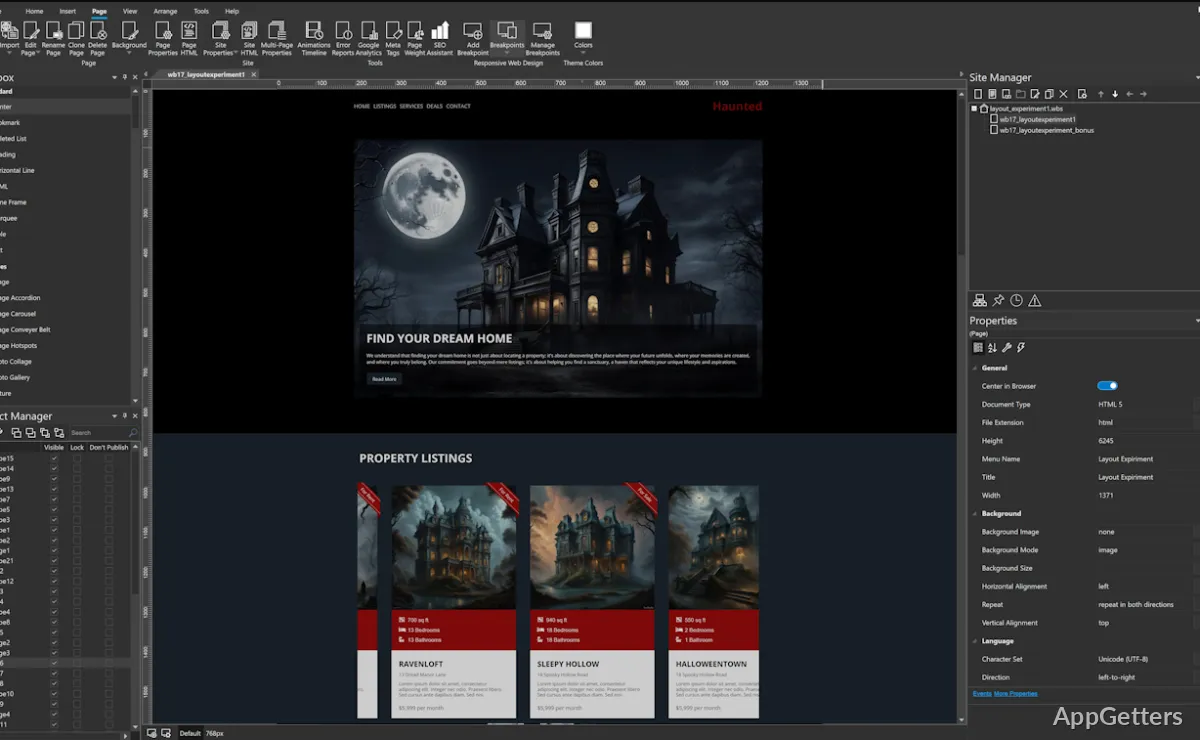
Choose among flexible and fixed layouts, then adapt pages with layout grids, flexbox, CSS grid, and breakpoints. Breakpoint settings can change an element’s visibility, size, spacing, or alignment for narrower screens. This allows adjustments to individual objects as well as broader page layouts.
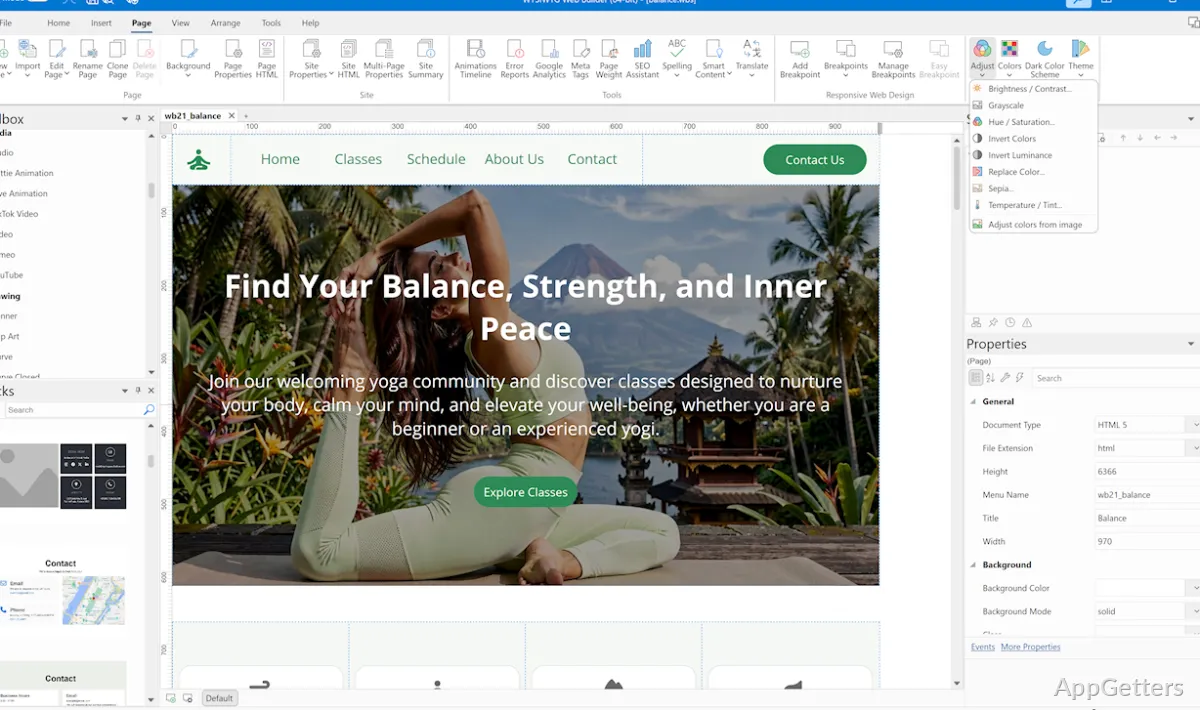
Image tools include galleries, carousels, lightboxes, filters, and rollover effects. Video can be embedded from YouTube, Vimeo, or TikTok, or added as an MP4. The image conversion wizard handles JPG, PNG, and WebP files, with options to resize, compress, and remove metadata.
- Use form controls for validation, calculations, email delivery, and file uploads.
- Store form submissions in MySQL or CSV.
- Add a sitemap and robots.txt with the built-in SEO tools.
Publishing and site management
Publish a finished site through the built-in transfer tools, which support standard FTP, FTPS, and secure FTP. A separate FTP application is not required. The SEO Assistant provides page-focused search settings, while the sitemap and robots.txt generators create common files for site indexing.
For sites with editable content, the built-in PHP-based CMS supports online content management. User features include sign-up, password recovery, roles, and an online administrator. Forms can also collect information for later use, and extensions add components such as slideshows, media players, and data viewers.
Pros
- Drag-and-drop editing generates HTML for the page
- Supports flexbox, CSS grid, layout grids, and breakpoint-based designs
- Built-in publishing supports FTP, FTPS, and SFTP
- Forms can email submissions or store data in MySQL or CSV
System requirements: 32-bit and 64-bit
Does WYSIWYG Web Builder generate HTML?
Yes. The editor generates HTML from the objects and layouts arranged on the page.
What publishing methods does it support?
The built-in publishing tools support FTP, FTPS, and SFTP.
Can a site include forms and online content editing?
Yes. Forms can handle tasks such as email delivery and data storage, while the PHP-based CMS supports online content management.