Making a tutorial or game video and want screen, face cam and voice in one go? Wondershare DemoCreator can capture the screen, webcam, microphone, and system audio in one recording workflow. Its recording modes and built-in video editor are designed for making tutorials, presentations, and gameplay videos.
Record a screen, game, camera, or presentation
DemoCreator provides separate modes for screen capture, gameplay, webcam, audio, video presentations, and virtual-avatar recording. For a screen recording, choose the full display, one window, or a selected area, then add webcam footage, microphone input, or system audio as needed. Separate tracks for captured sources give you more control over their timing and sound during editing.
The presentation mode combines a desktop and webcam on a customizable canvas, with preset layouts for arranging them. Camera recording includes a virtual background changer and an AI teleprompter. For voice-only material, Audio mode can record system sound, microphone input, or both.
Edit recordings with annotations and cursor effects
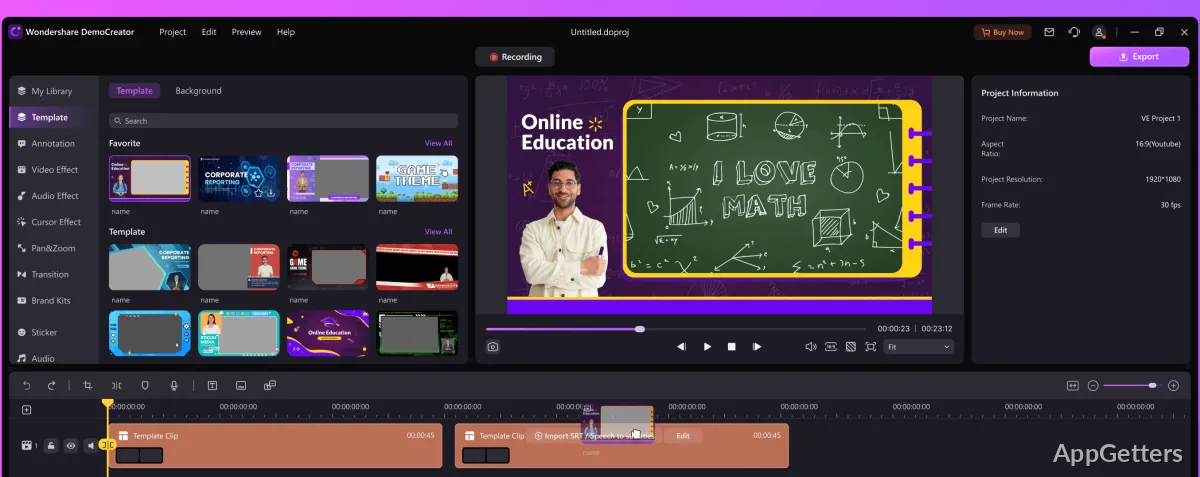
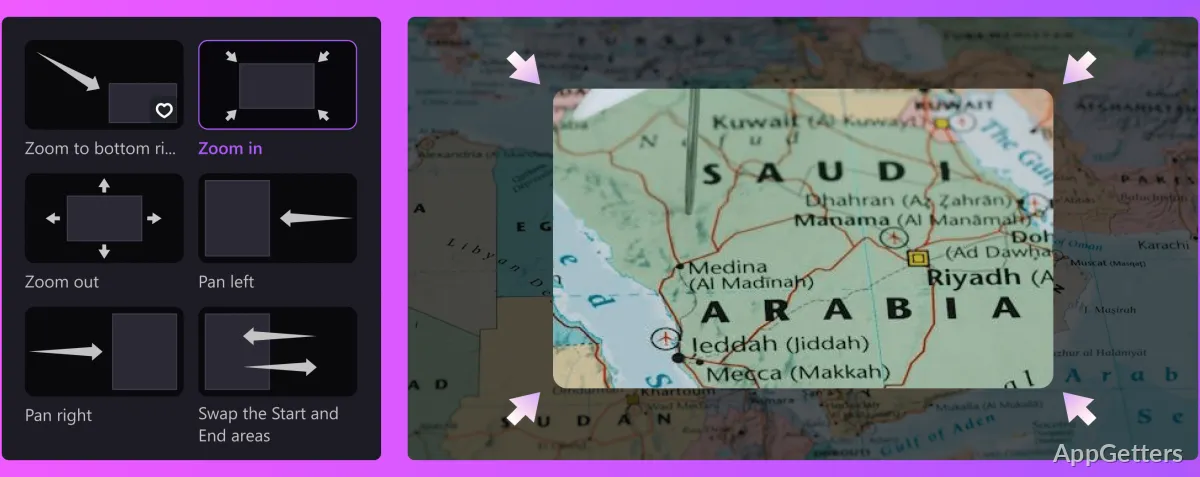
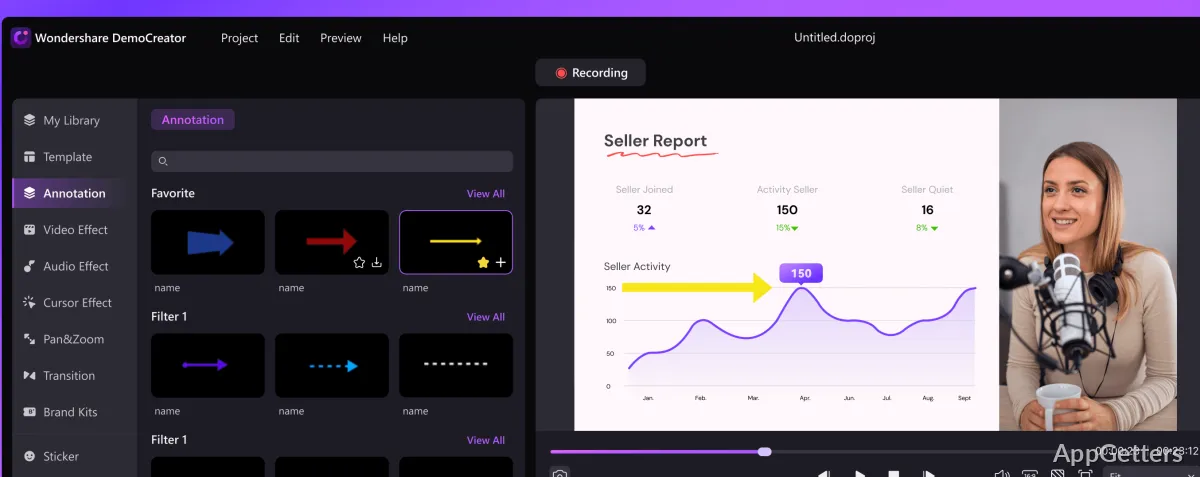
After capture, trim, crop, and merge clips in the editor. Add text, dialogue boxes, arrows, and lines to call attention to parts of a lesson or software demonstration. Pan-and-zoom animations, transitions, templates, stickers, and background music provide additional editing options.
- Highlight, spotlight, or magnify the cursor; click sounds can mark mouse actions.
- Use text-based editing to work from a transcript and remove silent sections.
- Generate subtitles automatically, or refine speech with noise reduction and the AI speech enhancer.
Prepare videos for sharing or review
DemoCreator can create a shareable link for a video, with options such as password protection and link expiration. Cloud Drive provides storage for uploaded work. The editor also includes a thumbnail maker with templates and keyframe selection, while direct social sharing supports services such as YouTube, Vimeo, TikTok, and Instagram.
Pros
- Records screen, camera, mic and PC sound as separate tracks
- Screen recordings can include annotations and cursor effects
- AI tools include transcription, subtitles, and noise reduction
System requirements: Windows 7, Windows 10, Windows 11 · 64-bit only · Processor: Intel i5 or better multicore processor, 2 GHz or above · RAM: 8 GB (16 GB required for HD and 4K videos) · Graphics: Intel HD Graphics 5000 or later; NVIDIA GeForce GTX 700 or later; AMD Radeon R5 or later; 2 GB VRAM (4 GB required for HD and 4K videos) · Disk: At least 10 GB free space for installation
Can DemoCreator record my screen and webcam at the same time?
Yes. Screen recordings can include webcam footage, and presentation mode can place the desktop and webcam together on a customizable canvas.
Can I record system audio and microphone narration separately?
Yes. DemoCreator can capture system audio and microphone input on separate tracks for editing.
Does DemoCreator generate subtitles?
Yes. Its auto-subtitle feature generates captions, and text-based editing can work from an automatic transcript.