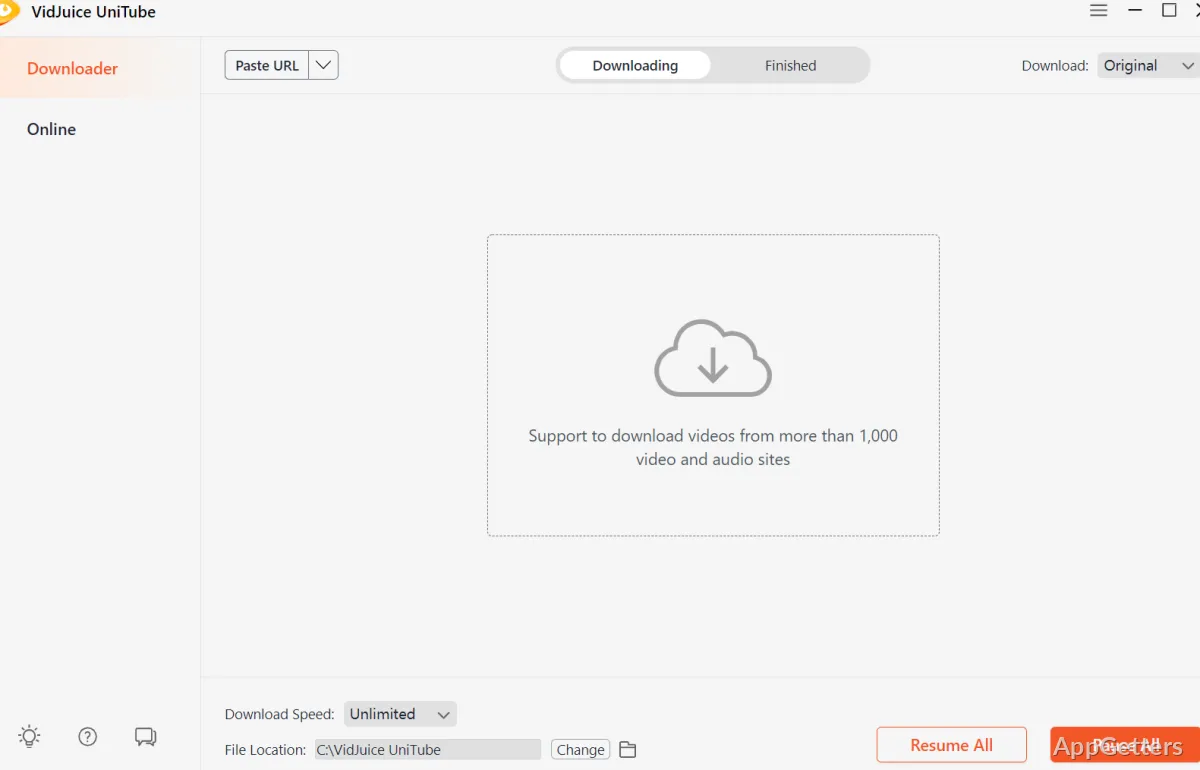
Downloaded video and audio files can be kept for offline viewing or listening. VidJuice UniTube handles downloads from more than 10,000 websites, with quality and format choices for each task.
Choose a download route
For a direct download, copy a video URL, select an output quality and format, then use Paste URL in UniTube. The Finished tab keeps completed files together for access after the download.
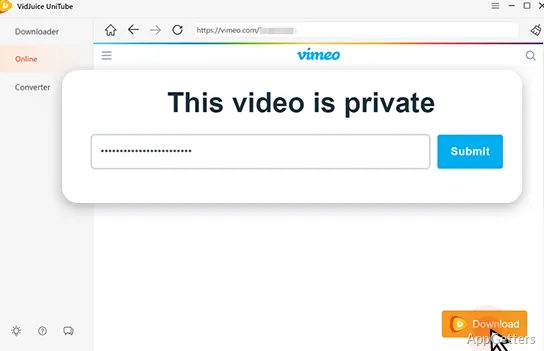
When a video requires signing in, UniTube's built-in browser can open the site and handle the download from there. The browser also includes a Cut feature for choosing a segment of a YouTube video or audio before downloading.
Select playlist items and batch jobs
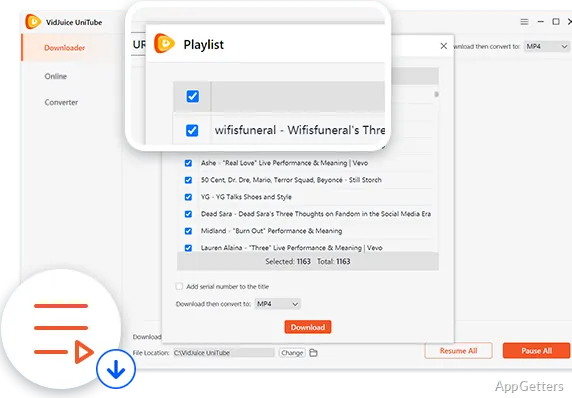
UniTube can fetch full playlists or channels in one operation. It also lets you pick individual entries instead of taking the entire collection, and can add serial numbers to titles to keep downloaded items in sequence.
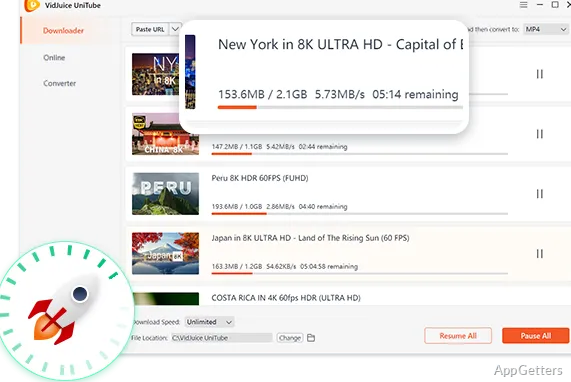
Multiple videos can download at the same time. The same batch approach applies to conversion, with up to 10 videos handled together.
Set quality, format, and subtitles
The available video resolutions include 720p, 1080p, 2K, 4K, and 8K, depending on the source. UniTube can save or convert media in formats including MP4, AVI, MOV, MKV, M4V, FLV, and MP3.
YouTube subtitles can be downloaded as SRT files in supported languages or burned into the video. Live-stream downloads are also supported while a stream is in progress.
Keep selected downloads private
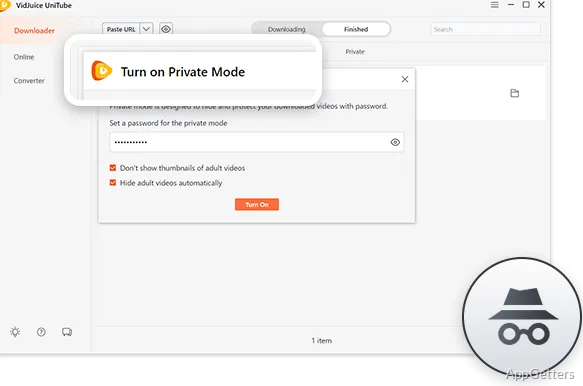
Private Mode places selected downloads in a protected panel and uses a password to restrict access. This setting is intended for files that should not appear alongside the rest of the downloaded collection.
Pros
- Downloads playlists and channels with selective item choices
- Supports MP4, AVI, MOV, MKV, and MP3 output
- Offers video downloads up to 8K
- Includes a built-in browser for login-required videos
Cons
- Free trial is limited to five download tasks; unlimited use requires the paid version
System requirements: Windows 7, Windows 8, Windows 10, Windows 11
Can VidJuice UniTube download an entire playlist?
Yes. It can download playlists and channels, or let you select specific videos from them.
Which formats can UniTube save?
Supported formats include MP4, AVI, MOV, MKV, M4V, FLV, and MP3.
How does UniTube handle videos that require a login?
Use its built-in browser to access login-required videos and download them.