EXE
Home » Software » Windows » Screen Recorders » Action! for Windows
Action! for Windows

Action! for Windows

  • By Mirillis
  • Trial
  • Version: 4.48.1
  • 108.05 MB
  • Security Report:

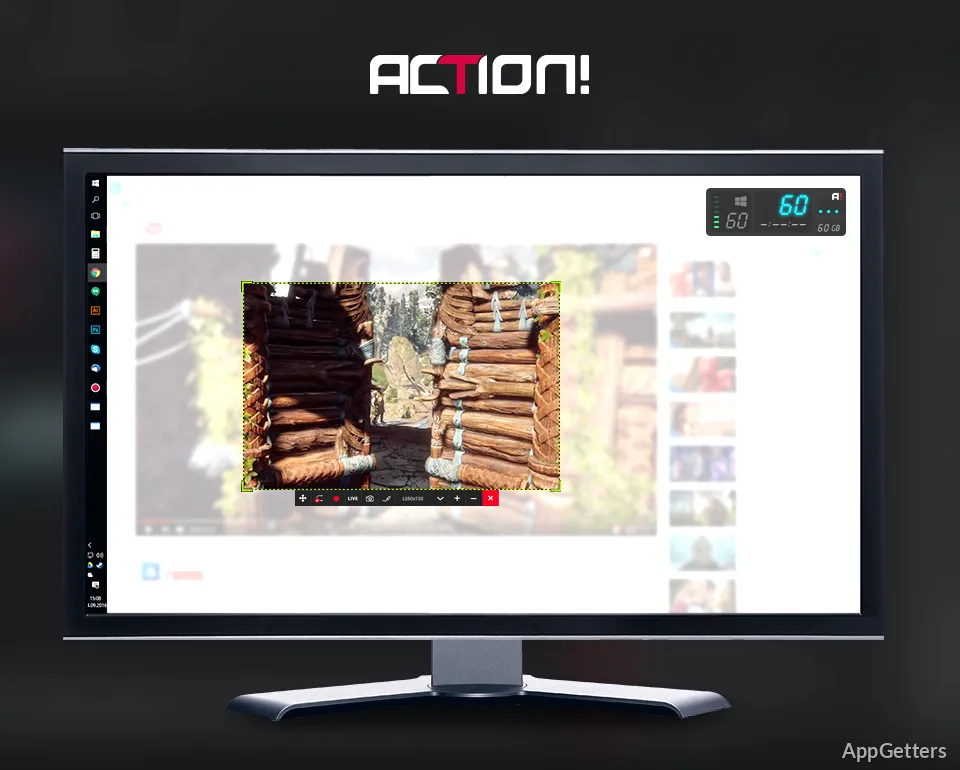
Recording gameplay or desktop activities on Windows turns out to be overly complicated. Some of the tools for recording work are limited by a lack of system resources, while others require a long time to set up before converting to useful work. That can be truly disappointing for players, content creators, teachers, and professionals who just want to have their PC recorded without stopping their working process. Action! solves the issue by giving a direct and simple recording system, especially for Windows users. Generally, the program tries to keep the computer running while recording. Users wishing to do some videos, tutorials, or live broadcasts do not have to worry about their operating system becoming slow.

Workflow

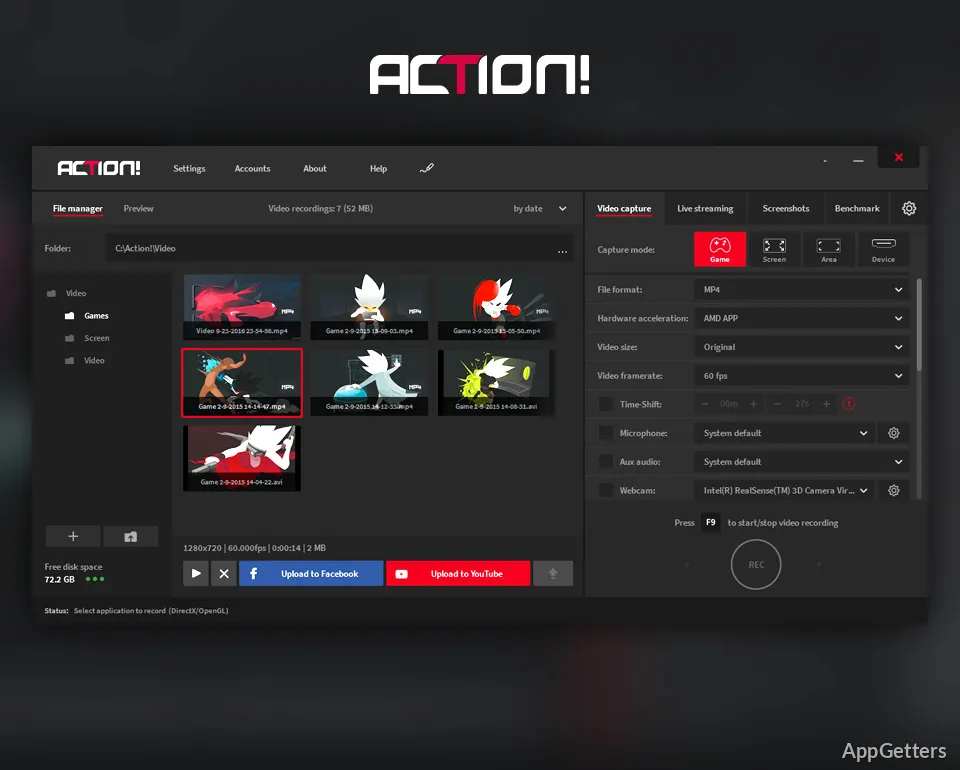
Action! definitely is worth mentioning as an operating system-friendly. The main recording features are very well organized and discovered, so that even newbies can start the recording with hardly any settings but, at the same time, provide the expert users with the means of doing so, advanced settings.

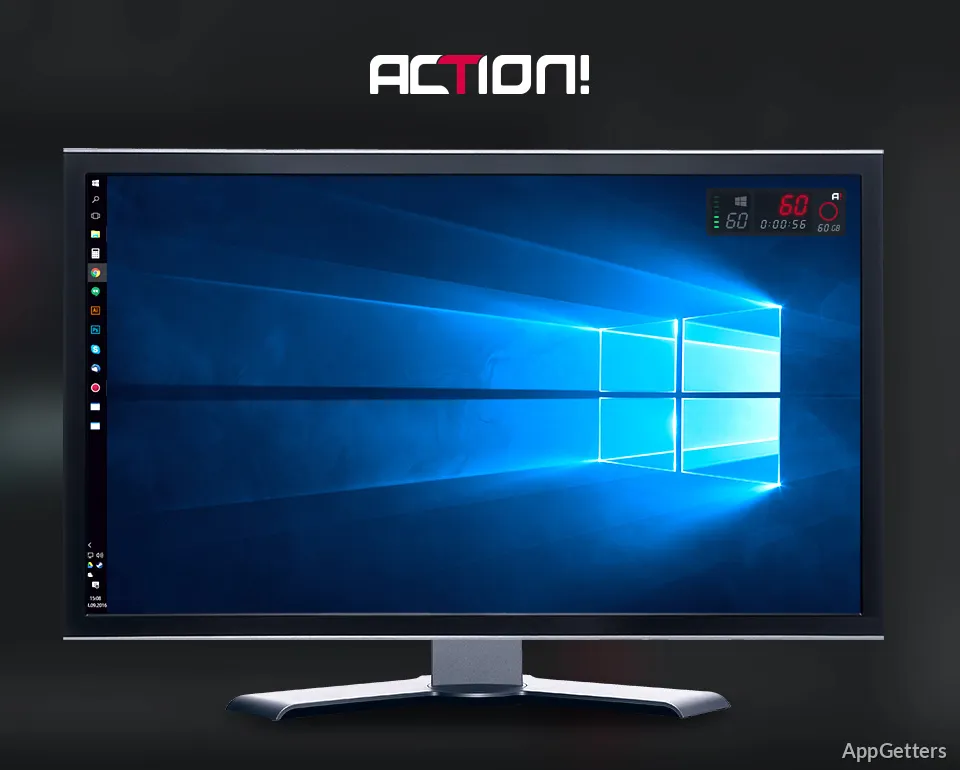
On a daily basis, switching between full-screen recording, application capturing, and desktop recording is very simple. This is a handy feature for people who have gaming sessions, software demonstrations, and online presentations periodically. Streaming integration and support for the webcam reduce the necessity to combine different utilities for basic content creation tasks.

Since the UI is simple, however, users who are not familiar with video settings may struggle for some time deciding on encoding options and output preferences before getting their perfect setting.

Performance and Recording Quality in Daily Use

Usually, it is performance that determines the choice of screen recording software, and this is even more true if the game opening is not one of the lighter ones or if even the app is resource-consuming. Action! is a generally very decent performer, mainly through leveraging hardware acceleration, when available, which considerably lowers the CPU workload while recording.

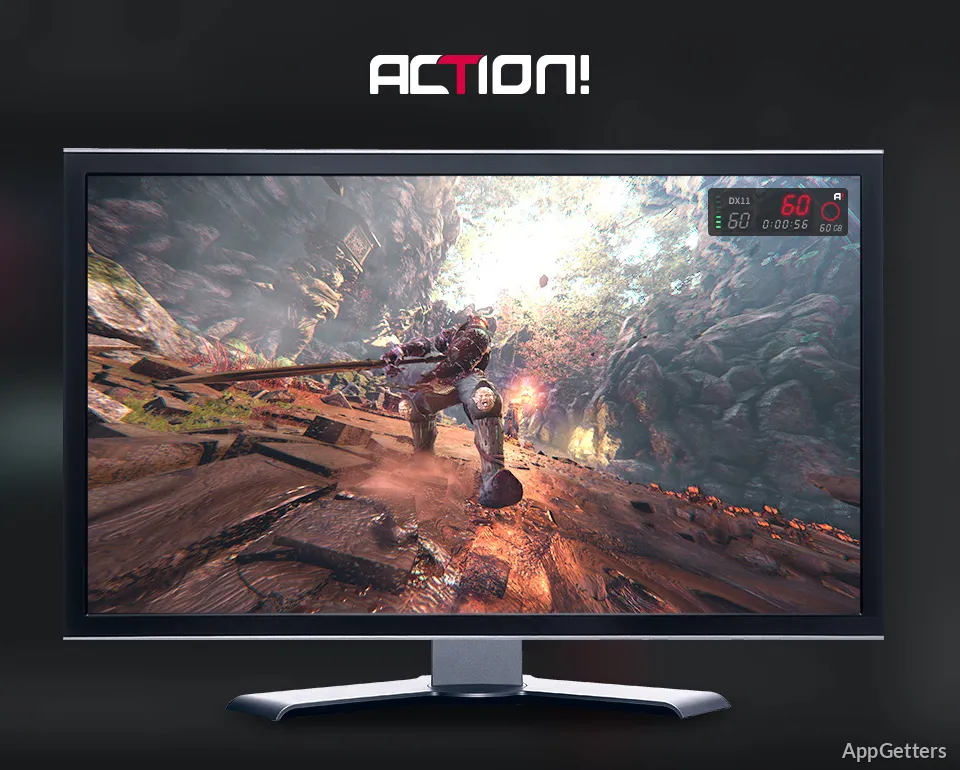
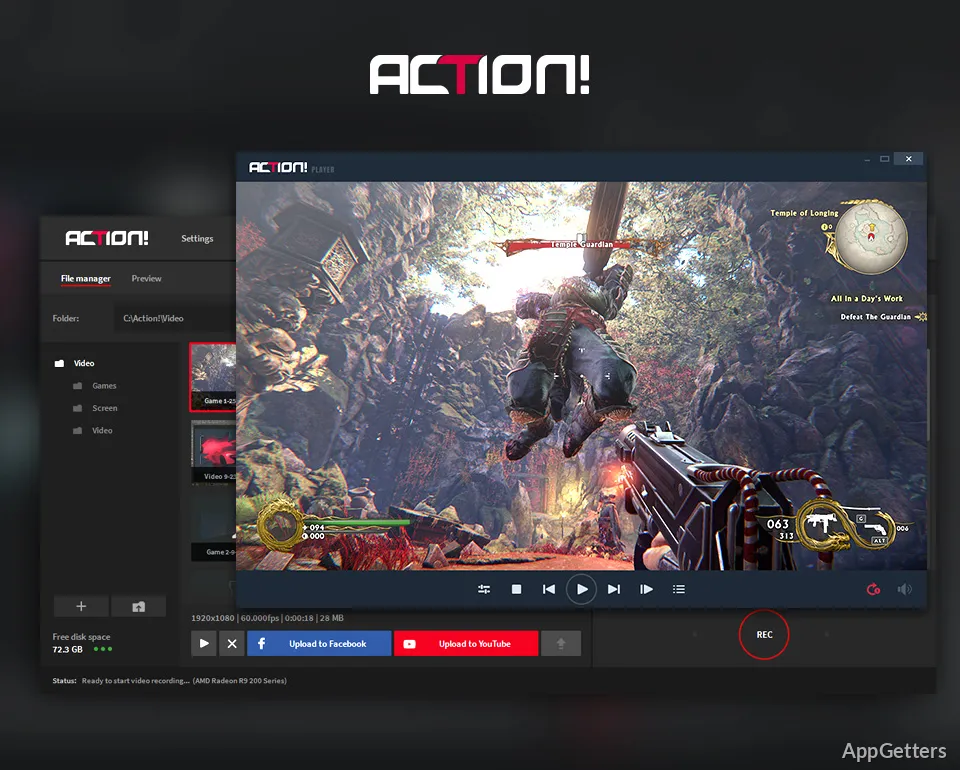
Despite the widely changing environments, the video quality remains at a good level, and the frame rates in the meantime are very smooth for systems that have the necessary equipment. The software has good potential for those who want to use it for making gameplay videos, implementing project demonstrations, or producing technical tutorials.

Still, the system performance will mostly depend on the hardware availability. A PC that was not newly purchased or a configuration that is at the lowest end of the scale is bound to produce the least system responses when trying to capture high-resolution or high-frame-rate content. This is particularly true if several applications will be running concurrently.

Working as a Support or Learning Tool

Finding its way to the gaming crowd, Action! can indeed perform many roles for professionals and educators, too. Teachers may deliver video lessons, employees might make software walkthroughs, and support teams might illustrate problems for others with videos.

Along with a save-to-file but with the screen’s image being part of the recording, the tool at hand also offers a separate take a picture functionality. It provides a easy-to-use interface for doing more or less advanced stuff at the recording stage, thus saving time later. The record and stream features are available within a single app. This can be extremely convenient for content providers who make tutorials regularly. Dedicated video editing software is definitely a must-have after a recording session. It is especially useful for creators who make productions for their highly specialized audience. Action! is mainly for shooting and should not be considered as a video editing software.

A Sensible Selection for Frequent Screen Recording

PC users who often record gameplay, presentations, and desktop results would be the best candidates for Action!. They also value a simple interface combined with reliable performance. It has been developed to meet the needs of frequent screen capturers, with a reduced learning curve. The application is a top-class choice not only for players, online teachers, tutorial creators, and professionals who produce graphic documentation. It is also suitable for users who need a solid recording environment and do not require integrated editing features. Action! is a specialized recording package, and as such, it is highly effective. It also easily fits into many everyday work processes.

Software Details of Action! 4.48.1

License
Trial
Version
4.48.1
File Size
108.05 MB
Downloads
0
Languages
English English, French, German, Italian, Japanese, Spanish
Category
Op. System
Windows
Developer
Last Updated
April 25, 2026

Version History

5 versions
4.48.1
Latest
108.05 MB
April 25, 2026
4.48.0
108.01 MB
April 9, 2026
4.47.1
108.01 MB
January 20, 2026
4.47.0
108.01 MB
December 26, 2025
4.46.0
108 MB
December 10, 2025

Leave a Comment

Your email address will not be published. Required fields are marked *

Software Icon
Security Report

Loading scan data...

Scroll to Top