EXE
Home » Software » Windows » Screen Recorders » Audials Music for Windows
Audials Music for Windows

Audials Music for Windows

  • By Audials
  • Trial
  • Version: 2025.3.1.0
  • 208.85 MB
  • Security Report:

Audials is among the most popular music software programs on Windows that allow users to save and convert online music for offline listening, as well as build digital music libraries from various internet radio stations. As is well known, music streaming services usually impose a number of restrictions, including music downloading, storing, and offline listening in a closed app environment only. For instance, a few services simply do not allow downloading or having actual copies of the music files for offline listening except through subscription and the use of official apps only. Besides that, even if offline modes exist, they are mostly temporary or restricted to specific devices only.

As a result, those music lovers who wish to have full control over the music they listen to and how they arrange it are really faced with problems. One of the options for such people, in fact, that is attracting more and more of their attention is Audials, which is a recording tool for streamed sound. and at the same time a helper for arranging the recorded sound as local files available for later personal use.

Everyday Music Capture from Streaming Sources

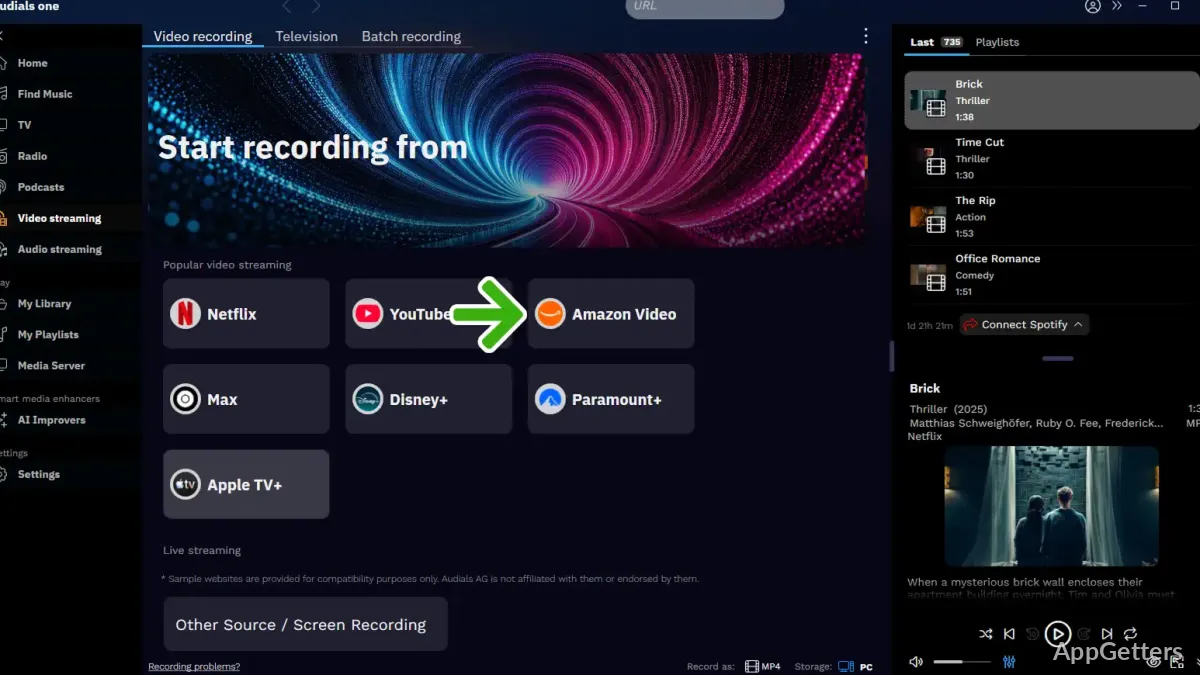
They usually open the program when they want to capture a song that is currently playing. or even save an entire playlist or radio streams. Rather than looking for downloads directly, they simply play the music. and the program records it while the music is being played. This method has been widely adopted by those who frequently tune in to internet radio stations or listen to specially prepared playlists. and want to be able to enjoy the content at any time without worrying about an internet connection.

The simplicity of the process is one of the merits of the software: just start the music, let the software record it without being in your face. And, in a minute, you get saved, ready for your audio files. So, after a while, you get yourself a collection to keep on listening to your music at the times when your mood strikes for it. no matter if it’s time for a web streaming session or not.

Recording Behavior and Audio Handling in Practice

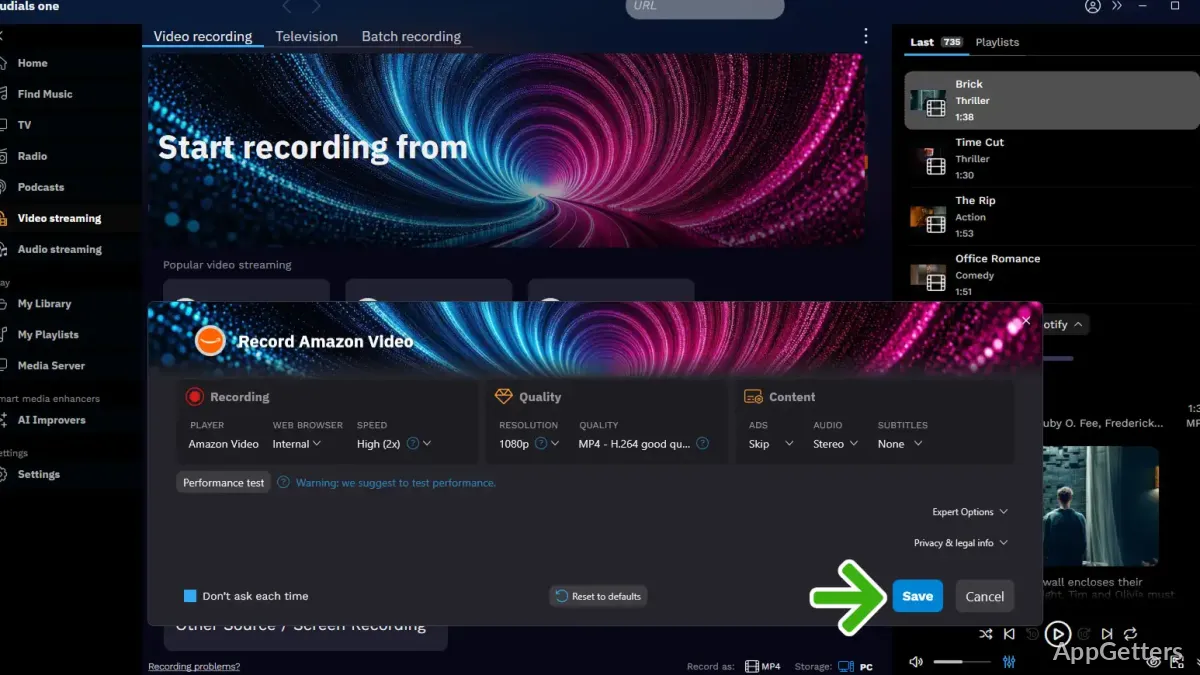
The defining aspect here is the manner in which the software controls the recording quality and how it recognizes audio streams. Often, Audials Music is not interacted with directly. But it is kept running in the background as a hidden guardian of your music-texts. And it quietly watches for new sounds to save without causing any interruption of your enjoyment. One of the popular features of Audials Music is its ability to perform round-the-clock recording sessions. For instance, it can gather music over time from radio stations. It can also help create long playlists. Nevertheless, the efficiency is quite dependent on the first quality and the format of the stream. When using different music audio platforms or changing audio output device settings, you may need to tweak recording levels. This helps get the correct output.

File Organization and Real-Life Library Building

Now, the work of storing and organizing the copies of the music you downloaded becomes your main concern. As a matter of fact, Audials Music is characterized by making use of standard audio formats for saving music. These files can then be accessed through any media player or device of your choice. Besides, a good portion of the clientele accepts the additional features such as tagging and file sorting. This is something you are going to be dependent on when your collection becomes quite extensive. It is undoubtedly a necessity for the folks capturing from multiple sources and struggling to maintain a browsing-friendly structure. In fact, it has its strengths and weaknesses. the organization part is generally the user’s responsibility. As the software can only do limited corrections of metadata. Sometimes manual modifications prove necessary in order to keep a tidy library.

Where Audials Music Fits in Everyday Listening Habits

People who use the Internet at home, students, and average listeners are the target users of Audials Music. They want more flexibility in how they access streamed music. The best possible use of it is when people regularly use the Internet to listen to the radio. Or fancy the idea of a highly selected playlist. Or maybe music playing in the background. Then users want a copy for offline listening. On the other hand, it is not meant to serve as a professional audio production suite. Nor should it be considered the one stopping point for music on licensed platforms. Rather, it should be seen as a very effective personal media manager. Essentially, it connects music streaming with music you already own in everyday Windows use. This helps users organize and listen to their regularly used audio.

Software Details of Audials Music 2025.3.1.0

License
Trial
Version
2025.3.1.0
File Size
208.85 MB
Downloads
0
Languages
English English, French, German, Japanese
Category
Op. System
Windows
Developer
Last Updated
August 1, 2025

Version History

5 versions
2025.3.1.0
Latest
208.85 MB
August 1, 2025
2025.2.10.0
209.33 MB
July 4, 2025
2025.2.1.0
201.17 MB
May 9, 2025
2025.1.9.0
202.45 MB
March 14, 2025
2025.0.70.0
205.6 MB
February 7, 2025

Leave a Comment

Your email address will not be published. Required fields are marked *

Software Icon
Security Report

Loading scan data...

Scroll to Top