EXE
Home » Software » Windows » Screen Recorders » Bandicam for Windows
Bandicam for Windows

Bandicam for Windows

Eventually, a lot of Windows users will have to record their screen for one reason or another. It’s quite typical for a student to record a lecture. Gamers want to save the video of their games, or, in a certain case, a professional may make a tutorial or demonstration of work they have done for colleagues or clients. The problem is, although Windows has been equipped with a feature of recording video, in most cases, users go searching for better control over video quality, size of the recorded area, performance of the device, etc. Bandicam is one of many screen recording software, but it is still one of the few that are popular on Windows.

It mainly focuses on recording screen, games, and external device input videos, keeping system resources used at a minimum level. Because Bandicam has been here for so long as one of the screen recording tools, it is an option that most users remember when they need a reliable recording tool. They do not have to go beyond complex production software.

Recording Quality in General Use

Probably, the most compelling reason to get Bandicam is that it records high-quality videos, but at the same time, its performance is not compromised. In normal screen recording situations, the program also runs fine, and its workflow is simple, so users can learn it easily.

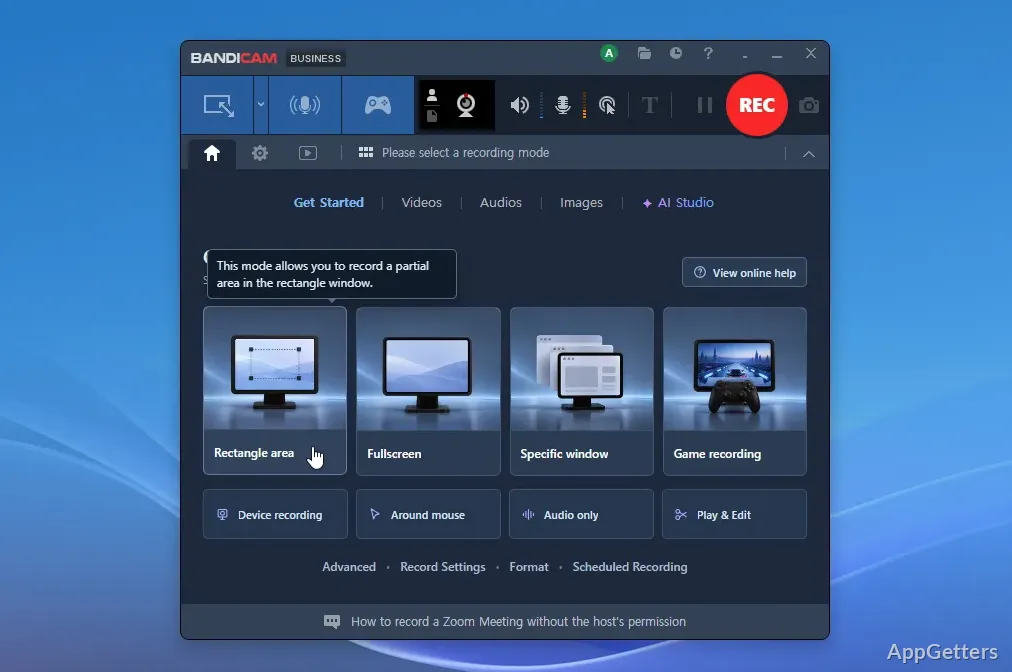
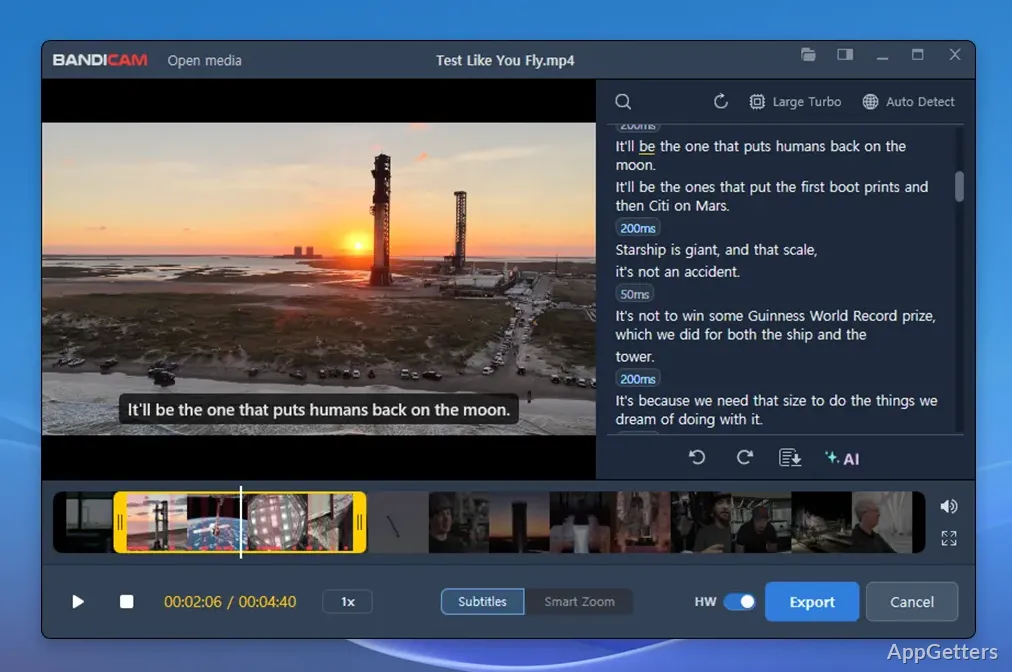
Interface design is built around different recording modes, so users can switch among full-screen capture, recording a selected region, recording gameplay, and recording input from an external device.

By doing so, they are helping users, especially beginners, to be less confused when recording.

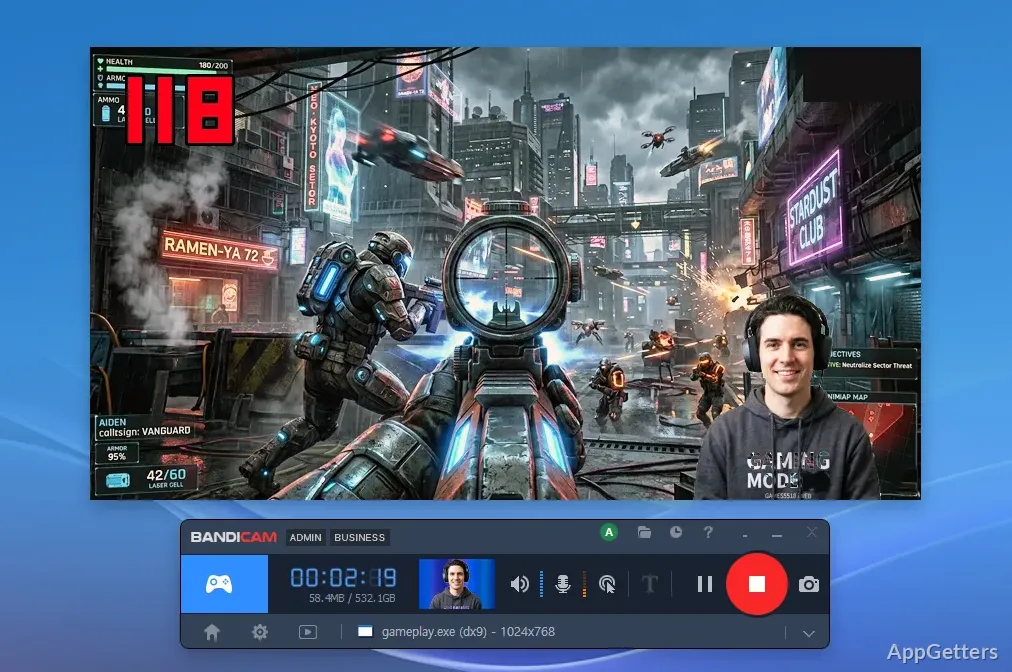
During the recording of games or other applications that consume a lot of resources, it is very necessary not to lose the performance of a computer. Most of the time, Bandicam results in the recording of footage without excessive strain on a system, therefore maintaining usability for longer recording sessions.

Features You Actually Need At a Reasonable Price

Instead of functioning as a full video production package, Bandicam mainly records videos. This could be a plus to those who just want to capture material and then use a different editor for the rest of the operations.

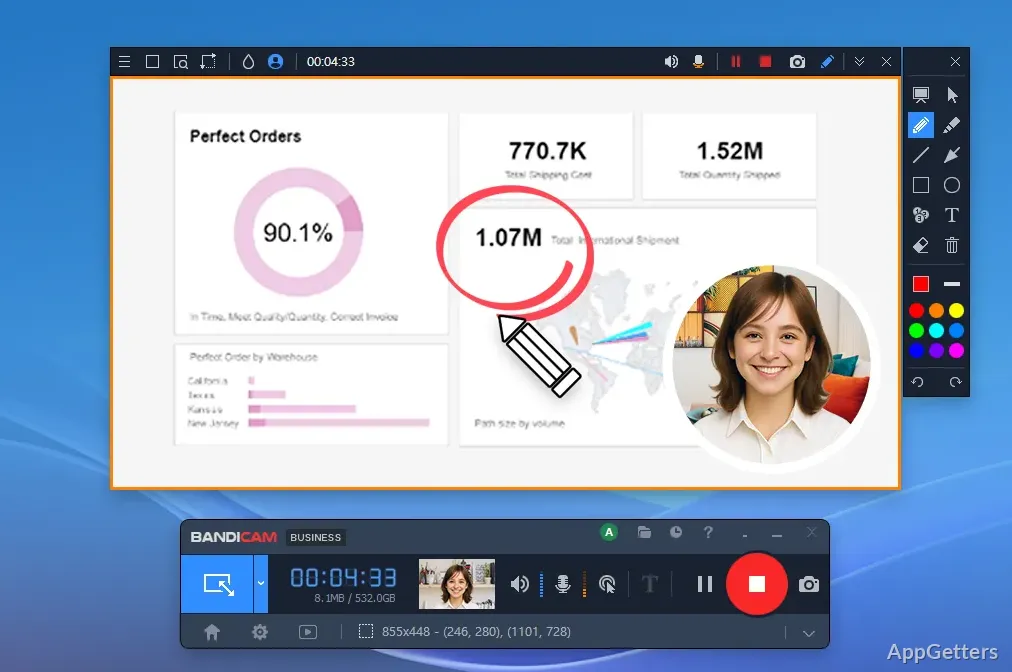
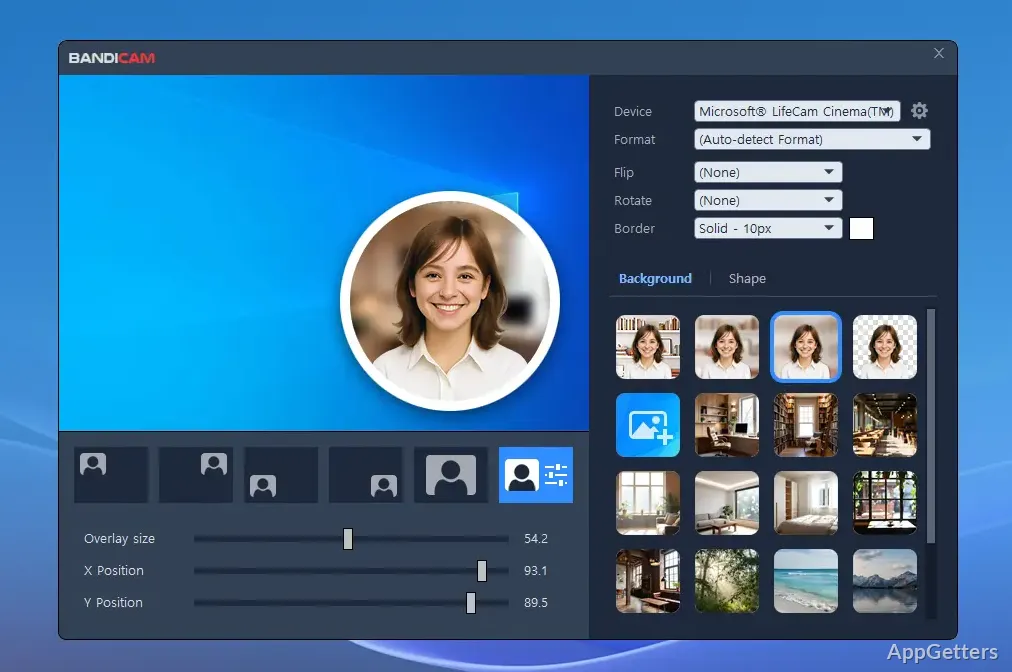
Among the features offered are frame rate control, webcam overlay, microphone recording, scheduled recording facility, cursor highlighting, etc. Such features can be used for the same things people do with selling classroom presentations, software tutorials, and gaming videos.

Still, the program might leave a bit disappointed those who hunt for powerful editing features. The recording-only controls are really excellent. However, if you need heavy editing work, you will have to get a different editor.

Most users, anyway, prefer having two different applications for recording and editing. This makes the workflow simpler and more controllable.

Dependability And Workflow

In fact, feature lists do not matter so much if one does not have reliability. If the content that is being created is very important and can not be simply recreated, then one might be unable to rely on long feature lists. Generally speaking, Bandicam is still quite good in this respect. It provides stable recording sessions and a consistent output format.

Some of the other features are the provision to compress files to different levels of quality. Users can further decide their balance between the quality and the size of the recording file. This might be useful for a student with limited disk space or for content creators who have recordings on a large scale.

There are, however, times when users need to fiddle with the configuration to get the right settings for them. Those who record high-resolution videos or very demanding games may need to adjust the settings. This helps them get the right balance of quality and performance. Luckily, most of the settings are clearly explained. Even a novice can fiddle around with them and arrive at the best one. It can also improve recording performance.

Who should get Bandicam for Windows?

Users of Windows who need stable, reliable, and easy-to-use screen recorders would be the perfect target audience for Bandicam. They do not require the complex feature set of a professional video production environment. Students, teachers, trainers, office employees, gamers, and almost everyone can find a suitable situation to use Bandicam. Its focus remains on recording only.

One of its greatest advantages is that it is consistent. The program has its main focus on being efficient when recording video. It has more than enough configuration options for all common recording situations. It does not scare away users with a lot of unnecessary tools. While it is not intended to be a full-fledged editing program, it is a trustworthy recording tool. It fits very comfortably into the many day-to-day Windows workflows of different users.

Software Details of Bandicam 8.3.0.2533

License
Free
Version
8.3.0.2533
File Size
29.94 MB
Downloads
0
Language
English
Category
Op. System
Windows
Developer
Last Updated
January 2, 2026

Version History

5 versions
8.3.0.2533
Latest
29.94 MB
January 2, 2026
8.2.2.2531
30.07 MB
September 19, 2025
8.2.1.2530
29.69 MB
September 3, 2025
8.2.1.2529
29.36 MB
August 28, 2025
8.2.0.2524
29.61 MB
August 12, 2025

Leave a Comment

Your email address will not be published. Required fields are marked *

Software Icon
Security Report

Loading scan data...

Scroll to Top