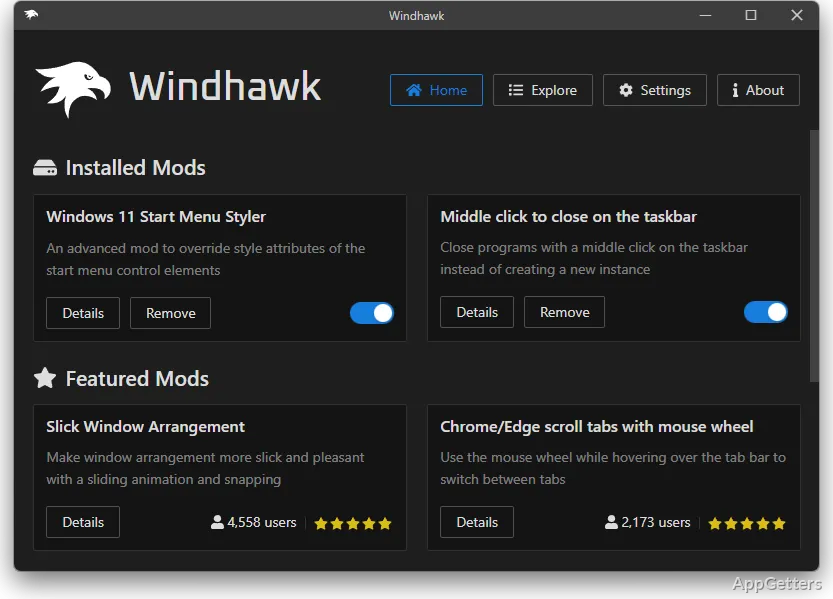
The mod library brings together small changes for Windows features, from visual elements and shortcuts to context menus and system behavior. Windhawk lets you choose individual mods, then install, activate, and manage them through its mod platform.
Choose a mod from the library
Windhawk organizes customizations as separate mods, so you can select changes for particular parts of Windows instead of applying one broad set of adjustments. The library includes creations from developers and other users, with options aimed at visual details, system behaviors, shortcuts, context menus, and productivity tasks.
Browse the available modifications for a change that matches what you want to adjust. Installing a mod adds that individual customization to Windhawk; activating it applies the change. The mod-based setup also lets you manage selected additions independently.
Activate and manage individual changes
After choosing a mod, activate it to apply its adjustment to the relevant Windows feature. Since the changes are modular and reversible, you can manage them separately and undo a customization by deactivating or removing its mod. This keeps your chosen taskbar or interface adjustments distinct from other mods you have installed.
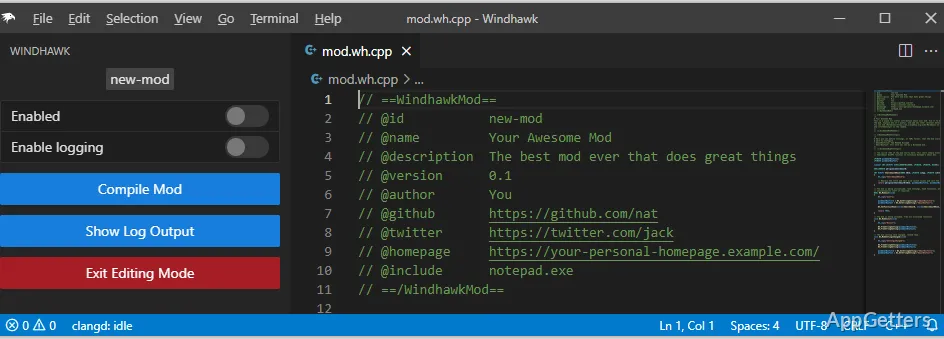
Windhawk is designed to let people use community modifications without writing code. The platform supports selecting existing mods; developers and other users can also contribute their own creations to the library.
Match mods to the Windows feature
A mod may target a visual element, alter a system behavior, change a shortcut or context menu, or add a productivity-oriented adjustment. Look at each mod as a focused change: select the one that addresses the feature you want to customize, then manage it independently from the rest of your setup.
The available choices depend on the community library, whose mods are made by different contributors. Windhawk provides the platform for finding and managing those modifications; the particular change comes from the mod you select.
Pros
- Separate mods target specific Windows features or behaviors
- The library includes community-created modifications
- Mods cover visuals, shortcuts, context menus, and productivity tools
System requirements: Windows 7, Windows 8, Windows 8.1, Windows 10, Windows 11
What kinds of changes can Windhawk mods make?
Mods can adjust visual elements and system behaviors, as well as shortcuts, context menus, and productivity features.
Do I need programming experience to use Windhawk mods?
No. Windhawk lets you select, install, activate, and manage existing mods without programming.
Can I turn off a mod without removing other changes?
Yes. Mods are managed as separate modules, so you can deactivate or remove one independently.