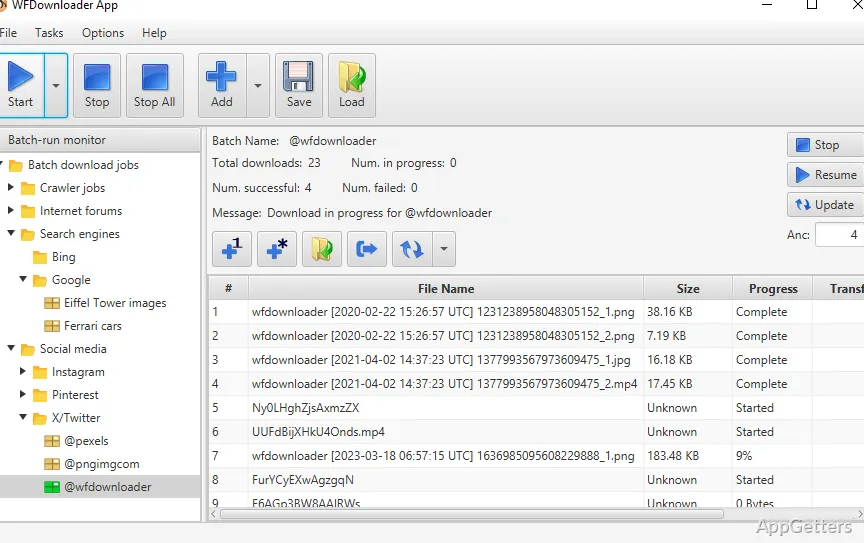
Need to save a whole image gallery or a long forum thread instead of clicking each picture? WFDownloader App is a free bulk downloader that crawls pages for images, videos and documents, handles numbered URL sequences, and archives forum threads.
The crawler searches pages for downloadable links
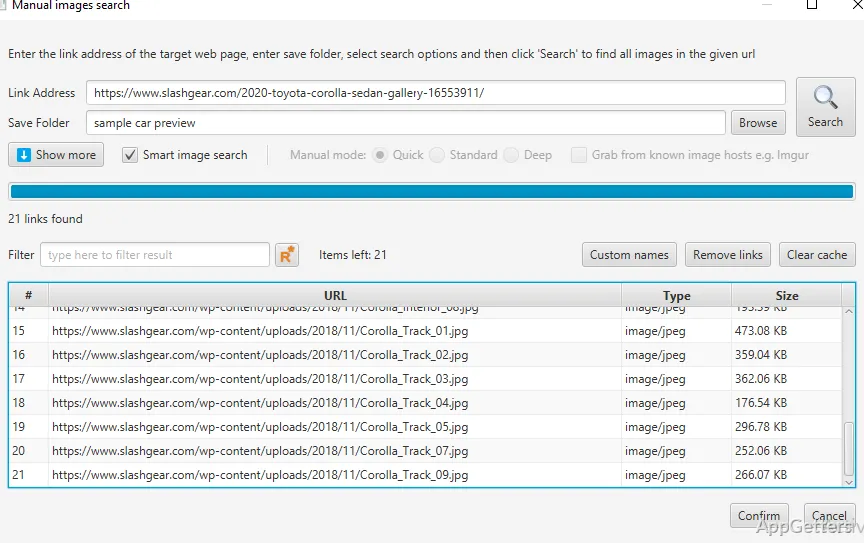
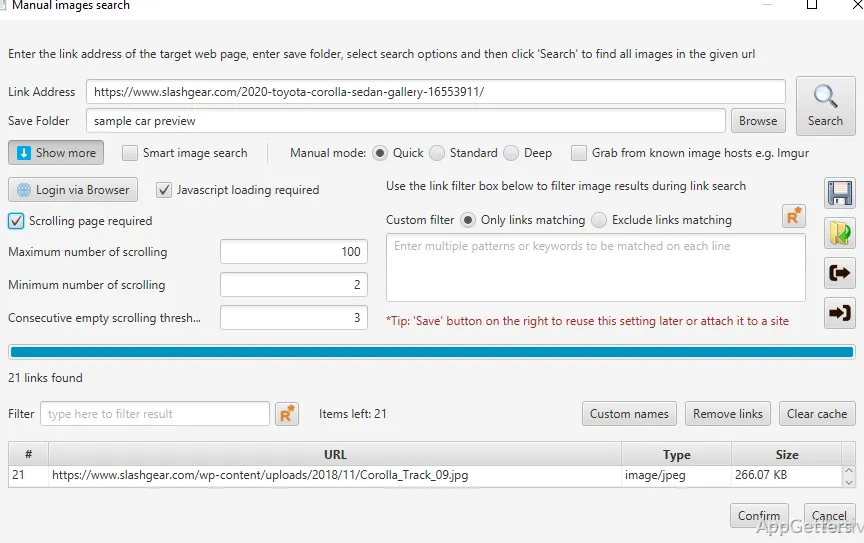
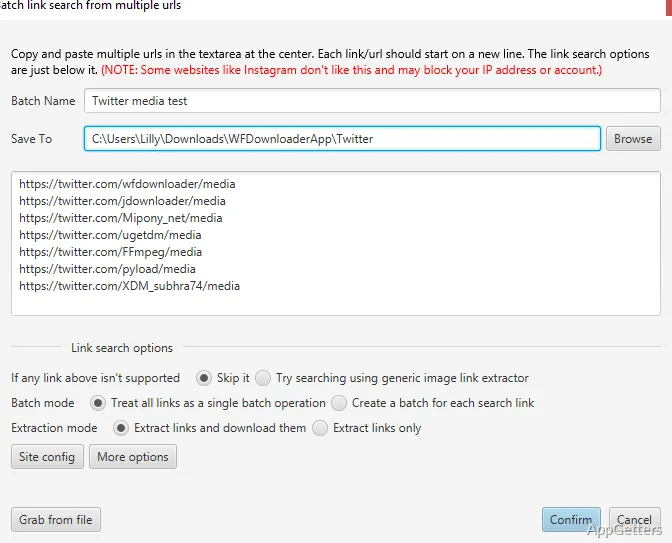
WFDownloader App's built-in crawler searches a website for links beyond those immediately visible on the page. This advanced link-search workflow can help locate media across a site, while manual link search is also available when a targeted search is preferable.
The app can collect images, videos, audio files, and documents from supported websites. It also supports open directories and downloading full-resolution images directly from search engines such as Google, Bing, and Yandex.
Patterned URLs and forum threads support bulk jobs
When a set of download URLs follows a sequential pattern, WFDownloader App can process the group as a batch. This is often called a fusker URL workflow and avoids handling each matching address individually.
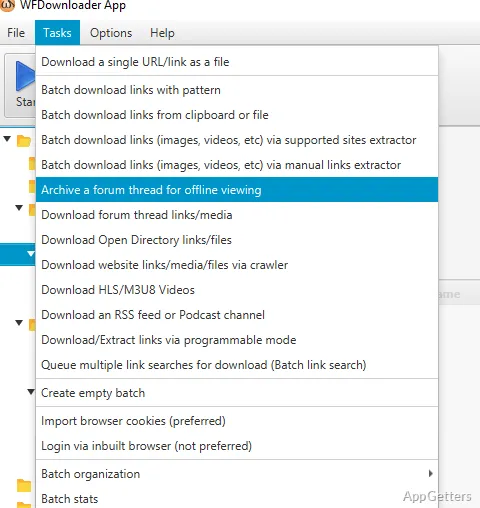
For forum pages, the app can gather media from threads and archive entire threads for offline reading. Downloads can be organized into categories, and saved progress can be resumed later.
Supported sites include image and media services
Dedicated support exists for major social and image sites, including Pinterest, Tumblr, ArtStation and X. The app also provides bulk downloads from forum threads and can handle password-protected sites. Its supported sources and content types determine which workflow fits a particular page.
Many sites forbid automated downloading or scraping in their terms and may block accounts that do it, and images remain protected by copyright, so use it for your own content, public-domain material or sites that allow it.
Pros
- Batch-downloads galleries, videos, audio, documents, and other media
- Crawler searches pages for links
- Downloads sequential URLs that share a pattern
- Can save forum threads for offline reading
Cons
- Scraping may break site terms and get accounts blocked
- Downloaded images remain under copyright
- Busy interface with many options
System requirements: Windows 10, Windows 11
What kinds of files can WFDownloader App collect?
It can batch-download image galleries, wallpapers, videos, audio files, and documents from supported sources.
How does the crawler find links?
The built-in crawler performs an advanced search for links on a website; manual link search is also available.
Can it download a sequence of related URLs?
Yes. It can batch-download URLs that follow similar patterns, including sequential file addresses.