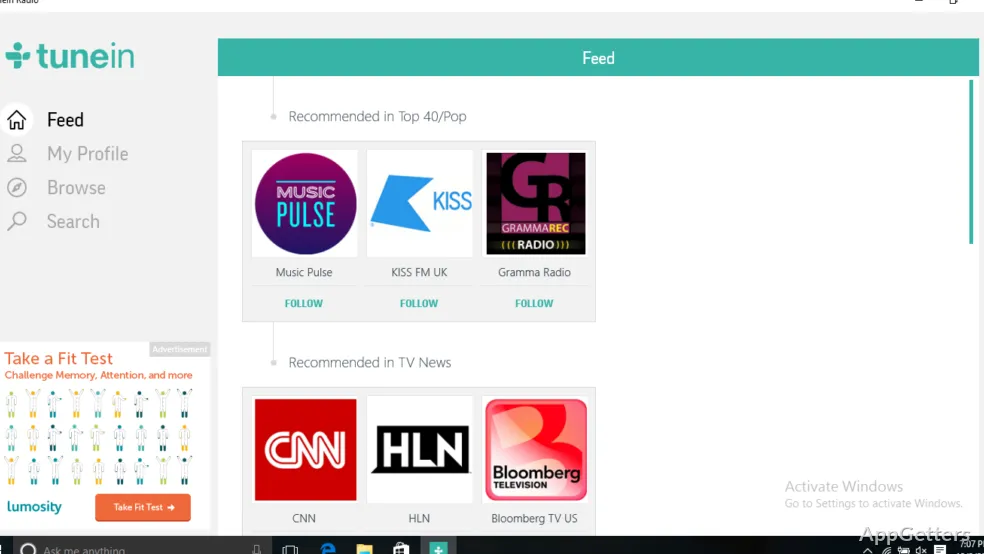
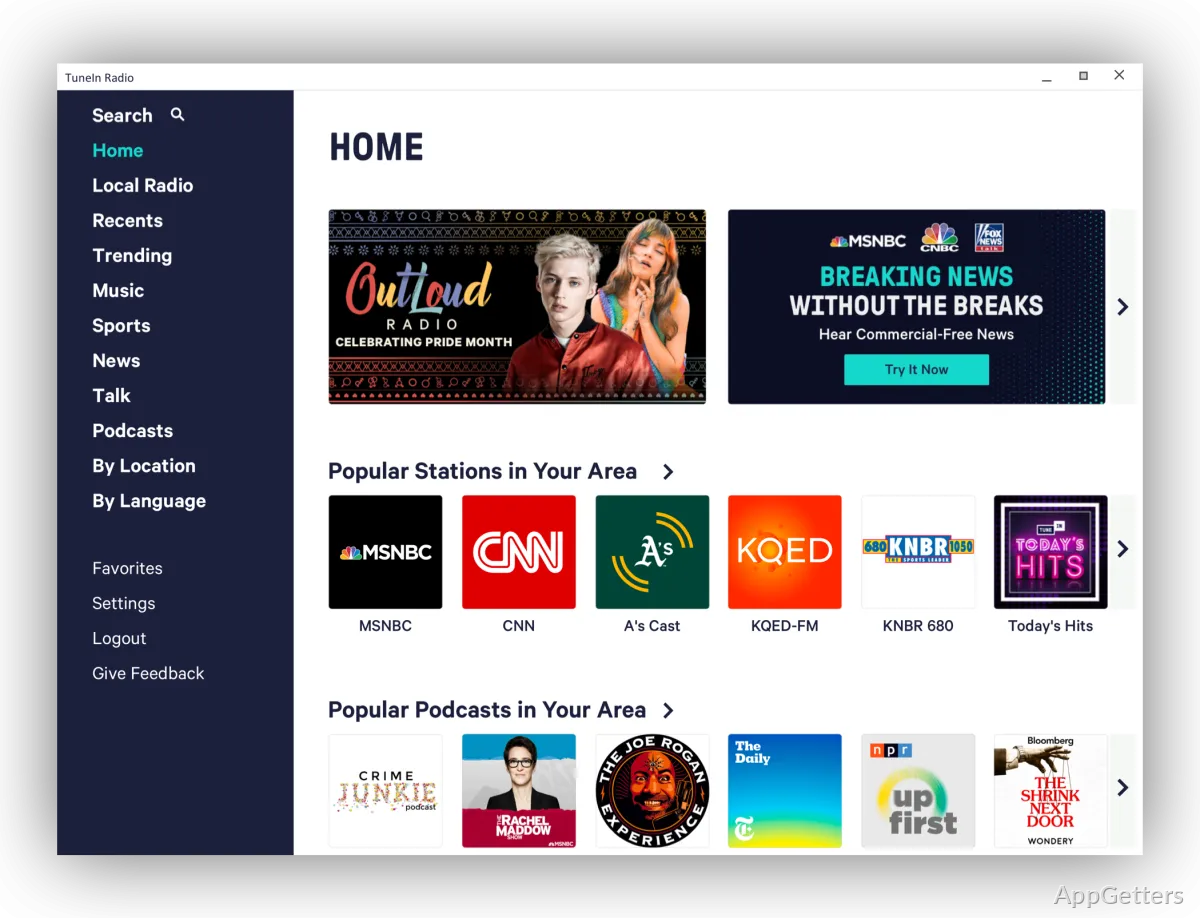
Miss your hometown radio station, or want live sports commentary while you work? TuneIn streams thousands of radio stations from around the world, plus podcasts and news, on your Windows PC.
What can you listen to on TuneIn?
TuneIn brings live radio together with podcasts and sports audio. Its station selection includes music, news, and sports broadcasts, so listening can center on a live program or a podcast.
The service is built around finding broadcasts and starting a stream. Simple playback controls let you manage listening from the PC while other work is open.
How do you find new stations?
Browse by genre and region, or explore picks grouped by sport, mood and activity. Those groupings offer different paths into TuneIn’s worldwide radio selection, whether you are looking for a particular kind of program or exploring unfamiliar stations.
- Browse by category or listening interest.
- Explore stations organized around sports and activities.
Can you keep a list of favorite stations?
Save preferred stations to personalized favorite lists for quicker access on later visits. Sign in and your favorites follow you to the phone app, smart speakers and the web player. The Windows 10 app has become hard to find on some download sites, but tunein.com plays the same stations in any browser. TuneIn has been owned by Canada's Stingray Group since December 2025.
Pros
- Streams live radio from stations around the world
- Browse by genre, region, sport, mood or activity
- Saves favorite stations in personalized lists
- Syncs a radio profile across devices
Cons
- Free version includes ads
- Some sports and news content needs Premium
- Windows app is harder to find than the web player
System requirements: Windows 10, Windows 11
Can TuneIn play live sports audio?
Yes. Live sports talk and play-by-play are available, with some premium coverage requiring TuneIn Premium.
Is TuneIn free?
Yes, with ads. TuneIn Premium removes most ads and adds extra sports and news content.
Can I listen without the Windows app?
Yes. The web player at tunein.com works in any browser.