EXE
Home » Software » Windows » Screen Recorders » Streamlabs Desktop for Windows
Streamlabs Desktop for Windows

Streamlabs Desktop for Windows

  • By Logitech
  • Free
  • Version: 1.20.9
  • 252.21 MB
  • Security Report:

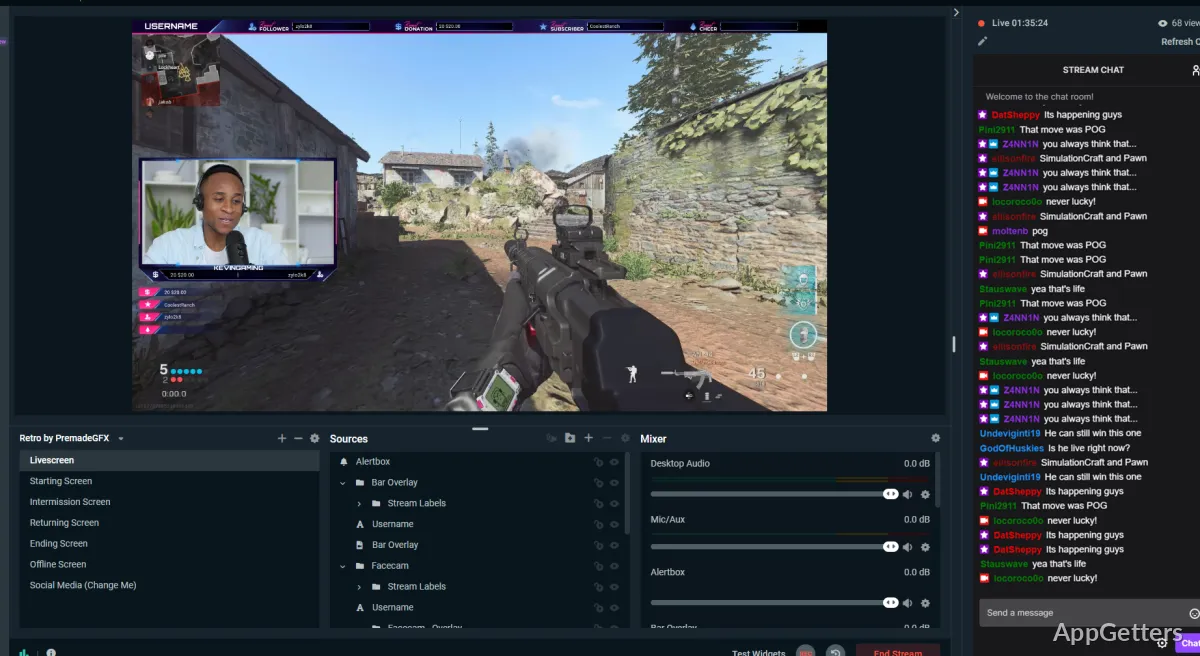
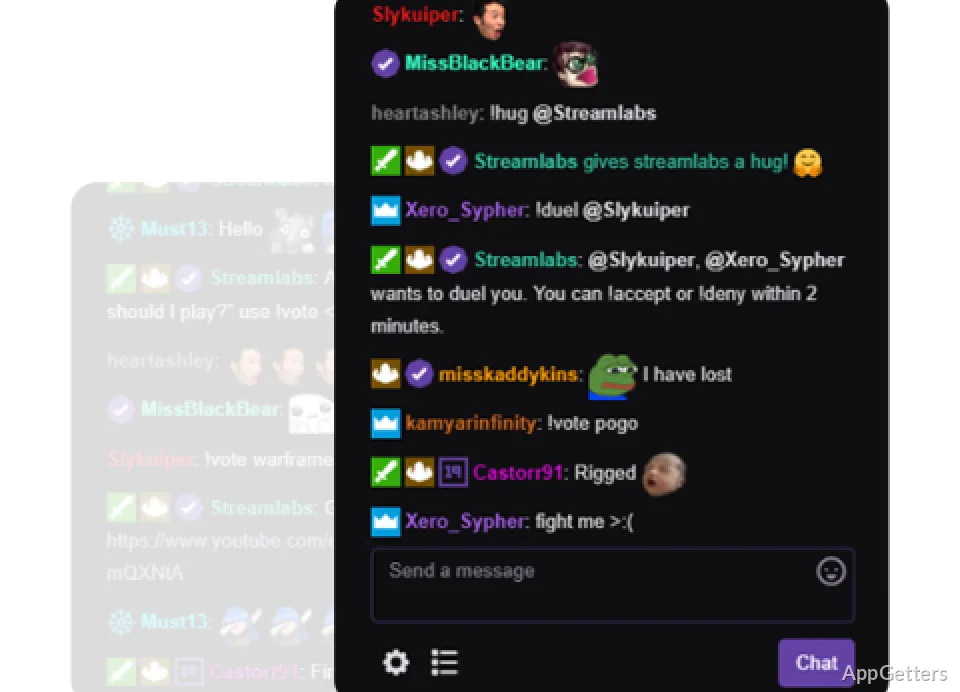
Doing a gameplay recording or a webcam shoot is just a tiny step. A user has to worry about overlays, alerts, chat integration, audio mixing, and recording, etc. Managing all these items via different apps is becoming more and more of a pain, particularly for newbies in streaming workflows. Streamlabs Desktop has been created to make this process easier by combining many streaming features into one Windows app. It was designed by content creators for content creators. It merges broadcasting, recording, scene management, and audience interaction tools within a single environment. If you want to get into streaming or content creation without having to figure out a complex setup, then this software gives you a more centralized solution.

Daily Work and Simple Setup

Streamlabs Desktop’s most outstanding feature is probably its new user experience. As a rule, new ones are being led step by step while linking their accounts, setting up a stream, and doing a basic configuration without even being very technical.

When it comes to regular usage, the app also keeps the scenes, sources, and controls in an order that makes it quite easy for newcomers to work with them. At the same time, it gives more experienced artists the liberty to express themselves using these tools.

Switching from a game to a webcam to a presentation or other video sources can be performed effortlessly. These settings do not have to be changed each time.

Besides that, having an integrated workflow could save the user from spending several hours toying around with multiple programs.

Most creators would probably agree that it does help with content development to have both recording and streaming tools at hand. It is easier on the nerves in the long term.

Performance and Content Creation Capabilities

Without a doubt, the software you choose for streaming will make demands on your computer and your system resources. The higher the resolution and the more sources and broadcasting live at the same time, both should be considered. Streamlabs Desktop is generally great on modern Windows systems. However, your final performance will depend quite a bit on your hardware specs and stream settings.

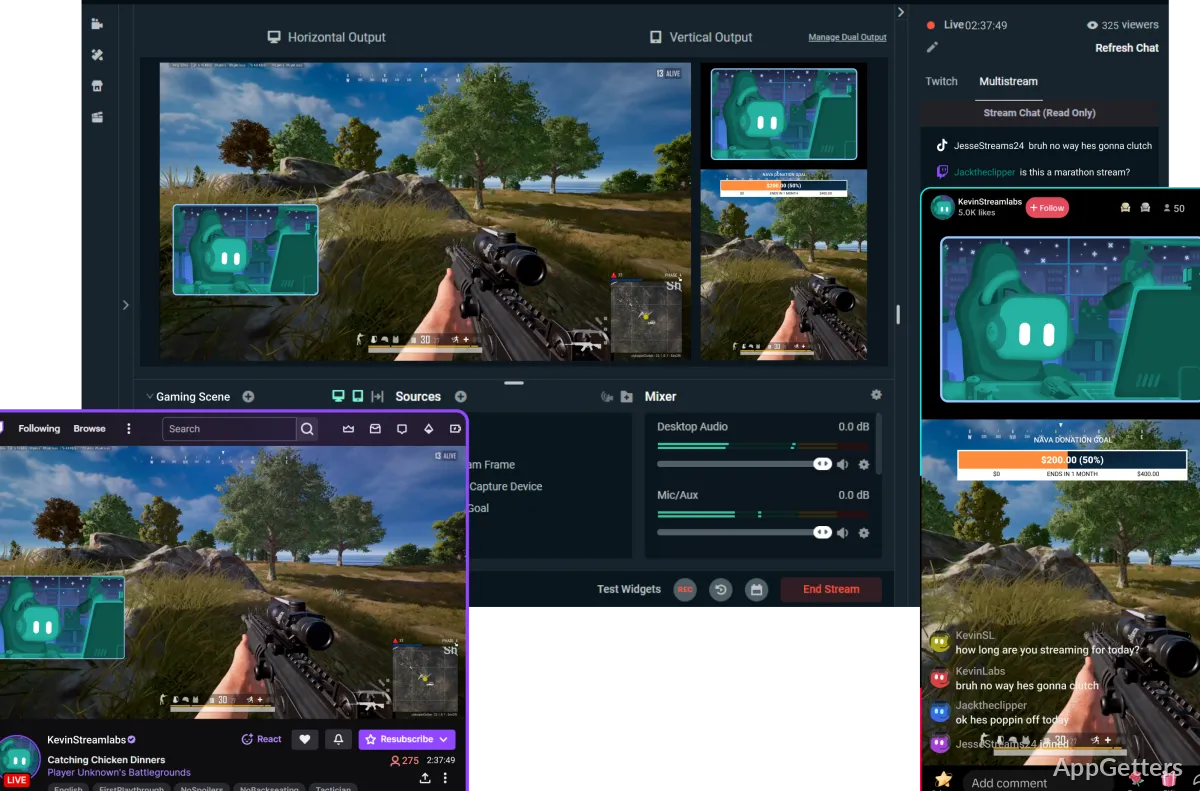
Besides supporting live streaming, Streamlabs Desktop comes with recording to local drive (saving). It permits users to cross-post their content on Good and not so accessible locations. The software is quite adaptable in that regard.

On the other hand, those with a light PC setup will face difficulties. If you want to stay safe, go through options and try to find low-level encoding options and video options. The more intricate your project is, the more the resource consumption will show itself. At least with this kind of software, this is the issue that arises when it comes to running this type of application.

Strong Points and Limitations

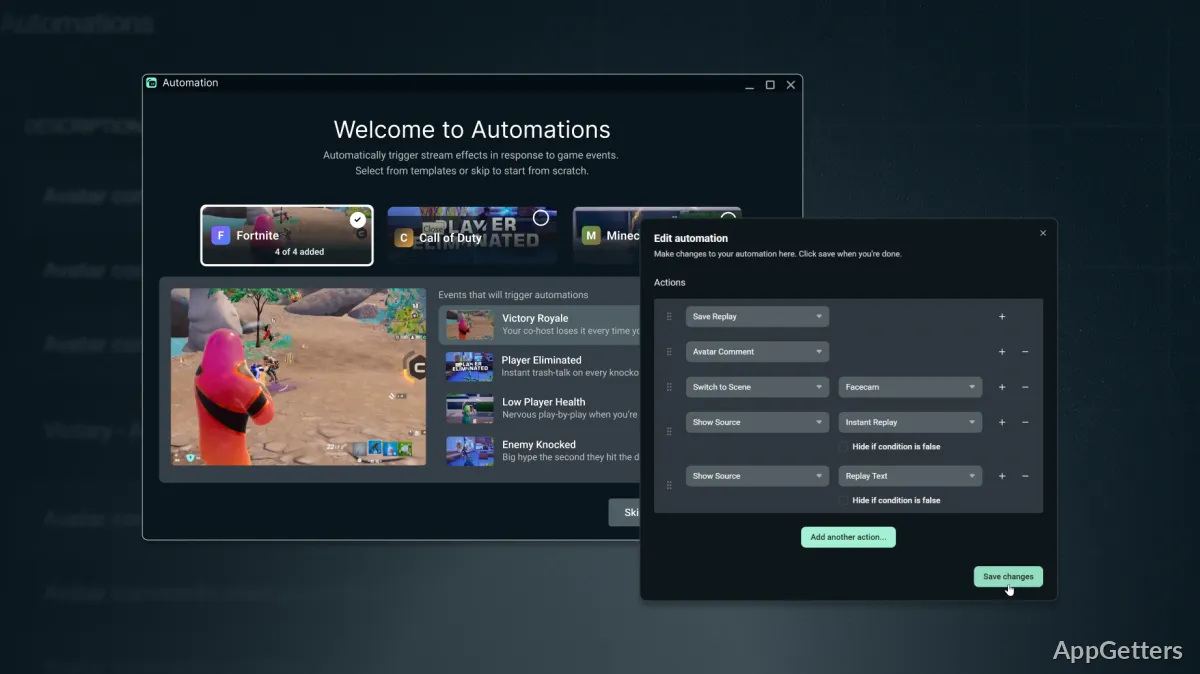
One of the greatest merits of Streamlabs Desktop is that it offers you a one-stop shop for all your streaming, recording, etc., needs. With a lot of functions that otherwise would have needed separate plugins or third-party utilities packaged in the app already, it easily makes the software a very attractive proposition to those users who want a neat and clean setup.

On the other hand, beginners with no prior knowledge at all might find themselves overwhelmed by the bunch of tools. Even though the interface is, in the majority of cases, quite approachable, those who want to take their streaming seriously will most probably be faced with the challenge of learning the more complex aspects of scene management, audio routing, and broadcast optimization.

Besides that, some practitioners just starting their streaming careers may look for higher levels of customization, which are offered by other broadcast solutions. However, a lot of people view the Balance between functionality and user-friendliness as a key strength of Streamlabs Desktop.

Designed for New Streamers and Content Creators

Especially if you are a Windows guy and want to have one stand-alone software for both streaming and recording. Then Streamlabs Desktop is a very good choice for you. Starter streamers, gaming addicts, teachers, podcasters, and independent content creators are among the groups that can utilize its design most effectively. They can also benefit the most from it.

It is actually the main reason why people love it, as it makes everything quite simple. By making all the important broadcasting gear available within one program, it does away with the requirement for users. Users no longer need to learn different pieces of software. It instead allows them to concentrate primarily on making content. If launching a streaming brand or making online media is the way to go, then Streamlabs Desktop will be a reliable platform for you. It will help you get to know the software. It will also make sure that you work smoothly later on.

Software Details of Streamlabs Desktop 1.20.9

License
Free
Version
1.20.9
File Size
252.21 MB
Downloads
0
Language
English
Category
Op. System
Windows
Developer
Last Updated
February 20, 2026

Version History

5 versions
1.20.9
Latest
252.21 MB
February 20, 2026
1.20.8
252.24 MB
February 13, 2026
1.20.4
248.75 MB
January 23, 2026
1.19.6
248.2 MB
October 3, 2025
1.19.5
247.96 MB
September 17, 2025

Leave a Comment

Your email address will not be published. Required fields are marked *

Software Icon
Security Report

Loading scan data...

Scroll to Top