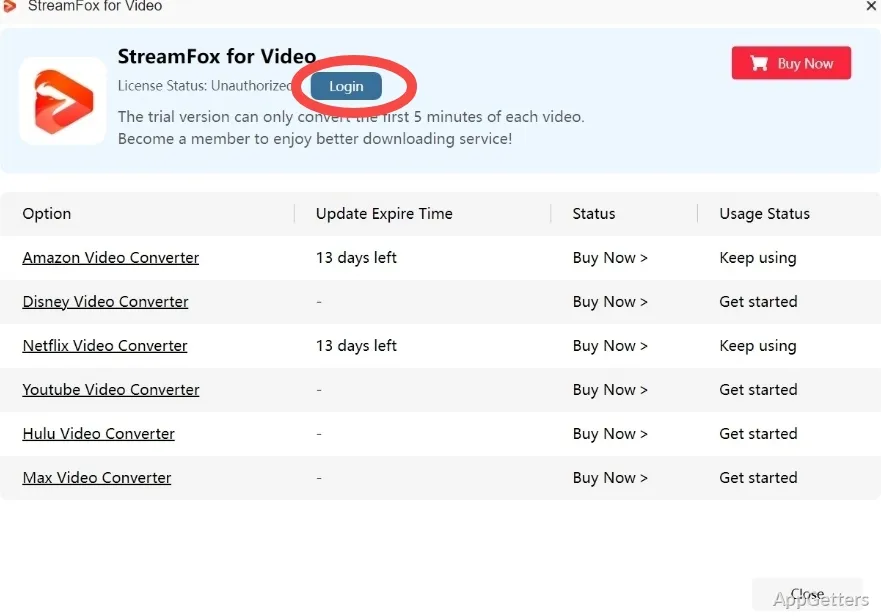
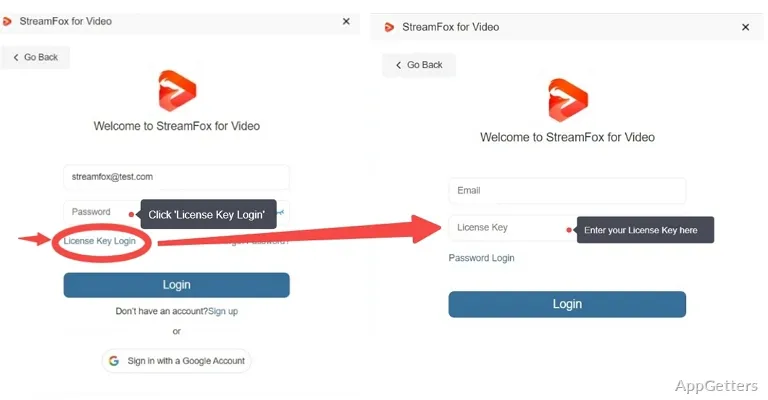
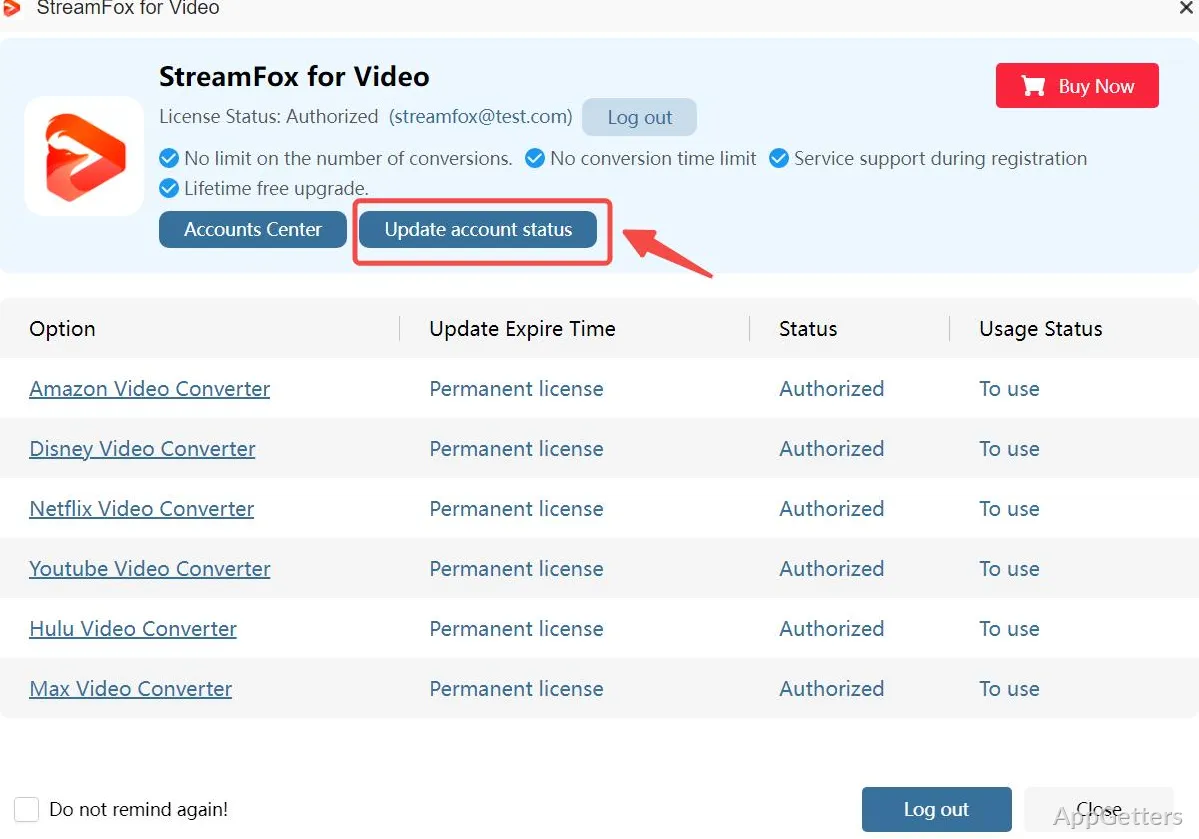
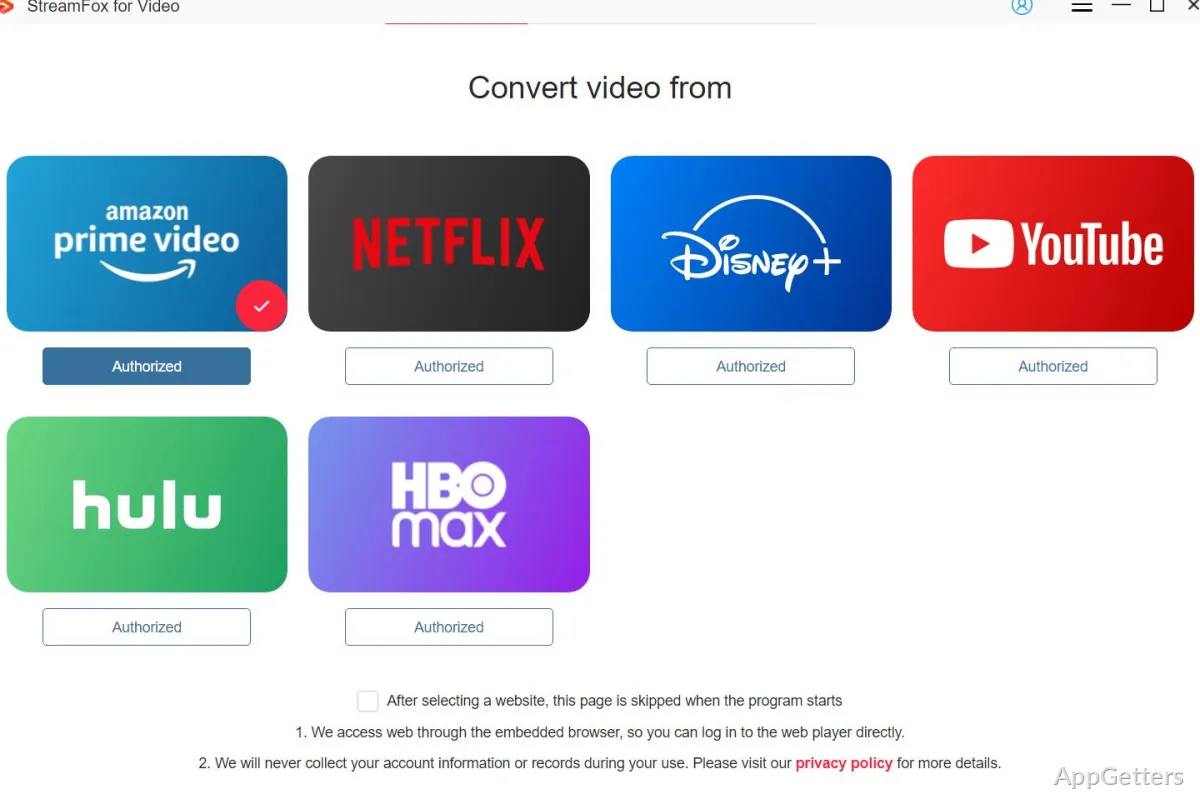
Watching movies and shows online has become a walk in the park thanks to streaming leaders. However, the focus has been mostly on online streams and not so much on a good quality offline viewing experience. Most, if not all, of the big ones limit downloads only to mobile apps. They put limits on the time window during which you may watch your downloads. They may even render the offline playback impossible if you are traveling. In fact, it is even worse on a Windows PC. You hardly find any legit software that works as surely as a mobile app downloader. Hence, what you get there mostly are only one or another technique of screen recorders or slow and wasteful browser hacks. This is the reason why StreamFox for Video Marketing frames its product as a Windows-based downloader of streaming content.
More Reliable Fact Saving
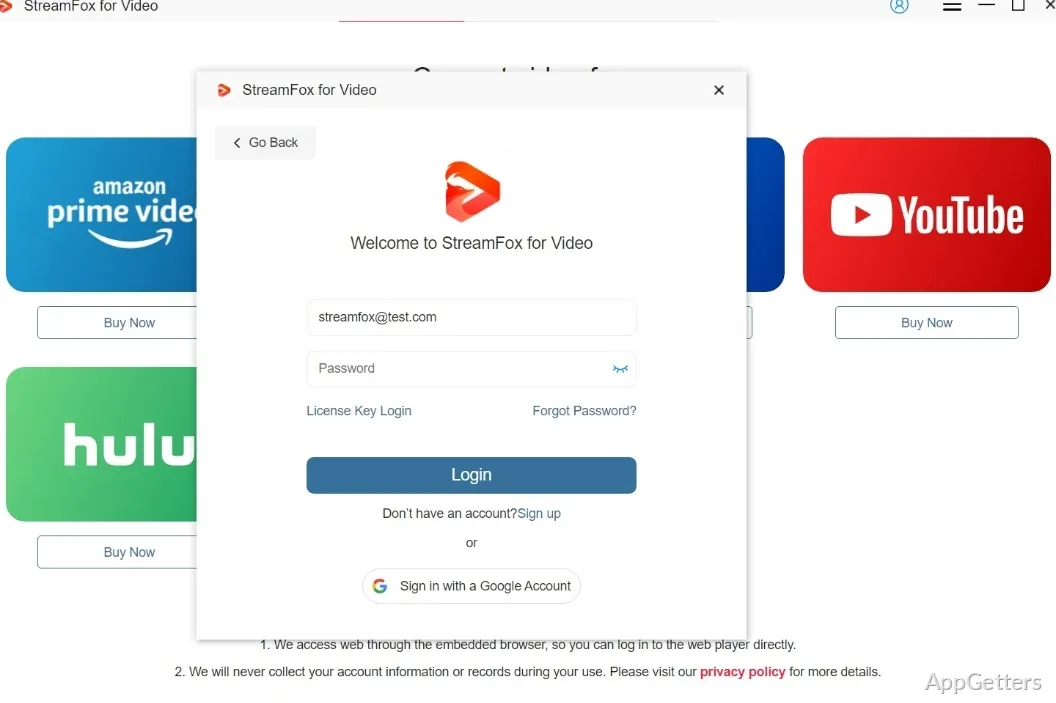
During the test in a real-life Windows environment, StreamFox looks less complex and more stable to operate. Once done with the installation, you recognize a very simple interface. It seeks your streaming account login most of the time through the internal browser. After that is done, picking and downloading the required video material is just like normal surfing. It is quite friendly to beginners in the first place.
The major point of the practical benefit is utterly great and very obvious on continuous use. Since it does not depend on screen capturing, the tool extracts the visual in native quality from the source when available. Videos are usually downloaded without any interruption or idling, even if the download takes too long. An internet user with a not-too-fast connection would especially appreciate the usage of download break and continuing without starting from scratch. In comparison with the makeshift methods, this is a more controlled and, hence, replicable manner.
Flexible Video Quality and Format Choice
StreamFox for Windows has many users who praise it because of its flexibility to adjust the video quality parameters and choose the output format type. One usually may freely choose the resolution of the streaming content before download. The amount of free disk memory consumed by the saved video is therefore regulated. For those portable computers that do not have too much disk space on their solid-state drives, this feature can literally make a better life out of their computer’s mere existence.
Similarly, audio and subtitle tracks are combined all in one, together with the previously mentioned capability. Instead of a very typical downloading of one thing and then going on the hunt for the matching subtitles, everything can come together in the same download container. This makes the lives of learners who mostly resort to documentaries, and also kids’ moms who save educational content for trips, easier. Nevertheless, the users may experience fluctuations in the performance of the tool.
Everyday Workflow and Windows User
Windows power users would see the meaning of StreamFox lie beyond just one-day execution. Bought file monitoring is no longer tied to network ubiquity. It does not require non-standard players as well. So, the users who get their content from the first method no longer need to worry about their content getting on the plane with them, the car, or the subway. They also do not need to worry about when their network will be down.
Besides, students who need to prepare their work, people working from home, and families with restricted internet access will surely benefit a lot from having predictable, reliable offline access.
With that said, it is wise not to get carried away by the tool. It depends on the support afforded by the service hosting the content. The user wishes to download it into a local drive without an internet connection. Updates to the services, therefore, can break the functioning till the patch is out. Like in the case of most other downloading tools, the credibility of long-term usage partially rests on the promptness and diligence of the developer. The developer, in turn, recognizes the changes happening in the platform(s).
Windows User Profiles Best Served by StreamFox for Video
StreamFox for Video very well fits those Windows users who need to have offline content via streaming services with little to no hassle. The latter is mainly a media collection and administration tool. The former is also a fully-featured video editor. The function of StreamFox for Video is therefore far from those mentioned above scenarios but quite tightly focused, nevertheless. It turns streaming access into stable local files for each respective user.
Frequent travelers who are regular users of home computers, students on the go with a small schedule of internet availability, and professionals with corporate training materials are all among the types of users getting the clearest cut benefit. And where a person makes do with a small and simple, and therefore largely unused, solution, this person may consider the practicality of, as well as a small StreamFox. All of this is under the condition of the expectations being aligned with its purpose and not beyond it.
Ordinarily, a StreamFox doesn’t come up with any revolutionary streaming ideas. It simply fills the specific hole in the Windows world, having reliable control over offline content.