Exchange database corrupted or refusing to mount? Stellar Repair for Exchange scans EDB files that may be damaged or dismounted, then lets administrators choose which mailboxes or items to save.
Quick Scan and Extensive Scan recover EDB mailbox data
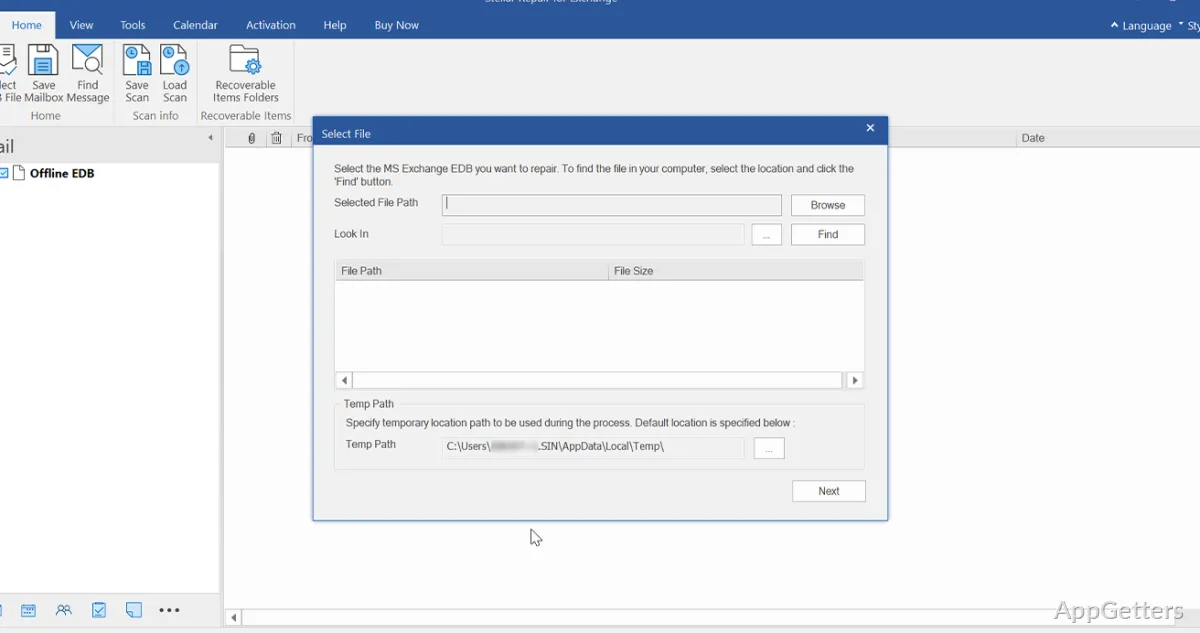
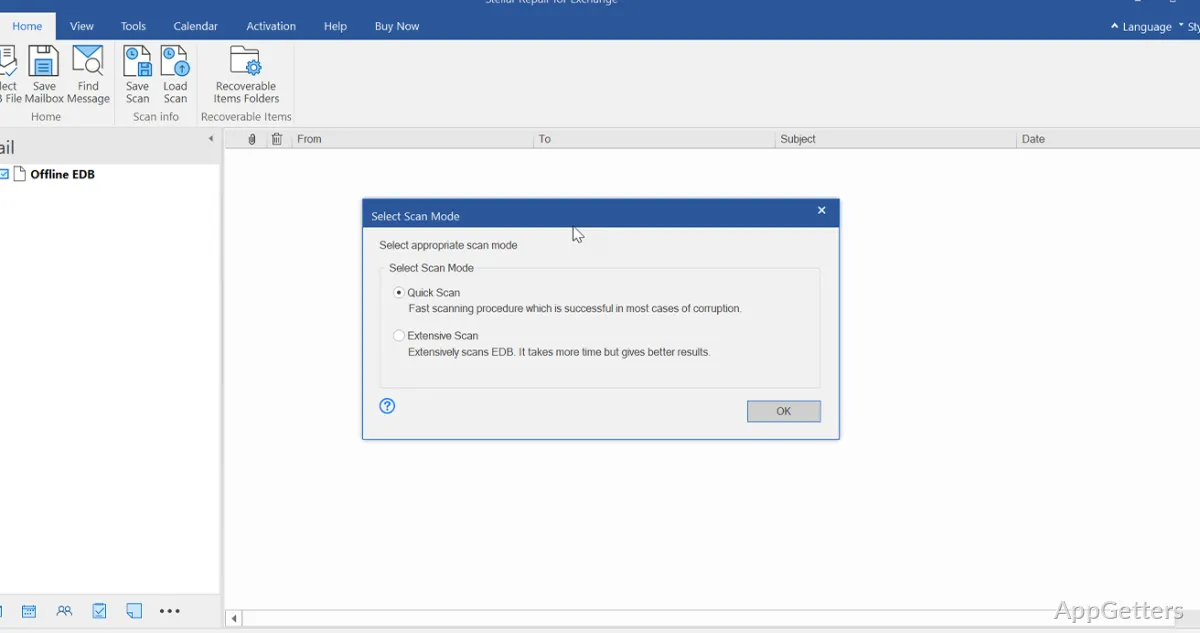
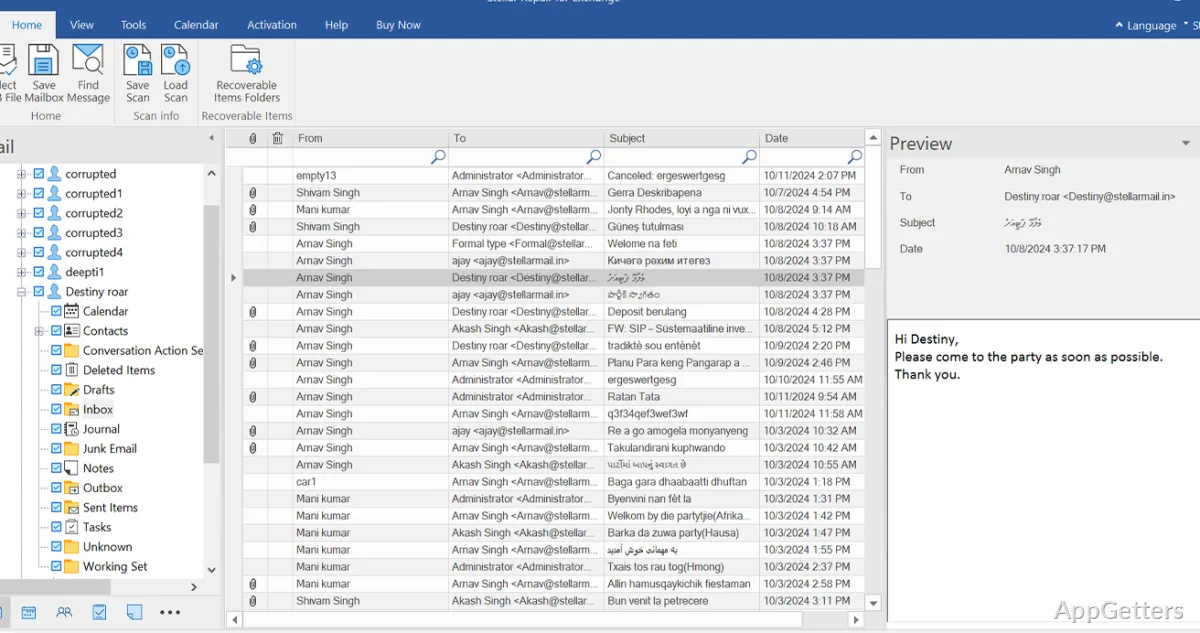
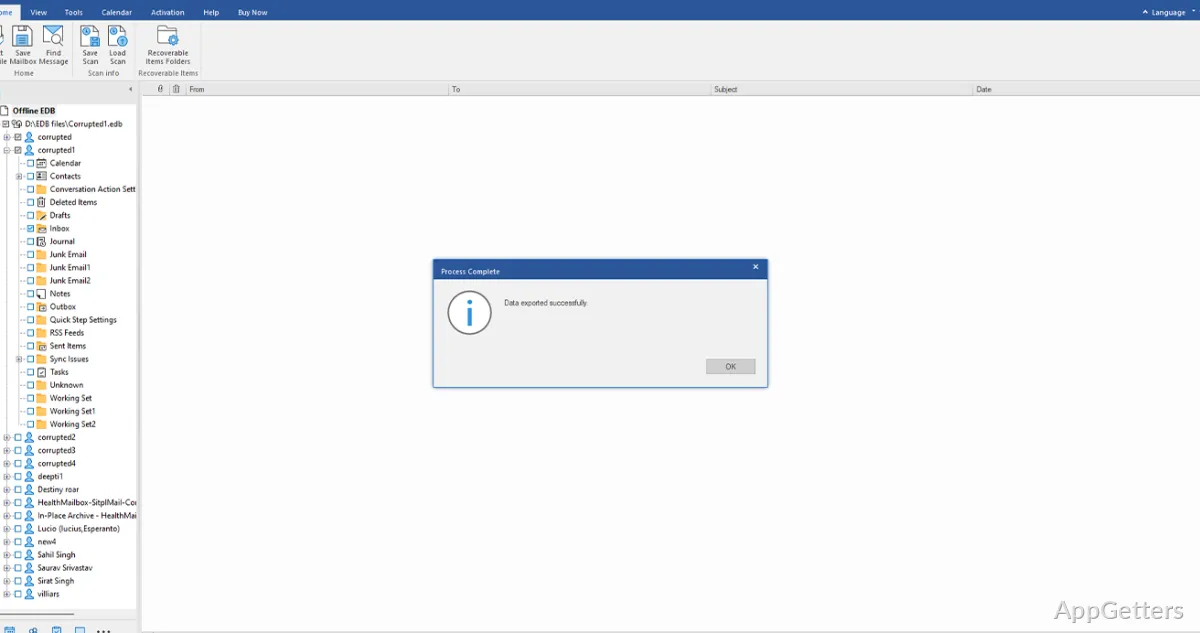
Select an Exchange database file and choose a scan mode. Quick Scan targets common corruption and dismount problems, while Extensive Scan performs a deeper pass when the first scan does not find enough recoverable content. Results appear in a mailbox tree, where folders and individual items can be previewed.
Recovered data can include messages and attachments, contacts, calendars, notes, tasks, journals, and public folders. The mailbox view supports selective recovery, so administrators can choose particular mailboxes or items instead of exporting every result.
Export selected mailboxes to Outlook or Exchange
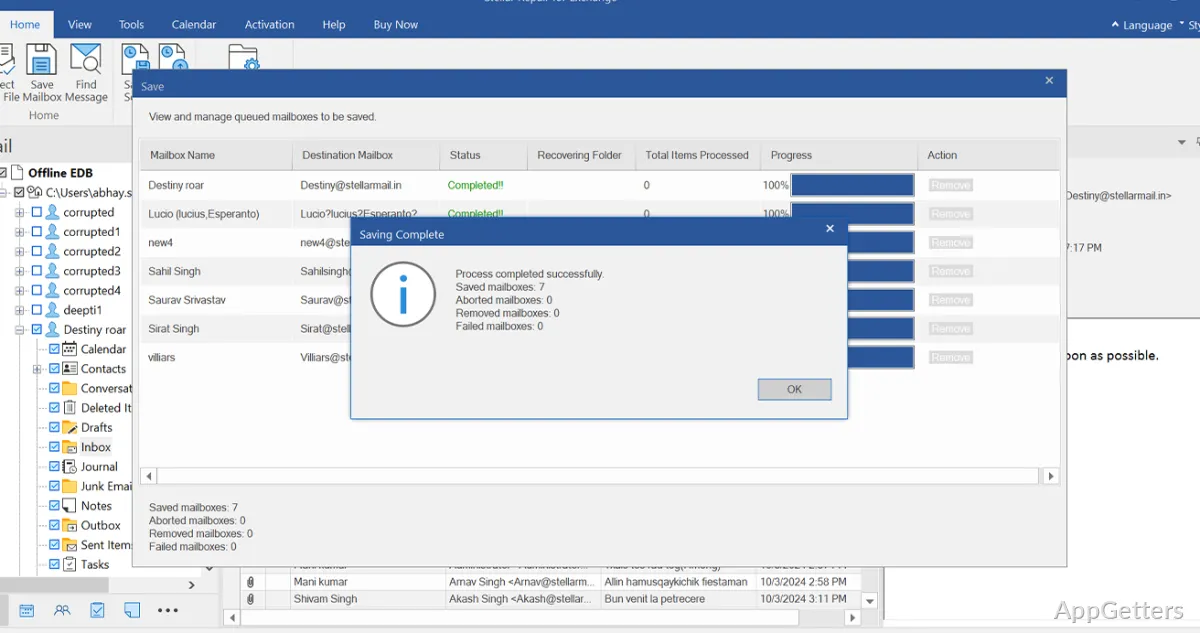
Save mailbox data as PST for access in Outlook, or export individual items and search results in formats such as MSG, EML, HTML, RTF, and PDF. Contacts can also be saved in CSV format.
Recovered mailboxes can also go straight to a running Exchange server or to Microsoft 365. Mailbox mapping connects the scanned source mailboxes with destination accounts; the export workflow also supports incremental transfers.
- Exports can be limited by date or sender, and junk or deleted items can be left out.
- Mailboxes can be given a processing order for larger exports.
- Save scan information to a DAT file and load it later to continue reviewing results.
Search mailbox items without exporting everything
The eDiscovery search finds items by recipient, sender, subject, attachment name, message text, item type, importance or date. Exact Match and Any Criteria options refine how the search terms are applied. Matching items can then be exported in supported formats.
Pros
- Quick Scan and Extensive Scan offer two EDB recovery approaches
- Exports mailboxes to PST, MSG, EML, RTF, HTML, and PDF
- Can send recovered mailboxes directly to Live Exchange or Microsoft 365
- Searches individual mailbox items using fields such as sender, subject, and date
Cons
- Parallel processing handles up to eight mailboxes at a time
System requirements: Windows 8, Windows 8.1, Windows 10, Windows 11 · 64-bit only · 8 GB RAM minimum; 16 GB recommended · 250 MB free disk space · Intel-compatible x64-based processor
What does Stellar Repair for Exchange recover?
Mail with attachments, contacts, calendar entries, notes, tasks, journals and public folders from damaged or dismounted EDB files.
Can recovered mailboxes be exported directly to Microsoft 365?
Yes. The program can export recovered mailboxes to Microsoft 365, with mailbox mapping for the destination accounts.
Can I save only selected messages or folders?
Yes. Preview the scan results, select specific mailboxes or items, and export those selections. Search filters can also narrow results.