Miss the Windows 7 Start menu, or a taskbar you can move to the side of the screen? StartAllBack brings back a classic Start menu on Windows 11 and gives you more control over the taskbar. It also restyles parts of File Explorer and context menus to bring their appearance closer together.
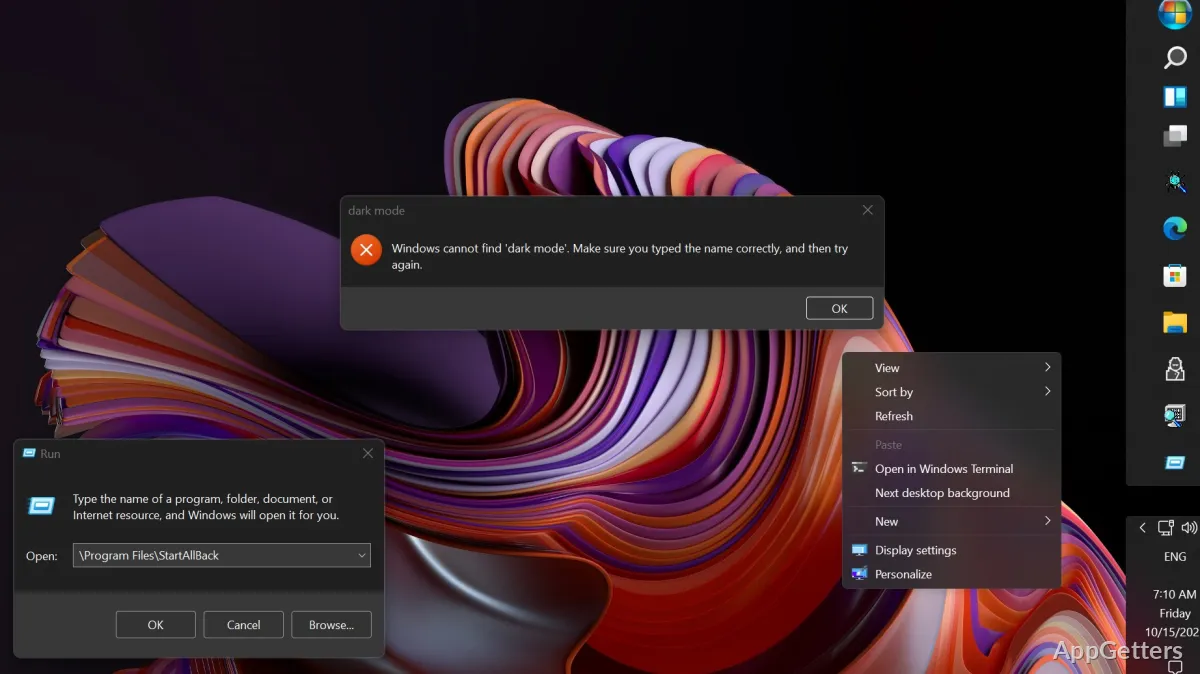
The taskbar can move and change layout
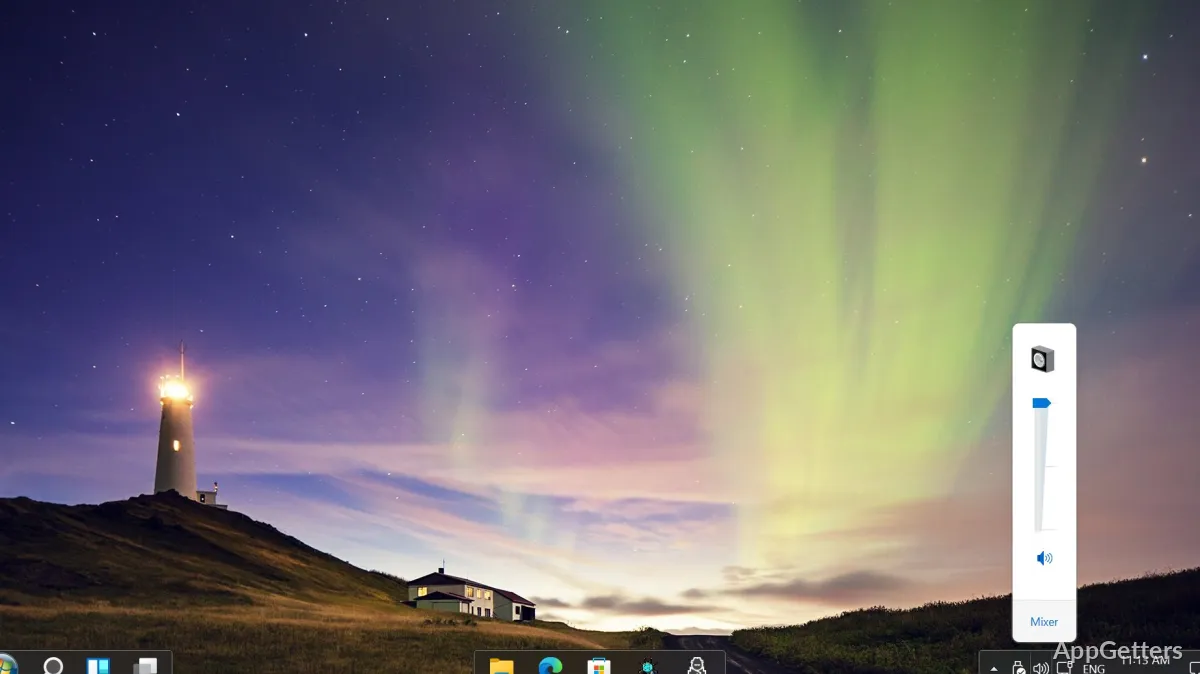
StartAllBack offers controls for taskbar position, icon size, margins, labels, and automatic hiding. You can place it along the top, left, or right edge of the screen, or keep it at the bottom. Dragging files onto taskbar icons restores a familiar drop target for pinned or running apps.
Taskbar buttons can be centered while the Start button stays on the left. Other options split the bar into segments, separate corner icons, or change how app windows are grouped.
The Start menu brings back classic navigation
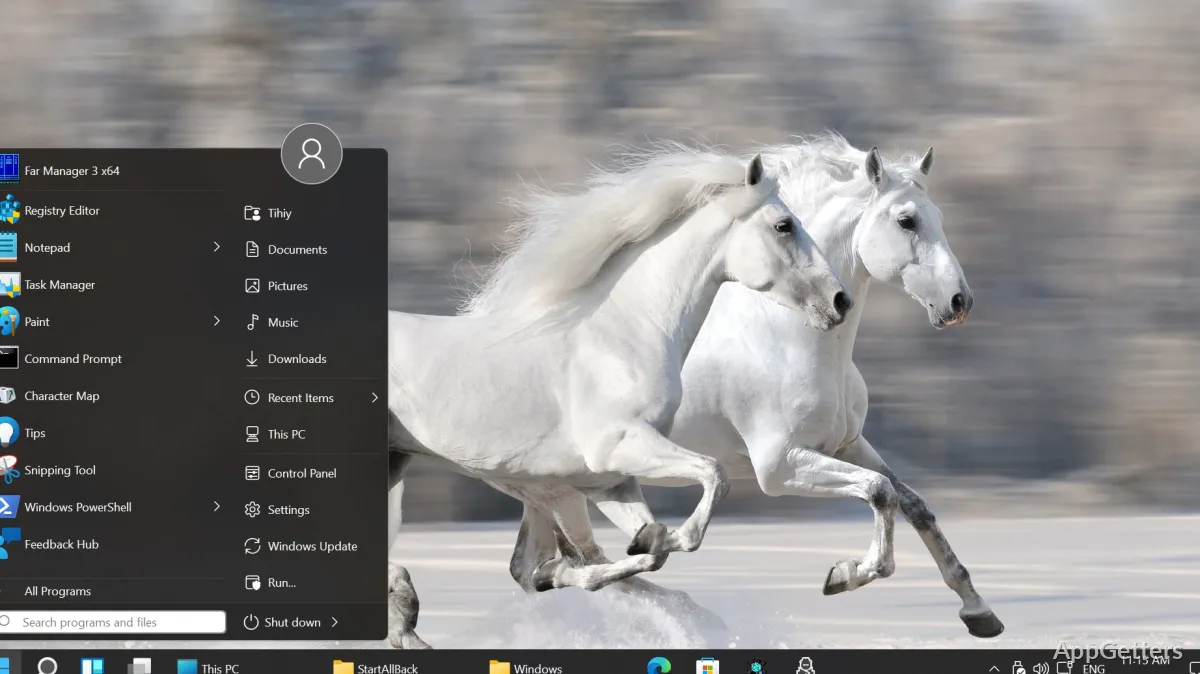
The restored Start menu provides access to apps and system locations, with dropdown menus for navigating program groups and search for finding items. StartAllBack also offers styles based on older Windows interfaces, including Windows 7 and Windows 8 designs.
- Use the menu to launch apps or reach system locations.
- Choose a classic menu style and pair it with taskbar settings.
Explorer and menus receive matching changes
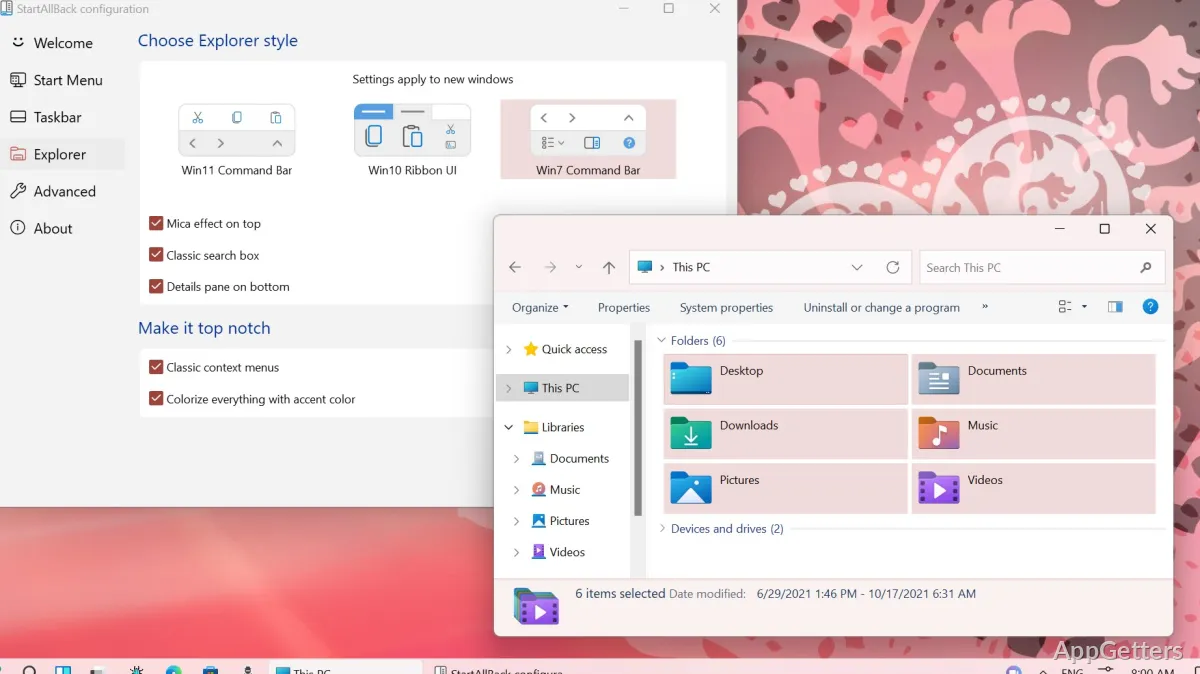
StartAllBack restyles File Explorer and Control Panel, including the Explorer Ribbon and Command Bar. It also brings back classic context menus, with translucent acrylic effects and rounded corners. Dark-mode support extends to additional dialogs, and the Explorer details pane can sit at the bottom of the window.
Tune the desktop through appearance settings
Choose taskbar and Start menu styles, then adjust their layout and appearance to suit the way you navigate. Options for translucency, colors, and interface styling also apply across Windows app windows, while consistency changes target older Win32 app interfaces.
Pros
- Places the taskbar on any screen edge
- Shows taskbar labels and adjusts icon size and spacing
- Supports drag-and-drop onto taskbar icons
- Restyles Explorer, Control Panel, and context menus
System requirements: Windows 11
Can StartAllBack move the taskbar to the side or top of the screen?
Yes. It can place the taskbar on the top, left, or right edge, as well as the bottom.
Can taskbar icons stay centered while the Start button remains on the left?
Yes. StartAllBack has an option to center task icons independently of the Start button.
Does StartAllBack change File Explorer?
Yes. It restyles Explorer elements such as the Ribbon, Command Bar, and details pane, and can restore classic context menus.