EXE
Home » Software » Windows » Antispyware » SpyBot Search And Destroy for Windows
SpyBot Search And Destroy for Windows

SpyBot Search And Destroy for Windows

Generally, it is not a problem. Windows users have difficulties with this. It is the small and annoying things that eventually build up without the user even noticing them. Mainly, browser hijackers, tracking cookies, and bundled software are the ones that, over time, make a computer slower. They alter users’ settings and violate their privacy, very often without the user’s knowledge. Most often, these low-level threats are not detected by regular antivirus tools, thus resulting in a computer that users perceive as slow, cluttered, and unreliable. Spybot Search & Destroy is designed to provide a dedicated utility to this exact category of problems. It works as a complementary layer in addition to a full antivirus suite that focuses on the detection and removal of spyware and similar unwanted elements that tend to linger unnoticed.

Targeting Persistent, Low-Level Threats

Spybot Search & Destroy provides a good example of a focused tool in the security market. As a security measure, it does not try to do everything from antivirus to firewall in one package. This is probably a good thing for people who already have antivirus software in place.

Besides spyware, adware leftovers, and registry errors, the tool also focuses on finding tracking components. People accumulate these through regular surfing and installing software.
That full scanning process is very detailed, although it is a bit slow compared with other products on the market. If you feel your computer has “slowed down inexplicably”, an extensive search with Spybot can help you locate the culprit quite effectively.

Working Tool for the Greater Mass of Windows

Spybot is easier to operate once you understand it, although it may not be your “go-to” for a fun tool. Initially, it may seem a little “old-school” with the look of the interface, but once you get to know it, it becomes quite good. Evaluating and deciding on what to delete will require some training for total newbies.

Students and other typical home users are often perfectly content to rely on it to clean up their machines now and then. Those tech-savvy users who have used it for a long time can value the finer points more deeply.

Advantages and Disadvantages

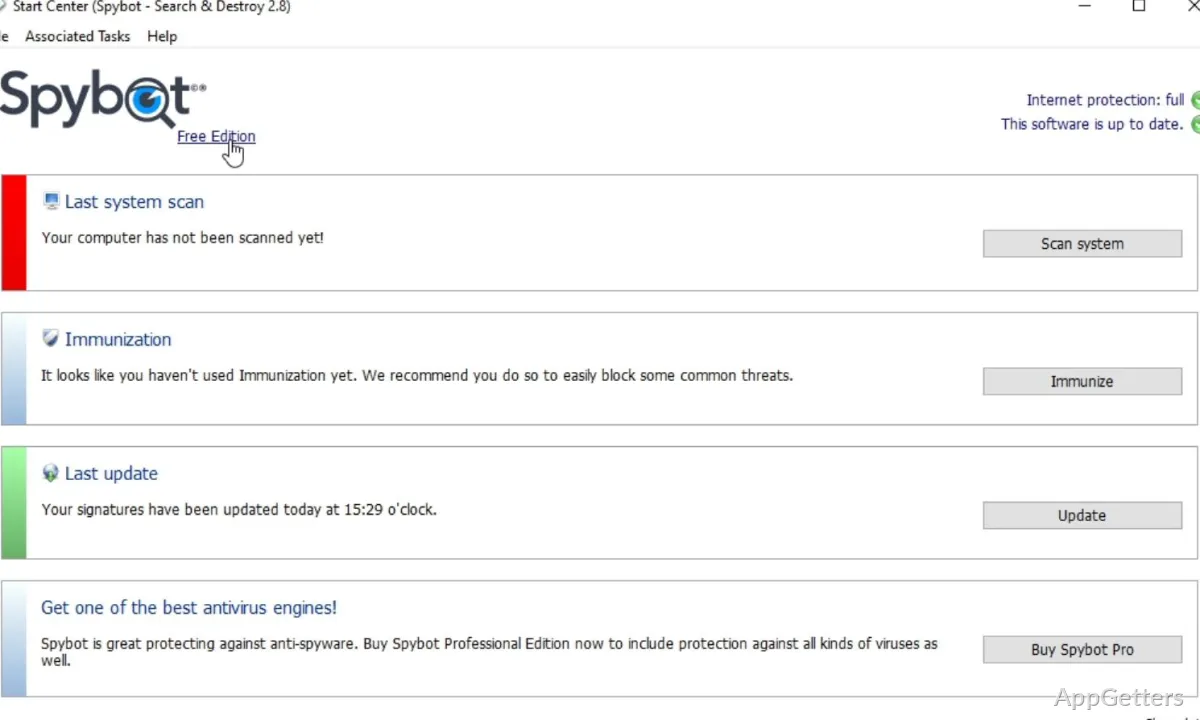
Spybot’s main strength is that it is the very best tool in its market segment. It excels at finding tracking elements, leftover registry entries, and potentially unwanted programs that users never even know are there. Spybot has an “immunization” feature. It helps you remain on the “safe side” of online browsing habits. It prevents you from going to known malicious domains, tracks your exposure to these bad elements, and helps you maintain a “clean” machine over time.

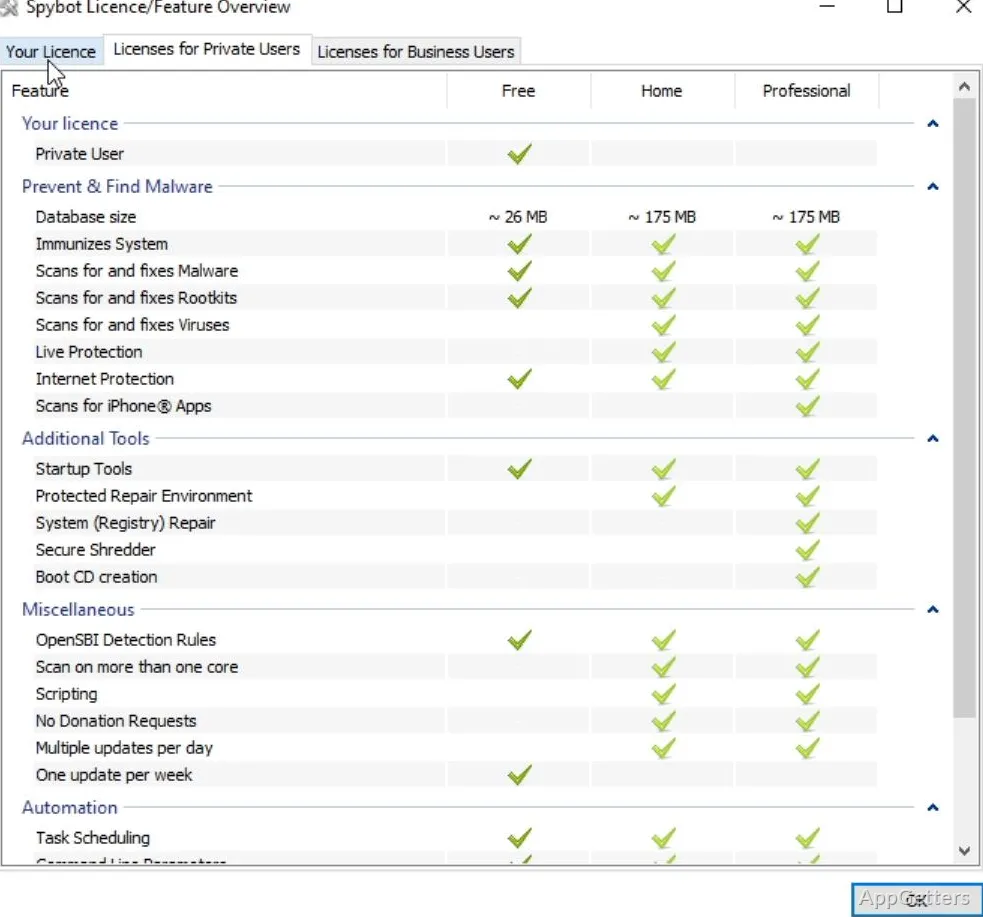
That being said, the program will find it difficult to fulfill stringent standards. Its user interface and friendliness to users are nowhere near those of top-rated security applications. Again, depending on which version of the program you have, real-time protection may not be as fast in response and thorough in scans as full and dedicated antivirus solutions. Also, when you use this tool, you will be putting some strain on your computer hardware every time you run a scan. The fewer resources the system has, the more this will be true.

How Spybot Integrates with a Modern Environment

Spybot works best as a secondary utility for users who want additional visibility into what is happening under the surface of their system. This software may be fine for a quick cleanup on occasional use. It is a tool for those just looking to understand and control what is going on deep in the layers and closets of their PC. Spybot can still find a useful niche for users with slow, cluttered machines. These users are not necessarily up to date on all the latest security software and hardware troubleshooting.

Software Details of SpyBot Search And Destroy 2.9.85.5

License
Free
Version
2.9.85.5
File Size
62.05 MB
Downloads
2
Language
English
Category
Op. System
Windows
Last Updated
May 25, 2023

Version History

1 version
2.9.85.5
Latest
62.05 MB
May 25, 2023

Leave a Comment

Your email address will not be published. Required fields are marked *

Software Icon
Security Report

Loading scan data...

Scroll to Top