Windows security issues rarely appear as complete breakdowns of the system nowadays. Most of the time, they sneak in as minor irritations—sudden pop-ups, browser hijacking, inability to change settings, or weird background operations. While traditional antiviruses do a good job in detecting threats that are out there in the wild, they quite often fail to detect or thoroughly eliminate those pesky ones. These include rootkits, potentially unwanted programs, or registry-based infections that have really gotten under the skin. Adlice Protect (RogueKiller) is the very solution to this problem. It is a first-class cleaning tool. It finds and gets rid of those threats that are so deeply hidden or unusual that regular tools may not even detect them.
Focused detection for persistent threats
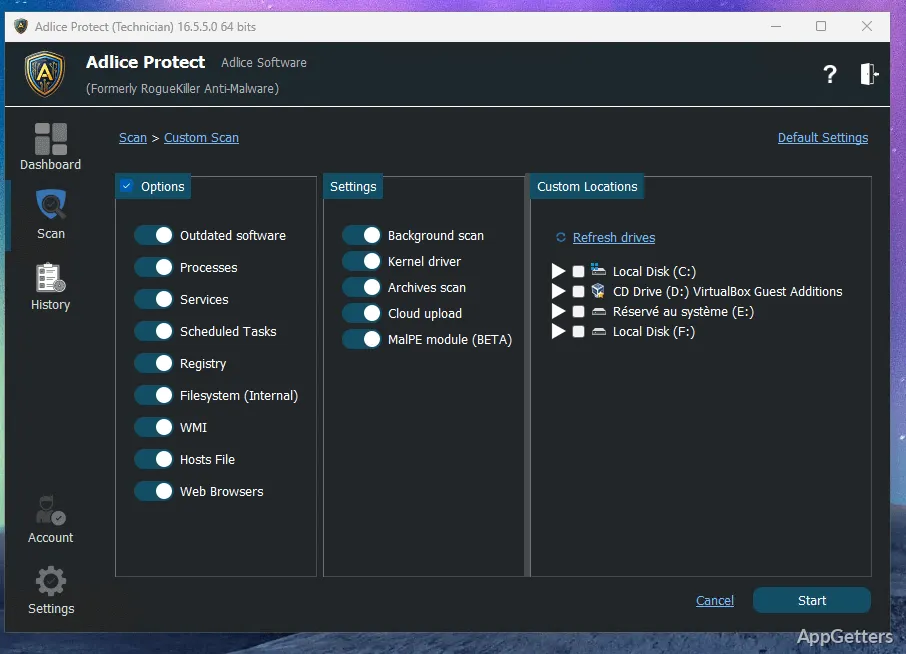
Adlice Protect (RogueKiller) stands out primarily because it targets anomalies instead of just doing a signature-based scan. During a scan, it does not just verify your active processes. It also examines registry entries, scheduled tasks, and system hooks. Therefore, it is considered a handy tool for rooting out the type of malware that can hide deeply in the Windows core. Examples are fake startup entries or tampered system policies.
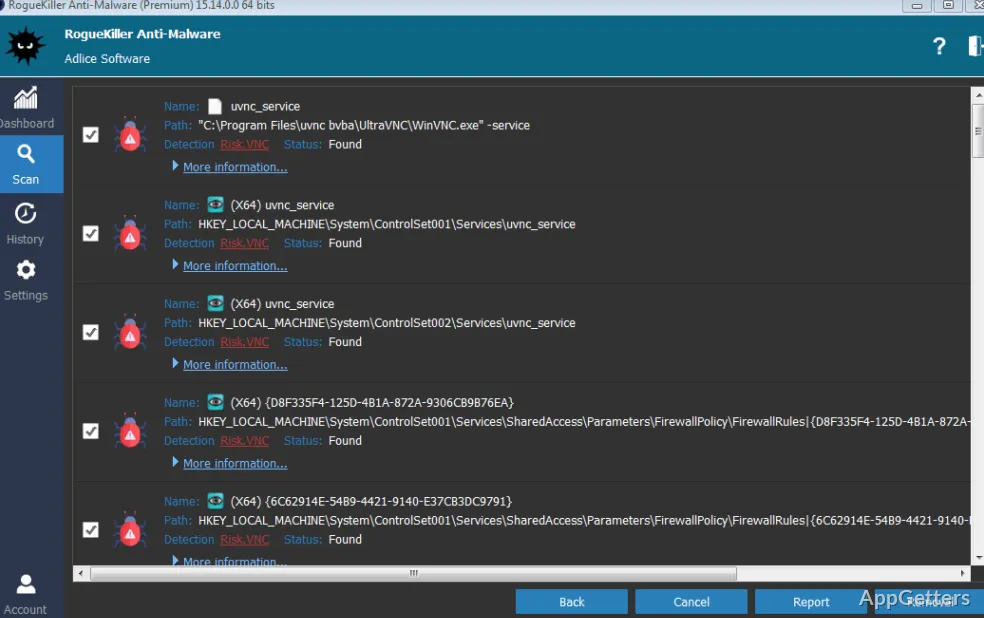
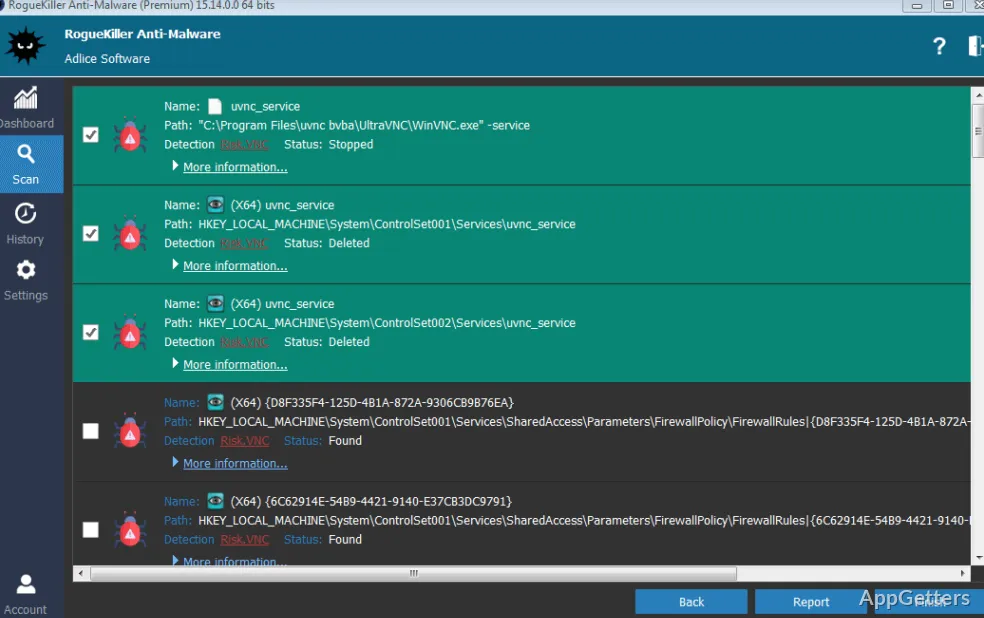
Initially, the way the results are shown might seem a bit too detailed, even to the point of being confusing. But when it comes down to it, this kind of openness is quite handy. It is useful if you really want to get to the bottom of changes in your system. There’s not really a “click and fix everything” approach here; rather, the program exposes suspicious items. So that you can make clean-up decisions with full knowledge.
Day-to-day usability and workflow
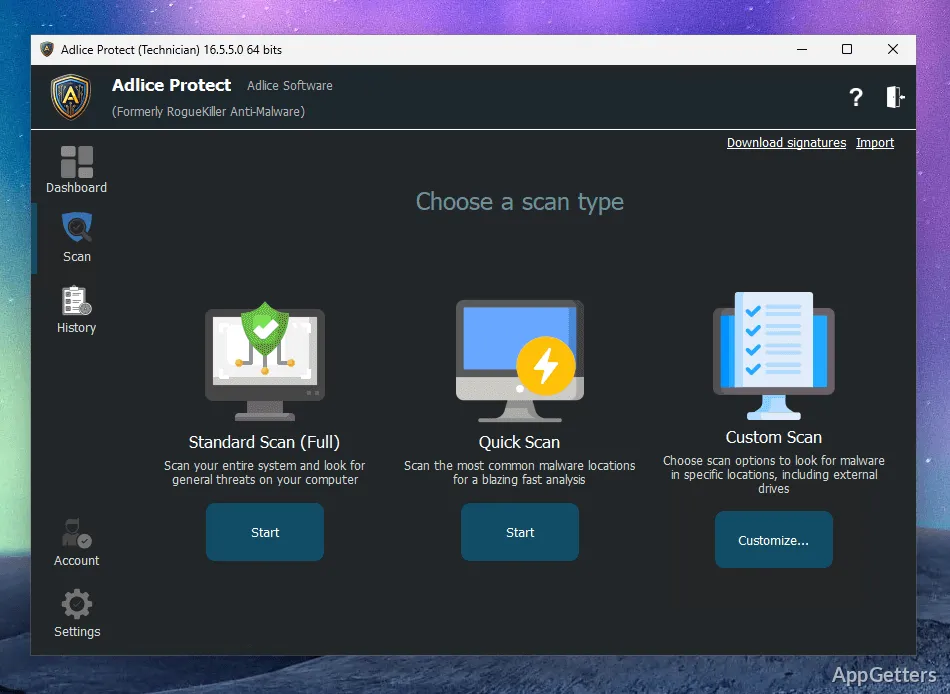
Speaking about the user-friendliness of RogueKiller, it’s quite doable. It may rely a bit more on those users willing to look deeper. The look and feel of the place might be plain as day. But without knowing exactly what a “host file entry” or “MBR anomalies” are, you may be lost. Usually, home users will be fine with the standard scan and auto clean modes. But those who know their way around a bit more can take control of the cleaning process.
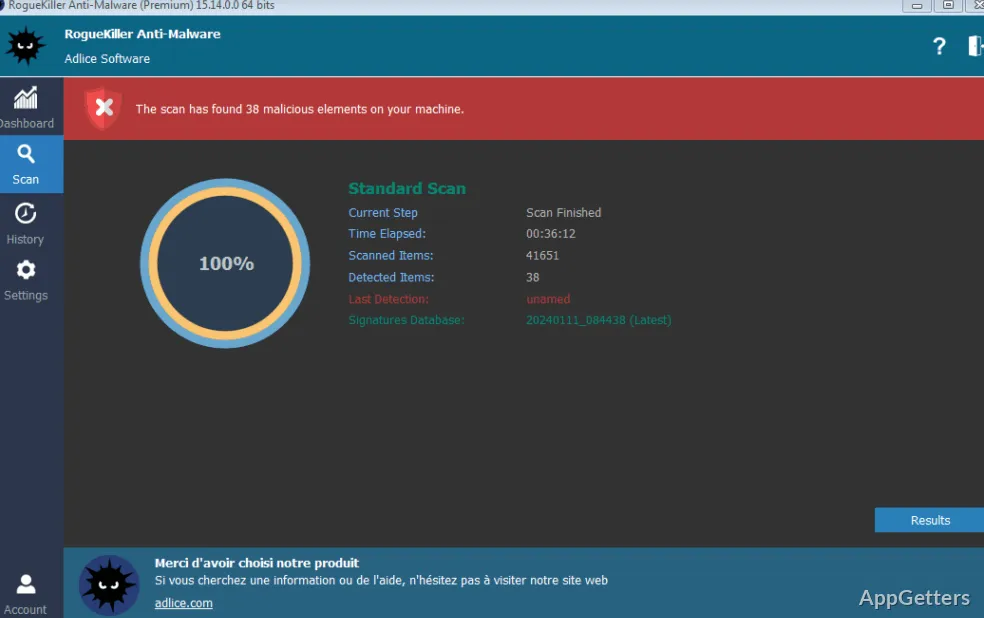
Running a scan doesn’t necessarily mean that your machine will get bogged down. A scan on an average Windows system is done in a pretty good time. It is done without loading your box too much. This is one more plus in favor of the software being an on-demand rather than always-on kind of tool.
Strengths and realistic limitations
One of the greatest benefits of this program is its ability to detect and remove traces of malware, including those that have gone dormant. Such digital “junk” can appear as orphan registry entries, malicious scheduled tasks, or hidden services, etc. On many occasions, it is these “ghosts” of the past that make a PC act strangely. This happens even after an antivirus clean report has been released.
Nevertheless, RogueKiller should not be thought of as a substitute for a full antivirus package. Real-time complete protection is missing in the default mode of use. It would be better to consider this software as a second-opinion scanner in most cases. Also, it displays system entries that are quite primitive. There’s a very minor probability of taking out legitimate ones if one is heavy-handed with the tool. That said, the application does have protective measures in place. But ultimately, some user discernment is going to be necessary as well.
Where Adlice Protect (RogueKiller) fits in everyday use
In a nutshell, Adlice Protect (RogueKiller) is like a Swiss army knife for malware cleanup rather than a cold steel for main defense. It is really a Godsend to those who have just a pretty good indication of a system malfunction but very little clue. This includes slow startups, stubborn browser issues, or even security settings that keep changing. Whether you are students, casual home users, or experienced technicians trying to wipe out infections through inspection, this tool will take you a step beyond the regular antivirus. It will explore a whole new world of computer analysis.
It’s actually a very handy tool when you have that “something is not right” feeling. Yet you are unable to get a clear identification of what it is. Its usefulness is in bringing to light all those problems that have been lying in the background. So that users can take control again of how their system behaves without resorting to a complete reset.
What does Adlice Protect (RogueKiller) scan for?
It scans for malware, including hidden threats and rootkits.
Does RogueKiller remove detected threats?
Yes. It can remove threats found during a scan.