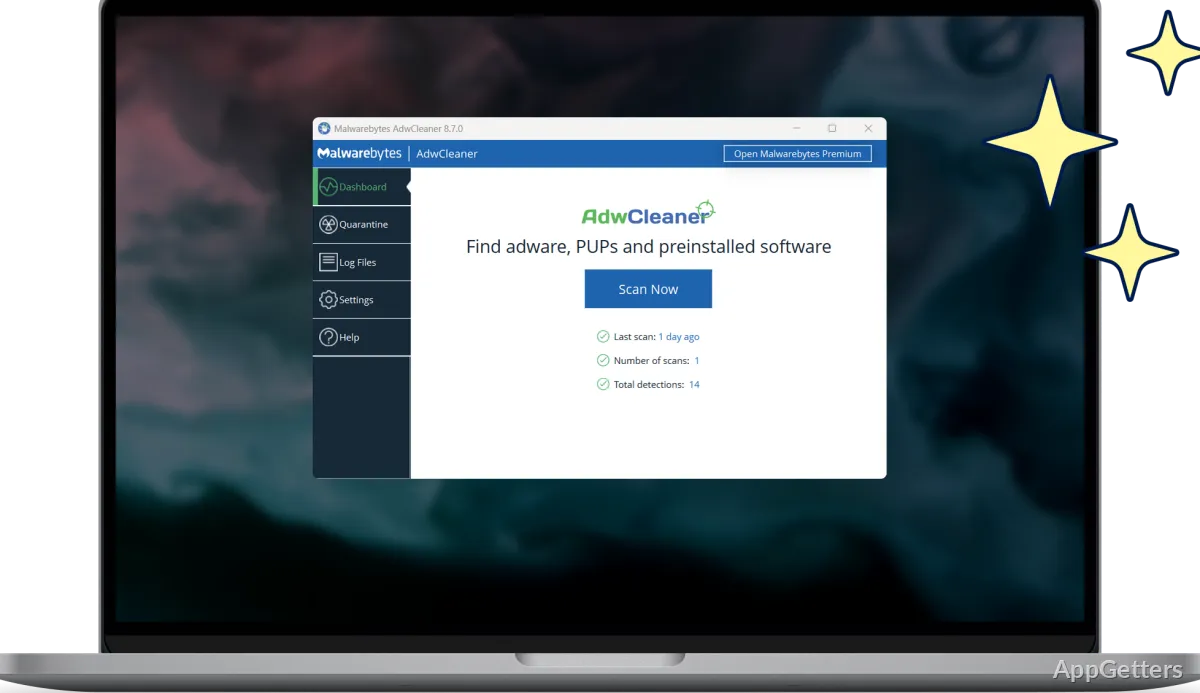
Adware, potentially unwanted programs, and browser hijackers can be found and removed with Malwarebytes AdwCleaner. It is a cleanup tool for unwanted software that can disrupt browsing, change a homepage, or send searches to an unfamiliar site.
AdwCleaner targets adware and browser hijackers
Adware can produce unwanted messages or interfere with normal browsing. A browser hijacker may change the homepage or redirect searches and web visits. AdwCleaner scans for these threats and for potentially unwanted programs (PUPs), which may arrive alongside software a person intended to install.
The scan is aimed at unwanted software, including items that affect the browser. After it finds detections, AdwCleaner provides a cleanup path for removing them. That focus suits cases where the visible problem is unwanted ads, a changed browser setup, or software the user does not recognize.
A scan can help identify unwanted browser changes
A changed homepage or repeated redirects can point to a browser hijacker. Unexpected pop-ups may be associated with adware. AdwCleaner checks for these categories of unwanted software, so the results can connect a browser symptom with a detection to remove.
The tool is focused on cleanup of adware, PUPs, and browser hijackers. It does not provide the broad, ongoing threat coverage offered by a full security product.
AdwCleaner removes detected unwanted software
Use AdwCleaner to scan when unwanted ads, browser redirects, or an unfamiliar homepage suggest that unwanted software is present. The scan identifies relevant detections, and its cleanup function removes items it finds. It is also suited to checking for PUPs that may have accompanied another program.
- Scan for adware, PUPs, and browser hijackers.
- Use cleanup to remove detected unwanted items.
Pros
- Targets adware, potentially unwanted programs, and browser hijackers
- Scans for unwanted software and supports cleanup of detected items
- Addresses browser changes such as an altered homepage or redirected searches
Cons
- Its target is adware, PUPs, and browser hijackers, not broad malware protection
System requirements: Windows 7, Windows 8, Windows 8.1, Windows 10 · CPU: 800 MHz or faster, with SSE2 · RAM: 512 MB · Free disk space: 10 MB · Recommended screen resolution: 1024×768 or higher
What does Malwarebytes AdwCleaner remove?
It targets adware, potentially unwanted programs (PUPs), and browser hijackers.
Can AdwCleaner address a changed homepage or redirected searches?
Yes. It targets browser hijackers, which can cause unwanted homepage changes and search redirects.
Does AdwCleaner provide ongoing protection?
No. It is a cleanup tool; ongoing protection is a feature of Malwarebytes Premium Security.