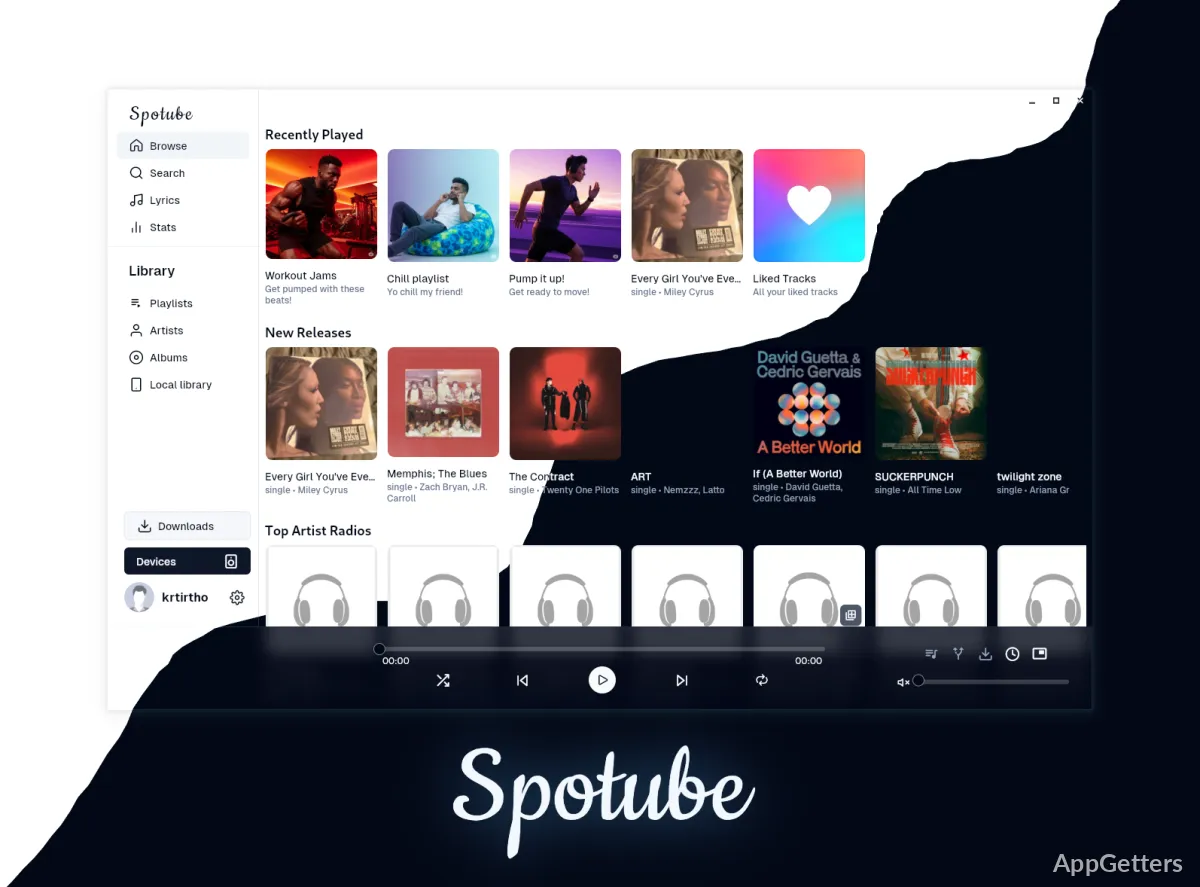
Want a lightweight, open-source music player that uses your Spotify playlists? Spotube, by developer Kingkor Roy Tirtho, takes song and playlist information from Spotify and plays matching audio from YouTube or other sources through plugins, without Spotify's ads.
How does Spotube play Spotify music?
Spotube uses Spotify-related music and playlist information alongside audio from YouTube or another configured source. This setup lets you browse familiar artists and playlists while the plugin determines where the audio comes from. Because a match may be a different recording or edit, the version that plays can sometimes differ from the one associated with a Spotify release.
The app is open source, and its playback controls run locally on the device. Spotube is also designed to use fewer system resources than a typical full-featured streaming desktop app.
Can playlists be synced and managed locally?
Spotube can import and sync playlists from supported music services. Playlists can also be managed locally, so users can keep their own selections in the app. Plugin support connects the music information and audio sources; available options depend on the plugins being used.
- Browse music and playlists in the desktop app.
- Use a community plugin or a custom plugin to connect a music source.
- Save downloadable tracks with tagged metadata.
Where do the lyrics and playback controls come from?
The Lyrics screen displays time-synced words from public lyric databases. Lyrics can work independently of whether the selected music-source plugin provides lyric support. Playback is handled on the computer, and Spotube also supports Windows media keys for common controls.
Pros
- Syncs playlists and supports local playlist management
- Plugins connect music services and audio sources
- Time-synced lyrics work across audio plugins
- Downloads tracks with tagged metadata
Cons
- Matched YouTube audio may differ from the Spotify version
- Unofficial client; may break Spotify and YouTube terms
- Can stop working when those services change
System requirements: Windows 10, Windows 11
Can Spotube sync Spotify playlists?
Spotube can import and sync playlists from supported music services, including Spotify-related playlists, and can also manage playlists locally.
Can Spotube download tracks and show lyrics?
Yes. Tracks can be saved with tags, and lyrics scroll in time with the music.