EXE
Home » Software » Windows » monitoring » Soft Cleaner for Windows
Soft Cleaner for Windows

Soft Cleaner for Windows

Quietly, on most Windows systems, the disorder grows. Temporary files, installation remnants, and the fragmented traces of uninstalled programs can pile up unnoticed. The outcome won’t be very spectacular most of the time. It could be manifested by longer startup time, lack of storage space, and sometimes system slowdowns. Many users who, in fact, do not take care of their system files find the manual cleaning of this accumulation quite objectionable. Besides, that is precisely why utilities such as Soft Cleaner exist. They aim to make the whole process of cleaning easier, even if one does not have any technical knowledge or the time to do it regularly.

Effortless method for regular cleaning

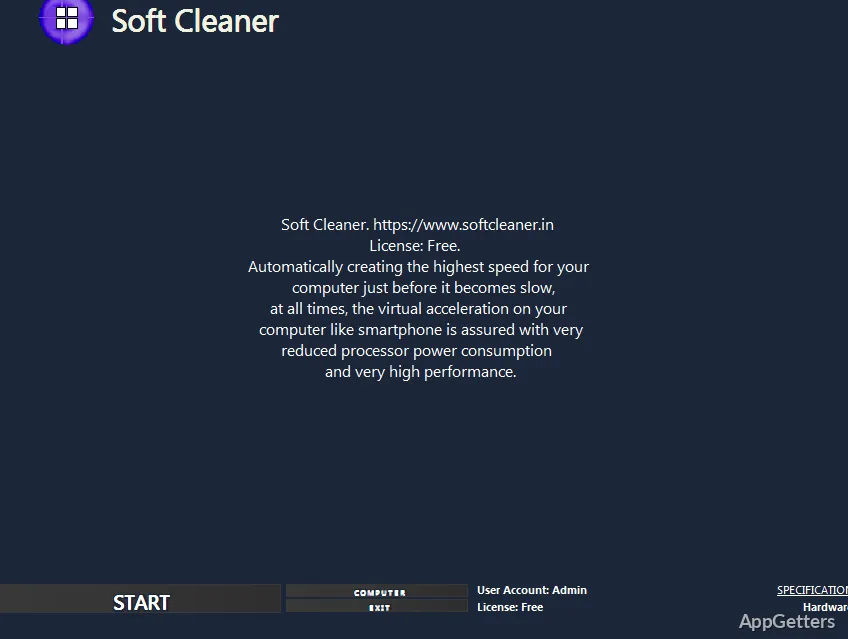
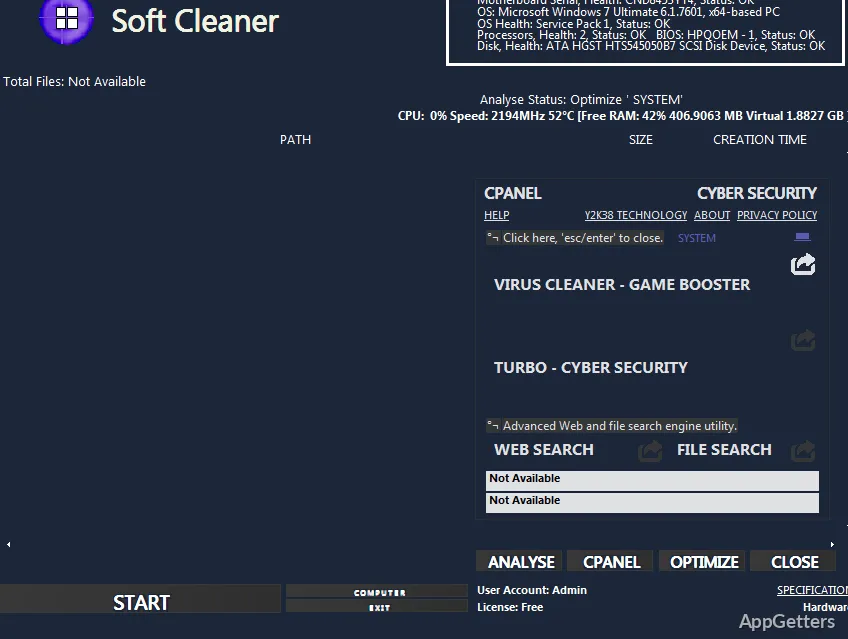
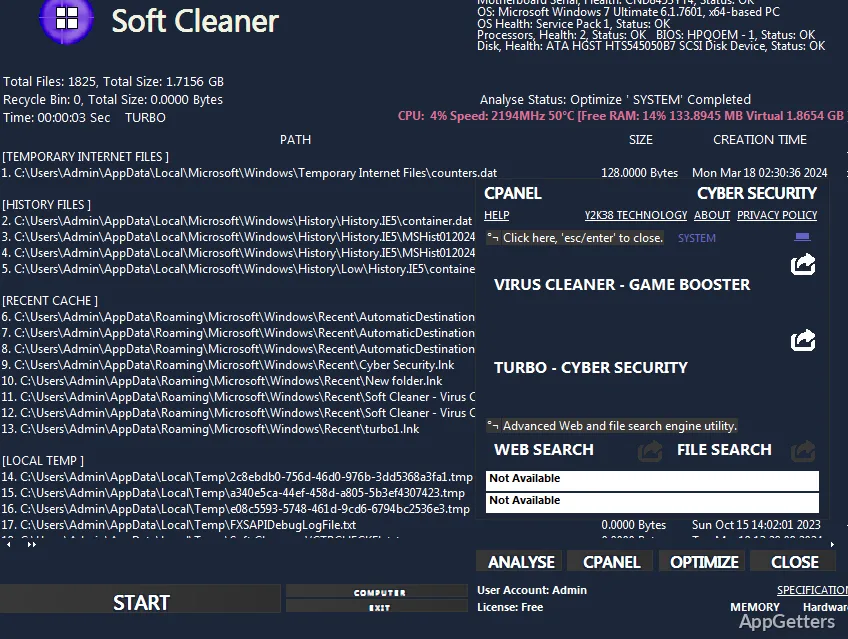
Soft Cleaner simply finds the unnecessary files and deletes them without causing any harm. Usually, the app interface is very user-friendly. The clean and scan buttons are just enough to get the job done. In fact, they are not the least bit intimidating, even for a newbie. The scanning process, at the same time, took very little time. It showed all the file categories like cached data, temporary system files, and leftover logs.

The aspect that is really worth mentioning here is the small amount of time. A user needs to spend it on figuring out how it works. Basically, you will not have to set any complicated rules. You will not have to carry out an in-depth study of the system directories. Therefore, a non-expert who just wants to keep their computer clean will find this program extremely handy. Besides, it is not such a reckless program. It would be almost inevitable to delete the files you use without meaning to.

The impact on the running system performance

Actually, the features of Soft Cleaner are more or less additions to the existing level of performance. Maybe one will be able to notice a difference in the speed of the computer after the cleaning. This is especially true if it is quite an old one or one that has little memory. The time it takes to start the computer can be shortened slightly as a result of using Soft Cleaner. Also, hard disk space will be freed up, especially if the last system cleaning was a long time ago.

One big issue, however, is to keep the expectations at a level that is possible to achieve. Soft Cleaner is certainly not a tool to widely improve performance. It will not, for instance, help you after you have bought a new piece of hardware or after you have done system tuning. Instead, if you consider it as a method of maintaining a certain degree of tidiness that is satisfactory, then it will be a good thing to help you. Users who often, for example, install and uninstall applications can expect this maintenance to quite successfully prevent the slowdowns that happen gradually over time.

Besides ease of use, there are some drawbacks that one should remember.

On the one hand, the software’s simplicity is a blessing. On the other hand, the same factor may create a limitation. Advanced users will be disappointed with the lack of customization features. No control over which types of files or which directories are included in the scanning may be seen as a considerable limitation. This applies to those who like to be in full control.

Technically, the users are quite accustomed to it and generally can rely on it without worrying. Practically, the clean-up suggestions are entirely automatic, so the users should still do a final check of the files. They should do this before they decide to get rid of them. This is especially important when it is a shared or work environment. Usually, Soft Cleaner is a solid performer in the typical usage of a home setting. Yet, it is not meant to be used for specialized system management or higher-level enterprise maintenance tasks.

Soft Cleaner is a very nice match for Windows everyday usage

Soft Cleaner is a very lightweight maintenance tool mainly for those who use computers on a daily basis. Students, residential users, and those who mainly rely on their PC for general tasks will be its biggest fans. It is a good companion to the periodic cleanup routine. It allows systems to stay neat without investing a lot of time or energy.

For those who do not want anything complicated but just want to regain space and keep the system running swiftly, it is really a fine product. Those who are after deeper optimization and detailed control might find that missing here. But if it is a question of regular cleaning only, then Soft Cleaner is a handy and low-effort resort.

Software Details of Soft Cleaner 31.8.24.29

License
Free
Version
31.8.24.29
File Size
3.03 MB
Downloads
0
Language
English
Category
Op. System
Windows
Last Updated
August 27, 2024

Version History

6 versions
31.8.24.29
Latest
3.03 MB
August 27, 2024
31.8.24.11
7.02 MB
March 9, 2024
31.8.24.10
7.02 MB
February 22, 2024
31.8.23.26
7.02 MB
January 1, 2024
31.8.23.24
7.02 MB
November 27, 2023
31.8.23.22
7.02 MB
September 14, 2023

Leave a Comment

Your email address will not be published. Required fields are marked *

Software Icon
Security Report

Loading scan data...

Scroll to Top