EXE
Home » Software » Windows » Desktop Themes » Seelen UI for Windows
Seelen UI for Windows

Seelen UI for Windows

  • By Seelen
  • Owner
  • Version: 2.4.11
  • 37.03 MB
  • Security Report:

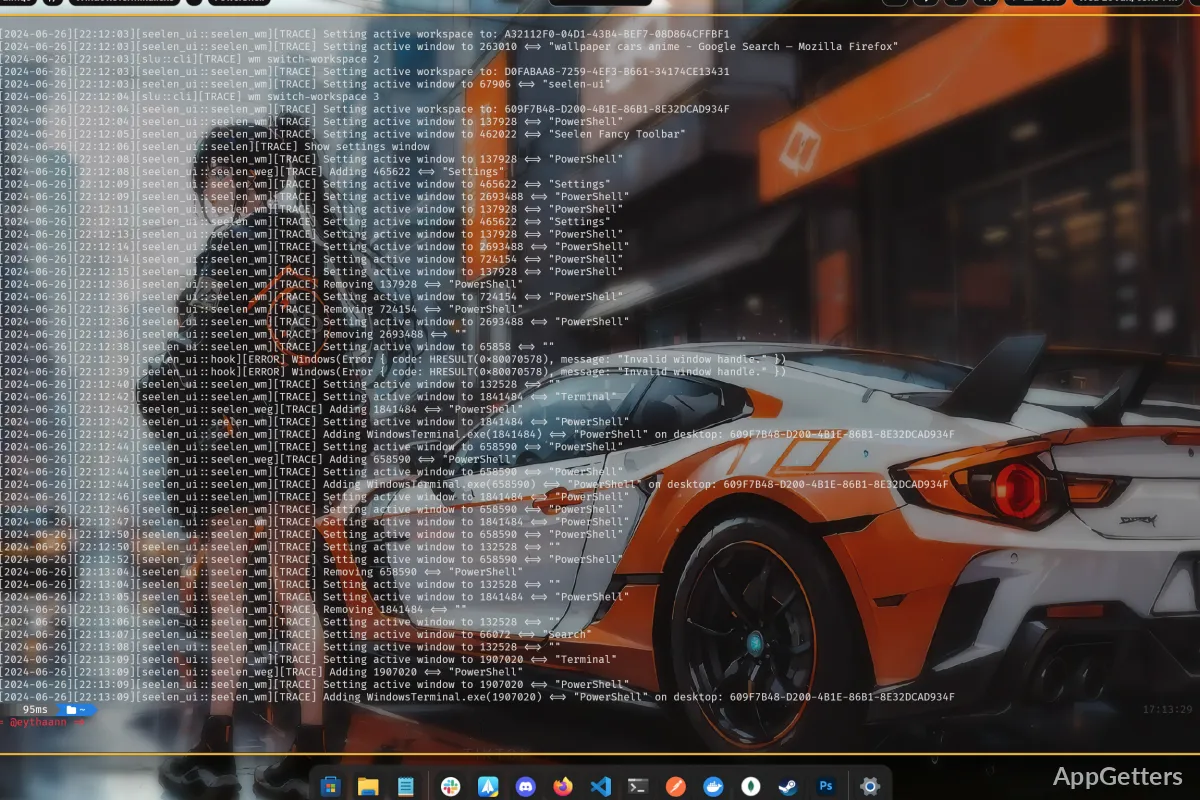
Most Windows users will, sooner or later, experience a situation when the default desktop arrangement no longer satisfies them. It’s quite natural that as more and more applications stay open all day, the process of window switching and task organizing will become a real challenge. Keeping the most important tools visible will also become difficult. In fact, the usual ways of working often imply almost constant Alt-Tab navigation or window switching. That is done to arrange windows manually, thereby causing distractions and a reduction in work pace. Seelen UI decides to meet the challenge by changing the way that windows and desktop elements are arranged.

Instead of being just another customization utility, it is concerned with enhancing workspace control. It is also about making the coexistence of several applications at the same time more user-friendly. In short, you get a more orderly Windows look without needing to change your working habits entirely.

A Different Approach to Desktop Organization

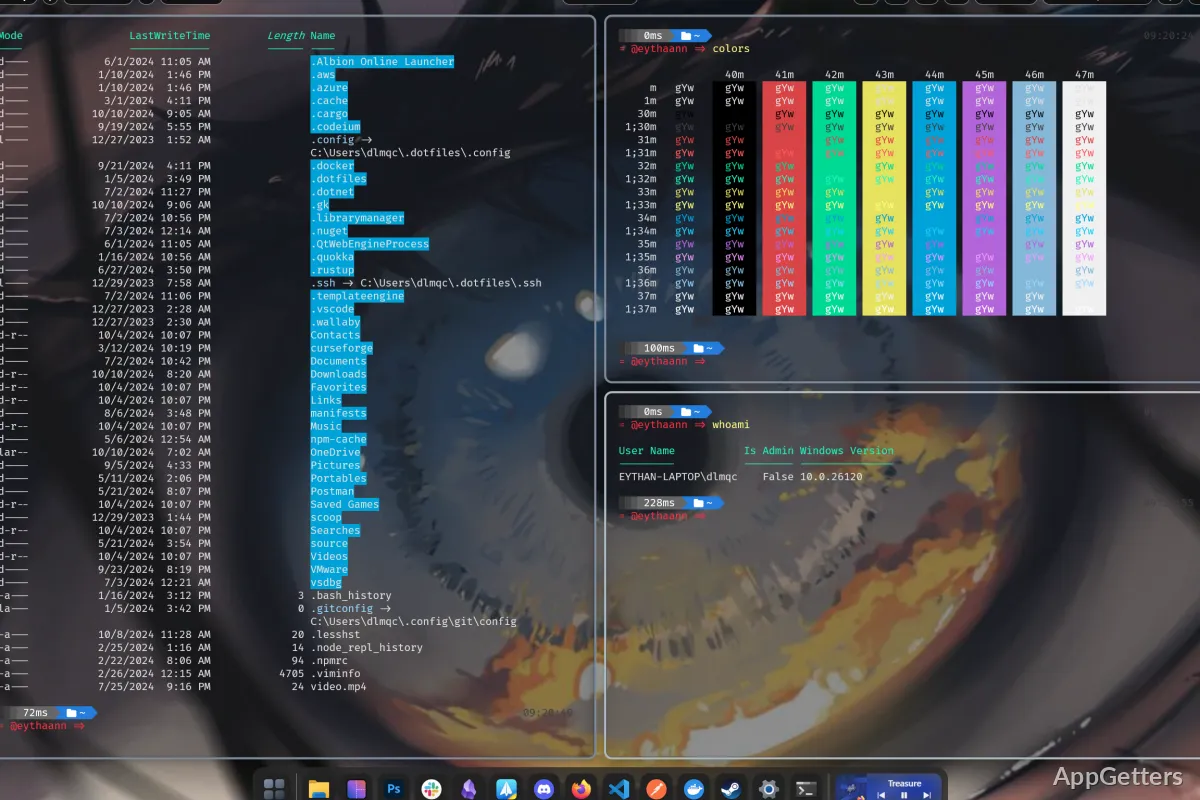
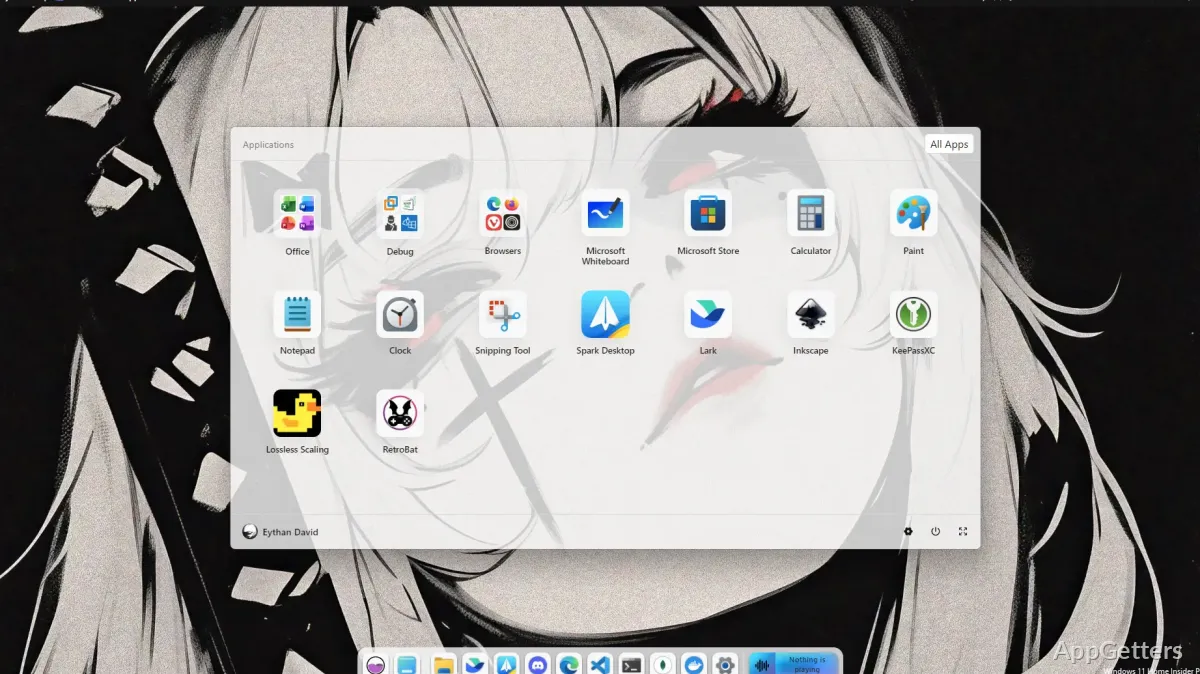
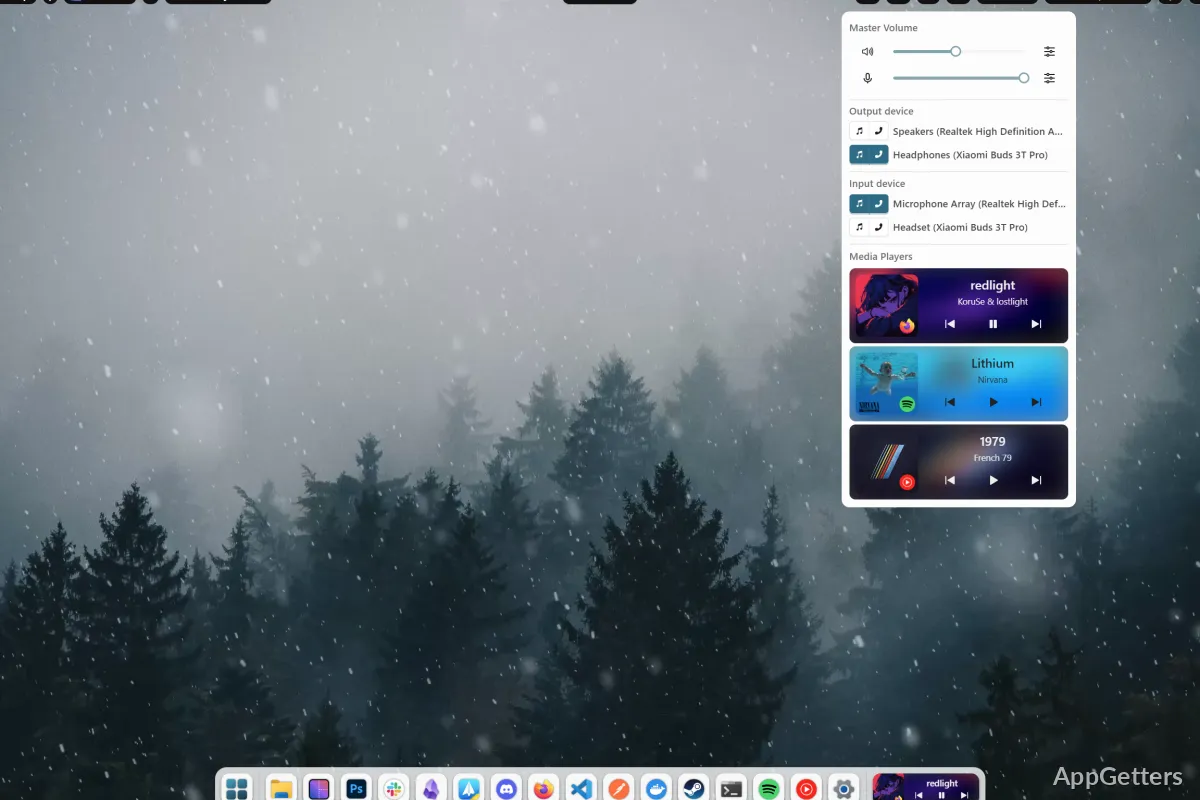
Seelen UI will probably impress you most by placing the spotlight on workspace decluttering. And it does that through the provision of a fresh start in handling the open applications. This actually reduces the disorder in a very natural way. So, basically, windows become a lot easier to monitor and access when you consciously align them with your ongoing work.

What this means practically is less need for going after those windows you somehow hide. It also means constantly switching between the applications that overlap less often. No matter what your typical set of apps consists of, whether it be documents, web browsers, messaging tools, or programming software, your desktop is kept thoroughly navigable all the time. It comes as no surprise that this kind of experience is totally designed for users who, in reality, juggle lots of windows. They want a level of order in their work that the default Windows layout can hardly give them.

Everyday Productivity Benefits

Actually, the number of features enabling Seelen UI to perform different tasks may be secondary. In fact, it may be secondary to how those features shape one’s daily habits. After all, tiny changes in the way you handle windows may, over time, produce significant outcomes. This is especially true in the case of those who are computer-bound quite a lot.

Besides, it may turn out to be a great tool for students who have to deal with various kinds of research documents. It may also help employees who work from home and keep several communication platforms open at the same time. Typical users who do a little of everything may find it at their disposal throughout the day. In a nutshell, instead of their whole day being one big rearranging of windows, users keep their workspace pretty much the same. This, on the one hand, reduces distractions and, on the other, makes it possible to focus on the work at hand rather than managing one’s desktop.

Furthermore, the learning process is not that steep either. Sure, some time needs to be invested to figure out the interface. The underlying principles become even more straightforward with use.

Stability, Performance, and Practical Issues

Any piece of software that changes one’s desktop behavior has to be very stable if it is to be of any use. In general, Seelen UI wants to work so well with Windows as not to be noticeable. When working normally, it should be running with the other apps, giving you even more control over your workspace.

That is true; nevertheless, depending on system configurations and preferences, the reaction will be different. If one is very adept at using the built-in window management tools of Windows, then the benefit obtained will not be so great. This is unlike those who, until now, have had real problems with the desktop mess. Furthermore, since it is an alternative workflow that it brings, one is bound to live a bit of trial and error before one settles down. This should be in a way that best goes with one’s personal habits. Generally speaking, what the majority of users are after is keeping a regular order every day, more than any significant boost to the system’s functioning.

Best Suited for Multitasking-Focused Windows Users

Seelen UI should be seen mainly as a productivity-related desktop upgrade, not simply a tool for visual customization. Only when multiple programs are the source of a rather lengthy user session are users most likely to find that the application has a lot of good things to offer them in terms of the organization of their workspace.

The tool can be appreciated by the largest number of users who have been involved with several windows at once. These include students, professionals, developers, and remote workers. Those people with the downsized digital lifestyle may be satisfied with the basic Windows experience enough. In the end, the role played by Seelen UI is one that purely aims to bring about a clean, well-managed desktop environment that corresponds to focused work and effective multitasking.

Software Details of Seelen UI 2.4.11

License
Owner
Version
2.4.11
File Size
37.03 MB
Downloads
4
Languages
English English, Afrikaans, Amharic, Arabic, Armenian, Belarusian, Bulgarian, Catalan, Chinese, Croatian, Czech, Danish, Dutch, Estonian, Farsi, Finnish, French, German, Greek, Hebrew, Hindi, Hungarian, Icelandic, Indonesian, Italian, Japanese, Kazakh, Korean, Latvian, Lithuanian, Malay, Norwegian, Polish, Portuguese, Romanian, Russian, Serbian, Slovak, Slovenian, Spanish, Swahili, Swedish, Tagalog, Thai, Turkish, Ukrainian, Vietnamese, Zulu
Category
Op. System
Windows
Developer
Last Updated
January 20, 2026

Version History

4 versions
2.4.11
Latest
37.03 MB
January 20, 2026
2.4.4
30.83 MB
October 24, 2025
2.3.12
36.2 MB
August 1, 2025
2.1.9
34.74 MB
March 21, 2025

Leave a Comment

Your email address will not be published. Required fields are marked *

Software Icon
Security Report

Loading scan data...

Scroll to Top