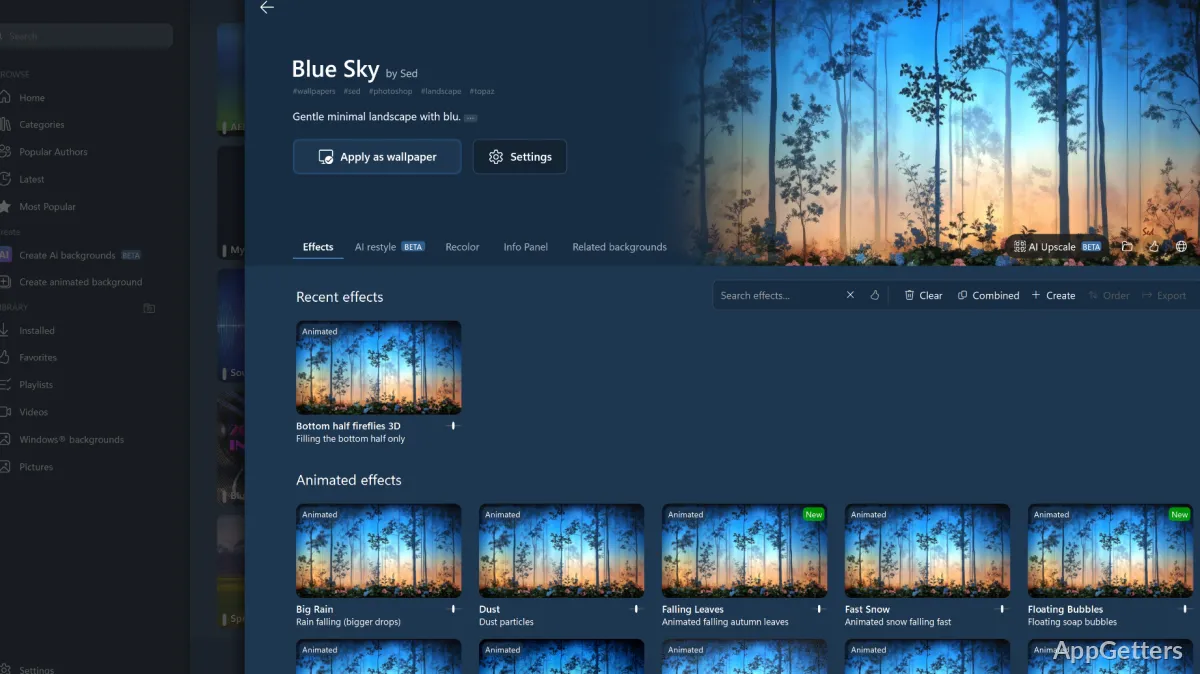
Changing wallpaper is usually not the whole story when one personalizes a desktop in Windows. Besides that, many people also wish that their workspaces were more vibrant and appealing to the eye. Yet they would not want to give up on system dependability or usability of everyday operations. Although Windows already comes with features for customization, users can quite easily get frustrated because those features offer limited options. Thus, this is exactly the point where DeskScapes comes in with animated backgrounds and a wide range of desktop personalization tools in the Windows environment.
DeskScapes Animates the Windows Desktop
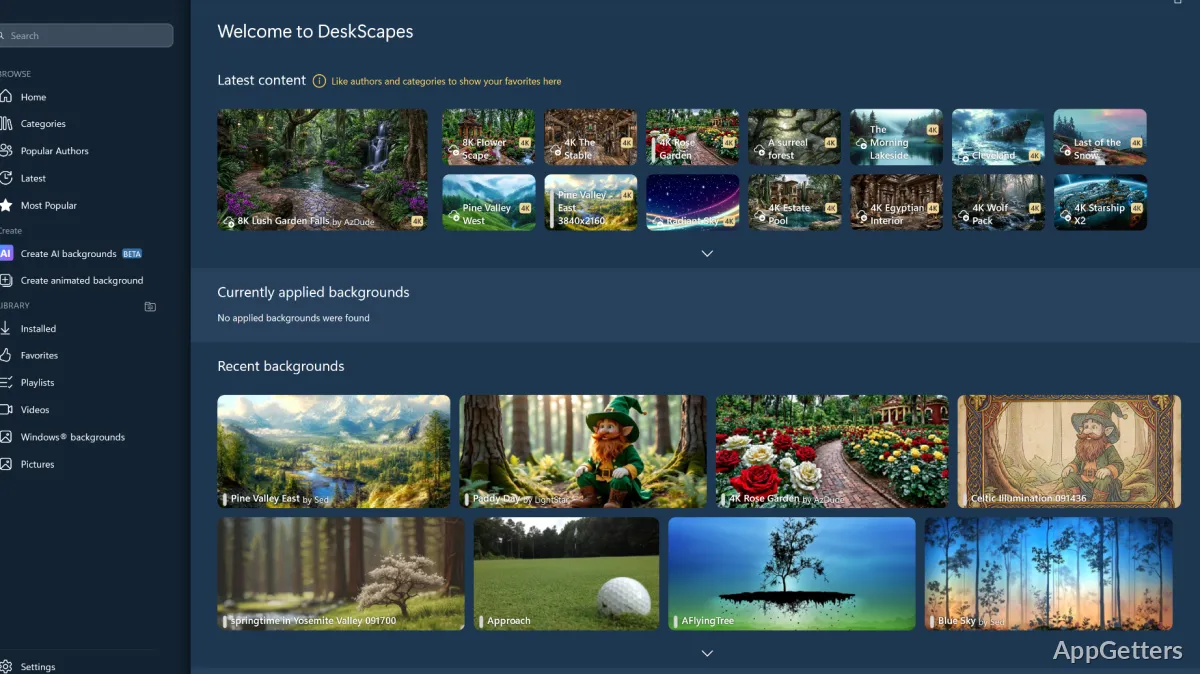
With DeskScapes, you can turn your usual wallpaper into an animated one. It is a desktop customization program mainly for Windows users. These users are interested in animation on the desktop rather than a still image only. To give a nicer and more active look to the desktop, the program offers animated backgrounds. It also offers visual effects and wallpapers based on videos.
Generally speaking, it is a piece of cake. Having installed it, you just go through the list of available wallpapers. You select your favorite effect(s), which will then be shown on the screen, and finally decide to keep it or not. Besides that, the software also tightly interacts with the Windows desktop, i.e., it is not a separate environment. The fact that such an integration is done has, on the one hand, the advantage that your work and routine will still be the same. But, on the other hand, this means something different to hardcore users of system customization. Such a move from static wallpaper to animated wallpaper is very much “on the surface” and does not go deeper.
Performance Over Time and User-Friendliness
Switching to an animated desktop is undoubtedly very nice. But then again, it is always a serious concern that computer performance may become prohibitively slow when using such a feature. Actually, DeskScapes at present is so well-tuned that it performs very well. It almost does not slow down the system at all. On average, computers that run Windows 8 or a more recent version are going to be able to handle even quite elaborate ones. These include the multiple ones you can have at once, as in the case of having two or three monitors.
The way of working is such that the animation is playing all the time. But if the user has, say, minimized the window, then it will stop updating the image. Therefore, it uses fewer resources. Thus, it is possible for even a fairly elaborate multiple-monitor setup to run smoothly while only showing a few frames per second on the additional screens.
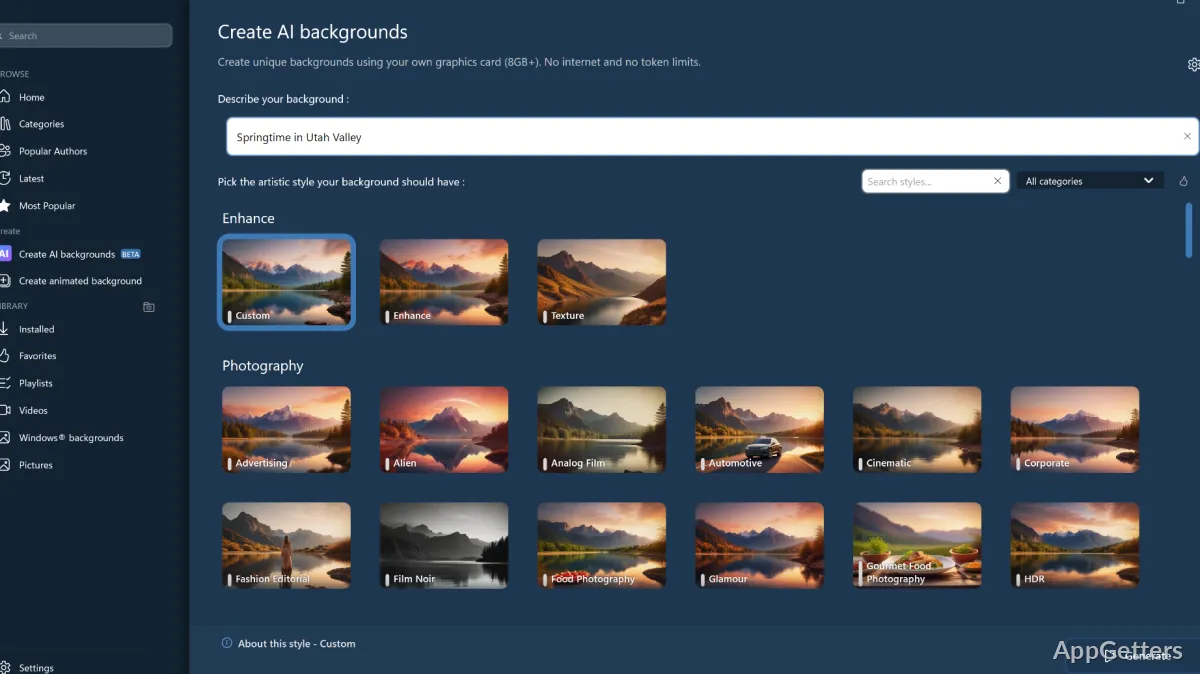
The program, however, is really very simple to get hold of, and so you do not really have to be very computer-savvy to use it. Navigation on the menus is mostly a matter of picking images, tweaking effects, and finally applying the new settings. You can safely say that the program is no longer only for some students’ IT class. It has reached the stage of a real product that even office workers, along with students and home users, can enjoy and get used to in their lives. Of course, everything depends on what machine you have and how complex the animations are.
Pros and Cons
One of the key features of DeskScapes is that it has built-in great manageability and an extremely powerful customization engine. At the same time, it does not overwhelm the user. That is, you can still get through your everyday routine. But the variety of wallpapers and animations that you have will, at the very least, bring a certain freshness factor to your computer use. Even if you spend hours and hours working on the same screen, it will not be the same. This is because you will have a different environment each day. One of the major drawbacks is that the whole thing revolves around your tastes. If it happens that you are a user who really likes to keep his/her workspace totally minimal, then for you, it will not mean anything at all.
Besides that, no matter what the developers say, and certainly it is a lightweight app, still, everywhere in the documentation, you will find the warning. Any program that has to run visuals continuously should expect significant use of resources. To those who are running on very old computers and who, in fact, only use them to do highly performance-sensitive work, these are the two things that they need to thoughtfully weigh up before deciding.
More often than not, you want a computer that, by and large, just works. DeskScapes, if used primarily as a simple and stable, lightweight add-on, fits this pretty well.
Best Uses for DeskScapes
DeskScapes is a great way to jazz up the desktop environment for those Windows users who are not happy with what their systems have by default. Students, remote workers, home users, and PC enthusiasts are likely to appreciate its ability to create a more visually attractive workspace. At the same time, it preserves familiar Windows functionality.
In short, it is not a tool for increasing productivity, but a tool in the desktop personalization category. Hence, those who appreciate a nice visual appearance of the desktop (screens) will benefit most from it. Because it still works in the background and retains the operating system untouched, this is a niche that the program fills very well.