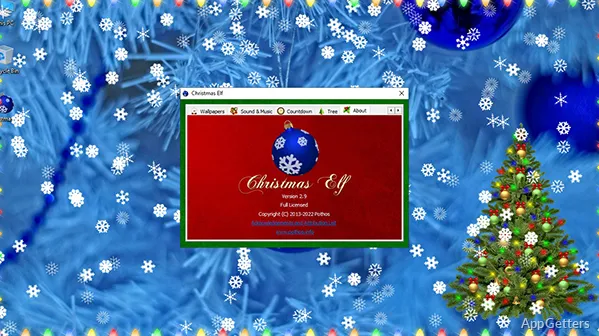
The Christmas Elf window brings holiday decorations to the Windows desktop, including lights, garlands, falling snow, and Christmas trees. Christmas Elf also offers seasonal wallpapers, music, and background sounds to build a festive desktop scene.
Choose lights and garlands
Add colored bulbs, pine garlands, or icicle lights to the desktop. Light settings include a choice of flashing mode and speed, so the display can be adjusted without changing the rest of the decoration.
Add snow and decorate a tree
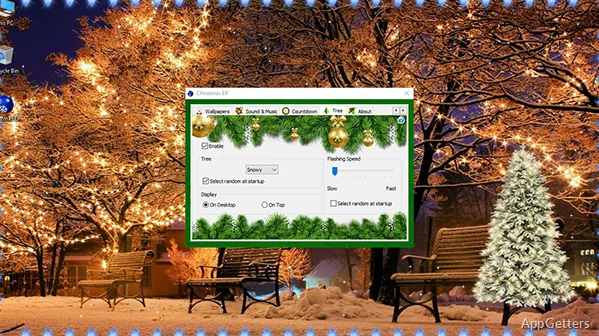
Falling snow can appear over the desktop in any season. Christmas Elf also offers several Christmas tree decoration options, with flashing lights and settings that can be customized.
Set a seasonal soundtrack
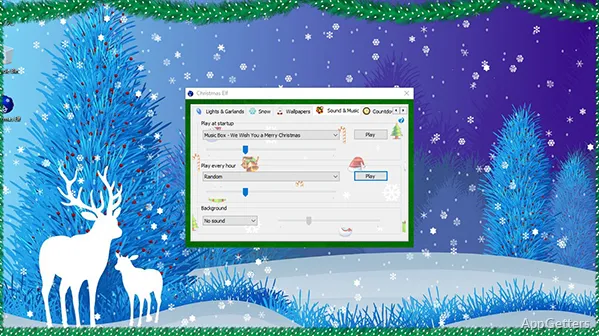
Play Christmas tunes or add the sound of a crackling fireplace or a snowstorm. These audio options can accompany the visual decorations.
Choose a Christmas wallpaper
Browse wallpapers featuring winter landscapes, cozy indoor scenes, and festive compositions. Pair a chosen picture with the desktop decorations for a seasonal backdrop.
Pros
- Decorate with colored lights, pine garlands, and icicle lights
- Adjust light flashing mode and speed
- Add falling snow and decorated Christmas trees
- Play Christmas tunes, fireplace sounds, and snowstorm audio
System requirements: Windows 7, Windows 8, Windows 10, Windows 11 · 32-bit and 64-bit
What decorations can Christmas Elf add to the desktop?
It offers Christmas lights and garlands, falling snow, decorated trees, and seasonal wallpapers.
Can the lights and snow be customized?
Light flashing mode and speed are adjustable, and some tree decoration settings can also be customized. The program offers different types of falling snow.
Does Christmas Elf include sound?
Yes. It includes Christmas tunes and background sounds of a crackling fireplace and a snowstorm.