What is SaveVideo? It is a small Windows app from DMS Down that saves YouTube videos as MP4, MKV or WEBM files or as MP3 or WAV audio. Downloading from YouTube breaks its terms of service unless the video offers a download option or the content is yours.
YouTube link and download status
It works from a single YouTube link and shows the video details before saving.
A progress bar follows each download.
Video and audio formats
Video output options include WEBM, MP4, and MKV. Resolution choices range from the maximum available down through 1080p, 720p, 480p, 360p, 240p, and 144p; the options offered depend on the video.
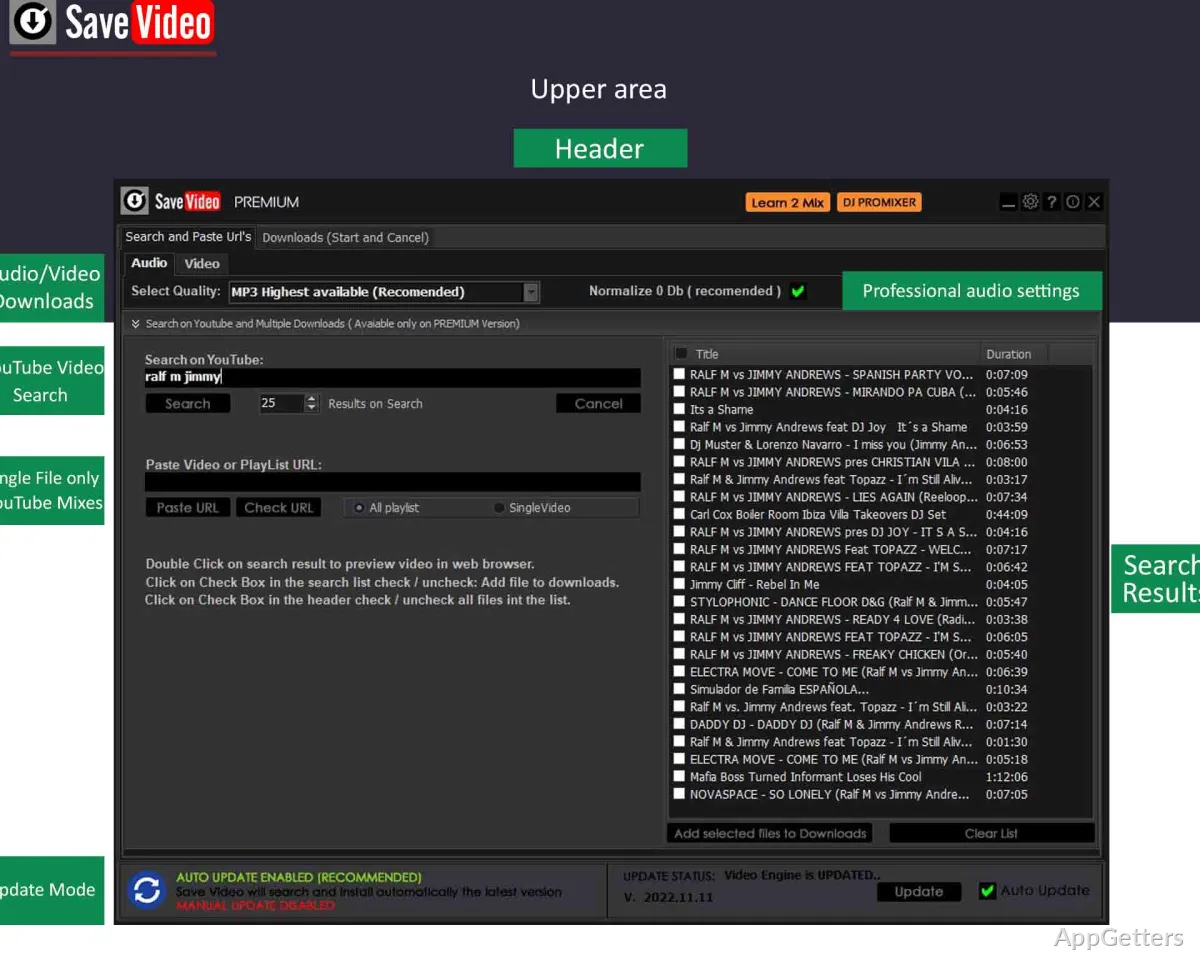
For audio, SaveVideo can create WAV or MP3 files. MP3 bitrate choices include 320, 192, 128, and 96 Kbps. WAV output uses uncompressed PCM at 44.1 kHz and 16-bit depth.
Update controls
Updates install automatically by default, which matters because YouTube downloaders stop working whenever YouTube changes its site. Copyright also applies to saved files.
Pros
- Offers WEBM, MP4, and MKV video output
- Converts audio to WAV or MP3
- Provides video resolution and MP3 bitrate choices
- Includes automatic and manual update controls
Cons
- Downloading from YouTube breaks its terms of service
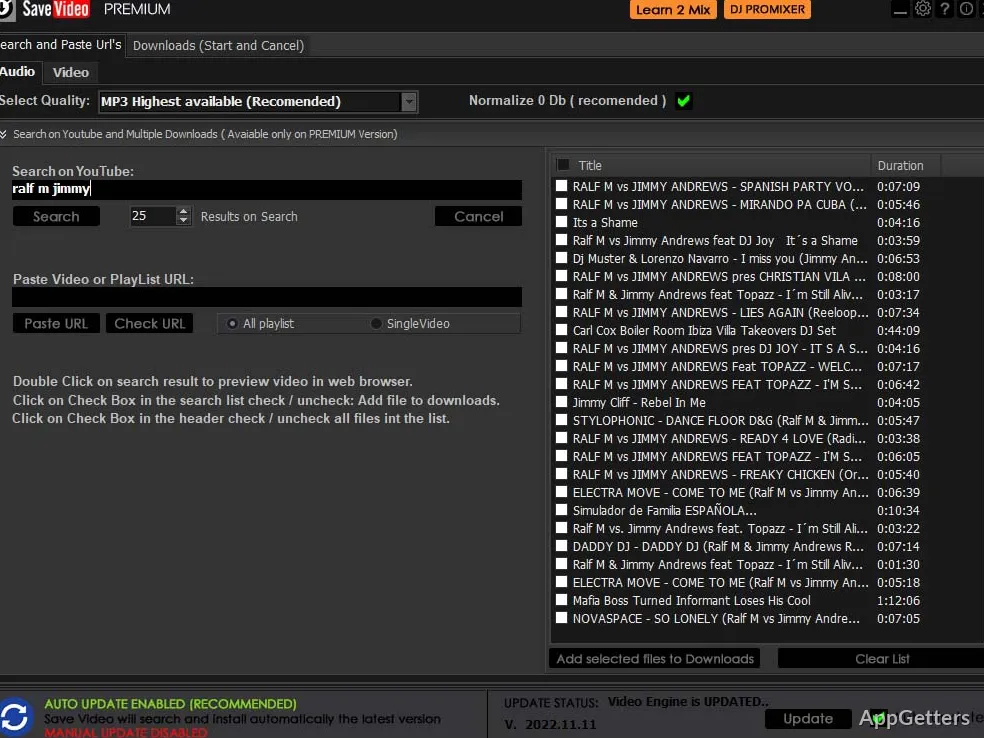
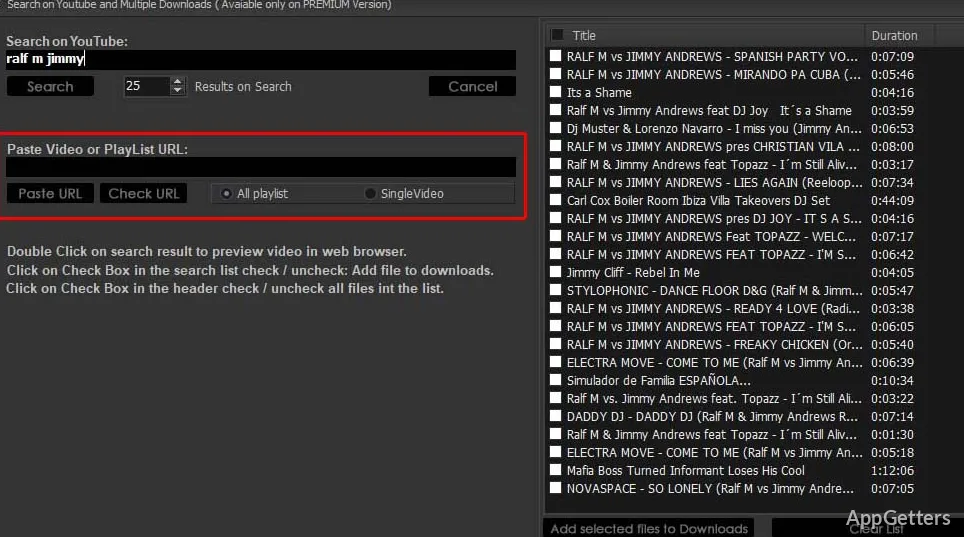
- Search and playlists need the paid Premium upgrade
System requirements: Windows 10, Windows 11
Which video formats can SaveVideo create?
Video output options include WEBM, MP4, and MKV, with several resolution choices.
Can SaveVideo extract audio from a YouTube video?
Yes. It can create WAV or MP3 audio files, with several bitrate options for MP3.
Does SaveVideo download YouTube playlists?
Playlist downloading is available with Premium activation.