Need to turn a 3D model into printer-ready toolpaths and adjust how it will print? PrusaSlicer prepares models for 3D printers, with settings that range from ready-made profiles to detailed controls over supports, layers, and materials.
Choose a printer profile and slicing mode
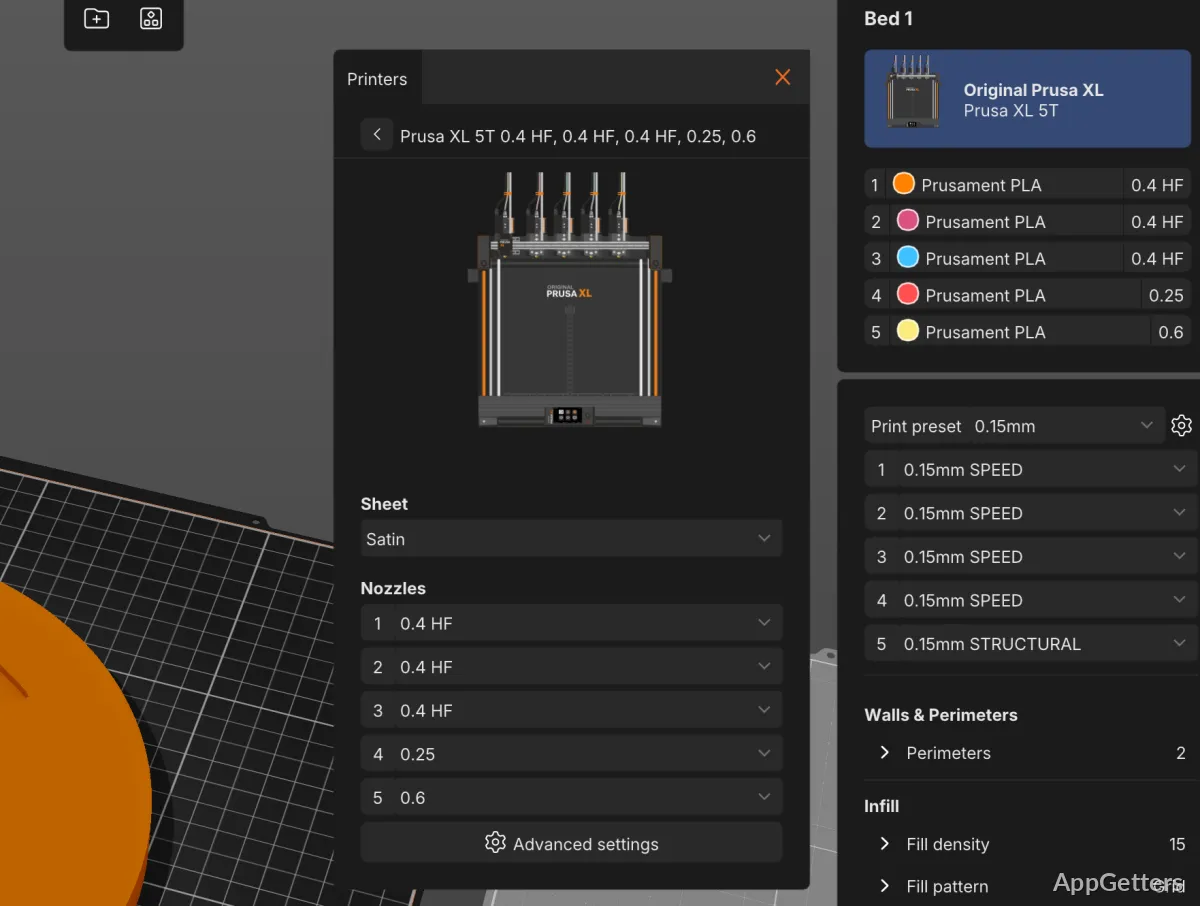
Start with a printer and material profile, then adjust print settings in Beginner, Normal, or Expert mode. The modes expose progressively more controls in the same application, so a project can begin with basic settings and use more detailed adjustments as needed. Profiles for Prusa printers and filaments are validated on hardware, and profile updates arrive through the built-in updater.
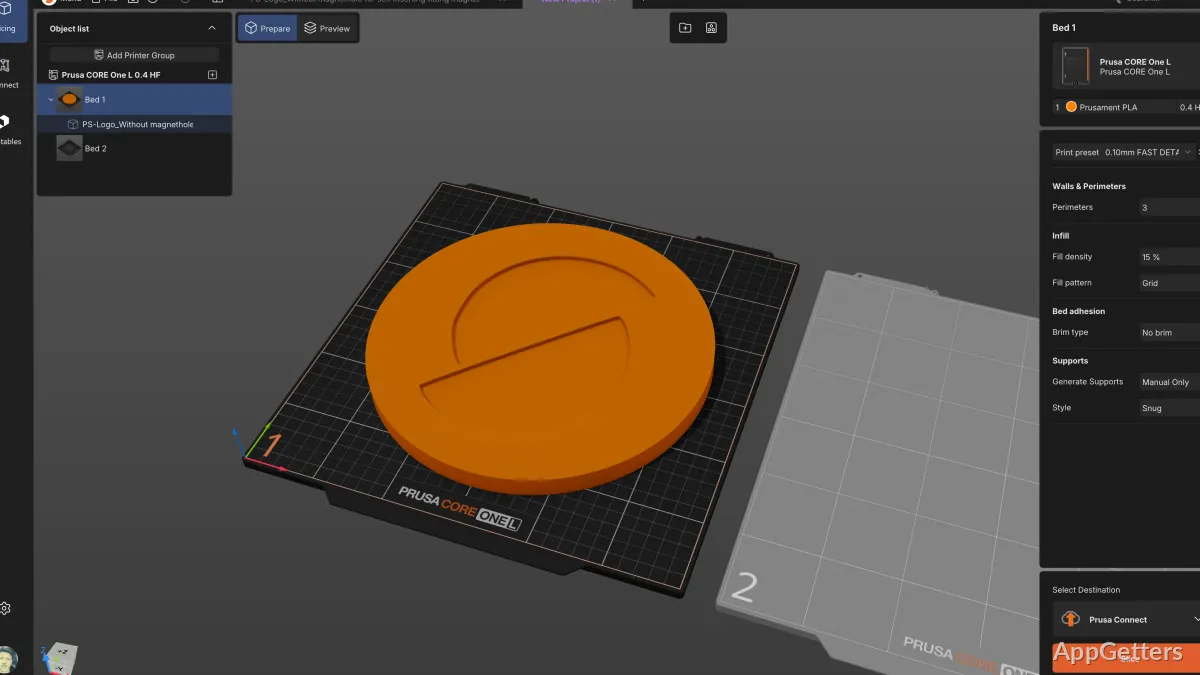
After arranging a model on the build plate, slice it to generate toolpaths. The preview shows the print layer by layer, letting you inspect how the model is planned before sending the job. PrusaSlicer works with printers from different manufacturers.
Paint supports and material changes
PrusaSlicer can generate organic supports, and its support-painting tools let you mark where supports should go on the model. This gives you control over support placement when automatic generation needs guidance.
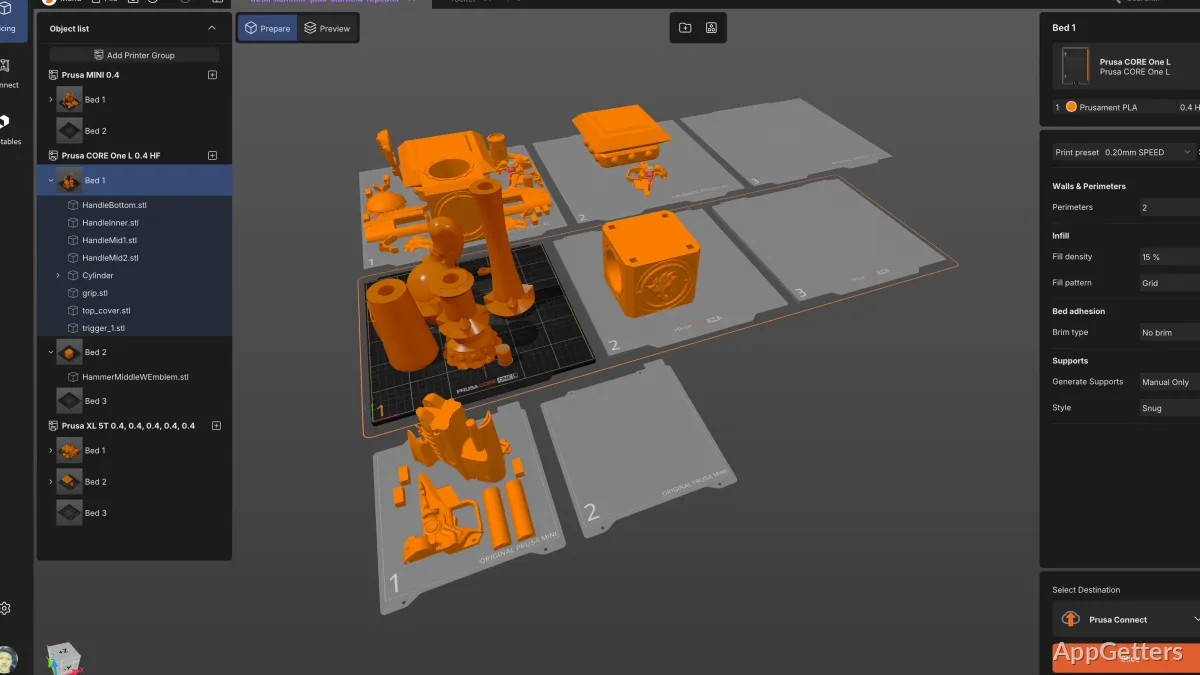
For multi-material work, paint material regions on the model with fill and brush tools. The software supports the MMU3 and multi-extruder configurations; with a single extruder, schedule filament changes at chosen layers for basic multicolor prints. Wipe into infill reduces waste during material transitions.
Cut a model that exceeds the build plate
Use the cut tool to divide an oversized model along a chosen plane. PrusaSlicer adds alignment pins at the join, so the printed sections can be fitted together after printing.
Find models and send print jobs
An integrated Printables.com browser lets you search for a model and bring it onto the build plate without switching applications or manually downloading it. Once sliced, a job can be sent over the local network to a printer. Integrations include Prusa Connect for monitoring and job management, plus one-click transfers to Klipper and OctoPrint.
For repeat work, save a 3MF project to keep the model and its slicing settings together. The command-line interface supports batch slicing and custom manufacturing workflows. Slicing runs locally, and model files, profiles, and generated G-code stay on the computer unless deliberately sent elsewhere.
Pros
- Beginner, Normal, and Expert modes keep settings organized by experience
- Organic supports can be painted directly onto a model
- Cut oversized models and add alignment pins at the joint
- Send jobs to Prusa Connect, Klipper, or OctoPrint
System requirements: Windows 10, Windows 11 · 64-bit only
What does PrusaSlicer create from a 3D model?
It slices the model into printer toolpaths and generates G-code for printing.
Can PrusaSlicer handle multicolor prints with a single-extruder printer?
Yes. Schedule filament changes at specific layers to make basic multicolor prints without additional hardware.
Can it send a sliced job to a printer?
Yes. It supports local-network transfers and integrations with Prusa Connect, Klipper, and OctoPrint.