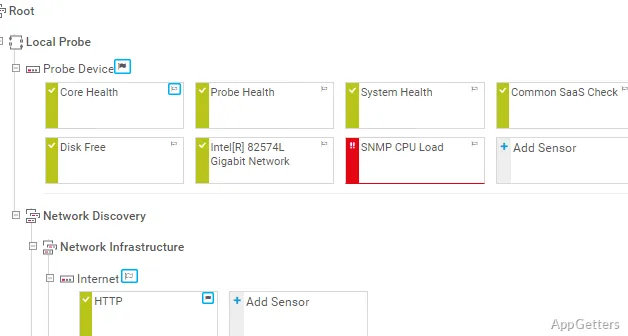
PRTG Network Monitor tracks device availability, network traffic, and system metrics through sensors assigned to devices and services. Its dashboard brings current readings and alerts together, with historical data available for investigating changes over time.
Discover devices and assign sensors
PRTG can scan network ranges during auto-discovery, identify devices, and recommend sensors for them. Administrators can then choose what to monitor, such as availability, bandwidth, CPU load, or a particular service. Each sensor measures a specific value or condition, so a device can have separate sensors for different checks.
Track traffic with network protocols
For traffic analysis, PRTG can collect flow data from exporters using NetFlow, sFlow, or jFlow. SNMP monitoring reads device information such as interface traffic and status; WMI provides Windows system metrics. Packet sniffing offers another way to examine traffic, with the available detail depending on how the network is configured.
Follow alerts and investigate changes
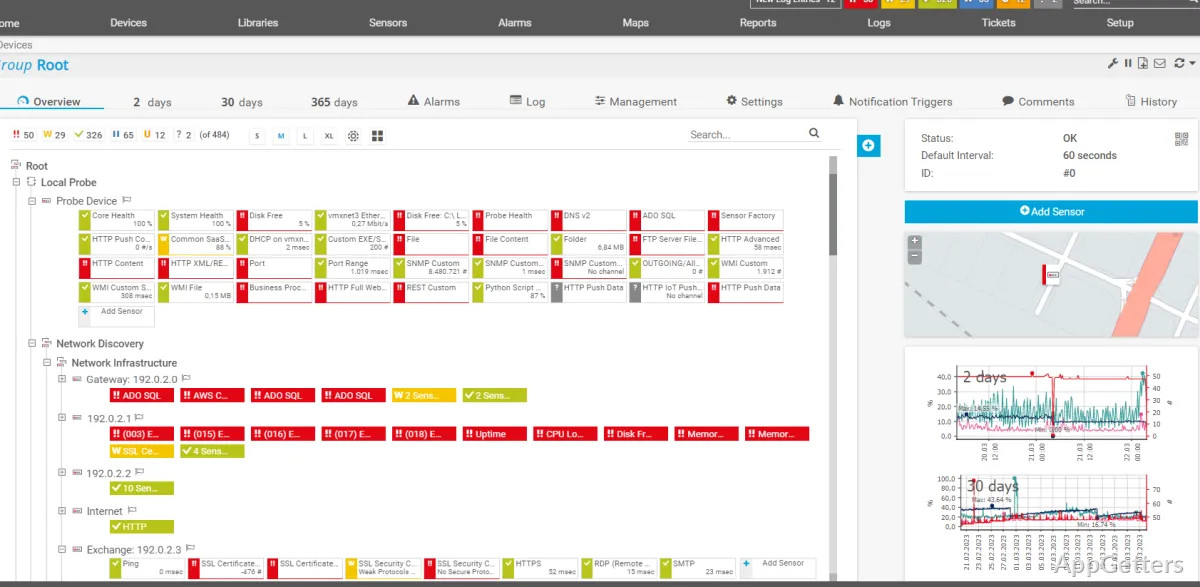
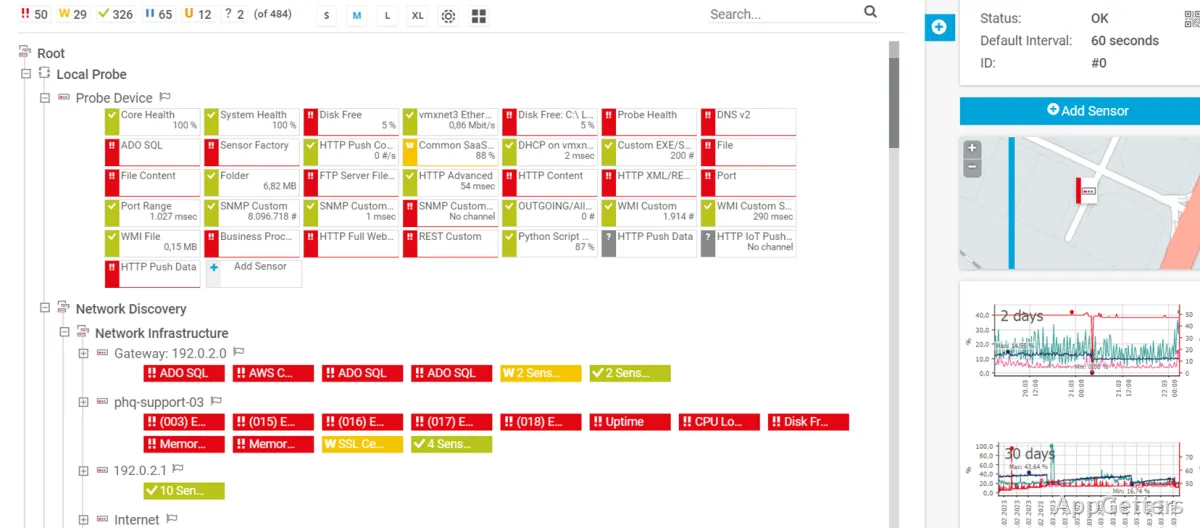
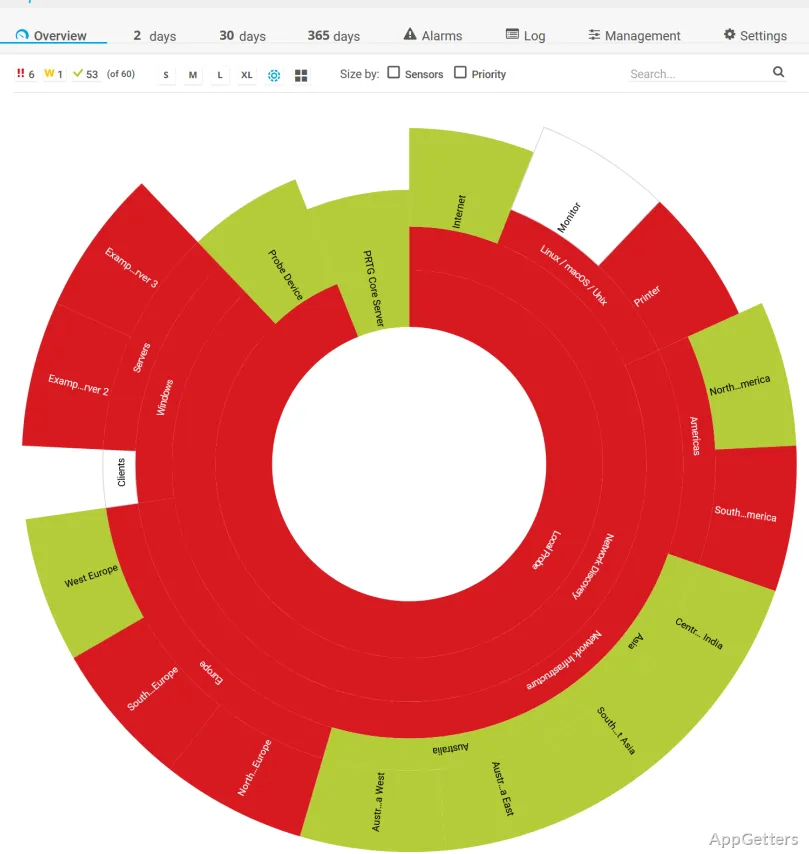
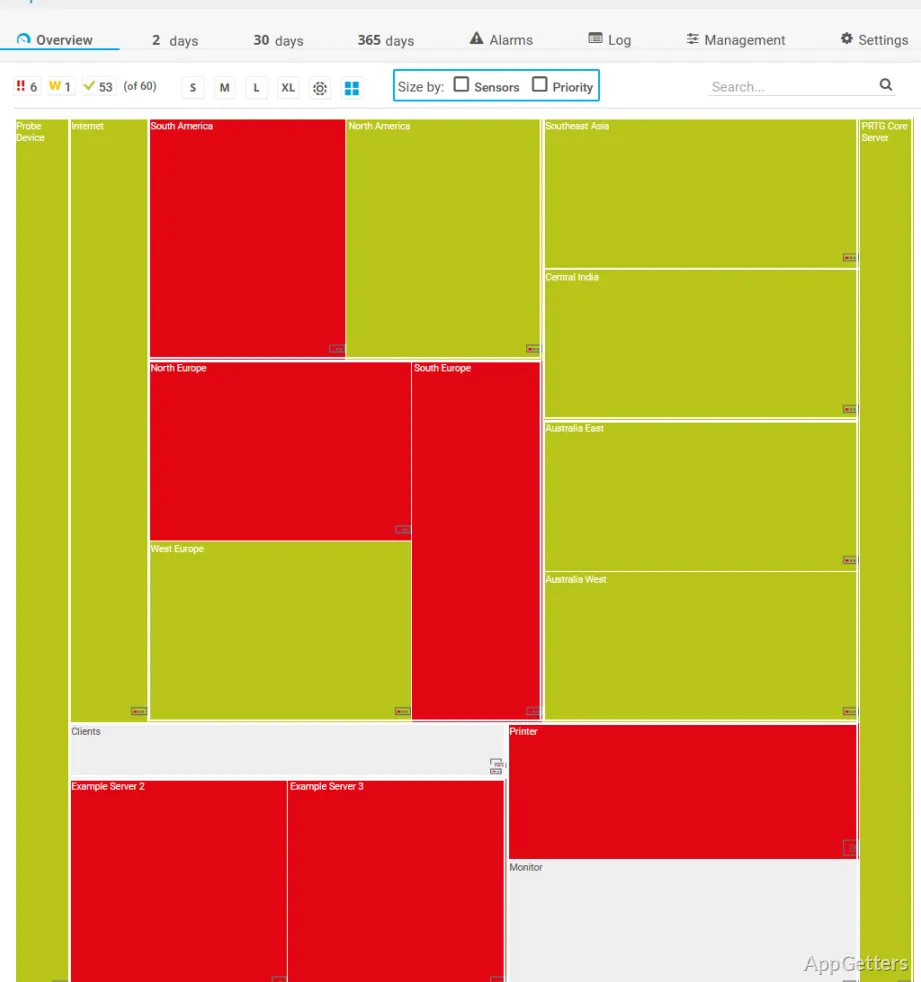
The dashboard organizes sensor status and readings by device, making it easier to locate an alert and inspect the affected metric. Threshold-based notifications can flag conditions such as a service becoming unavailable or traffic crossing a set limit. Historical graphs show how readings changed, which can help distinguish a brief spike from a recurring pattern.
- Use device and sensor views to narrow an alert to the affected check.
- Configure notification rules around the conditions that matter to the network.
Pros
- Separate sensors track specific metrics on each device or service
- Supports SNMP, WMI, NetFlow, sFlow, and packet sniffing
- Auto-discovery can find devices and suggest sensors to monitor
- Alerts can respond to threshold changes and outages
System requirements: Windows 10, Windows 11 · 64-bit only · .NET Framework 4.7.2 or later
What does a PRTG sensor monitor?
A sensor measures one particular value or condition, such as a device's availability, traffic level, or CPU load.
Can PRTG monitor network traffic?
Yes. It can collect flow data through NetFlow, sFlow, or jFlow, and also supports SNMP monitoring and packet sniffing.
How does PRTG find devices to monitor?
Its auto-discovery scans network ranges, identifies devices, and can recommend sensors to assign to them.