For a lot of Windows users, 3D printing might be something they have hardly figured out. The problem is not hardware, but how the computer and the printer communicate. On the one hand, slicer software is used for preparing files for 3D printing. Hands-on control, real-time diagnostics, and manual changes require a completely different tool to be used. So, Pronterface is that lightweight interface. It alone gives you the ability to send commands and watch the prints. With your printer, you can be doing live interaction. Also, this is most valuable at the time of setup or calibration. Without a great and open control layer, you start to do trial and error repeatedly. On the other hand, it is a nicer and smoother learning process.
A Practical Interface for Direct Printer Control
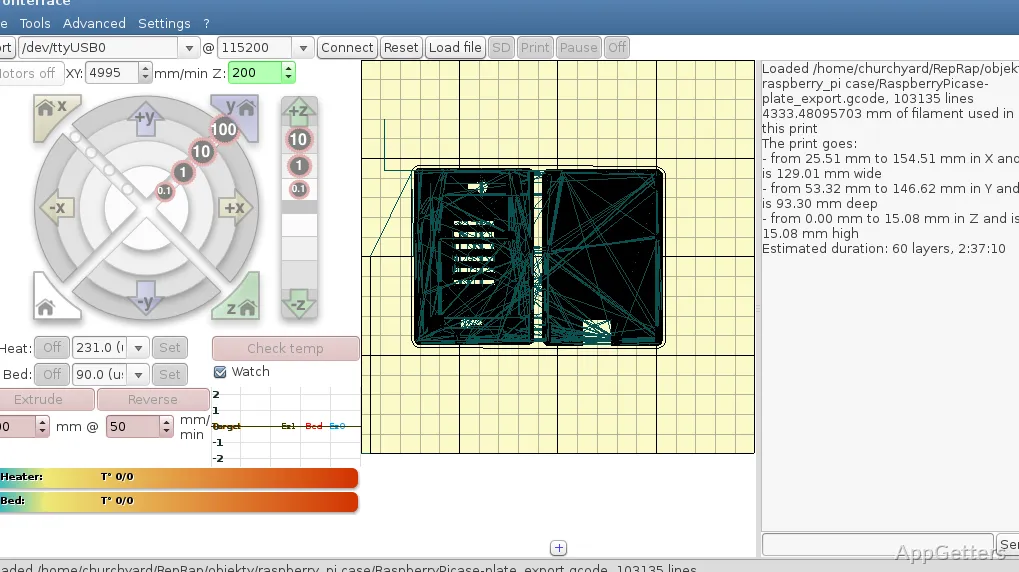
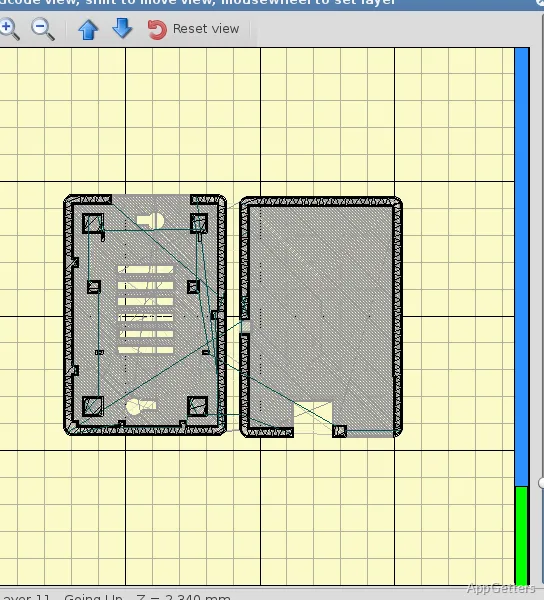
Pronterface offers a simple interface. It highlights how the tool works rather than how it looks. On Windows, it is easy to run, even on old machines lacking significant system resources. These are often turned into dedicated print controllers. Users can easily perform tasks such as connecting via USB, loading G-code files, and starting a print directly. This is done without dealing with complicated systems.
In use, the very feature that should be the last to get noticed, simplicity, turns out to be a virtue to get the job done. Controls for temperature, movement, plus console logs are simultaneously viewable in one window. Even print failure or extrusion inconsistency is aided by this tool. It is like seeing the exact printer response to certain inputs. Therefore, instead of relying on guesswork, users know how the printer behaves with the particular commands. This results in increased confidence levels.
Useful for Calibration and Troubleshooting
Calibration is a very plausible scenario for using Pronterface. In fact, a number of 3D printing problems, such as bed leveling, extrusion tuning, or temperature modifications, require the changes to be tested over and over again.
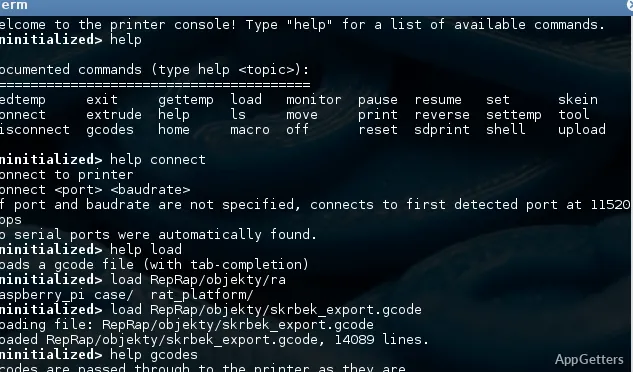
Pronterface also features a console. Besides showing a history of the printer-device exchange, it is also used to communicate in real time. It can be helpful to reveal physically invisible errors to a user. This provides a sort of intuition. On the other side, students or 3D printing hobbyists who are capable of understanding printer behavior through its firmware operation aspect find this kind of disclosure a pleasing gift. It is mostly process understanding that happens through such a matched medium of communication. One usually ignores the convenience factor in automated tools.
Restrictions in Everyday Printing Workflows
Although Pronterface handles printing a whole job, it might not be the easiest-to-use option for performing the task every day. In comparison with modern slicer-integrated interfaces or network-enabled solutions, it lacks automation and refinement.
Furthermore, the interface might seem very outdated, especially to those users who are used to much more visually guided software. Besides remote monitoring or cloud integration, there are other features that are also missing. These are the reasons for the impression that advanced and multi-printer setups are lessened.
When it comes to long prints, most people also find the SD card method or dedicated print servers preferable. These do not require a constant USB connection.
Where Pronterface Fits in a Windows Setup
Pronterface is a great tool to have at your disposal, but it should not be your main printing application. It is perfect for those times when being able to control and see what is going on is more important than convenience.
It is quite beneficial for home users who are experimenting with printer settings. And it is useful for students who are learning firmware behavior or hobbyists who are troubleshooting mechanical issues.
The software is often a supplement in a Windows-based setup rather than a replacement for other software. For instance, users could be preparing the printing files using some other software. They utilize Pronterface for printing tests or superfine tuning. Closed access to the abstract or restrictive nature of other tools lets this software ensure a level of reliability and responsiveness.
Pronterface provides an easy-to-understand, no-fuss means of managing the printing process. It is for those who are ready to work directly with their printer.