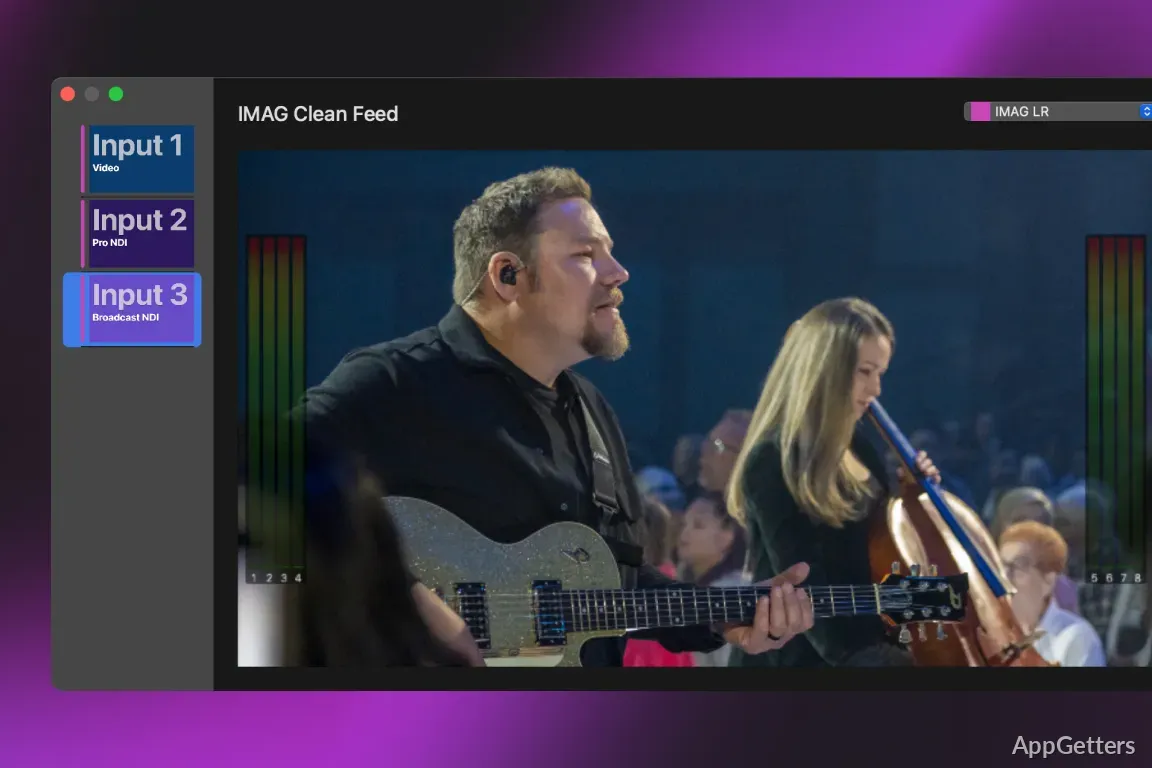
Need lyrics, slides, and video to appear on different screens during a service or event? ProPresenter lets an operator cue and edit presentation content while controlling what audiences and stage personnel see.
Building slides and live edits
ProPresenter combines slide editing with controls for presenting media in real time. Slides can include text, shapes, images, video, and other objects, arranged across layers. Backgrounds and text can use custom fills and effects, and video can fill a shape or appear as a foreground element.
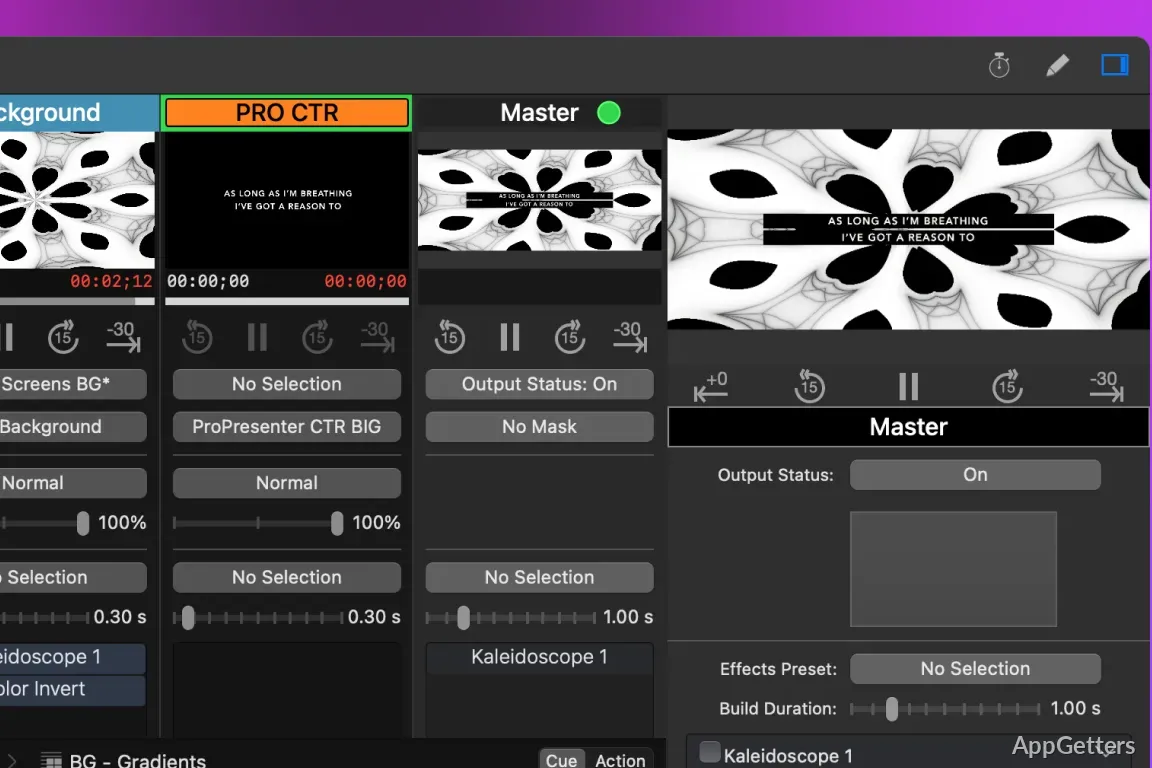
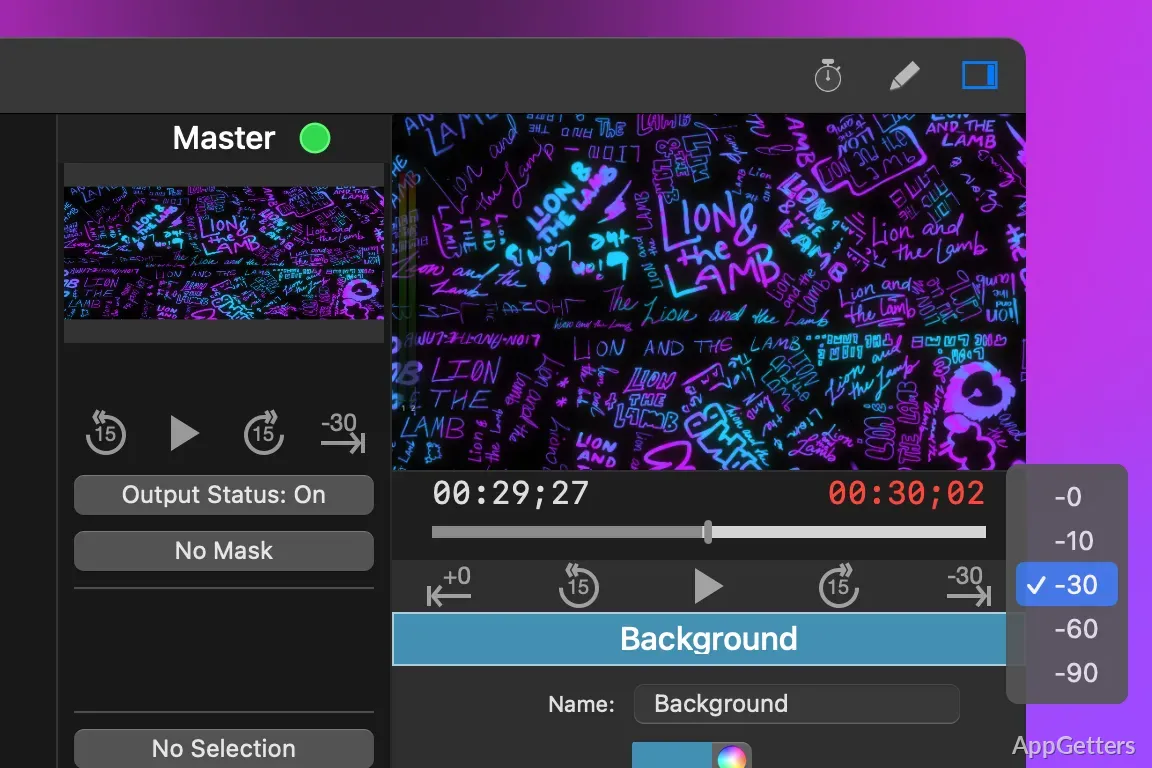
During a presentation, the operator can change slide content or add images, audio, and video without interrupting the output already on screen. That workflow suits services and events where material may need to change as the program unfolds.
What can audiences and stage teams see?
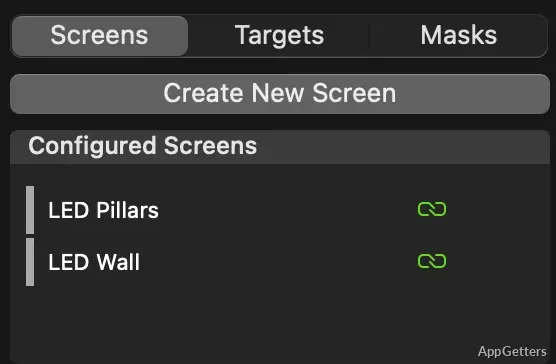
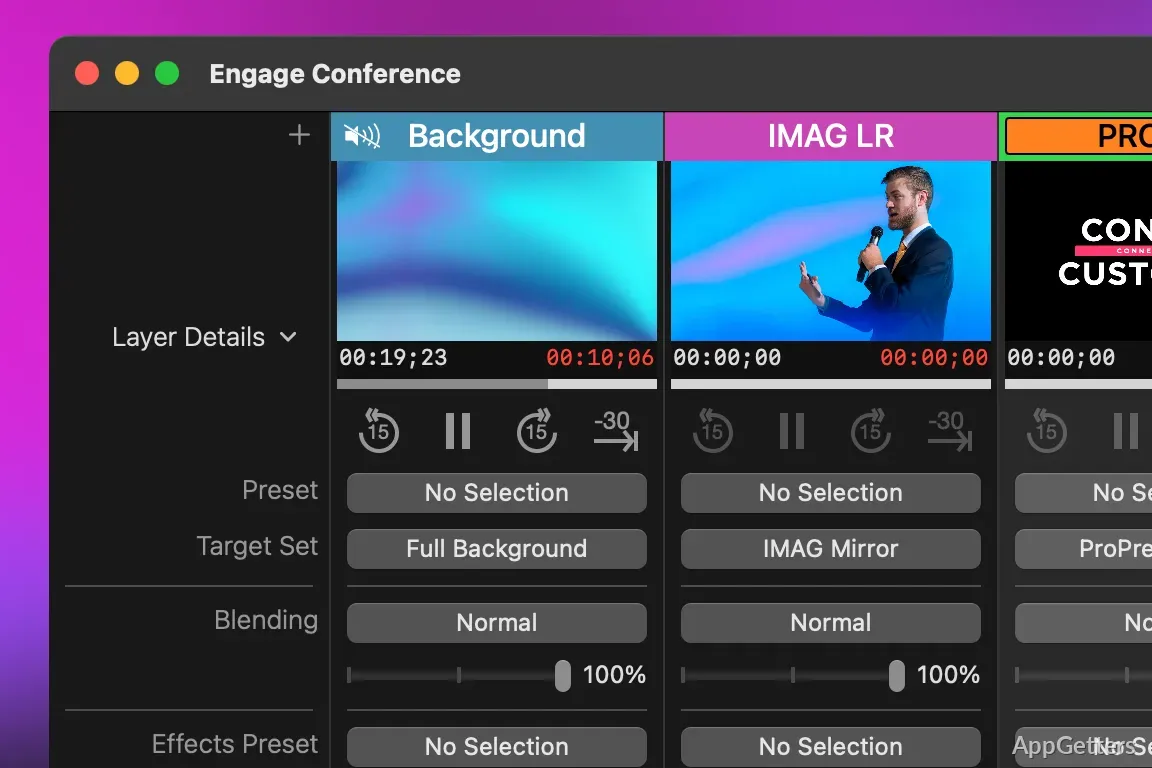
The multi-screen controls can send different layouts to separate displays, such as a main presentation screen and a lobby feed, or mirror the main presentation. Stage Screens provide a separate view for people on stage, with information they need to follow the presentation.
- Use up to eight unique display outputs.
- Send video to connected displays or compatible broadcast hardware.
- Create separate key and fill outputs for broadcast graphics workflows.
Automation and scripture lookup
Macros can trigger multiple actions, while MIDI, DMX, and timecode controls support coordinated show cues. ProPresenter also offers integrations with other tools, including Stream Deck controls for actions such as advancing slides or triggering macros.
For church presentations, dynamic scripture lookup adds passages and references to slides. The software includes access to a range of Bible translations and languages; some translations are sold separately.
How does it fit a live production workflow?
An operator can prepare slides and media, assign content to the required displays, then cue changes as a service or event progresses. Broadcast setups can send output through supported video hardware and formats such as SDI or NDI. ProPresenter also supports live video playback within presentations.
Pros
- Edit slides and add media while live output continues
- Send distinct layouts to multiple displays or mirror the main presentation
- Automate actions with macros, MIDI, DMX, and timecode
- Look up scripture and references from within a presentation
Cons
- Multi-screen management supports up to eight unique outputs
System requirements: Windows 10, Windows 11 · Minimum Windows 10 version 1903 (build 18362); Windows 11 recommended
Can ProPresenter show different content on different screens?
Yes. It can send separate layouts to multiple displays or mirror the main presentation, with up to eight unique outputs.
Can slides be edited while a presentation is live?
Yes. Content can be edited or media added without interrupting the live screen output.
How does scripture lookup work?
Dynamic scripture lookup lets users add Bible passages and references to presentation slides.