Emptied the Recycle Bin or formatted the wrong drive? Panda Data Recovery, from the Panda Office suite of utilities, scans disks, USB sticks and memory cards for deleted or formatted files and shows a preview before you save anything.
Panda Data Recovery scans selected storage locations
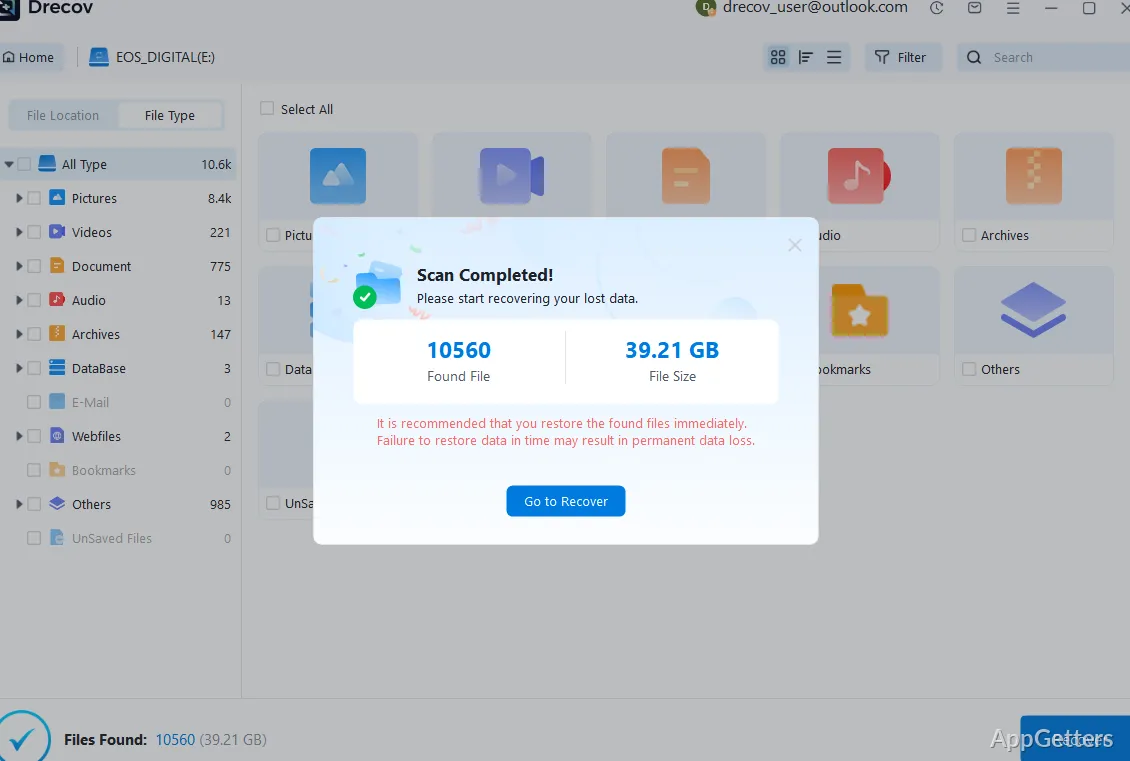
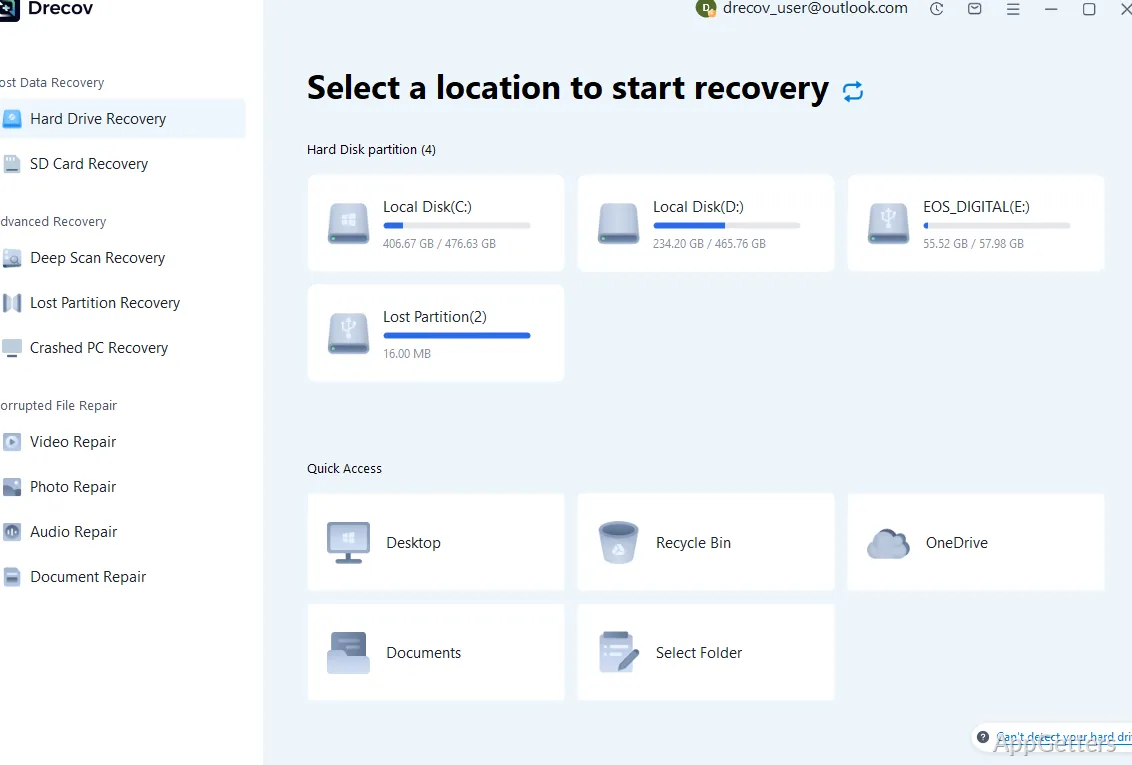
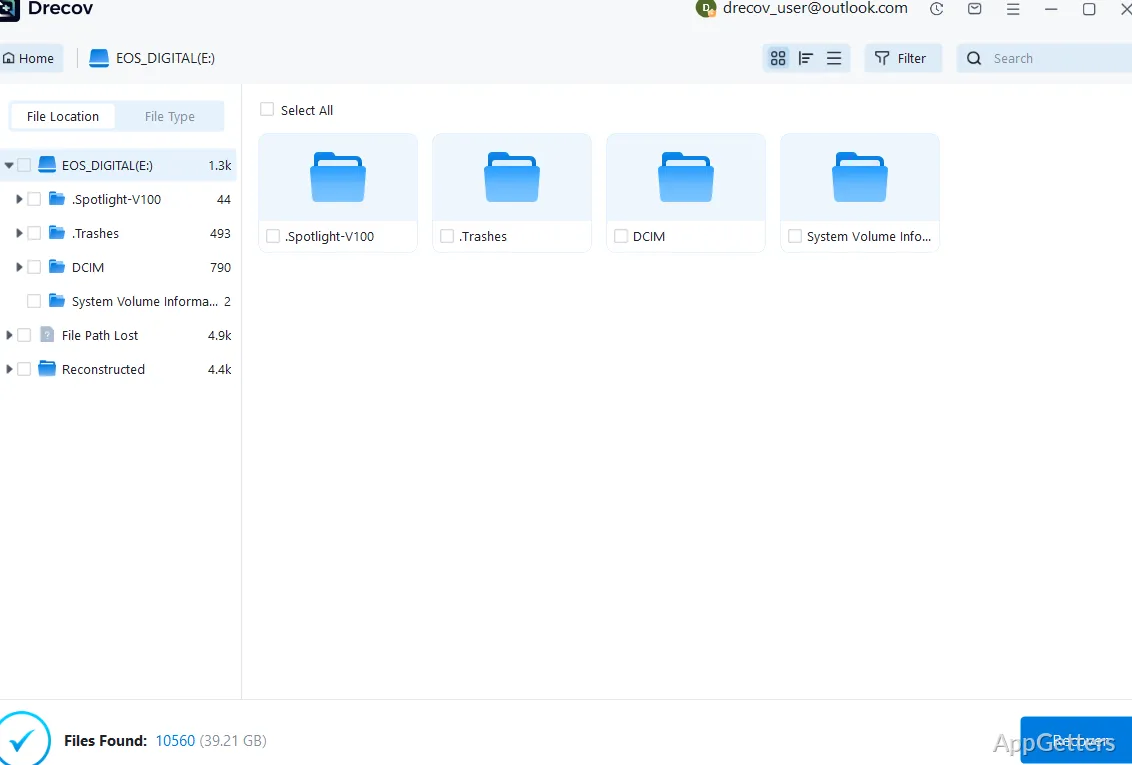
Choose the drive or storage location where files disappeared, then start a scan. The program searches for recoverable data and presents the results for inspection. A quick scan is available for an initial search, with a deeper scan for cases that need a more thorough look.
The scan covers common storage devices
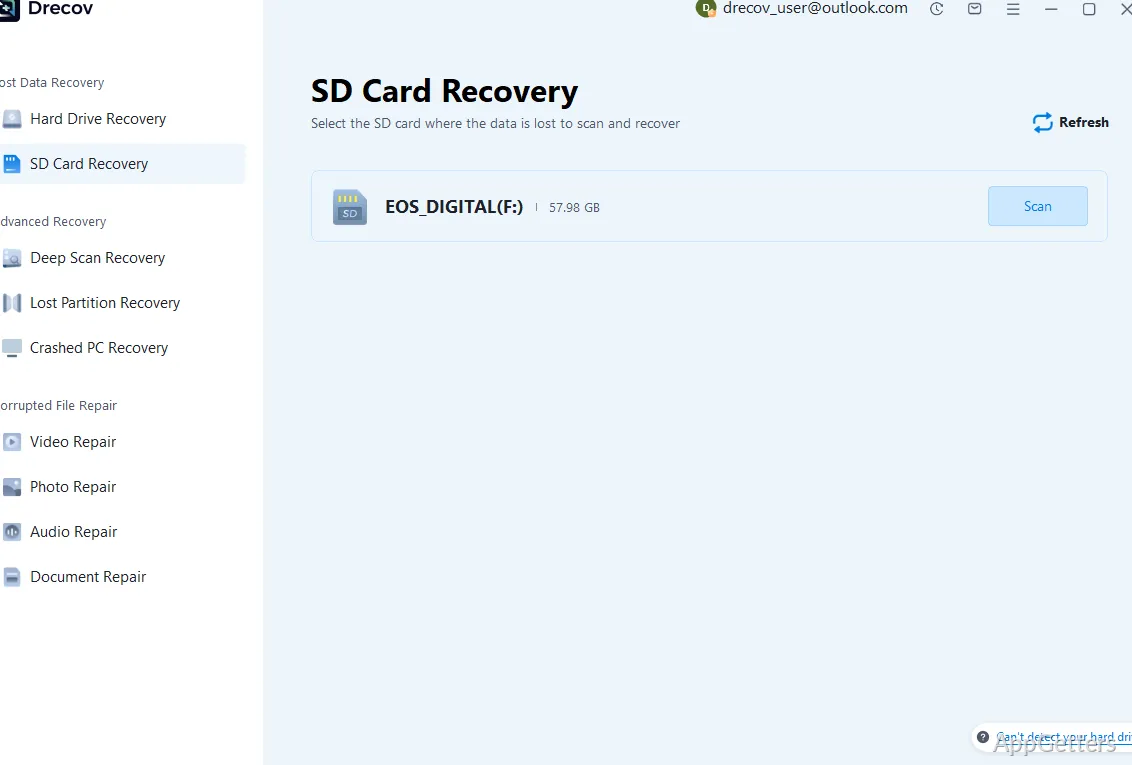
Panda Data Recovery works with internal hard drives, SSDs, USB flash drives, memory cards, and external drives. Dedicated modes cover SD card recovery and specific folders.
- Look for files deleted from a drive or storage card.
- Scan a formatted drive for data that may still be recoverable.
Preview results before saving files
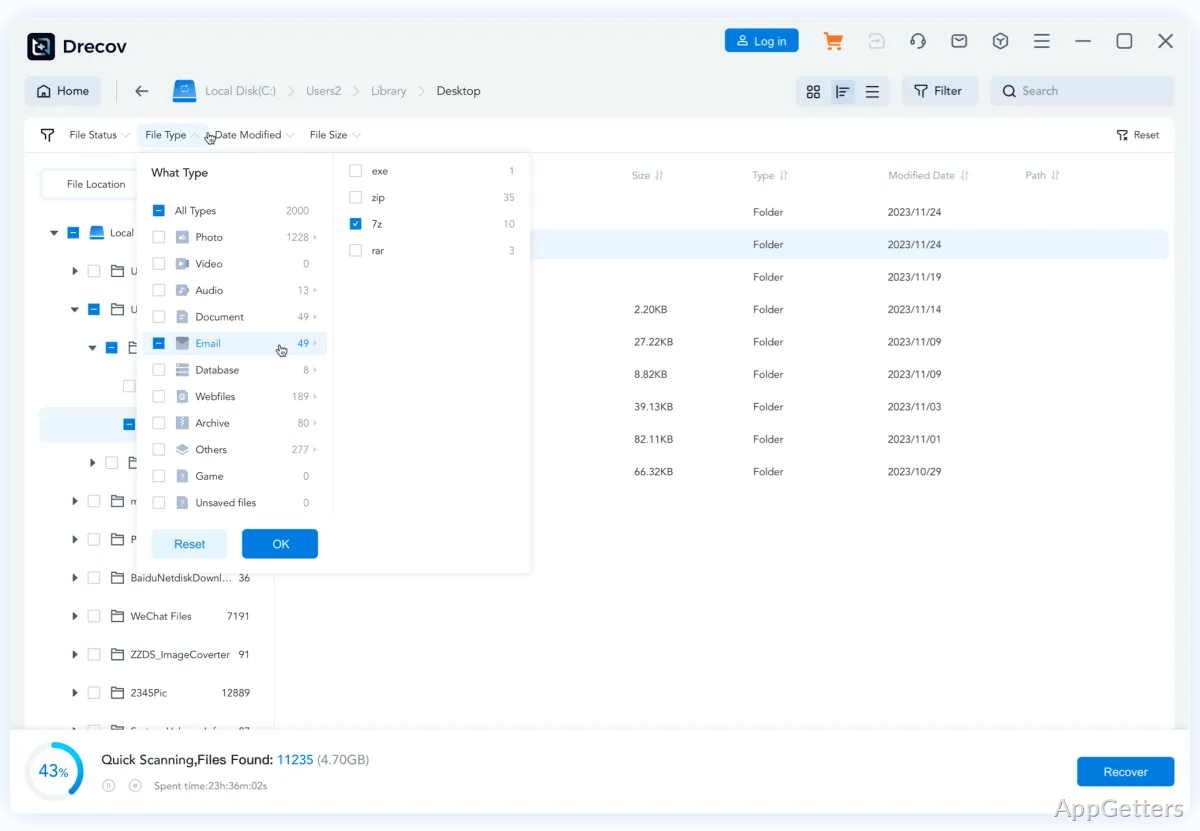
Browse the scan results and preview files before choosing what to recover. Search and file-type filters can narrow a large result list, and selected items can then be saved to a chosen location. Saving recovered files to a different drive avoids writing them back over the storage being scanned.
Recovery depends on the condition of the data
A scan cannot guarantee that every missing file will be restored. Deleted data may become unrecoverable after new files overwrite it, and software recovery does not repair physical damage to a drive.
Pros
- Recovers deleted files and data from formatted drives
- Previews recoverable files before saving
- Supports hard drives, SSDs, USB drives, and memory cards
Cons
- Little recovery chance on TRIM-enabled SSDs
- Deep scans of large drives take a long time
System requirements: Windows 7, Windows 8, Windows 10, Windows 11
Can files be previewed before recovery?
Yes. Results can be previewed and filtered by type before you save them.
Why can't some deleted files on an SSD be found?
SSDs with TRIM enabled erase deleted blocks quickly, so recovery chances there are much lower than on hard drives or memory cards.
Where should recovered files be saved?
On a different drive, so they don't overwrite data still waiting to be recovered.