Just overclocked your CPU, or does your PC crash only during games? OCCT from OCBase is a free stress-testing and monitoring tool that pushes the CPU, graphics card, RAM and power supply hard to expose instability, while it watches temperatures and voltages.
OCCT tests separate hardware components
Choose a test for the part of the system you want to examine. Tests include CPU, Linpack, Memory, VRAM and 3D Adaptive for the graphics card, plus a Power test that loads CPU and GPU together to check the power supply. These tests are intended to reveal errors or instability that may appear when hardware is pushed continuously.
The results can help diagnose a computer that crashes under load or behaves unpredictably after a configuration change. A test reporting an error gives a concrete sign of instability; it does not, on its own, identify every possible cause.
Graphs track activity and hardware readings
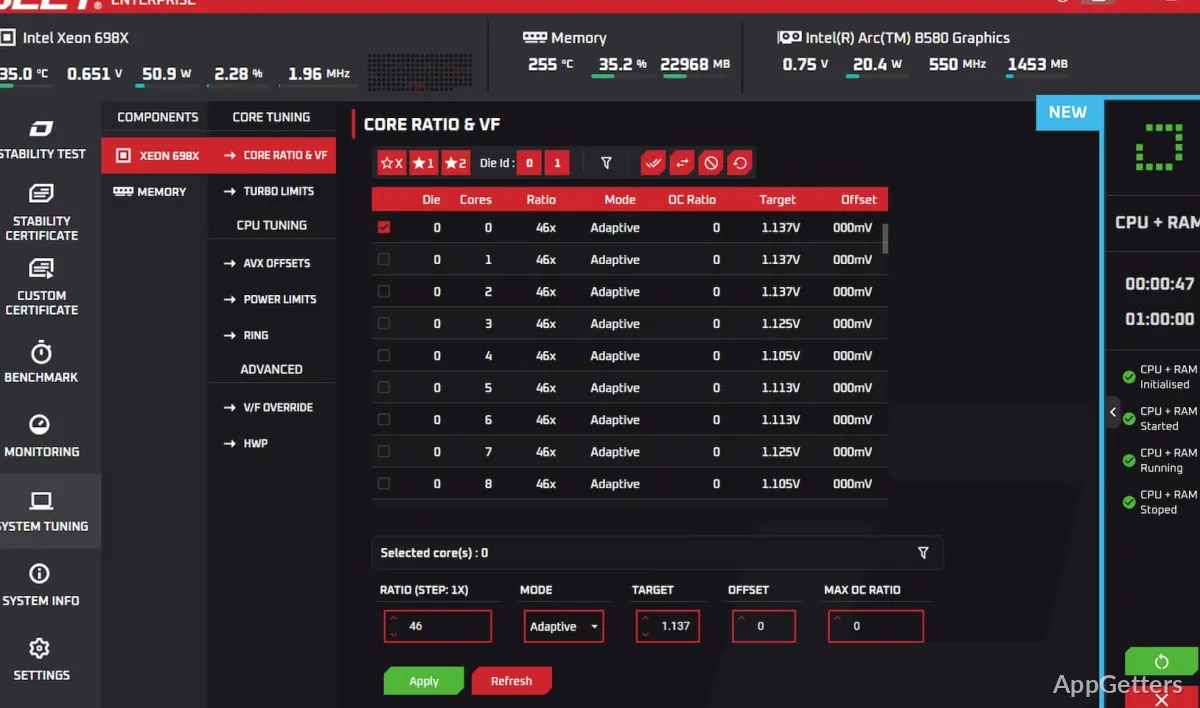
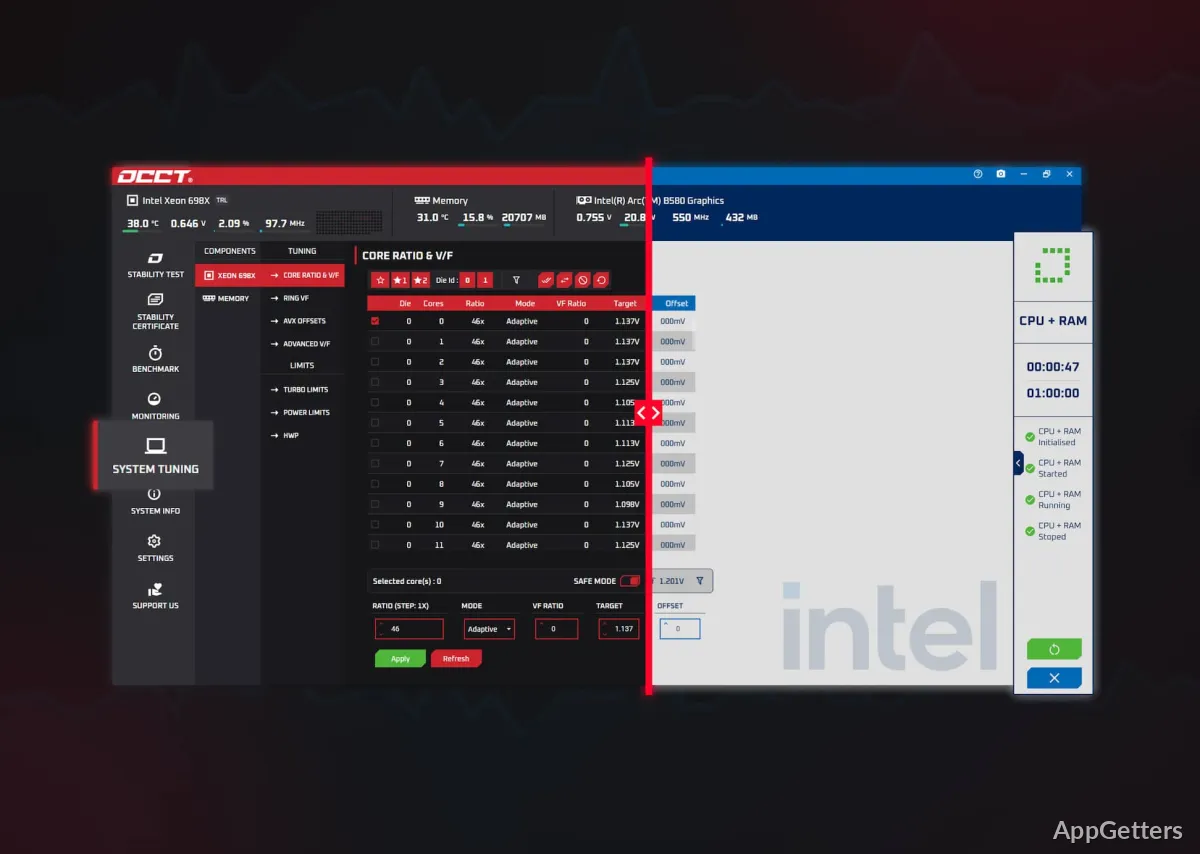
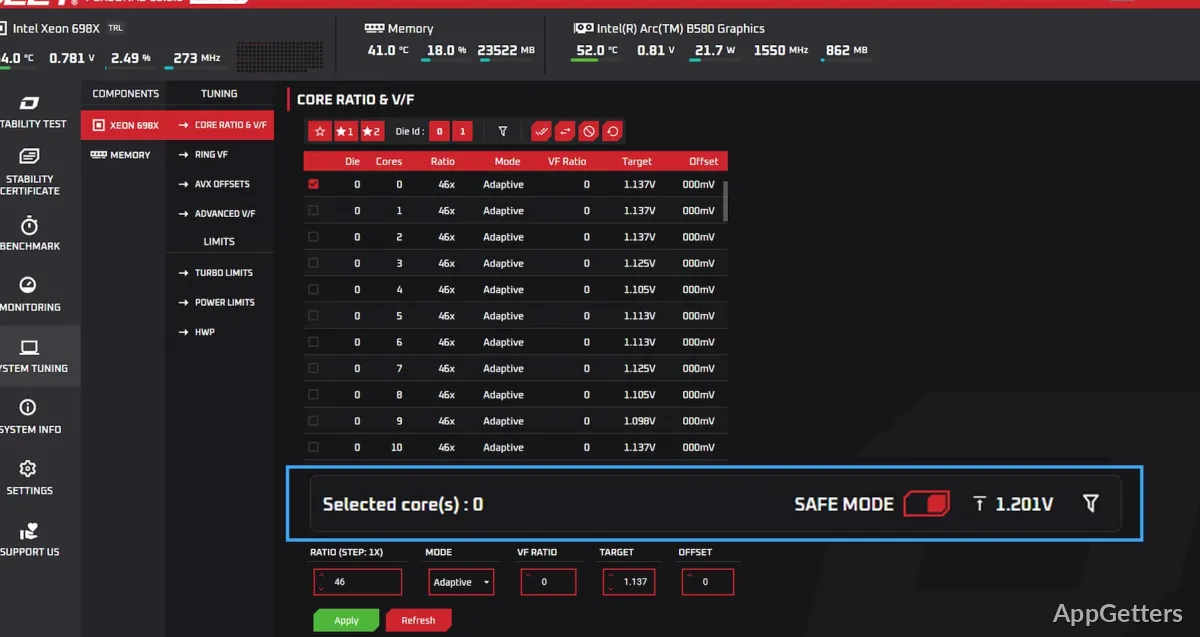
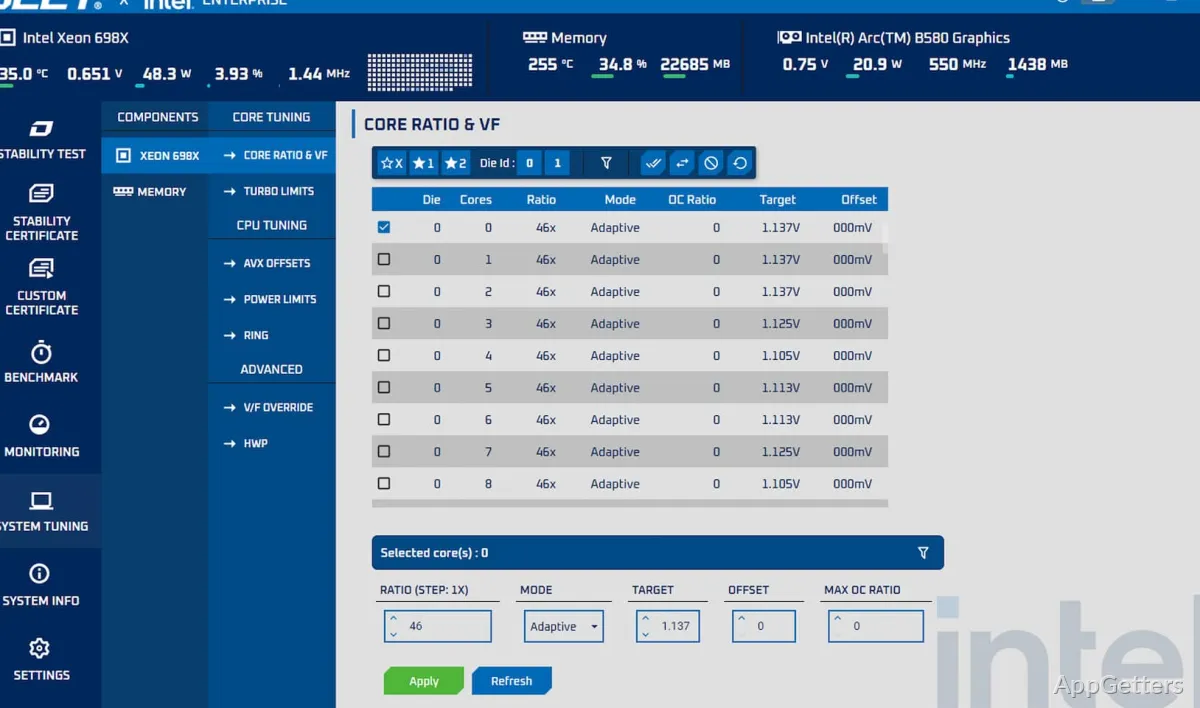
The main view displays CPU, GPU, and RAM activity in graphs. Sensor panels show temperatures, voltages, clock speeds and fan speeds, and a test can stop automatically if a temperature limit is crossed.
- Watch component activity and sensor readings during a stress test.
- Use the measurements to see how the system responds as load continues.
Choose a test to investigate a problem
Start with the component most closely connected to the problem: for example, a CPU test for errors during processor-heavy work or a GPU test for instability under graphics load. Memory testing can target RAM, while the power test stresses the system's power delivery under load.
Built-in benchmarks compare your results with other systems. The free edition is for personal use and caps test length; paid editions remove the limits and add reports for professionals.
Pros
- Separate stress tests target CPU, GPU, memory, and PSU stability
- Live readings include temperature, voltage, frequency, and fan speed
- CPU, GPU, and RAM activity appears in on-screen graphs
Cons
- Stress tests push components to high temperatures
- Free edition limits test length
System requirements: Windows 10, Windows 11
Is OCCT free?
Yes, for personal use, with a limit on how long each test runs. Paid editions remove the limits.
Can OCCT test my power supply?
Yes. The Power test loads the CPU and GPU at the same time to reveal a weak or unstable PSU.
Is stress testing safe?
Generally yes, but it runs components hot. Watch temperatures and set an automatic stop limit.