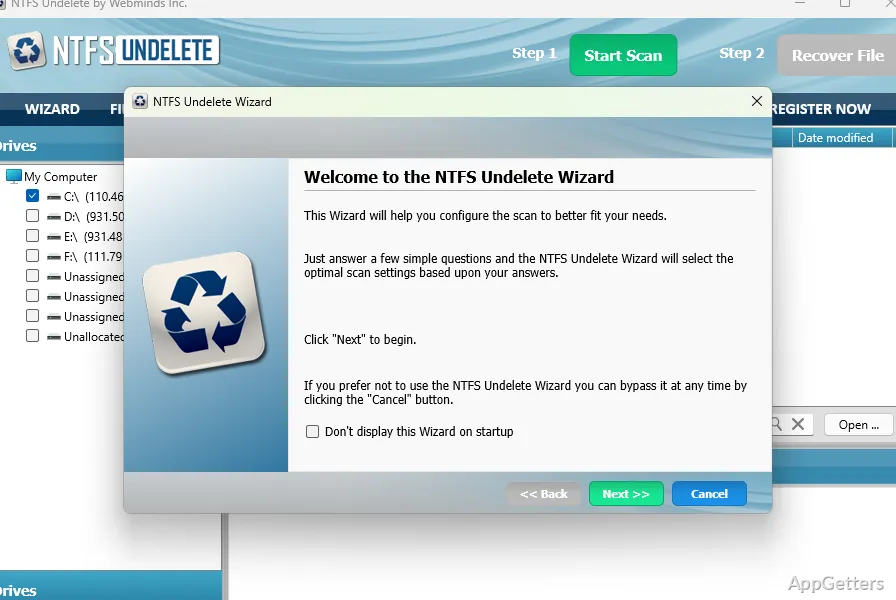
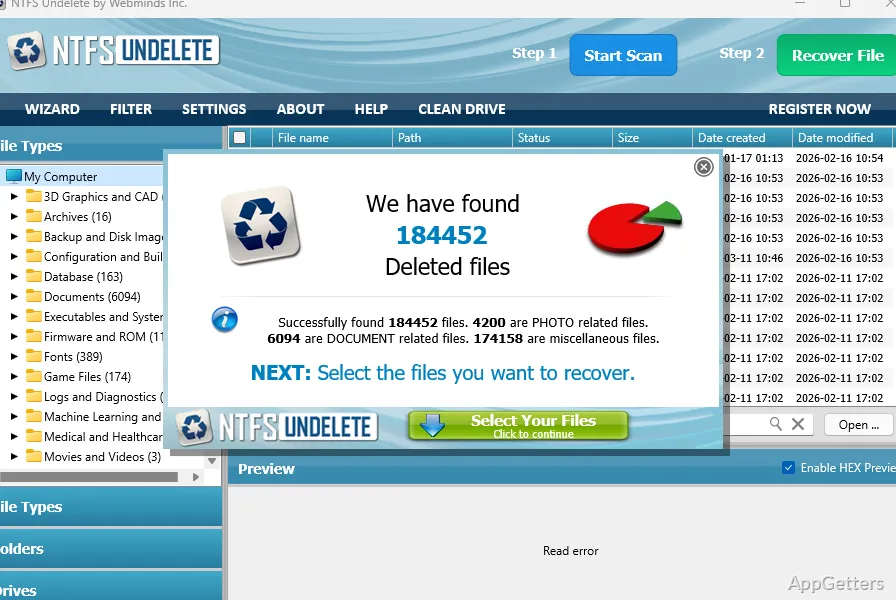
When a file is deleted by mistake or a drive is quick-formatted, NTFS Undelete scans storage for recoverable files. Select a drive, inspect the results, and choose files to restore.
Scan a drive for deleted files
Choose a storage device and start a scan to find deleted entries. NTFS Undelete supports NTFS and FAT-family formats, including FAT12, FAT16, FAT32, NTFS, and NTFS5. It can scan internal and external drives, USB storage, flash drives, and camera or digital-media cards.
The results include files removed with Shift+Delete and files lost after a quick format. Stop using the affected storage as soon as possible: writing new data to it may overwrite the contents needed for recovery.
Sort the scan results
Narrow the file list by name, path, recovery status, size, creation or modification date, extension, and file type. These fields make it easier to locate a particular document or group of photos in a scan.
- Sort images and other files by name, path, status, size, or date.
- Use extension and file type to find a particular kind of file.
Preview and restore selected files
Open previews for deleted images and plain-text documents, then select the entries to recover. The recovery workflow is centered on choosing files from the scan list and using the Recover File command.
SmartScan is an enhanced photo-recovery feature. Recovery results depend on whether the deleted data has been overwritten, so a scan cannot guarantee that every file will be intact.
Pros
- Scans NTFS and FAT-family file systems
- Previews deleted images and plain-text documents
- Sorts results by path, status, size, dates, and file type
- SmartScan provides enhanced photo recovery
System requirements: Windows 7, Windows 8, Windows 10, Windows 11 · 32-bit and 64-bit
Can NTFS Undelete find files removed with Shift+Delete?
Yes. It scans for deleted files, including files removed with Shift+Delete.
Can it recover files after a quick format?
It can scan for files lost after a quick format. Recovery depends on whether their data has been overwritten.
Can it scan USB drives and camera cards?
Yes. It supports USB storage, flash drives, and digital camera or media cards.