EXE
Home » Software » Windows » general » Nexus Dock for Windows
Nexus Dock for Windows

Nexus Dock for Windows

  • By WinStep
  • Free
  • Version: 26.1
  • 39.95 MB
  • Security Report:

Most Windows users have their desktops turning into a messy and inconvenient place. Shortcut icons keep accumulating. The taskbar is getting crowded with pinned apps. Switching among different programs one uses most often begins to take longer than it should. Although Windows has gradually improved its navigation features, it still lacks a genuinely flexible way. It still lacks a genuinely flexible way to quickly get access to apps and files without creating a mess.

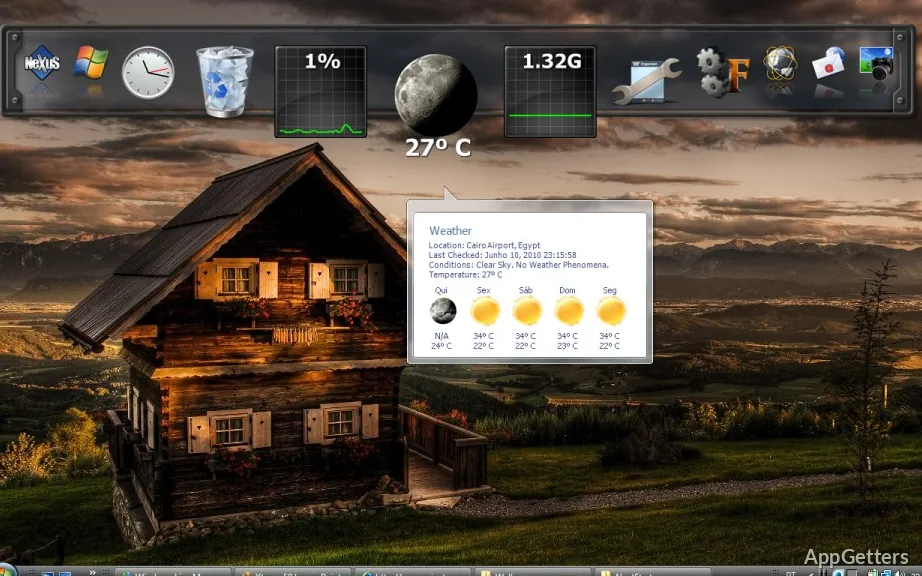
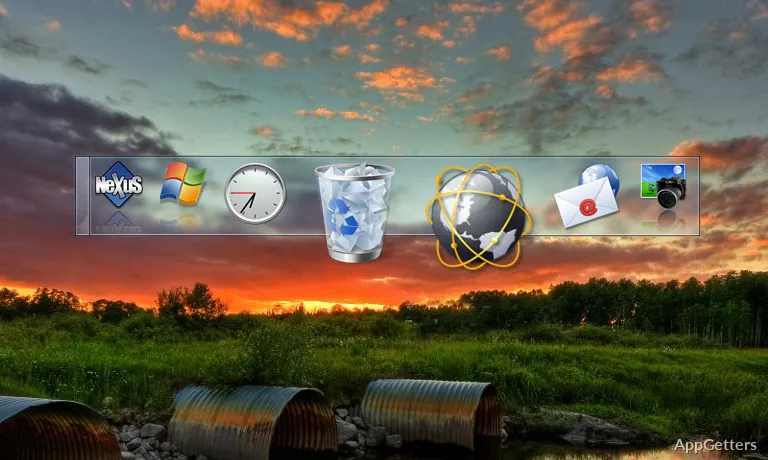
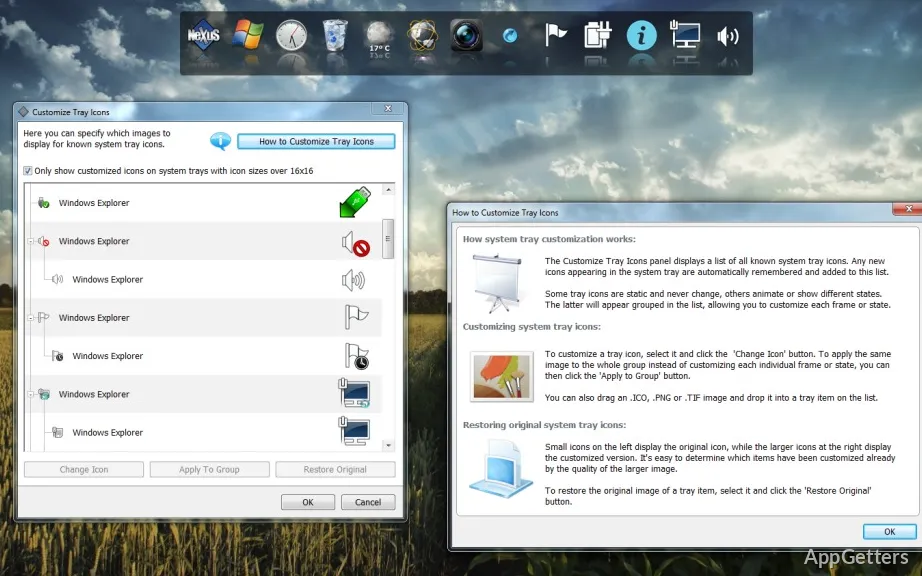
Here is where Nexus Dock enters. It simply adds a macOS-like dock to Windows, aimed at making one’s access faster, yet the desktop cleaner and visually tidier. Actually, Nexus Dock is less about decoration. It is more for lessening the need to break away from the main work to do small things.

Elegant approach to daily shortcuts

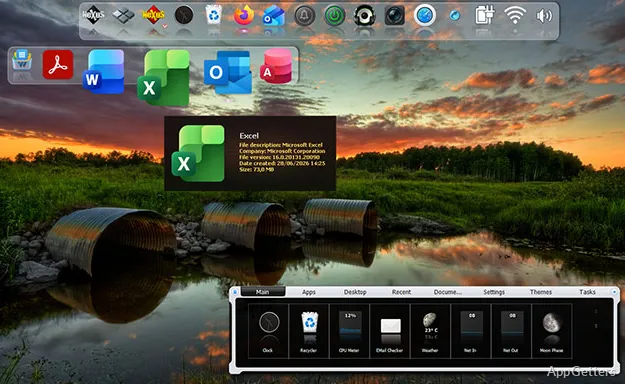
Most of the time, Nexus Dock is used like a source where one can find one’s most frequently used items at a glance. Instead of throwing shortcuts on the desktop or using only the Start menu, people can put together programs, files, and system functions in this single place. It is regularly visible on their screen.

One of the aspects that makes it different is how well it fits into what people do day by day. It does not force change abruptly on them. Setting it up is as easy as dragging and dropping. After that, the dock is a familiar and reliable place on the screen. One always knows the location of his/her stuff. People who regularly use different browsers, file explorer, and various productivity software don’t really need to keep searching for stuff around. They do not need to keep minimizing windows over and over. More and more, after the first few times, this habit leads to not having to wait as long as before. One can carry out one’s regularly recurring tasks proficiently.

Visual elements that improve ease of use

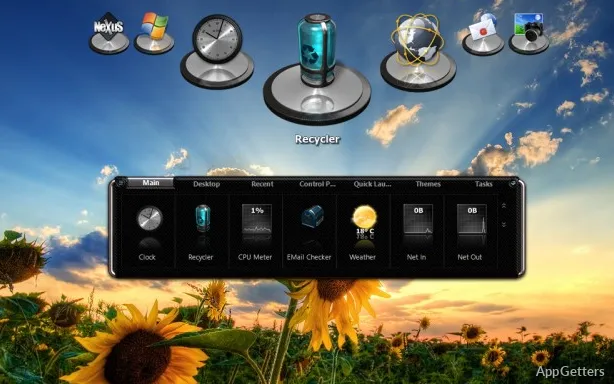
Even though lots of people link Nexus Dock most with visual changes, it’s rather true that the design elements are quite often helpful. It is aside from simply making the software look nicer. So, for example, not only the icon enlarging when the mouse pointer is over it, and the translucency of the dock, but also the softening of transitions are good and functional. They help with fast identification and quick navigation.

On the other hand, the extent of personalization one can achieve here might be hard for beginners to handle at first. This is especially true for adjustments related to changing the theme, behavior, and location of the dock. Down the road, however, if one keeps it as it is after installation, the dock won’t be spatially or visually obtrusive at all. More importantly, in order for it to be helpful, it won’t require a lot of work from one’s side. This makes it a very good companion for a “set it and forget it” user.

Ability to perform and everyday dependability

Nexus Dock, in principle, remains on the edge without causing any kind of noticeable drag on the overall system performance. This applies even during the most lightweight operations of users. The program is intended to be paired with Windows’ startup. One can always expect it to be ready. It works smoothly and without noticeable pause. This happens when one is interacting with it at the level of launching and switching tasks.

Nevertheless, sometimes, depending on the system the software runs on, its modus operandi may also be affected. In the case of machines with lower specs or systems that were heavily modified at some point, minor delays in response or visual issues may surface. This is especially so when one has activated effects most often seen in movies, i.e., 3D. Even though such situations are not the rule, some of the issues reported by users have been directly linked to the fact that the operating system is Windows. The software, in fact, is only a layer on top of it. It is not a native piece of it.

Still, for the vast majority of typical home and student scenarios, it continues to be sufficiently reliable to be included as a normal part of the day-to-day.

How it complements a usual Windows environment

Usually, Nexus Dock is the easiest way of accessing the programs and files one most often uses. This is for those who do not want to completely change the way their desktops look. Students who use a number of different software programs, home users who want to have their media and utility files organized, and even office workers whose work involves only a few different programs and tools can all gain from this simplified access model.

If one is very adept at using the keyboard, has only a few icons on the desktop, or likes to keep the desktop very clean and neat, Nexus Dock may not be something one really needs. However, for those who like to use the visual interface for navigation, as well as have the same place from which to launch their favorite programs all the time, this tool is certainly one way of having a middle ground. It sits within the tension between clutter and control.

One convenient layer for everyday navigating

Instead of substituting Windows navigation, Nexus Dock is best utilized as an additional layer, an auxiliary one. Nexus Dock is not the one that can change the rules on how the system works. It can make the small inefficiencies we often overlook. It can make the inefficiencies that accumulate over time quite few and far between.

If one is ready to invest a little time into configuring things and making it suit one’s individual needs, Nexus Dock can actually become one’s most reliable helper. While it is not something one can do without, it is something that can do a lot. It does this just by quietly and efficiently making one’s daily dealings with Windows a bit more ordered and responsive.

Software Details of Nexus Dock 26.1

License
Free
Version
26.1
File Size
39.95 MB
Downloads
0
Language
English
Category
Op. System
Windows
Developer
Last Updated
March 11, 2026

Version History

6 versions
26.1
Latest
39.95 MB
March 11, 2026
25.9
39.55 MB
September 30, 2025
25.7
39.19 MB
July 30, 2025
25.2
37.92 MB
February 19, 2025
24.4
37.92 MB
May 22, 2024
22.7
37.75 MB
August 19, 2023

Leave a Comment

Your email address will not be published. Required fields are marked *

Software Icon
Security Report

Loading scan data...

Scroll to Top