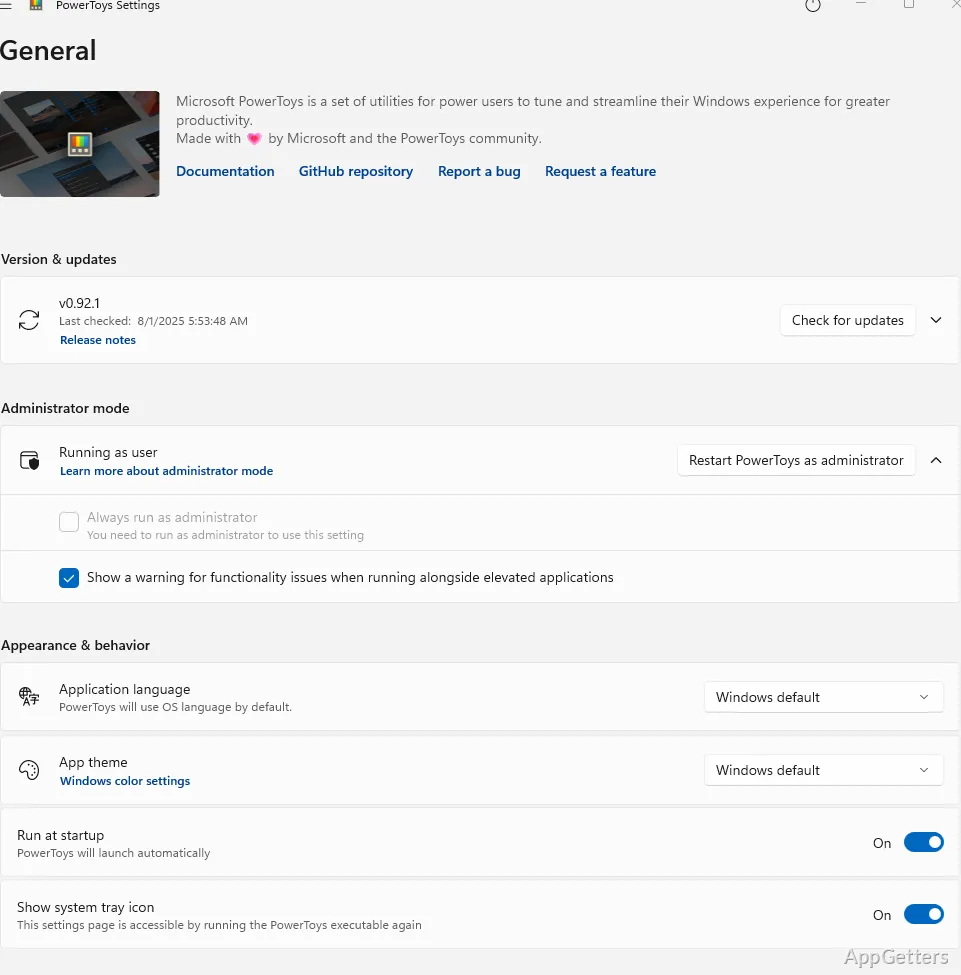
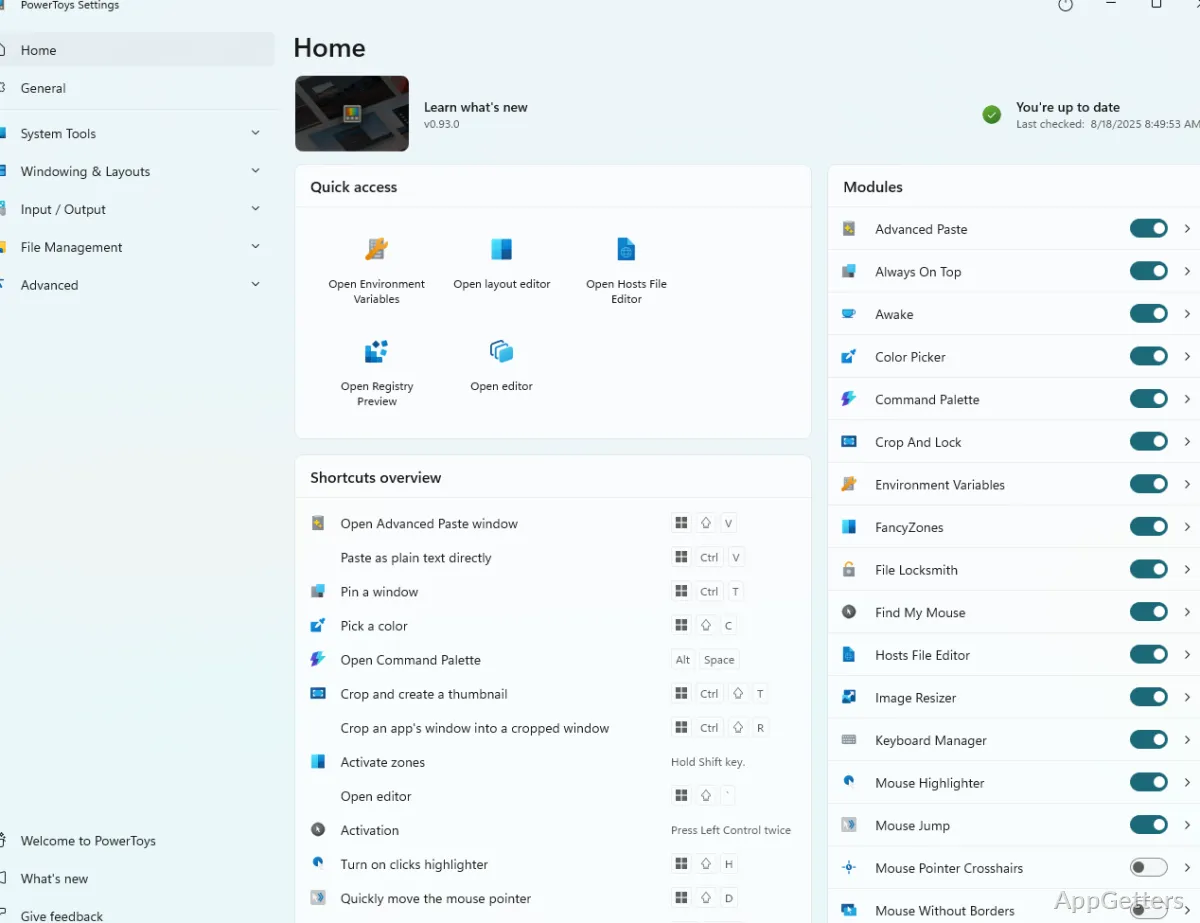
Windows can be arranged into repeatable screen layouts, and batches of filenames can be changed from File Explorer. Microsoft PowerToys brings these and other focused utilities together, with settings to enable and configure the tools you want to use.
FancyZones places windows in custom layouts
FancyZones lets you define zones on the desktop and position app windows within them. Choose a preset arrangement or create a layout to suit your screen, then move windows into its zones as you work. Layouts are handy for keeping a browser, documents, and communication apps in consistent positions.
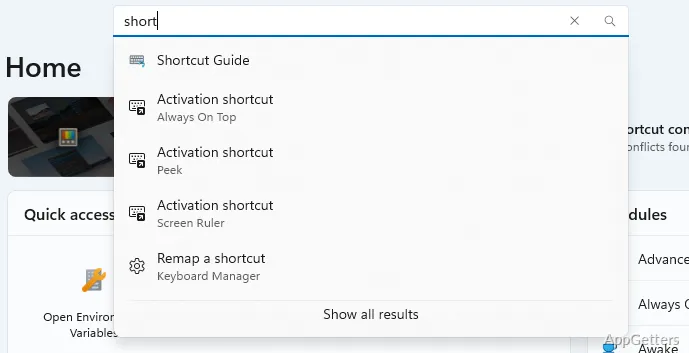
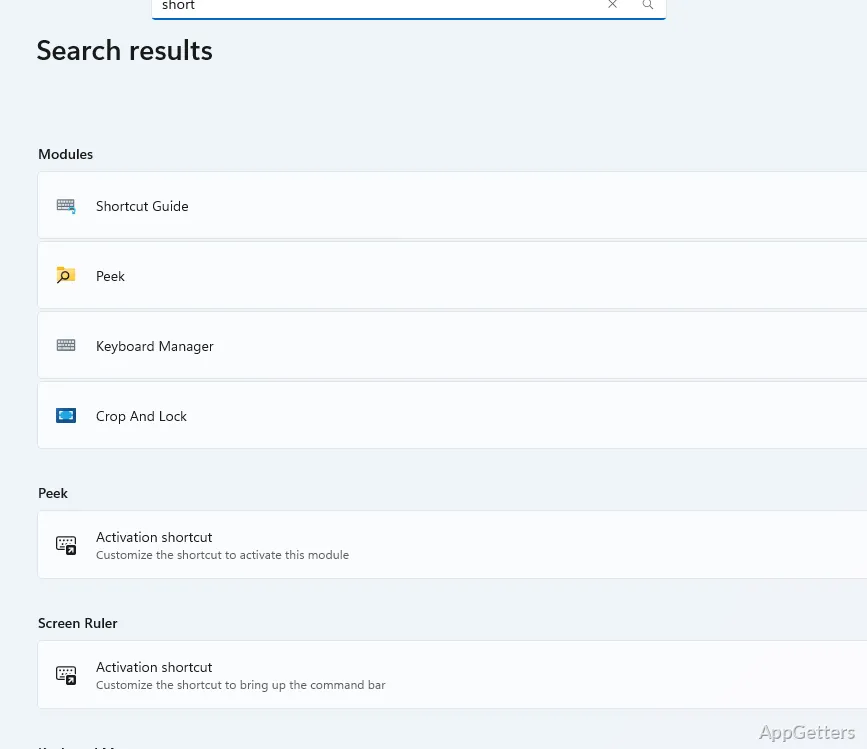
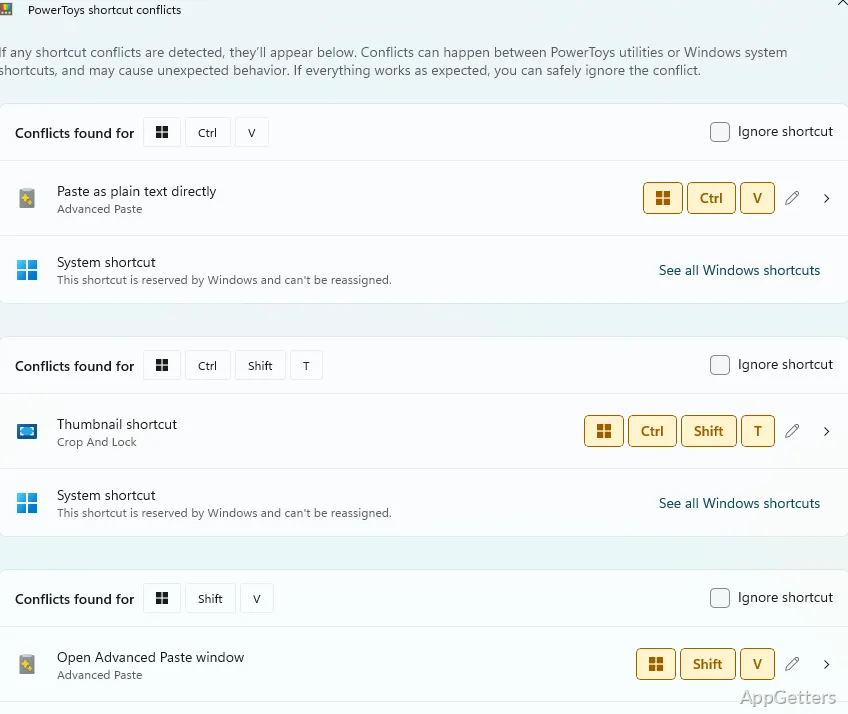
- PowerToys Settings is where you enable FancyZones and adjust its behavior.
- PowerRename adds bulk renaming to File Explorer’s right-click menu.
PowerRename previews batch filename edits
Select a group of files in File Explorer and open PowerRename from the context menu. Enter text to find and replace, then inspect the proposed names before applying the change. The preview is particularly helpful when the same edit affects many filenames. PowerRename also supports regular expressions for more targeted matching and replacement.
PowerToys Run and other utilities speed up common actions
PowerToys Run opens from a keyboard shortcut and provides a searchable way to launch applications and find items. Keyboard Manager can remap keys or shortcuts, while Image Resizer adds resizing options to the File Explorer context menu for selected pictures. These utilities have their own settings, so you can turn on the ones that match your workflow.
Other tools cover smaller desktop tasks: Color Picker captures a color value from the screen, Always on Top keeps a chosen window above others, and Awake prevents the PC from sleeping while a task is running. Each utility handles a distinct action instead of adding one large workspace interface.
Pros
- FancyZones saves custom window layouts
- PowerRename previews bulk filename edits
- PowerToys Run launches apps and searches from the keyboard
- Image Resizer works from File Explorer’s context menu
Cons
- Requires Windows 10 version 2004 or newer (or Windows 11) and a 64-bit processor
- Logs basic diagnostic data (telemetry)
System requirements: Windows 10, Windows 11 · ARM64 and x64 · Windows 10 version 2004 (20H1 / build 19041) or newer · Latest stable Microsoft Edge WebView2 Runtime
How do I arrange windows with FancyZones?
Enable FancyZones in PowerToys Settings, choose or create a layout, then place app windows into its zones.
Can PowerRename change many filenames at once?
Yes. Select multiple files in File Explorer, open PowerRename from the context menu, and preview the proposed names before applying the changes.
What does PowerToys Run do?
It opens from a keyboard shortcut and lets you search for and launch applications and other items.