What is KeepMusic? It is a paid Windows and Mac program that saves songs, albums and playlists from streaming services as ordinary audio files. That breaks the services' terms of service and, where copy protection is removed, is illegal in many countries.
From streaming catalog to local files
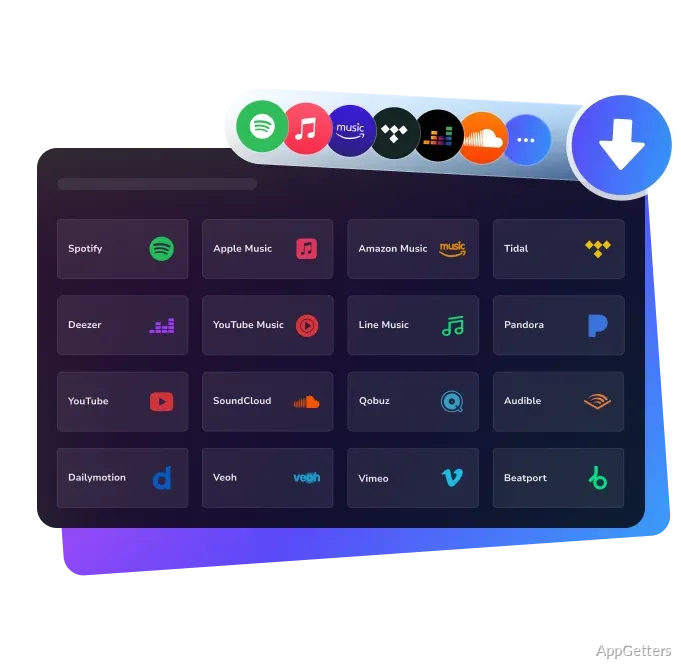
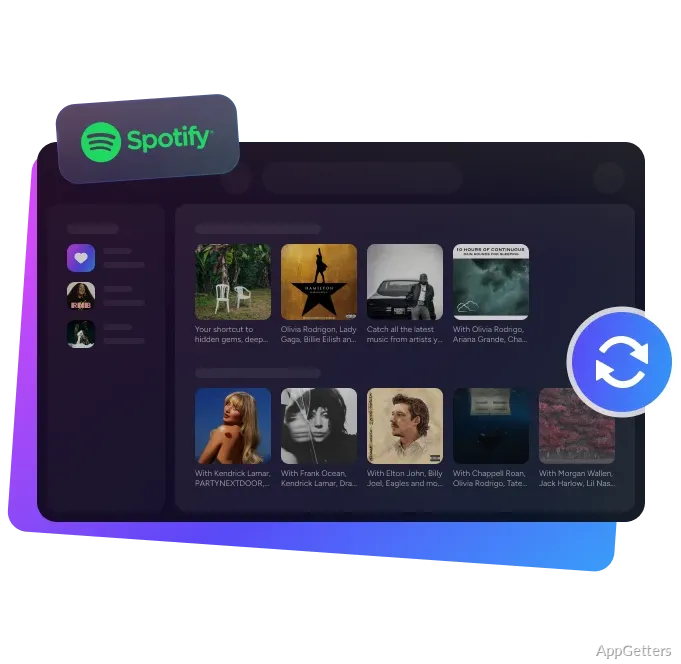
Supported sources include the major streaming services, from Spotify and Apple Music to Deezer and Tidal. Select individual tracks, full albums, or playlists from a supported source and save them in formats including MP3, AAC, WAV, FLAC, AIFF, and ALAC. The app also handles podcasts; its all-in-one offering covers audiobooks and radio from Spotify.
The format choice lets you prepare files for different playback setups. MP3 and AAC are widely supported, while FLAC, WAV, AIFF, and ALAC are available for users who want those file types in their collection.
How does playlist conversion work?
It works through the services' own catalogs inside the program. Playlist and album selection supports a batch workflow, so a collection can be handled together instead of choosing each song separately.
- Playlists and albums can be processed in batches.
- Output formats include MP3, FLAC and ALAC.
- KeepMusic can retain ID3 metadata, including artist and album details, for easier sorting in a local library.
Organizing an offline collection
Song details travel with the files, so music players can sort them. KeepMusic’s stated metadata support includes artist, album, and cover art; YouTube Music conversion also lists lyrics among its retained information.
The result is a set of local audio files for personal library use and offline listening. Access to the selected streaming catalog is part of the workflow, because KeepMusic retrieves the items from those services before saving them.
Pros
- Converts playlists and albums in batches
- Supports MP3, AAC, WAV, FLAC, AIFF, and ALAC
- Preserves ID3 details such as artist and album information
- Works with services including Spotify, Apple Music, and YouTube Music
Cons
- Breaks streaming terms; removing DRM is illegal in many countries
- Accounts used with it risk suspension
System requirements: Windows 7, Windows 8, Windows 10, Windows 11
What can KeepMusic convert?
It converts tracks, albums, and playlists from supported streaming services, and also handles podcasts. The Spotify converter includes audiobooks and radio.
Which audio formats can it save?
Supported formats include MP3, AAC, WAV, FLAC, AIFF, and ALAC.
Does KeepMusic retain music information in saved files?
It can preserve ID3 metadata such as artist, album, and cover art. YouTube Music conversion also lists lyrics support.