EXE
Home » Software » Windows » general » iGPSGo for Windows
iGPSGo for Windows

iGPSGo for Windows

  • By iToolPaw
  • Free
  • Version: 1.4.1
  • 177.58 MB
  • Security Report:

It’s a pretty unique requirement to be able to use location-based apps without actually moving, but for some users, this necessity grows very quickly. Changing GPS coordinates on a cell phone is a pretty complicated thing, whether you are testing a location-dependent app, unlocking region-restricted features, or just checking how the services work in different locations. Most of the tools that are available are either excessively technical or not so trustworthy. iGPSGo is a Windows solution that aims to make GPS simulation very easy for users. So that they can control their device location with hardly any inconvenience.

A Simple Idea for Emulating Locations

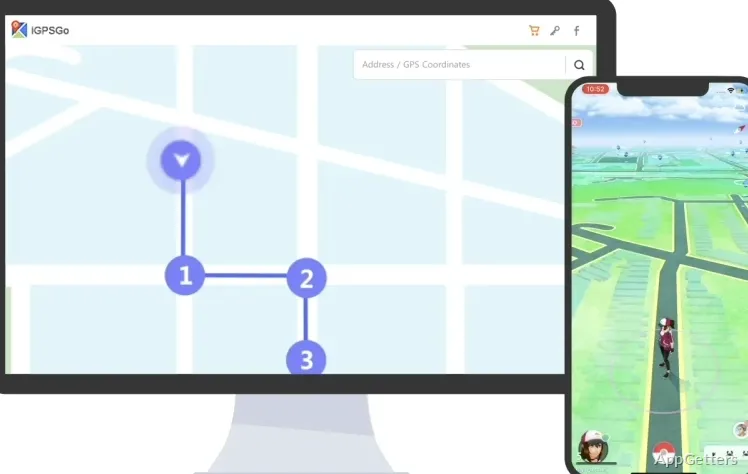
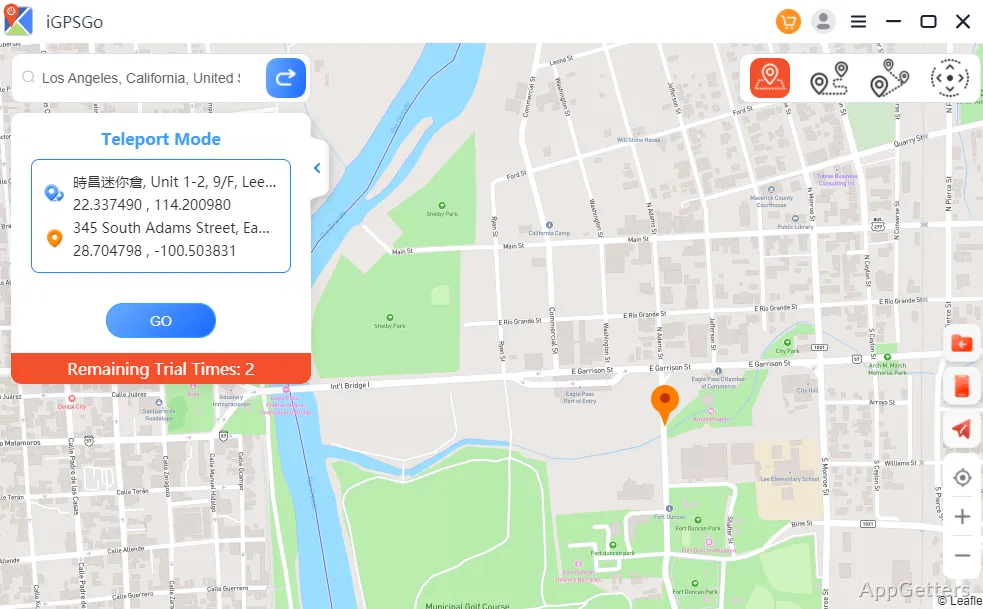
Ordinary users seem to be the target audience for iGPSGo. The app’s simple interface is very easy to understand. It is based on a map, where selecting a virtual location is really comfortable. After the device is connected, changing the coordinates is just a matter of clicking the point. Or you can simply type the address to get the same result. This comes in very handy when testing apps or services, as there is no need for complicated specifications or command-line tools anymore.

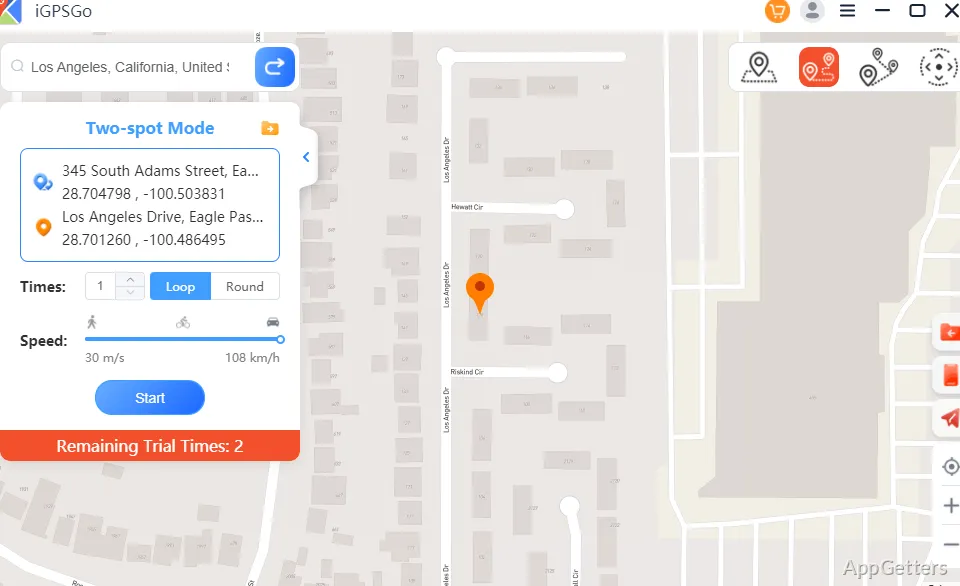
Plus, it also enables the simulation of movement. This is great for testing scenarios, including travel or distance tracking. And it does the job quite well. Though there might be some delays now and then when the location changes are being synced, especially if the device connection is not very good.

Performance and Everyday Use Reliability

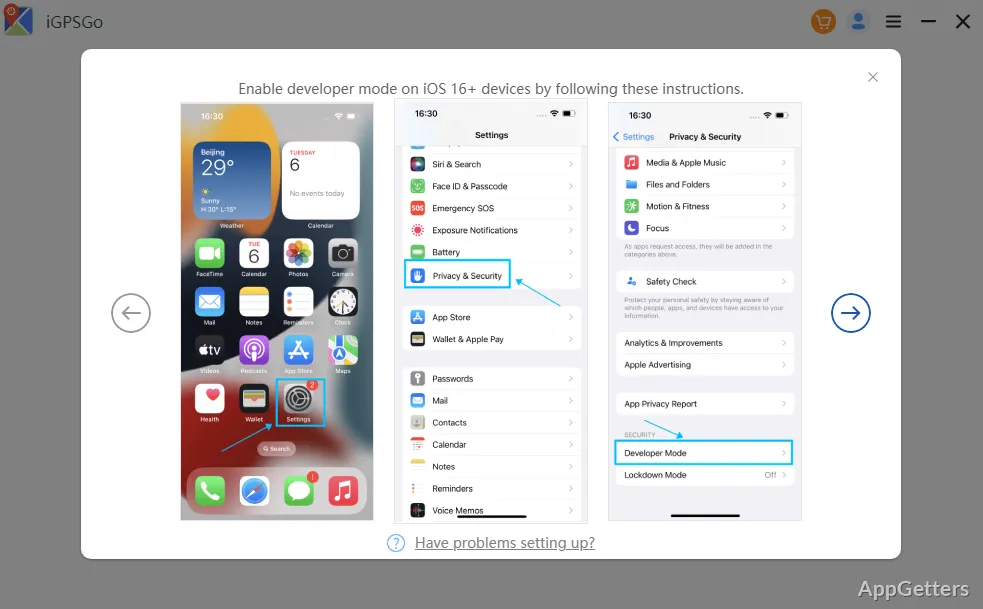
Consistency is one of the most crucial features of a GPS simulation tool. iGPSGo is capable of stable communication with devices in most cases if the drivers and permissions are set up correctly. Also, once it is configured, re-use will not require any changes. This makes it very convenient for users who depend on it regularly.

On the other hand, trustworthiness can be a little bit different among different device models and OS versions. Some of you might experience a short loss of connection or have to reconnect after a very long time of work. Such issues are not always the case, but they point out that the tool greatly depends on external conditions such as USB stability and system permissions.

Its Role in the Work Process

Generally, you won’t see iGPSGo being used by general users, as it is highly targeted at specific customers. It is primarily app developers and testers who would get a lot of utility from it. They conduct different tests in various geographic locations without even stepping out. Likewise, someone who enjoys trying out different location-based features of the apps could also take advantage of it. To access features that are tied to other regions.

The biggest lure for a student or an average user will be the frequency of the location simulation needs. You won’t be using it while doing other stuff on your computer. Rather, this is a type of tool that you whip out when you have a specific task at hand. However, the process of opening the program, selecting a location, and then implementing the changes is simple enough. It can be used with great profit.

Is It Good for Both Expert and Recreational GPS Use?

iGPSGo undoubtedly serves its functionality as a compact utility more than as a full-featured application. Its greatest assets include the user-friendliness of the GPS simulation feature. That does not require the users to be good at technology, hence it is a big advantage. It also gives those hobbyists who perform tests on locations the possibility to have more control over the situation.

What is more, small issues are still present at the boundaries, especially when it concerns reconnection in extended operations. However, that does not interfere with the overall usability of the application. Users who are looking for a reliable yet uncomplicated means of changing locations for the devices connected to Windows would probably consider iGPSGo a good match. It features a nice combo of ease and usability.

Software Details of iGPSGo 1.4.1

License
Free
Version
1.4.1
File Size
177.58 MB
Downloads
0
Language
English
Category
Op. System
Windows
Developer
Last Updated
May 21, 2024

Version History

2 versions
1.4.1
Latest
177.58 MB
May 21, 2024
1.1.3.0
144.35 MB
September 19, 2023

Leave a Comment

Your email address will not be published. Required fields are marked *

Software Icon
Security Report

Loading scan data...

Scroll to Top