GnuCash Portable tracks household or business finances with double-entry accounts, budgets, and expense records. Its portable packaging lets you keep the application on a removable drive and work with it on different computers.
Double-entry accounts and budgets
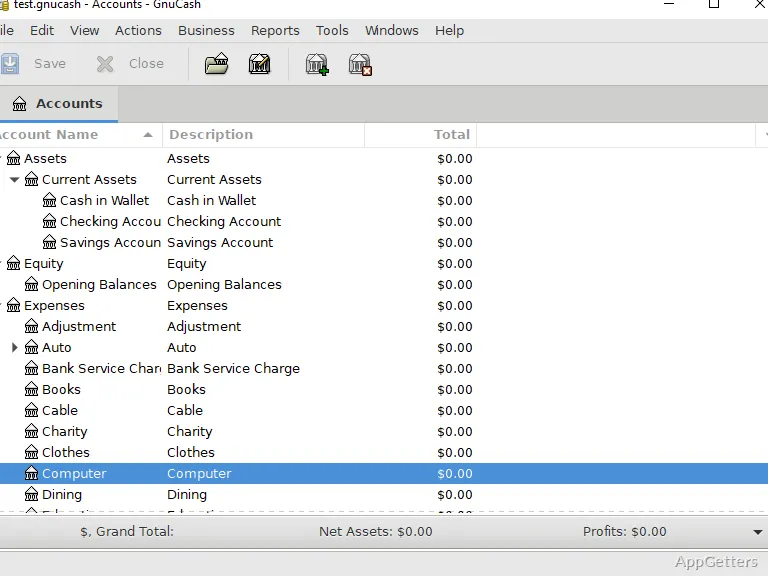
GnuCash records transactions through linked accounts using double-entry bookkeeping. Set up accounts for bank balances, debts, expenses, and investments such as stocks, bonds, or mutual funds, then enter transactions against the relevant accounts. The double-entry structure keeps each transaction balanced across its entries.
Budgets and expense tracking provide a way to plan spending and compare it with recorded activity. Scheduled transactions handle recurring entries, while reports and graphs present account activity in different views.
Imports and transaction matching
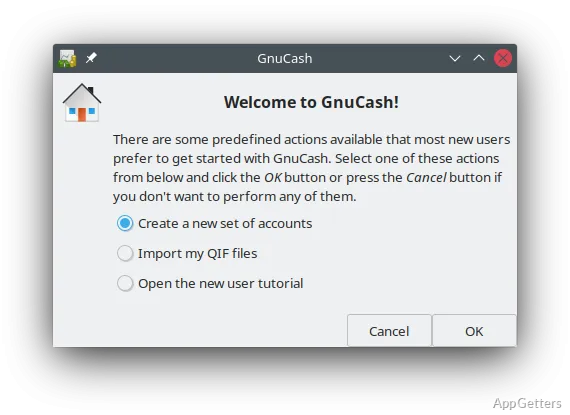
Bring financial activity into the books by importing QIF, OFX, or HBCI data. GnuCash can match imported entries with transactions already recorded, reducing duplicate bookkeeping when reconciling imported activity with an account register.
The program also includes financial calculations and online banking connections for certain institutions. Online banking access requires administrator rights, and institution support varies.
Invoices and portable records
Small-business accounts include customers, vendors, jobs, invoices, and accounts payable and receivable. These records connect business billing and amounts owed to the same accounting workflow used for other accounts.
The PortableApps packaging is intended to run from removable storage without a conventional local installation. Keep the application and financial files available on the drive to continue working when moving between computers.
- Create and track invoices for customer work.
- Record vendor activity and monitor payable and receivable balances.
- Use reports and graphs to review recorded finances.
Pros
- Double-entry accounting for bank, liability, expense, and investment accounts
- Imports QIF, OFX, and HBCI financial data
- Includes invoices, scheduled transactions, reports, and graphs
Cons
- Online banking with supported institutions requires running the app as administrator
- Requires Windows 8, 10, or 11
System requirements: Windows 8, Windows 10, Windows 11
What kinds of finances can GnuCash Portable track?
It supports personal budgeting and expense tracking as well as small-business accounting, including invoices and payable and receivable accounts.
Can it import bank data?
Yes. GnuCash supports QIF, OFX, and HBCI imports, along with transaction matching.
Can the program run from a USB drive?
Yes. The portable package is designed to run from removable storage, so the application can travel between computers.