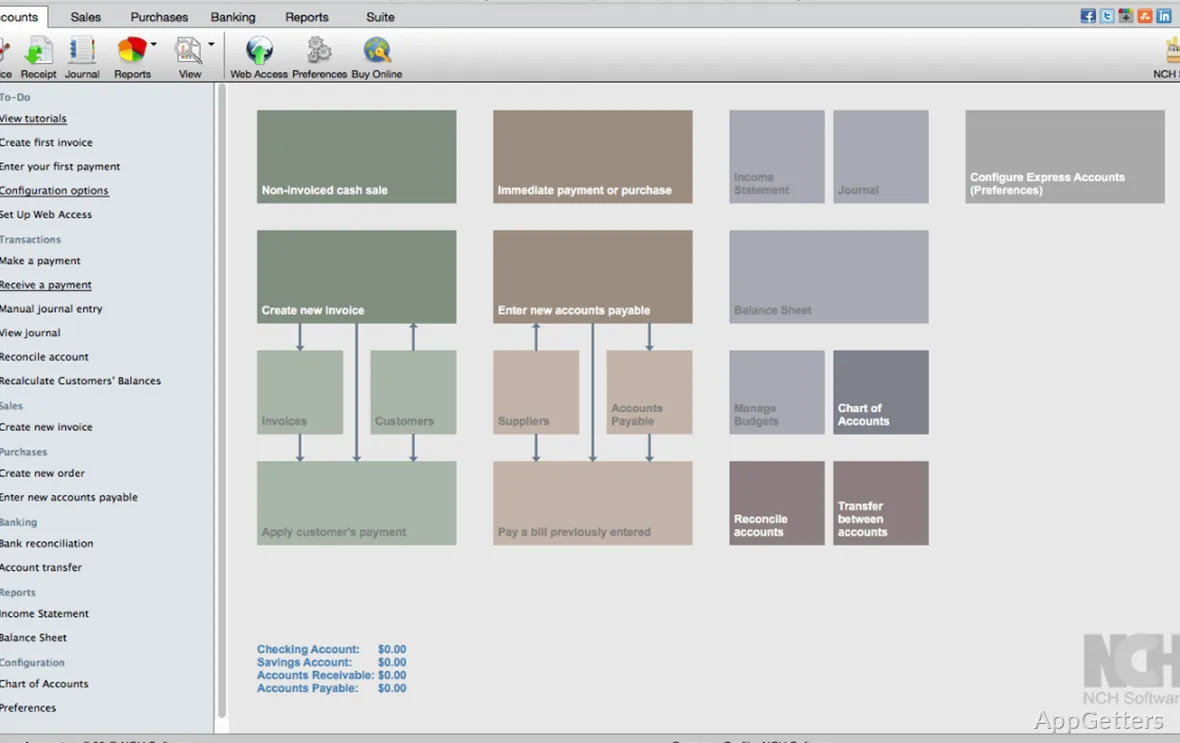
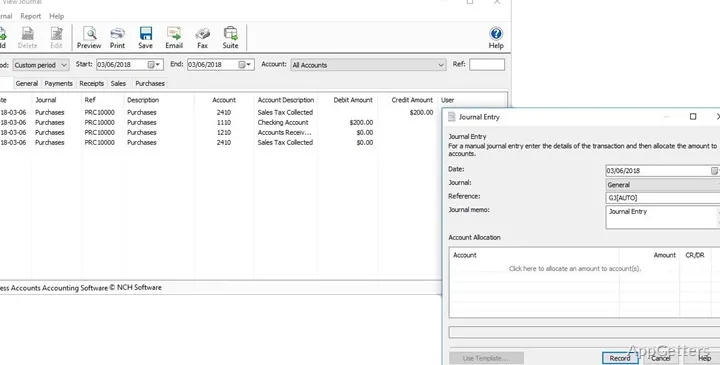
The main window brings sales, receipts, payments, and purchases into one bookkeeping workflow. Express Accounts Plus tracks these transactions alongside invoices, expenses, and business balances.
Sales, invoices, and receivables
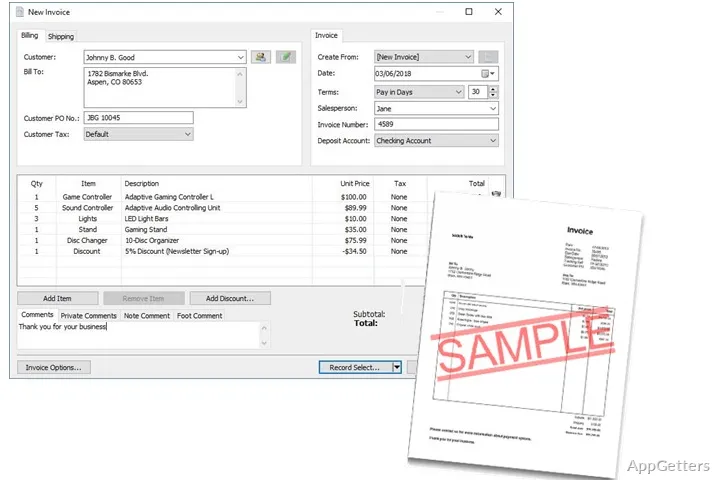
Create quotes, sales orders, and invoices, then track the amounts customers owe. As invoices are paid, accounts receivable records and related reports update. Recurring orders and invoices can be recorded automatically, reducing the need to re-enter repeat sales by hand.
Sales analysis can break results down by customer, salesperson, or item. Reports for invoices, quotes, orders, customer sales, and accounts receivable give different views of the same sales activity.
How does it handle bills and financial reports?
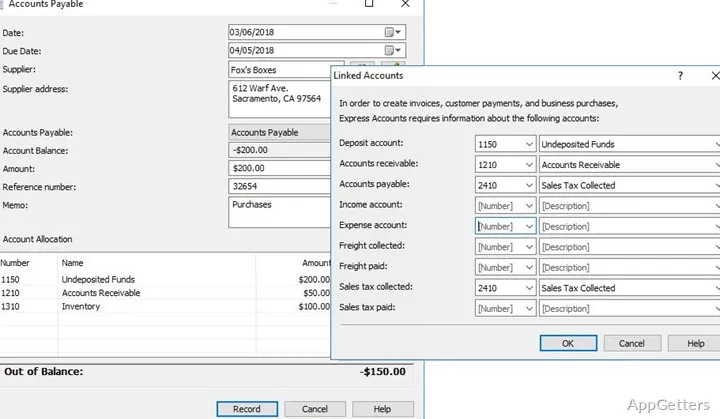
For outgoing money, Express Accounts Plus tracks bills, purchases, and payments through accounts payable. It can generate purchase orders and create and print checks. Income and expense records feed into reports such as the profit and loss statement, balance sheet, and cash flow statement.
- Use a trial balance to inspect account balances.
- Run sales tax, mileage, item sales, and inventory reports.
- Send reports to an accountant by email or fax.
Multiple businesses and inventory data
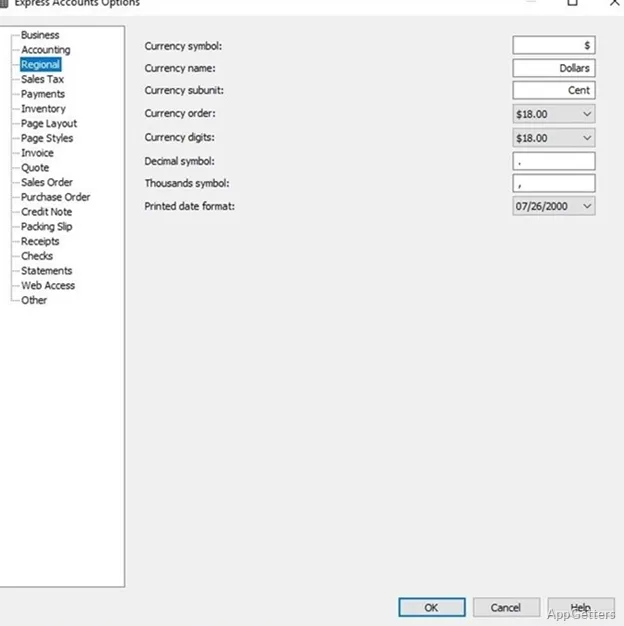
A single installation can handle more than one business, including businesses that use different currencies. Integrated backup is available for accounting data, and the program can manage bookkeeping offline.
For businesses that maintain inventory in Inventoria, the integration carries inventory data across the business workflow. This connects stock records with accounting activity without making inventory management the focus of the accounting screens.
Pros
- Recurring invoices and orders can be recorded automatically
- Reports include profit and loss, cash flow, and balance sheets
- One installation can manage businesses with different currencies
- Reports can be emailed or faxed to an accountant
System requirements: Windows 7, Windows 8, Windows 8.1, Windows 10, Windows 11
Can Express Accounts Plus create invoices and quotes?
Yes. It can create quotes, sales orders, and invoices, and track related customer balances.
Which financial reports can it generate?
Reports include profit and loss, balance sheet, cash flow, trial balance, accounts payable, accounts receivable, and sales tax.
Can it manage more than one business?
Yes. A single installation can manage multiple businesses, including businesses using different currencies.