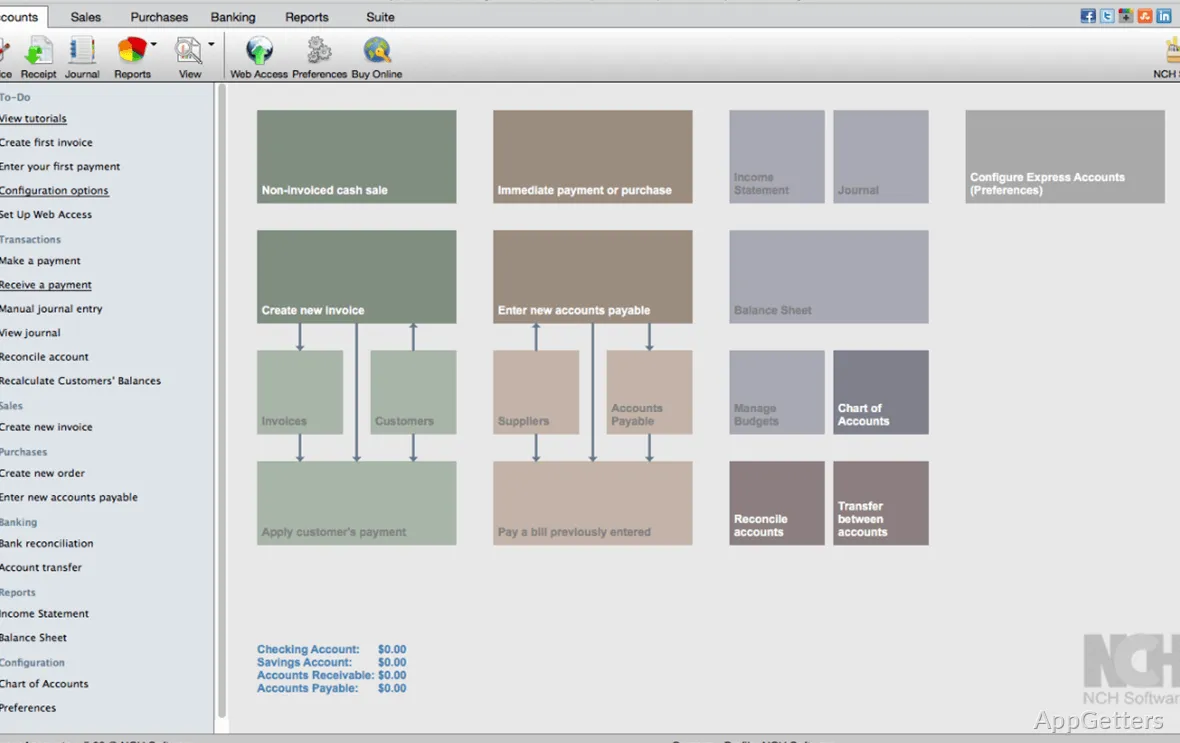
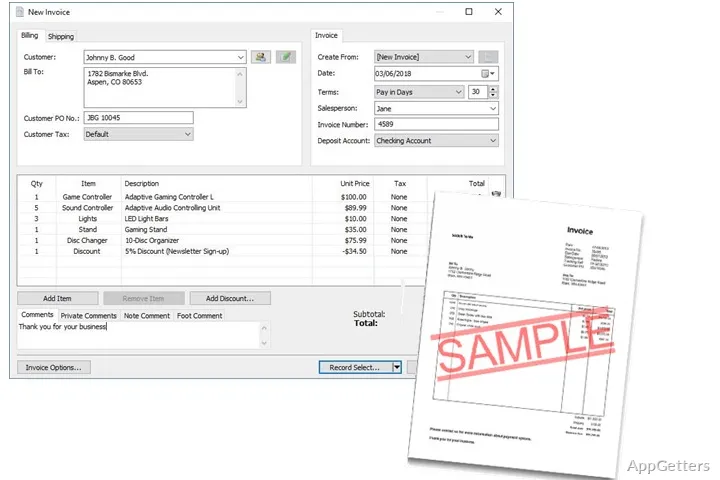
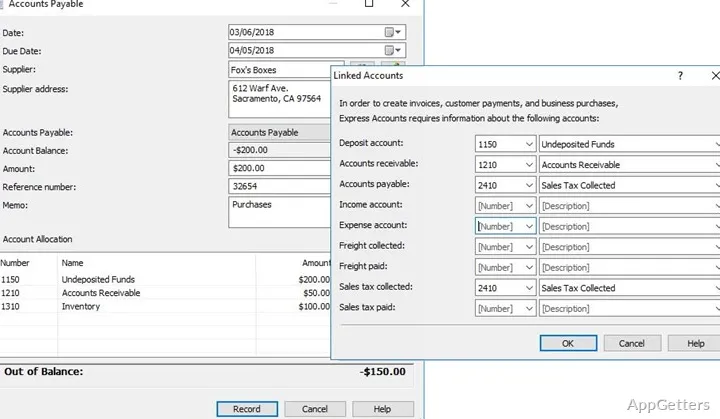
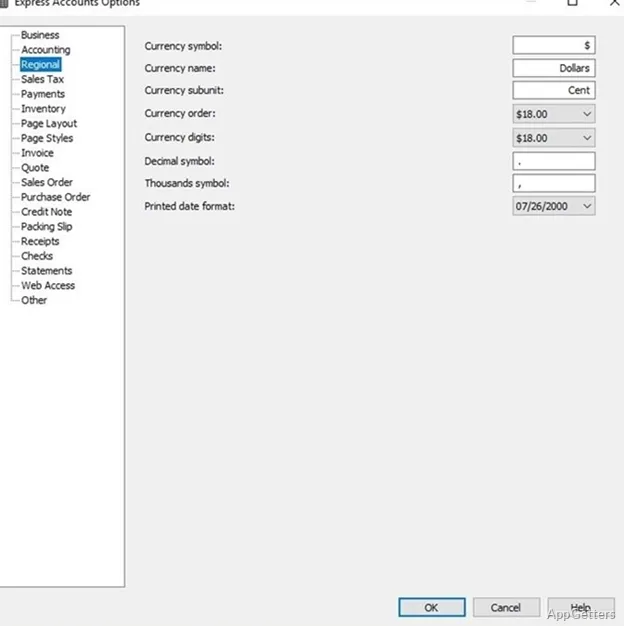
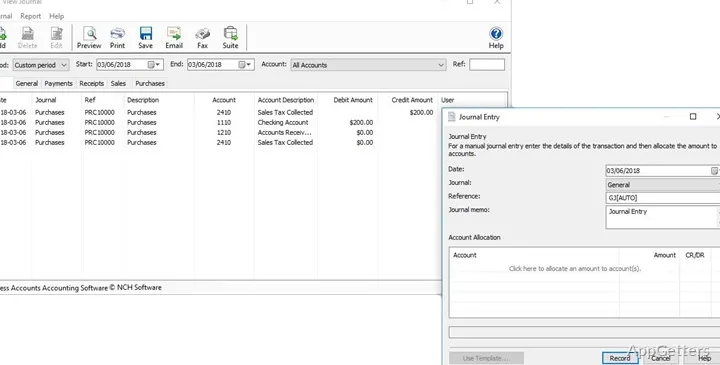
Sorting out your finances becomes more difficult if you are using several spreadsheets or handwritten records to track your income, expenses, invoices, and account balances. Without the appropriate tools, even the smallest businesses or independent professionals can end up spending a lot of time on the task of maintaining their financial data. Express Accounts Free Accounting Software for Windows has been created to help users conduct some very common accounting activities all within a single desktop program. Thus making everyday bookkeeping much simpler. It is not specifically designed. On the contrary, it is very much not for large companies with very complex system needs. Rather, it aims at helping users keep their financial records well organized via a very simple and easy-to-use workflow.
Streamlining Everyday Financial Documentation
The main feature of this software consists in its focus on regular bookkeeping work and not on adding different complications only for the sake of it. In that way, one is able to make a record of transactions, see account balances, and organize financial information all in one place. Rather than having to use a series of documents or do calculations manually. This likewise paves the path for a continuous and more systematic recordkeeping process later on.
Accounting concepts that are well known, as well as standard desktop design patterns, are the basis for the layout, so it is quite user-friendly and comfortable for people who have only basic knowledge of finances. However, if someone is completely uninitiated in this area, they may take a bit of time to familiarize themselves with accounting jargon. Besides that, the overall setup is such that one can learn step by step, and there is no flood of a huge number of highly sophisticated choices.
Useful for Freelancers and Small Businesses
Express Accounts Free Accounting Software is a viable solution for freelancers, consultants, home businesses, nonprofit organizations, and all potential users with small accounting needs. Getting your financial records in order by using the software will make it much more manageable for you to analyze cash flow, generate reports, and validate transactions when you carry out your normal administrative tasks.
With all your bookkeeping work in one place, you reduce the risk of accidentally entering the same data twice. You also avoid losing track of important information. Rather than spreading updates across multiple spreadsheets, individuals have at their disposal a dedicated bookkeeping setting that strongly encourages regularity. Sticking to an approach like this can also pay off in terms of time. It helps when you are getting your tax papers in order. It also helps when doing a business performance check over the course of the year.
Steady workflow, but few features
The main focus of the program is reliable bookkeeping rather than beautifully arranged effects. It is not designed for highly customizable features of a large enterprise. For people whose main concern is simple accounting, the straightforward workflow offered by the program could be highly attractive. Especially since routine monetary operations that could benefit substantially from proper organizational structure are quite easy here.
Still, it is equally important to be aware of the things a software program can handle effectively. To put it another way, a big company would likely require a full-fledged accounting system. For which the software provides sophisticated features such as elaborate budget forecasting and comprehensive inventory control. Or the capability to create tailor-made reports. Using the free version for handling the finances of a large corporation would be quite a mistake. Since it is only intended for the usual bookkeeping chores.
A Cost-Free Alternative for Basic Accounting Purposes
Express Accounts Free Accounting Software would be a perfect fit in places requiring exact financial control. It is ideal where the level of operational complexity is fairly limited. Independent professionals, new businesses, accounting students, and small company owners all stand to gain from a dedicated Windows program. That can help their transaction organization and maintenance of financial records.
Getting your financial records in order using the software will make it more manageable for you. It also helps you analyze cash flow easily. It will also help you generate reports and validate transactions when you carry out your normal administrative tasks. Rather than spreading updates across multiple spreadsheets, individuals have at their disposal a dedicated bookkeeping setting that strongly encourages regularity.
Because of its focus on ease of use and day-to-day bookkeeping, it can also be an easy-to-use option. It suits users who want practical business solutions rather than ones laden with numerous features. If you are after a methodical manner of dealing with your accounting chores day in and day out, and would prefer to steer clear of numerous unneeded complications, then the program will offer you a well-rounded desktop experience. It is not only conducive to regular fiscal management but also dependable in recordkeeping.