Need to keep household accounts, investments, and a small-business ledger together? GnuCash organizes them with double-entry bookkeeping, transaction registers, and reports for reviewing account activity.
How do transactions stay balanced?
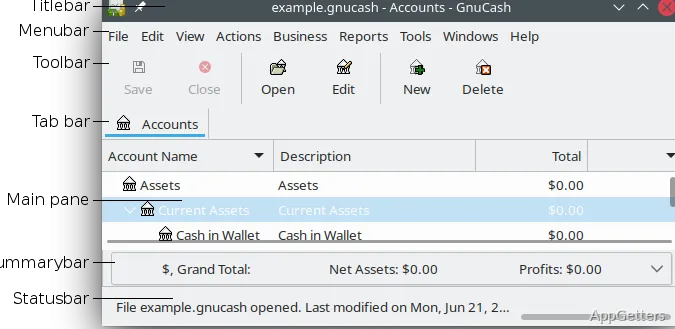
GnuCash records each transaction against corresponding accounts using double-entry accounting. The register resembles a checkbook, with autofill for entries and split transactions for dividing one payment across accounts. Mark payments as cleared or reconciled as you compare the register with bank records; reconciliation can reveal missing entries or mistakes.
Accounts can cover income, expenses, bank balances, and investments. Multiple currencies, stocks, and mutual funds can be tracked within the same set of accounts.
Can GnuCash import bank transactions?
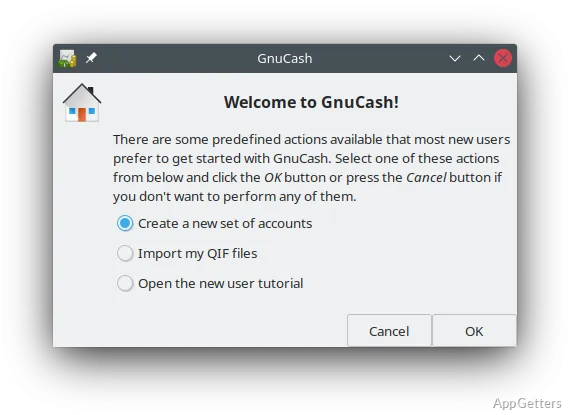
Import QIF or OFX files from banking services or other finance programs, then work with the transactions in the relevant accounts. Recurring income and expenses can be scheduled, with reminders for upcoming transactions.
What reports and business records can it manage?
Reports and charts present account results in formats such as balance sheets, profit-and-loss statements, and portfolio valuations. Budgets provide another way to organize financial plans.
For small-business bookkeeping, GnuCash includes records for customers and vendors, along with invoices and outstanding payments. Freelancers and smaller companies can use these tools for straightforward accounting tasks.
- Review balances and portfolio valuations in reports.
- Track invoices and payments alongside customer and vendor records.
Pros
- Double-entry bookkeeping keeps linked account entries balanced
- Register supports split transactions and cleared or reconciled status
- Reports include balance sheets, profit-and-loss statements, and portfolio valuations
- Imports QIF and OFX transactions; tracks multiple currencies and investments
System requirements: Windows 8, Windows 10, Windows 11
Which file formats can GnuCash import for transactions?
It supports QIF and OFX files from banking services and other finance programs.
How does double-entry bookkeeping work in GnuCash?
Each transaction is recorded against corresponding accounts so the books remain balanced.
Can GnuCash track investments?
Yes. It can track stocks and mutual funds, including portfolio valuations in reports.