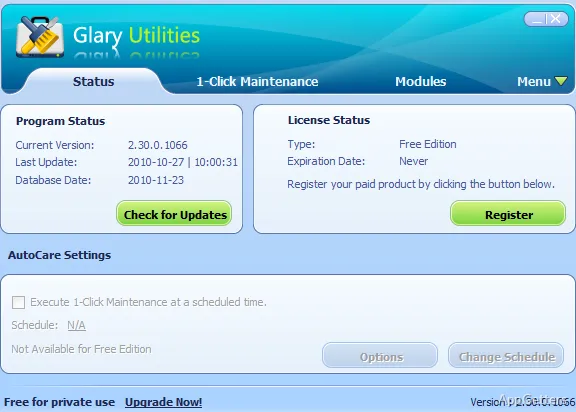
Looking for a free all-in-one cleaner for an aging Windows PC? Glary Utilities runs junk-file removal, privacy cleanup and system error fixes together with One-click Maintenance. Glary Utilities also provides separate tools for startup management, disk analysis, duplicate-file searches, and other PC maintenance tasks.
What does One-click Maintenance handle?
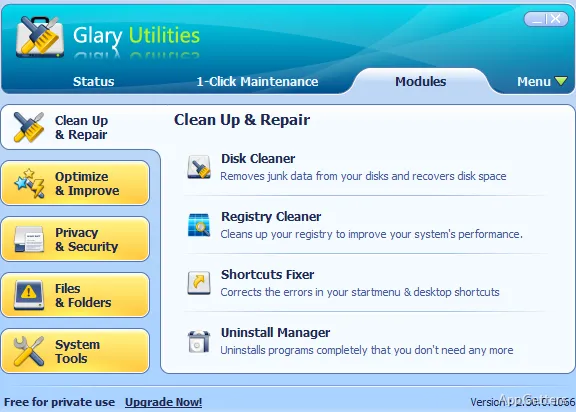
The combined maintenance scan brings frequently used cleanup and repair functions into one workflow. It can remove junk files, clear privacy records, address system errors, and apply optimization tasks. For more control, Glary Utilities also organizes individual utilities separately, so a scan does not have to be the only way to reach a particular task.
Cleanup and privacy tools
Disk Cleanup searches for items such as temporary files, old installation files, logs, internet history, and cache. The privacy tools locate traces such as browsing addresses and records of recently opened files. A separate file-deletion function is intended to erase files so they cannot be recovered.
- Registry cleanup targets errors that may contribute to program problems.
- A disk check looks for file system damage and repairs it.
- Duplicate Finder locates repeated files that may be taking up space.
Startup, storage, and software tools
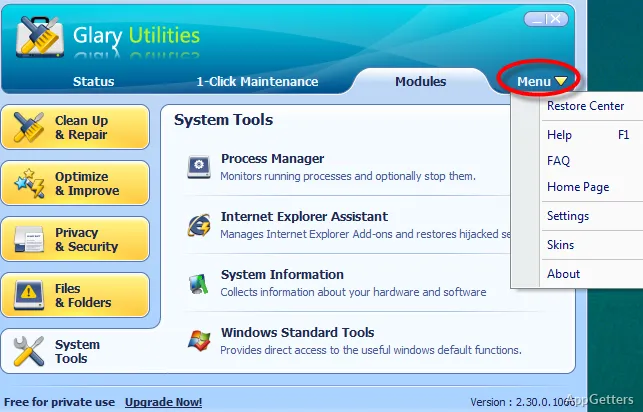
The startup manager identifies programs that launch with Windows and lets users disable ones they do not need running. Glary Utilities also includes an uninstall tool for removing infrequently used software. Disk Space Analyzer scans a drive and sorts files and folders by size, making it easier to locate what occupies the most storage.
- Software Update checks for newer versions of installed programs.
- File Recovery searches for deleted files, including items removed from the Recycle Bin.
Pros
- One-click Maintenance combines cleanup, privacy, and repair tasks
- Disk Cleanup searches temporary files, logs, and browser cache
- Startup tools identify programs that can be disabled
- Disk Space Analyzer sorts files and folders by size
System requirements: Windows 7, Windows 8, Windows 8.1, Windows 10, Windows 11 · 32-bit and 64-bit
Can Glary Utilities run several maintenance tasks together?
Yes. One-click Maintenance groups common cleanup, privacy, and repair functions into a single workflow.
How can I find what is using the most disk space?
Run Disk Space Analyzer to scan a drive and view files and folders sorted by size.
Can it help manage programs that start with Windows?
Yes. Its startup tools identify startup programs and let you disable ones you do not need.