Tired of juggling two Explorer windows to copy files between folders? FreeCommander, a free dual-pane file manager, shows both locations side by side with tabs, and adds batch renaming, folder sync, checksums and a built-in viewer.
Two panels, tabs, and folder trees
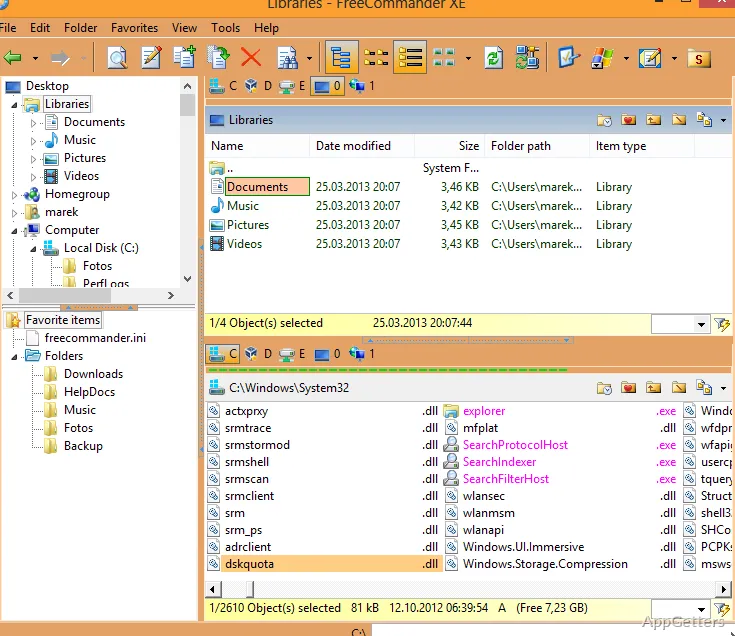
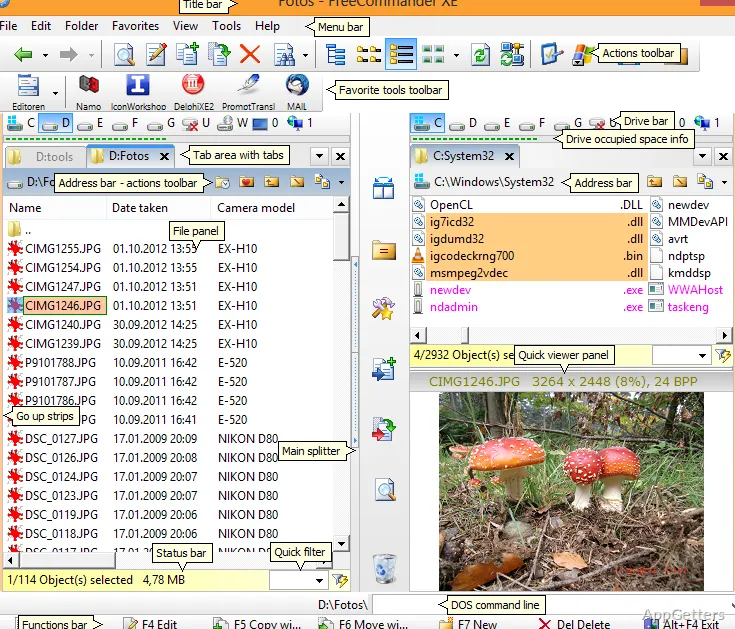
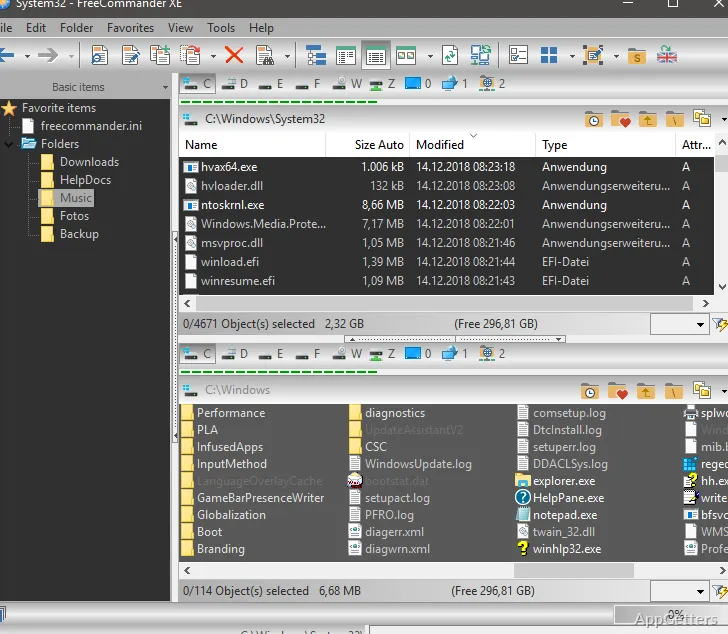
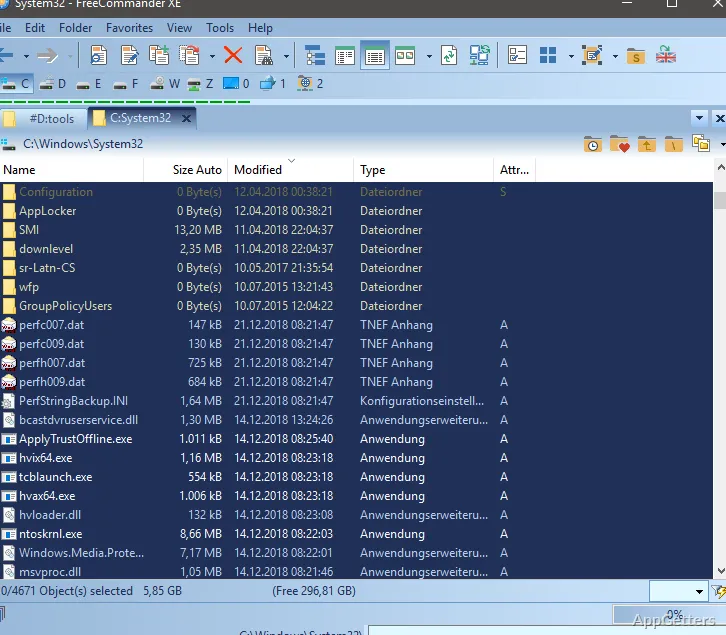
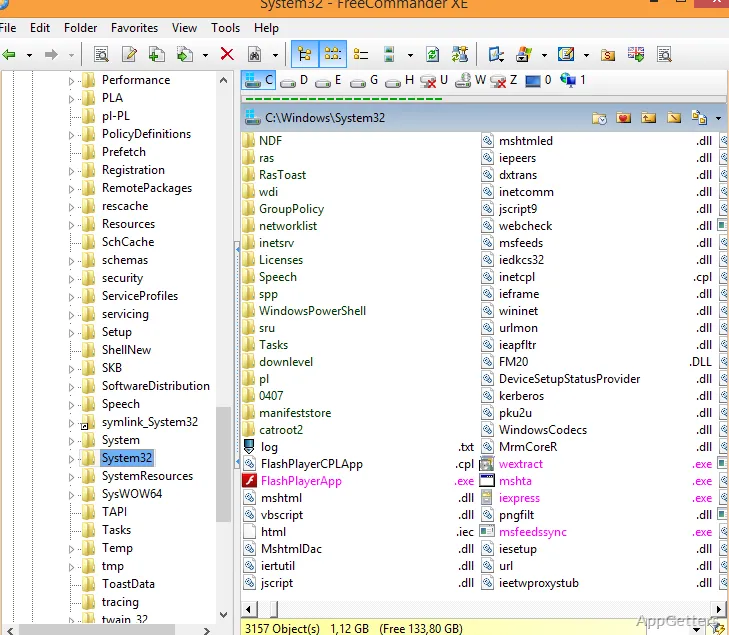
The main workspace can show two panels in a horizontal or vertical layout, or switch to a single panel. Each side can have its own optional folder tree, and tabs let you keep several locations available without giving up the paired view. Linked browsing can keep the panels moving through related folder paths together.
Copying or moving files between visible locations is a central workflow: select items in one panel and send them to the other. FreeCommander also supports drag and drop, file deletion and renaming, and a multi-rename tool for changing names in batches. File actions can use either FreeCommander’s own operation handling or Windows’ standard handling.
For locations that are hard to reach through ordinary folder navigation, the program provides shortcuts to places such as the desktop, Control Panel, and Start menu. Favorites can store folders and programs for quick access.
What can it inspect and compare?
The built-in viewer can display files as text, images, binary data, or hexadecimal content. A quick viewer offers a way to inspect an item from the file-management workspace. Archive contents can also be viewed, including thumbnail previews, without first unpacking everything into a regular folder.
FreeCommander reads and writes ZIP archives and can handle archives nested inside other archives. Support for formats such as RAR and 7z is available through plugins. Searching can look inside archives, and file filters can narrow what appears or which items are affected by an operation. Regular-expression filters are supported.
For verification work, the program can create and check MD5 and SHA checksums. Folder comparison and synchronization provide tools for finding differences between two locations and bringing their contents into alignment. Other file operations include calculating folder sizes, changing timestamps and attributes, and securely wiping files.
Additional file workflows
The program includes basic FTP and SFTP connections, access to mobile devices, and a DOS command line. Network locations and attached devices can therefore sit alongside local folders in the file-management workflow. A plain view can show files without their usual folder structure, while user-defined columns add selected details to file listings.
FreeCommander is portable: its program files can be copied to removable media and started on another computer. Its settings cover display colors, keyboard shortcuts, and many program features, so the panel layout and file-handling behavior can be adjusted to suit a preferred workflow.
Pros
- Side-by-side panels can be arranged horizontally or vertically
- ZIP files can be opened and created, including nested archives
- The built-in viewer handles text, images, binary data, and hexadecimal views
- Folder comparison, synchronization, and checksum tools are built in
Cons
- SFTP only in the 64-bit edition
- RAR and 7z need plugins
- Busy interface for newcomers
System requirements: Windows 7, Windows 8, Windows 8.1, Windows 10, Windows 11
Is FreeCommander free?
Yes, for private and commercial use, and it can run portably from a USB drive.
Which archive formats can FreeCommander handle?
ZIP natively, including nested archives. Plugins add RAR, 7z and other formats.