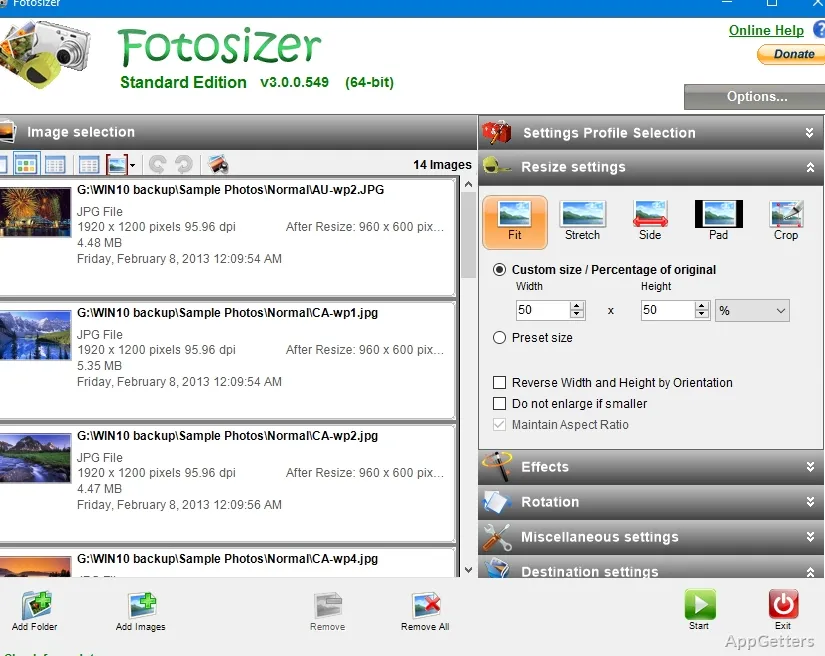
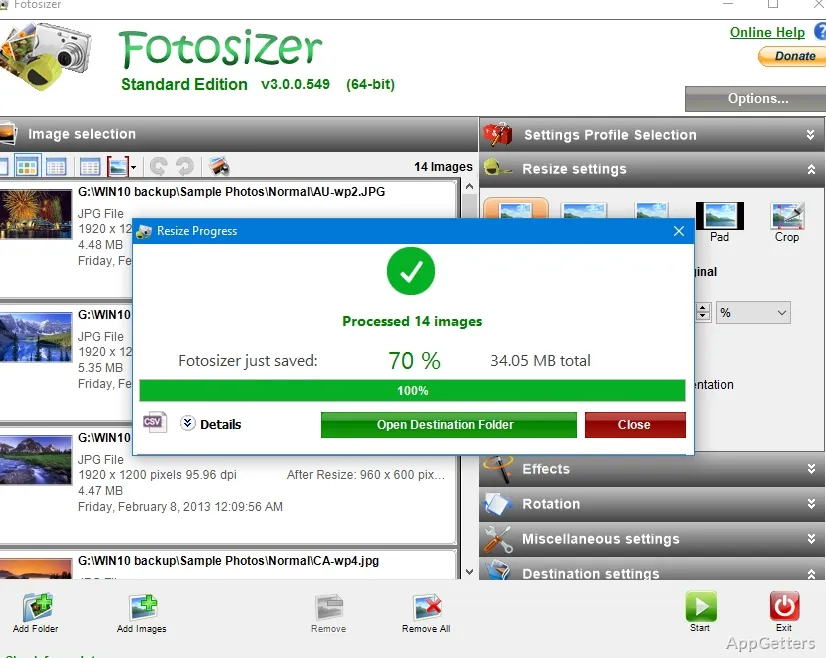
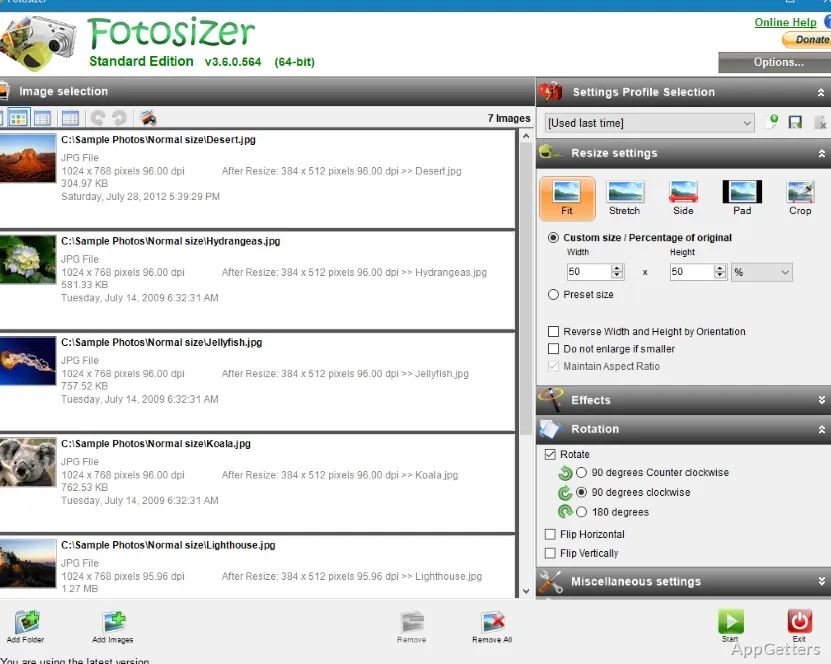
File size is always a major concern when you want to manage a substantial amount of photos in Windows. Besides storage, a bigger file size also means slower transfer or upload speed. High-definition images produced by digital cameras and smartphones look great. However, they might become difficult when you want to email, upload, or simply organize them. Unfortunately, most people resize pictures one by one with a standard image editor, and that becomes really laborious after a while. Fotosizer is intended to break down the problem drastically with batch image resizing and compression. In fact, it works as a utility for users’ workflow rather than as a comprehensive photo editor. It intends to turn routine image preparation into a quicker and less challenging task for ordinary Windows users.
Letting Bulk Image Resizing be a Piece of Cake
The capacity to handle numerous visuals at the same time is the chief feature of Fotosizer. Very often, people want to get whole photo collections ready for web publishing, emailing, presentations, or online selling. If they do all the work manually, it will take way more time than they have in mind.
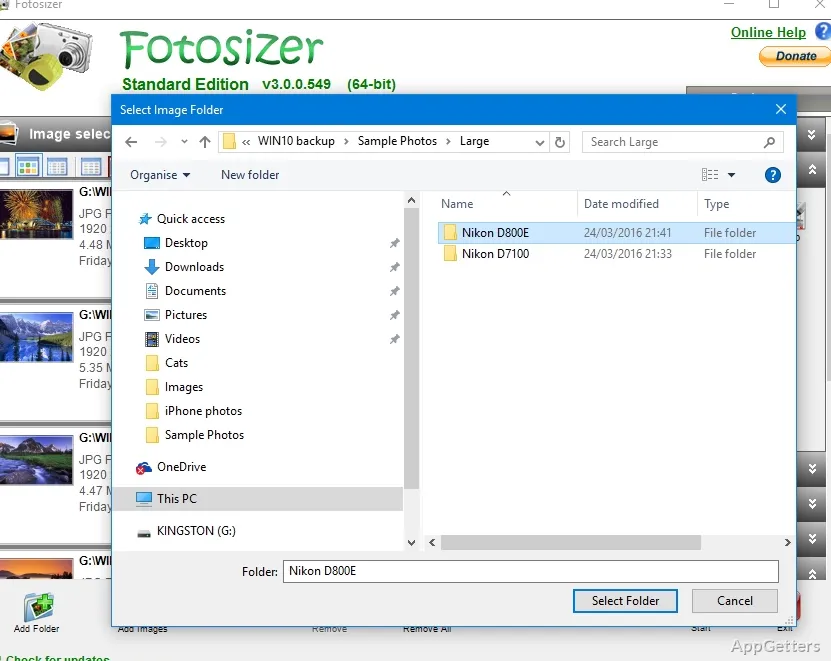
Fotosizer on Windows desktops makes the work easy by giving users the facility to load many files. It resizes them all uniformly with one setting. It can be great for school kids who can sort project pictures, moms and dads who get photos of products done for selling, or even local small shops. They take pictures of merchandise and would like to have them ready.
Overall, the software doesn’t add any complicated steps, allowing the process to remain very easy. Because of this simplicity, even beginners can easily avoid confusion caused by highly technical image editing software.
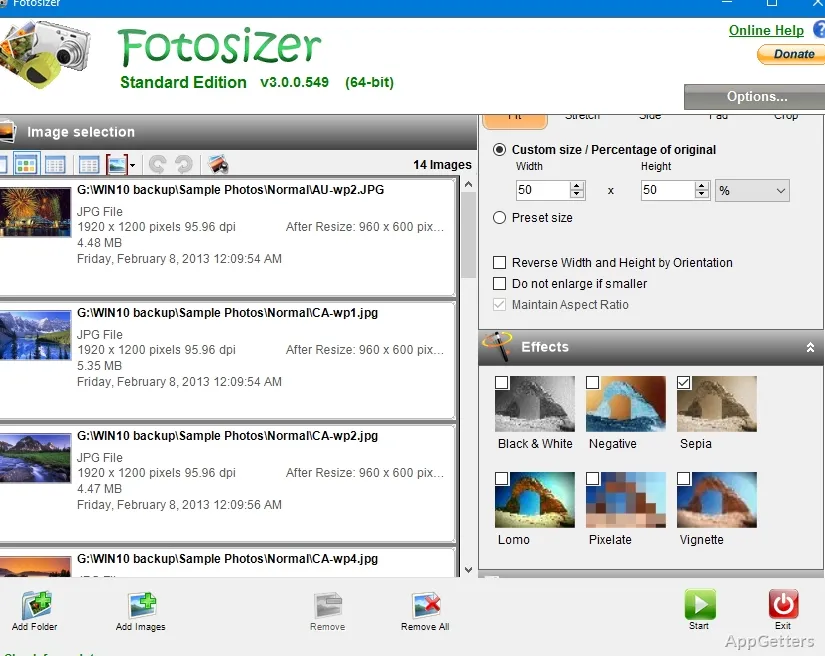
In the final analysis, however, the package pretty much restricts itself to resizing and optimization. It doesn’t examine detailed image enhancement or creative adjustments.
Workflow Productivity and Everyday Use on Windows
Fotosizer is a wonderful tool when you use it in a repetitive manner, e.g., when image preparation is a regular thing. Instead of opening images one after another in big editing software, you can accomplish the whole resizing job in just a few minutes. A number of workflow improvements have been made for people who keep uploading their content to the web or sharing large image collections.
Also, this program is quite frugal with resource consumption, making it a very convincing argument to be used on low-spec Windows machines. Because efficiency is preferred over appearance, it is still usable on aged PCs or office computers with scarce resources. Many people even view this minimalistic style as a feature of practicality rather than a drawback.
Besides that, a batch processing system is usually the highlight in the eyes of the users. While using identical dimensions and compression settings, the look remains consistent throughout the entire website, reports, or digital catalogs.
Nevertheless, depending on the size of source images and compression settings you choose, processing speed and final quality might differ. It is highly likely that very intensive resizing will damage the level of detail, especially when the image is full of small details.
Realistic limitations beyond basic optimization
While Fotosizer does a good job resizing images, let’s face it, it wasn’t designed as a comprehensive photo editing suite. If your requirements include advanced retouching tools, working with layers, or creating effects, then this program will definitely be a restricted one for your design intentions.
The main focus of the software is automation and convenience, not so much artistic flexibility. So, users usually combine Fotosizer with other editors when they want to make detailed adjustments prior to resizing.
Another point is that resizing will not answer all the image management questions. Smaller files make things easier with upload and storage. However, users still will have to have separate organizational systems for sorting, tagging, or archiving large photo collections.
The interface is primarily a mirror of the software’s functionality. It is mainly oriented towards the efficient control aspect and thus neglects the beauty of the design. So, in case you have seen some modern and creative apps with stunning looks, you may find this one somewhat old-fashioned.
An Effective Utility for Sharing and Storage Workflows
Fotosizer can be well integrated into Windows workflows where you have to work with large photo collections. You may also want to do this quickly and consistently. What is most valuable in it is the ability to make a highly simplified version out of the very repetitive resizing process. Otherwise, it would have taken much hard manual work.
For example, students who are handing in assignments, online sellers who are managing product photos, office users who are preparing presentations, and home users who are organizing family images are all likely to welcome its very simplified approach. The software in all these cases simply operates as a bridge between image capture and image sharing.
Being a small and simple productivity tool focused on efficiency and accessibility, Fotosizer does not try to compete with professional editing suites. People who often deal with a large number of photos will find it very practical. It helps handle one of the most common day-to-day image management issues in Windows.