People tracking down which folders are taking up drive space can use Folder Size to see storage amounts alongside a breakdown of large folders and files. It also provides charts and printable folder or file lists for reviewing that information.
How do you find the folders using the most space?
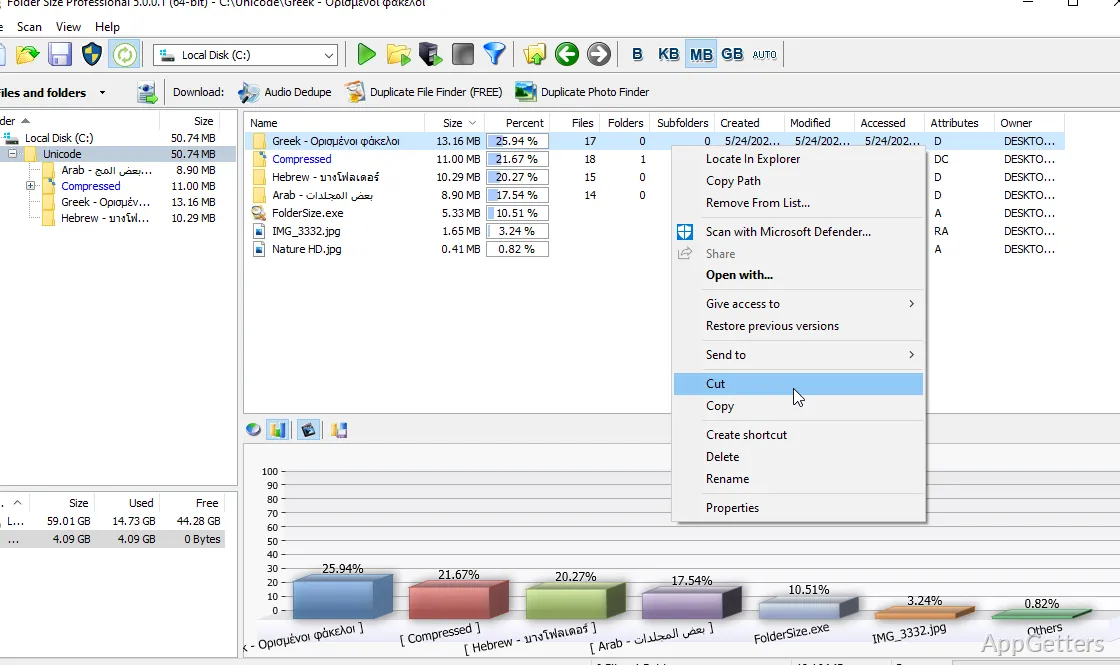
Folder Size Explorer presents folder sizes so you can identify large storage locations without opening each folder's Properties window individually. Its listing of the largest folders and files provides a direct way to spot where space is concentrated.
The tool can examine folders on a local computer or a network. This gives you a way to inspect storage in either location from the same disk-space analysis workflow.
What do the bar and pie charts show?
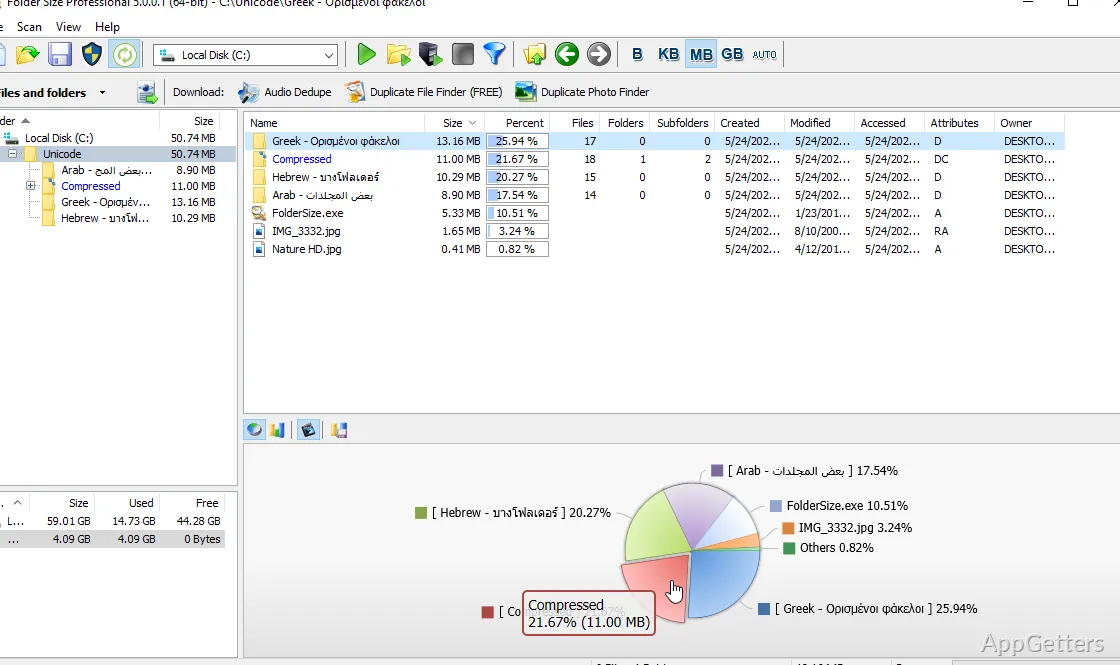
Bar and pie charts provide visual views of disk-space usage. Use these alongside the folder and file listings to see how storage is divided among items and to locate large parts of a folder structure.
Can you open Folder Size from File Explorer or print its results?
Folder Size Explorer can add an option to the Windows File Explorer context menu, giving you a route to the folder-size tool from Explorer.
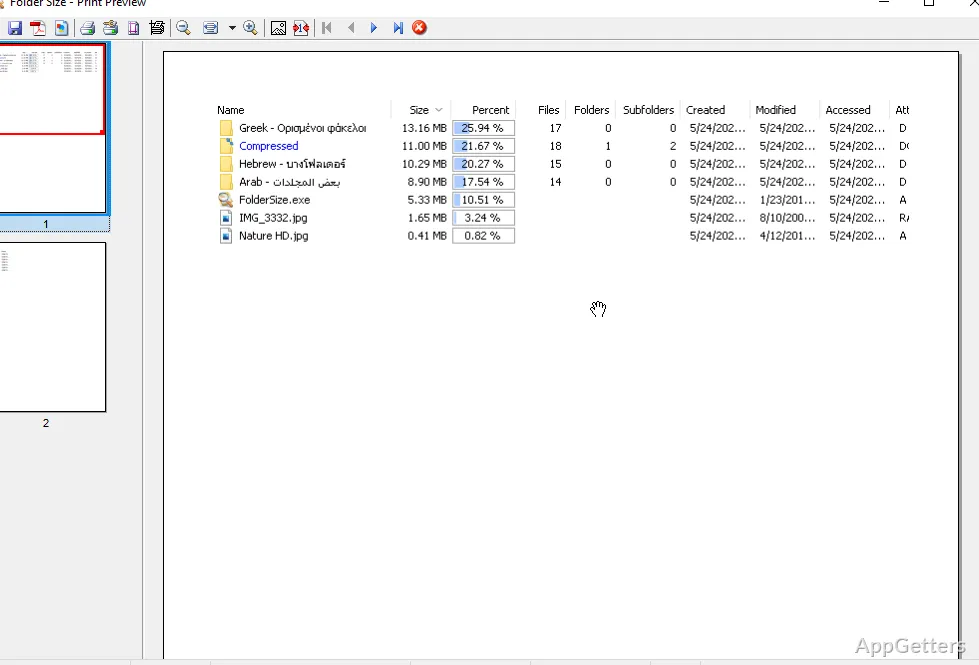
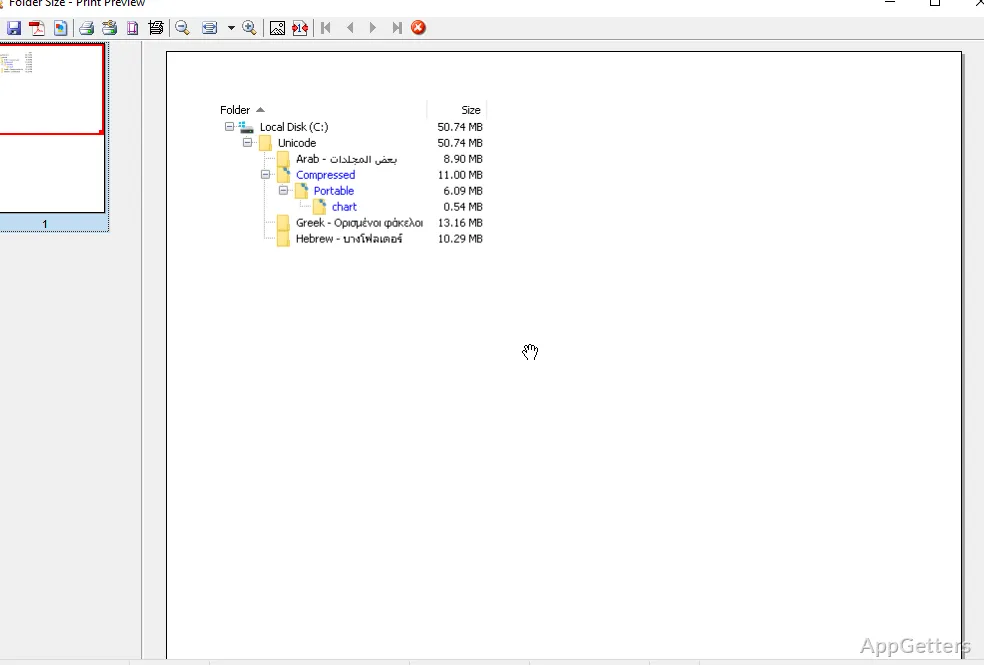
When you need a record of the contents, Folder Size can print file and folder lists, including a tree view. The printed tree preserves the nested folder structure for reference.
Pros
- Shows largest folders and files
- Displays storage usage with bar and pie charts
- Adds a Folder Size Explorer context-menu option to File Explorer
- Prints file and folder lists, including folder trees
System requirements: Windows 7, Windows 8, Windows 8.1, Windows 10, Windows 11 · CPU: modern Intel, AMD, or ARM64 processor · 2 GB RAM recommended (1 GB minimum) · 10 MB free hard disk space
What does Folder Size show?
It shows folder sizes and identifies large folders and files, with bar and pie charts for viewing disk-space usage.
Can Folder Size examine network folders?
Yes. It can view folder sizes on a local computer or a network.
Can Folder Size print a folder tree?
Yes. It can print file and folder lists, including a folder tree.