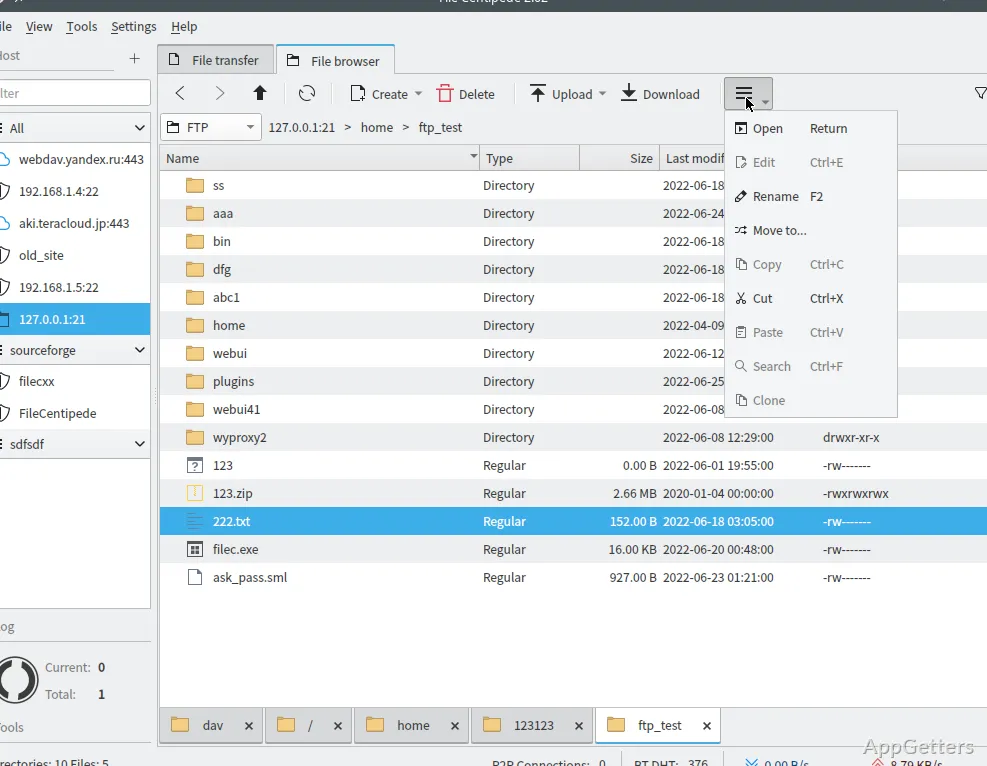
Juggling a browser downloader, a torrent client and an FTP program? File Centipede is a free all-in-one download manager that handles HTTP, FTP, SFTP, WebDAV and BitTorrent transfers with multi-connection speed-ups and resume support, in one window.
Which transfer types can File Centipede handle?
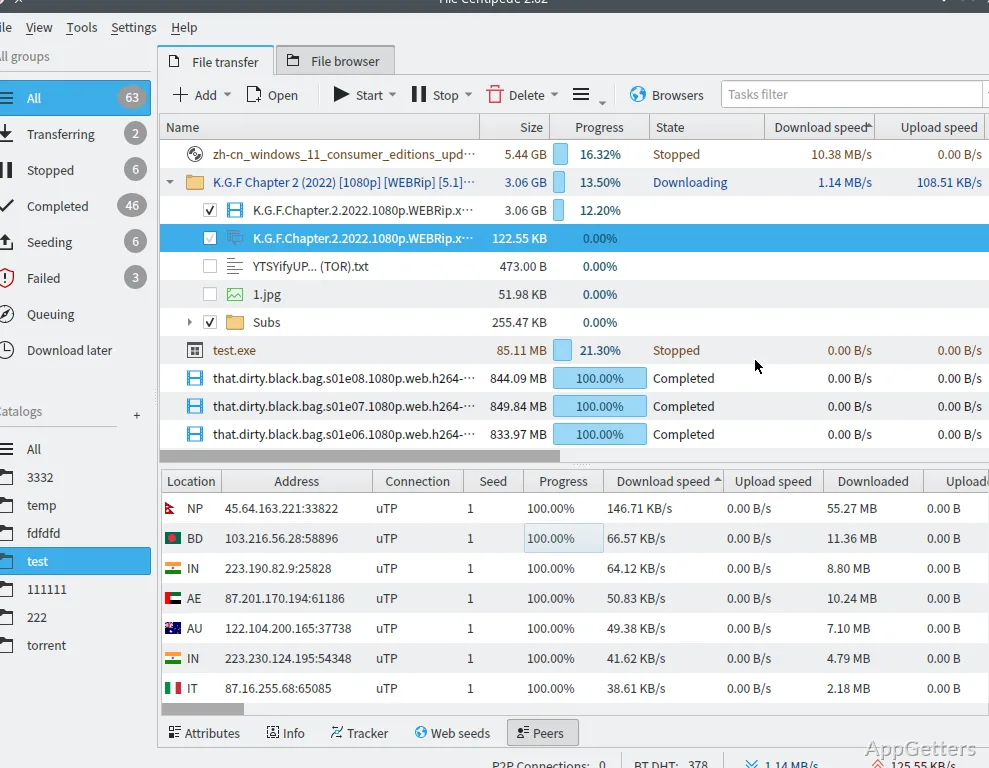
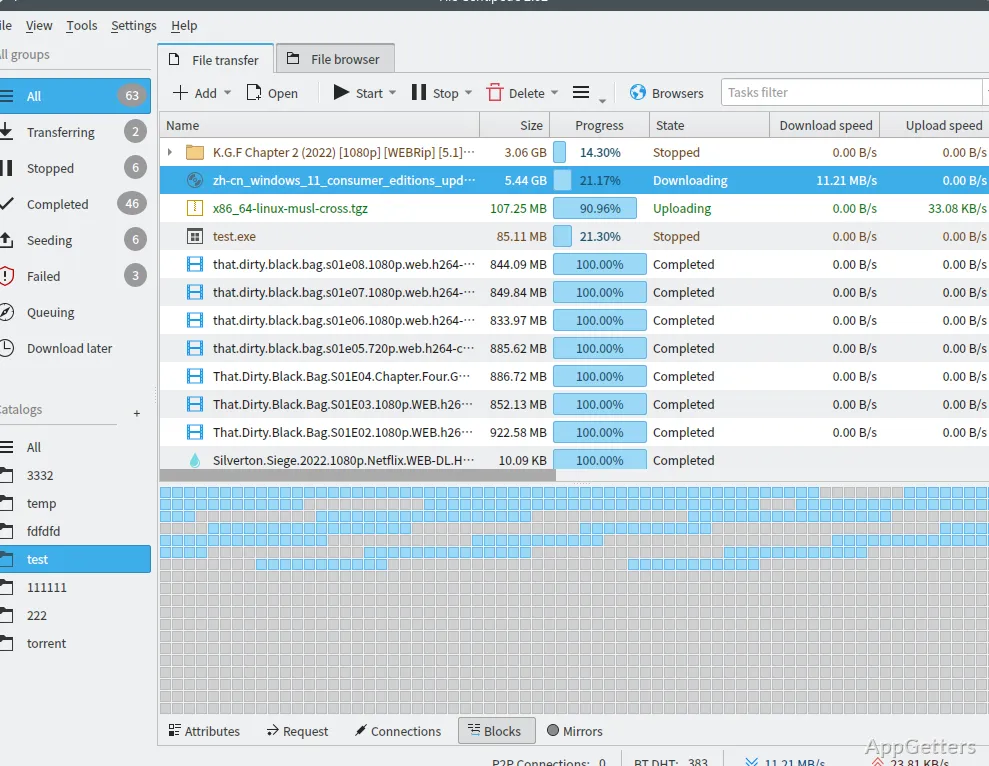
The download manager supports HTTP and HTTPS, including resumable transfers and multiple connections. FTP and FTPS, SSH/SFTP, WebDAV, magnet links, and BitTorrent are also supported. For BitTorrent tasks, settings include upload-speed limits and tracker management.
File Centipede also works with m3u8 stream tasks and ed2k links. Its browser integration can capture audio and video from web pages, find magnet links, and collect links for downloading. Chrome and Firefox integrations are available.
Browser capture and task controls
When a browser extension is connected, File Centipede can receive download tasks from the browser and detect media on web pages. This suits workflows where a user finds a video, audio stream, or file link while browsing and wants to manage the transfer in the app.
Tasks can be organized into catalogs, with queue-based or unlimited-concurrency processing. Speed controls cover both downloading and uploading. Proxy management, customizable filters, and site rules provide additional controls for transfers.
Tools for files and links
Alongside its transfer manager, File Centipede includes tools for checking file checksums and merging files. Torrent tasks can be converted to magnet links or exported as torrent files; a separate tool creates torrents from files.
Other utilities include an HTTP requester, URI and Base64 encoders and decoders, a regular-expression tester, and a translation tool. These sit alongside the download workflow for handling addresses, inspecting requests, or working with files.
- Test patterns with the regular-expression tool.
- Check a completed file with the checksum tool.
- Convert between torrent files and magnet links.
Pros
- Supports HTTP(S), FTP(S), SFTP, WebDAV, magnets, and BitTorrent
- Browser integration can capture web-page audio and video
- Includes checksum, file-merge, and torrent conversion tools
- Offers queue and unlimited-concurrency task settings
Cons
- Encrypted SAMPLE-AES streams are not supported
- Many options can overwhelm new users
- Downloading copyrighted material may be illegal
System requirements: Windows 7, Windows 8, Windows 8.1, Windows 10, Windows 11 · 64-bit only
Can File Centipede download videos from websites?
Yes. Its browser integration can capture audio and video from web pages, and it supports m3u8 stream tasks.
Does File Centipede support torrent and magnet downloads?
Yes. It supports BitTorrent and magnet links, and includes tools to create torrents or convert between torrent files and magnet links.
Can it connect to FTP, SFTP, or WebDAV servers?
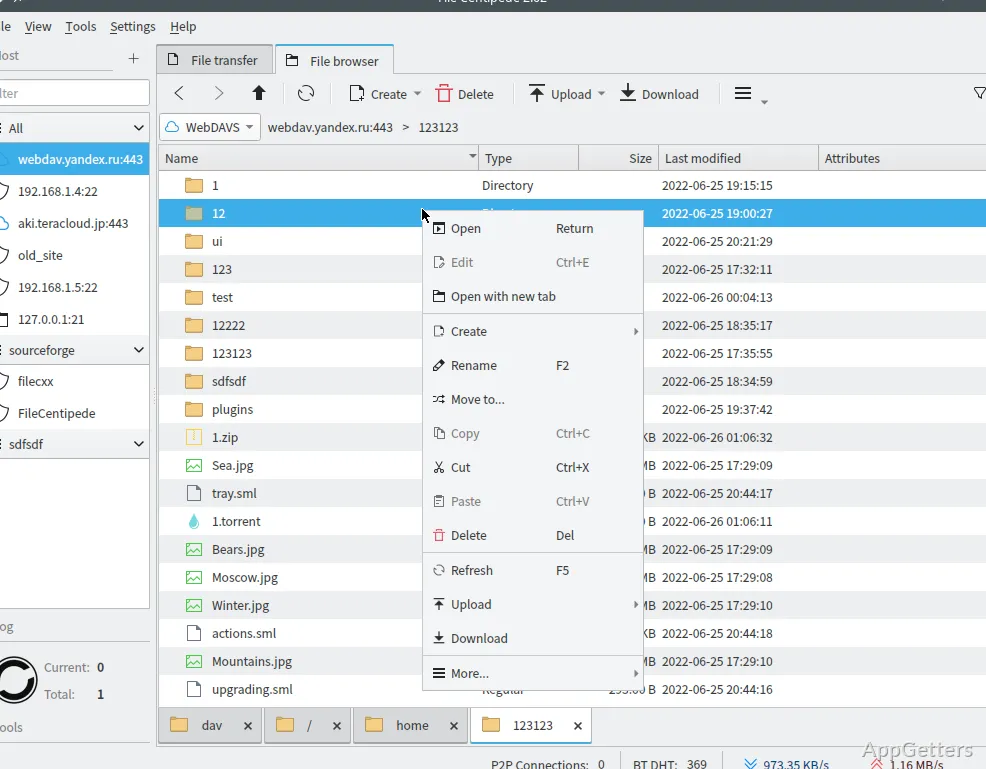
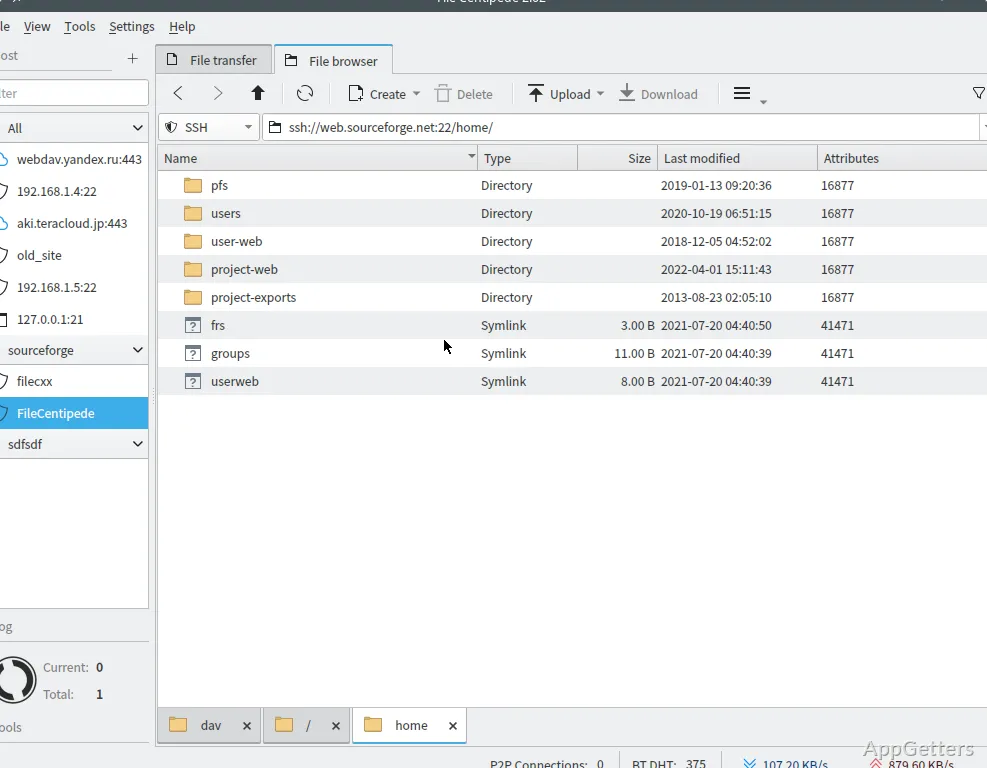
Yes. File Centipede supports FTP(S), SSH/SFTP, and WebDAV, including file-manager features for these protocols.