Want to record guitar on your PC through classic Fender amp sounds? Fender Studio provides a workspace for recording guitar, shaping its sound with amp models and effects, and preparing audio for export.
How do the project screen and Fender tones work?
Choose a project type from the home screen to set up the workspace for the audio task. The main toolbar provides access to Fender tone presets, including a setting modeled on the 65 Twin Reverb. Presets cover classic and modern amp sounds, while built-in amp models and effects let you shape a guitar track inside the recording workspace.
For a basic session, connect an instrument through Fender Link I/O, choose a tone, and record a guitar part. During practice or recording, change effects and sounds to try different tones.
What can you do with recorded tracks?
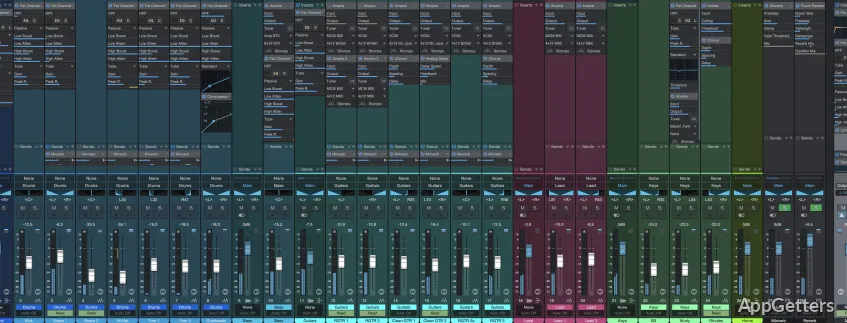
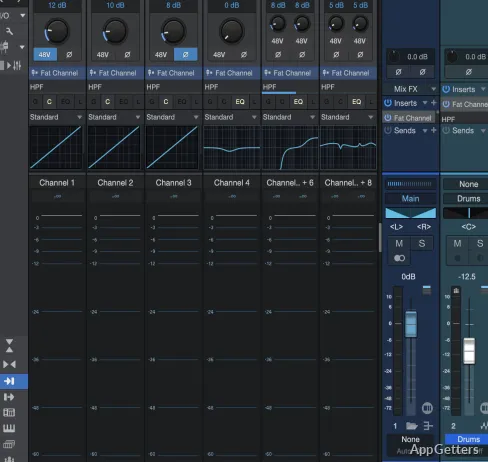
Fender Studio supports recording, editing, and mixing audio. Recording progress appears in graphs, and you can adjust sounds and effects as you work on a mix. Editing tools include trimming, compression, and equalization.
- With Fender Link I/O, the free mode provides eight tracks.
- The paid edition expands recording to 16 tracks.
- Export finished audio in WAV or FLAC format.
Pros
- Fender amp presets include a 65 Twin Reverb setting
- Built-in effects and amp models support guitar recording and practice
- Audio exports include WAV and FLAC
- Editing tools include trimming, compression, and equalization
System requirements: Windows 10, Windows 11 · ARM64 and x64 · Minimum 2 GB memory
Can Fender Studio export WAV and FLAC files?
Yes. It can export audio in both WAV and FLAC formats.
How many recording tracks are available?
The free mode provides eight tracks with Fender Link I/O; the paid edition expands the track count to 16.
Can I change guitar sounds while recording?
Yes. You can switch amp sounds and effects while working on a recording.