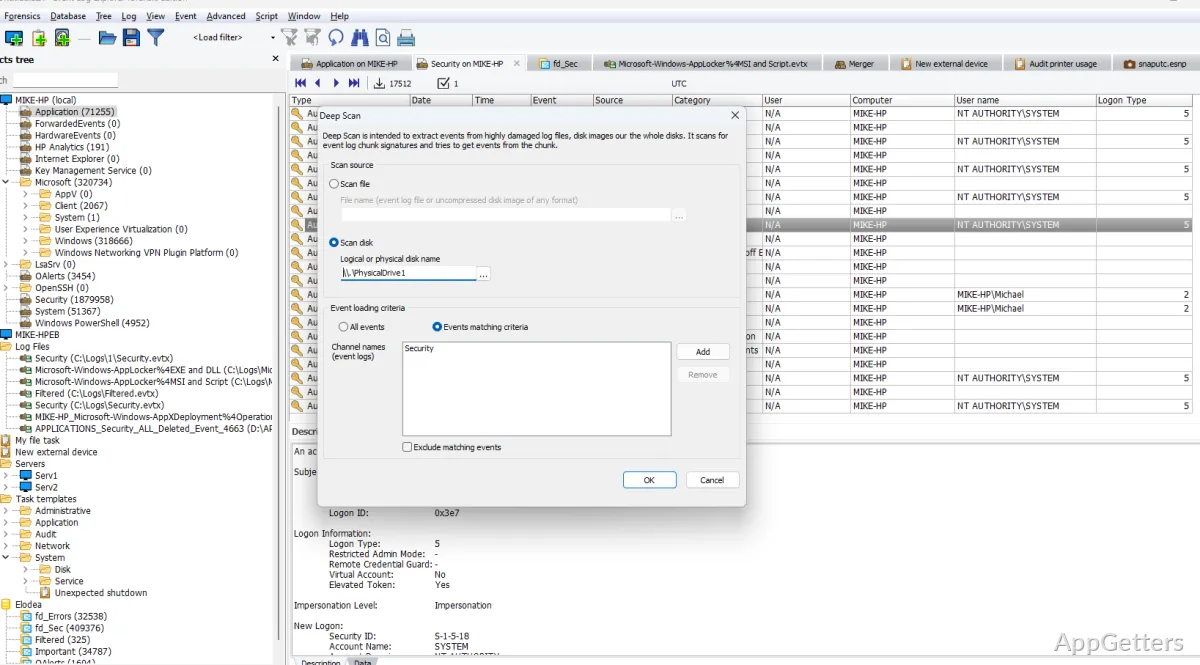
Administrators tracing errors across Windows computers need a way to narrow event records and compare logs without opening them one at a time. Event Log Explorer brings local and network logs, saved event files, and filtered views into one workspace for investigation.
Filters narrow large event lists
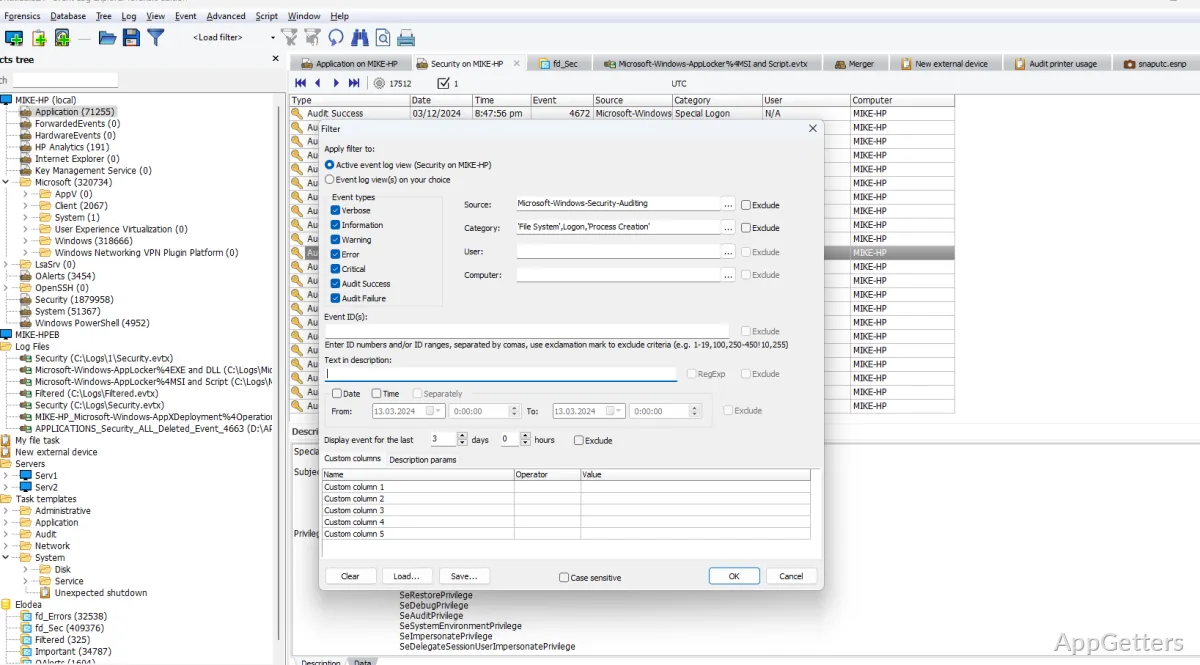
Event Log Explorer lets you filter records at different points in the loading process: before loading, while loading, or after events appear. Criteria can be combined into more complex filters, and saved in a filter library for reuse. This is handy when an investigation repeatedly focuses on particular event types, sources, or conditions.
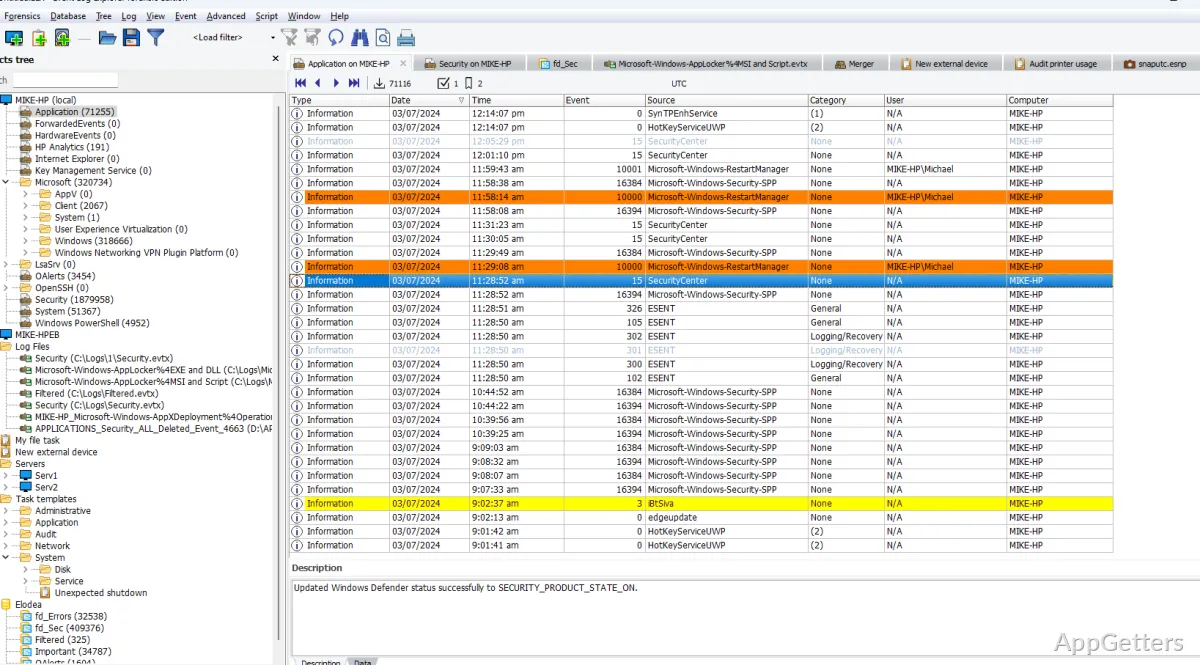
The object tree provides access to computers, event logs, and saved log files. From there, you can open logs on the local system or across a network. The program works with live logs as well as saved EVT and EVTX files.
Combines logs from different computers
A consolidated view brings events from multiple logs together, including logs gathered from networked machines. Apply an on-load filter to concentrate that combined list on records relevant to the current investigation. Comparing events across computers or log sources can make it easier to trace activity that spans more than one system.
Exports filtered events and creates reports
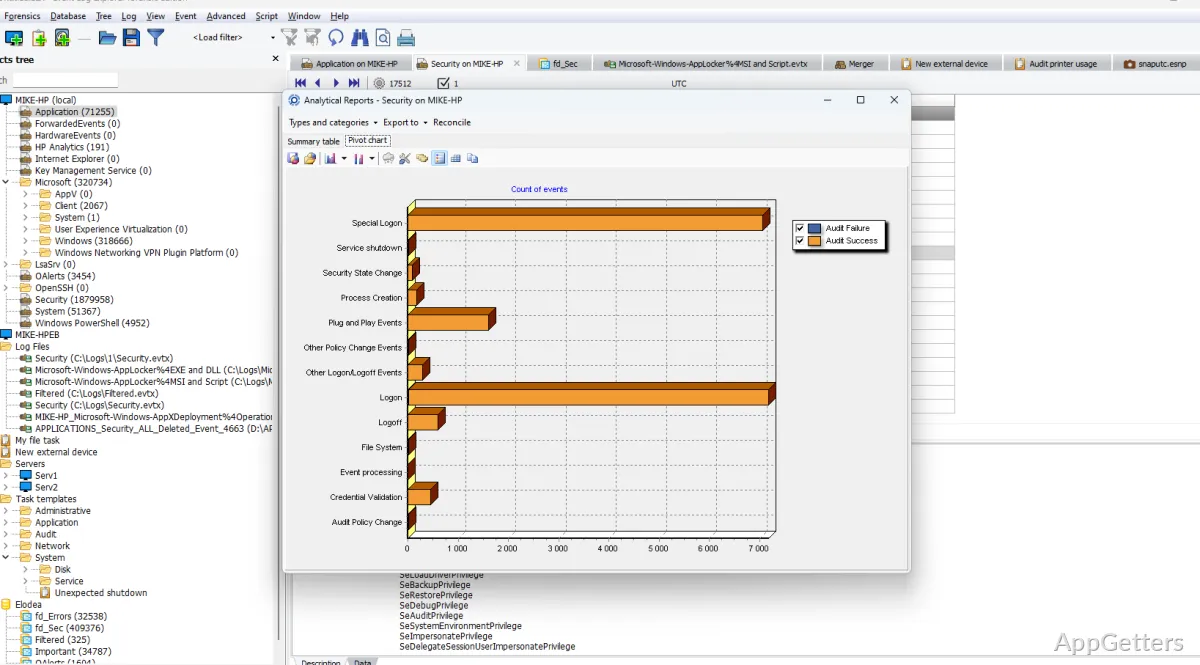
Export a complete log, a consolidated view, or a filtered selection. Supported output formats include Microsoft Excel, CSV, and HTML. A report generator prepares event records for printing in different layouts, while a separate utility can schedule automatic log exports.
Reads damaged files and monitors events
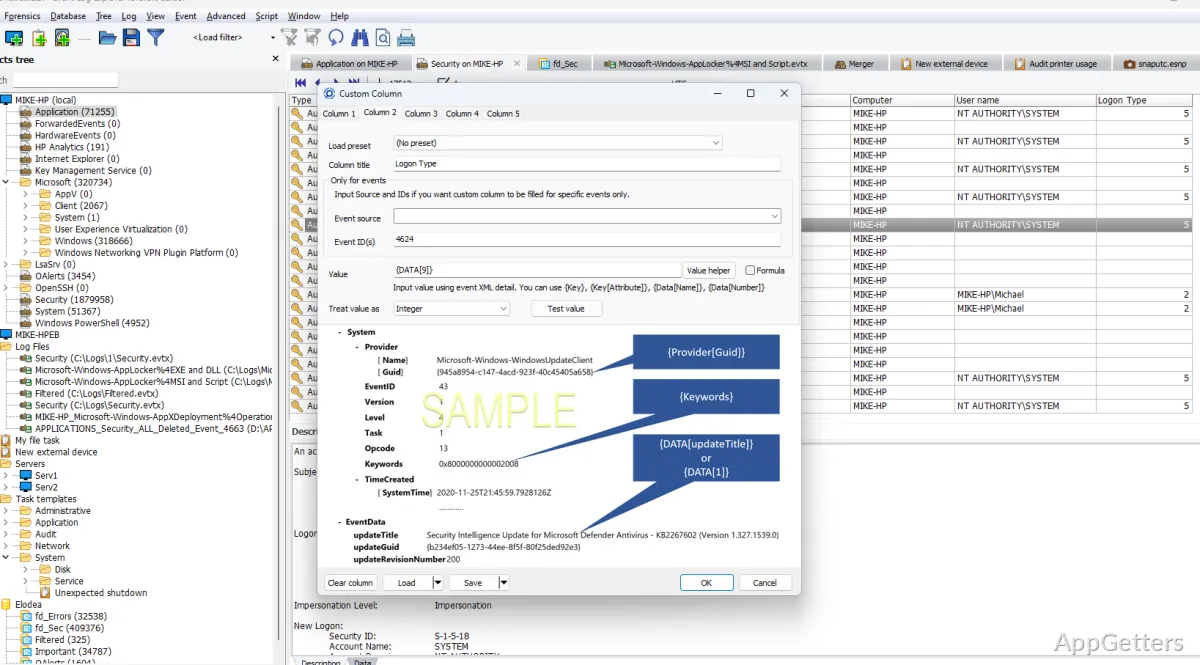
For saved logs that Windows cannot read normally, Event Log Explorer can access event log files directly without relying on the Windows Event Log API. Other features include taking event-log snapshots, monitoring for events and sending notifications, and working with disk images. The program also offers storage of events in an enterprise database and automation for recurring tasks.
Pros
- Filters events before, during, or after loading
- Combines logs from multiple computers in one view
- Exports events to Excel, CSV, and HTML
- Can read damaged event log files directly
Which saved event log formats can Event Log Explorer open?
It supports saved event log files in EVT and EVTX formats, as well as live Windows event logs.
Can it show events from several computers together?
Yes. It can consolidate event logs from networked computers into a combined view, which can also be filtered.
What formats can it export events to?
Export options include Microsoft Excel, CSV, and HTML.