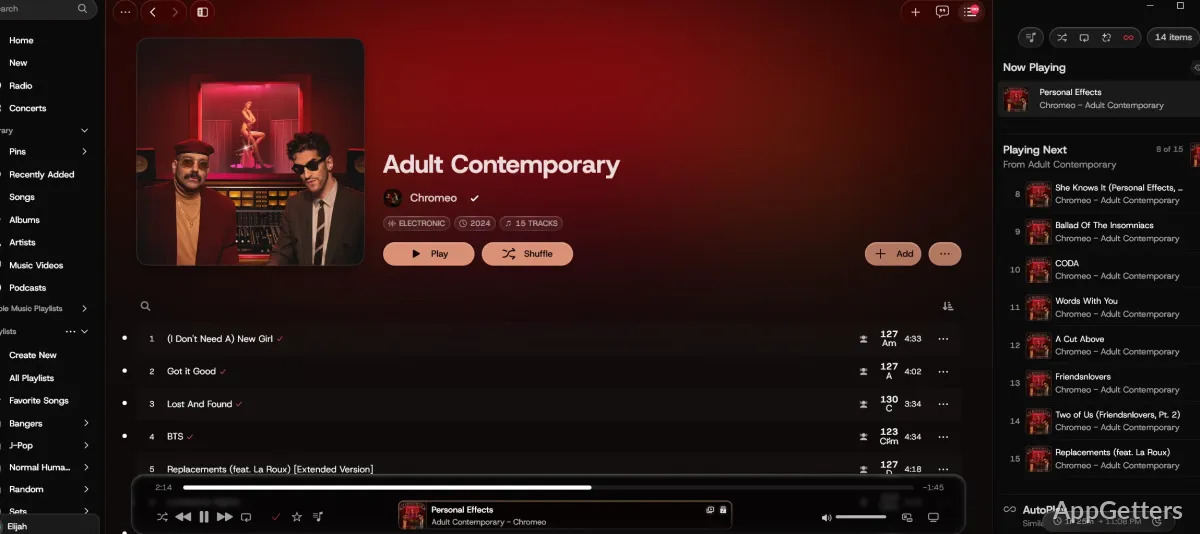
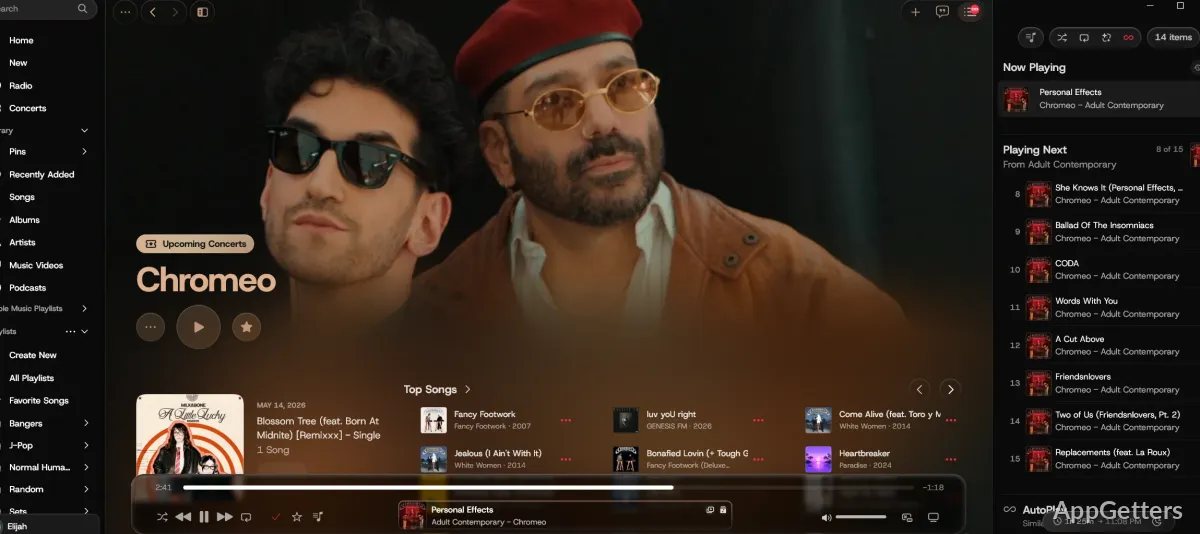
Subscribed to Apple Music but tired of the web player on Windows? Cider is a third-party desktop player that keeps Apple Music out of the browser tab. The app adds native media controls and a customizable interface to the Apple Music experience.
Play Apple Music from a desktop window
Cider is a third-party desktop client for Apple Music. Browse albums and artists, search the catalog, and play music from a dedicated app window. Native media controls give playback a place in Windows’ desktop control workflow, while the app avoids keeping Apple Music open in a browser.
Tune playback and connect music services
Adjust sound with Cider’s equalizer, which provides frequency controls, or try its audio spatialization and Adrenaline Processor features. The app also supports integrations with services including Discord and Last.fm.
- Use scrobbling with Libre.fm or Maloja.
- Install plugins to extend the app’s features.
- Choose a mini-player skin, including a Winamp-style window.
Control Cider away from the keyboard
Cider Remote is a separate iPhone app for controlling Cider when you are away from the computer. On Windows, the desktop player remains the playback endpoint; the phone app supplies remote controls. Cider Remote requires iOS 17 or later.
Track upcoming albums
For albums that have not been released yet, Cider can show a countdown.
Pros
- Native media controls for desktop playback
- Discord and Last.fm integrations
- Built-in equalizer and audio spatialization
- Customizable interface with a plugin system
System requirements: Windows 10, Windows 11
What music service does Cider play?
Cider is a desktop client for Apple Music.
Can Cider scrobble listening activity?
Yes. It supports scrobbling to services including Last.fm, Libre.fm, and Maloja.
Can a phone control Cider on a PC?
Yes. Cider Remote is an iPhone app that remotely controls Cider.