Notes scattered across text files and documents? CherryTree arranges them as a tree of nested pages with an editor beside it, keeping related material in one hierarchy, with rich-text formatting and syntax highlighting available for technical notes and code.
Tree of notes and node links
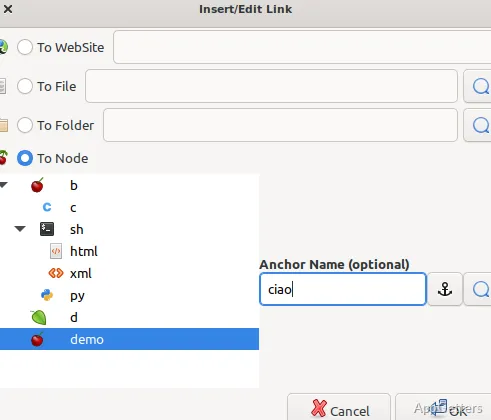
Create nodes for broad subjects, then add subnodes for details, meeting notes, or reference material. Dragging nodes in the tree changes their position in the hierarchy. When writing, a web address becomes a link, and a node name enclosed in double brackets can link to another node.
Search can target the selected node, its subnodes, or the full tree. Replace operations also work across node names and note text, making it possible to update repeated terms across a collection.
Rich text, code, and attachments
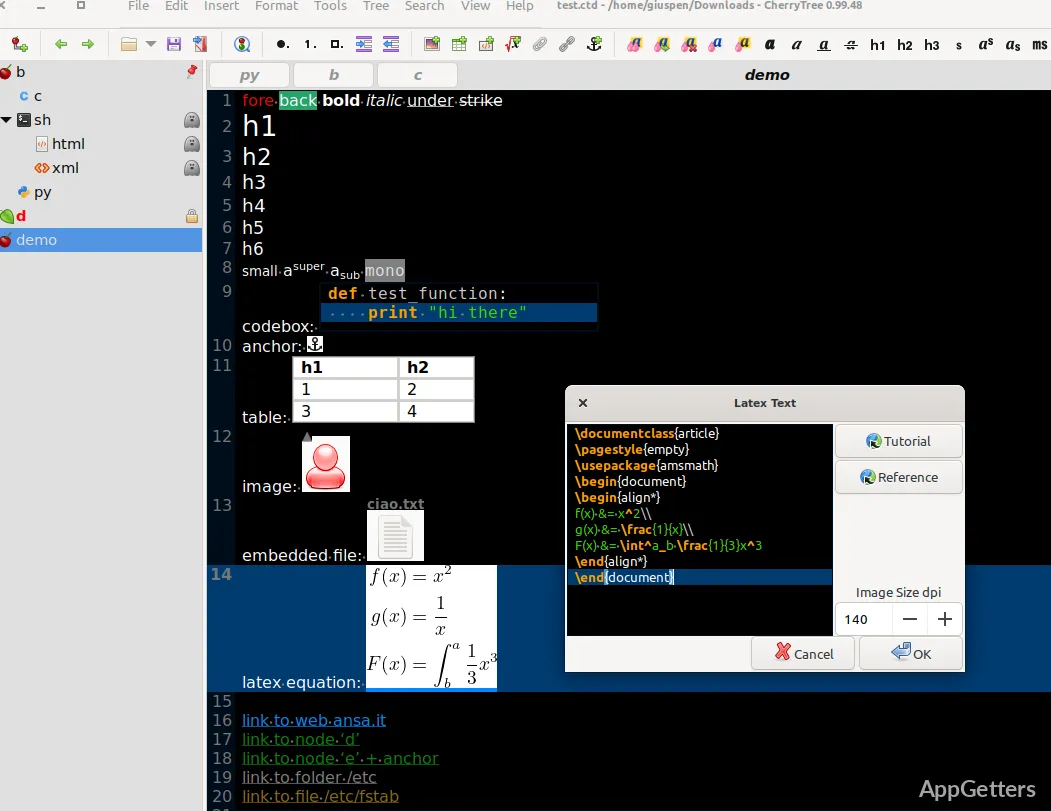
The editor supports plain text and formatted notes. Rich-text options include headings, text and background colors, lists, simple tables, and links. Images can be inserted into the text and resized or rotated; files can be embedded and later saved back to disk.
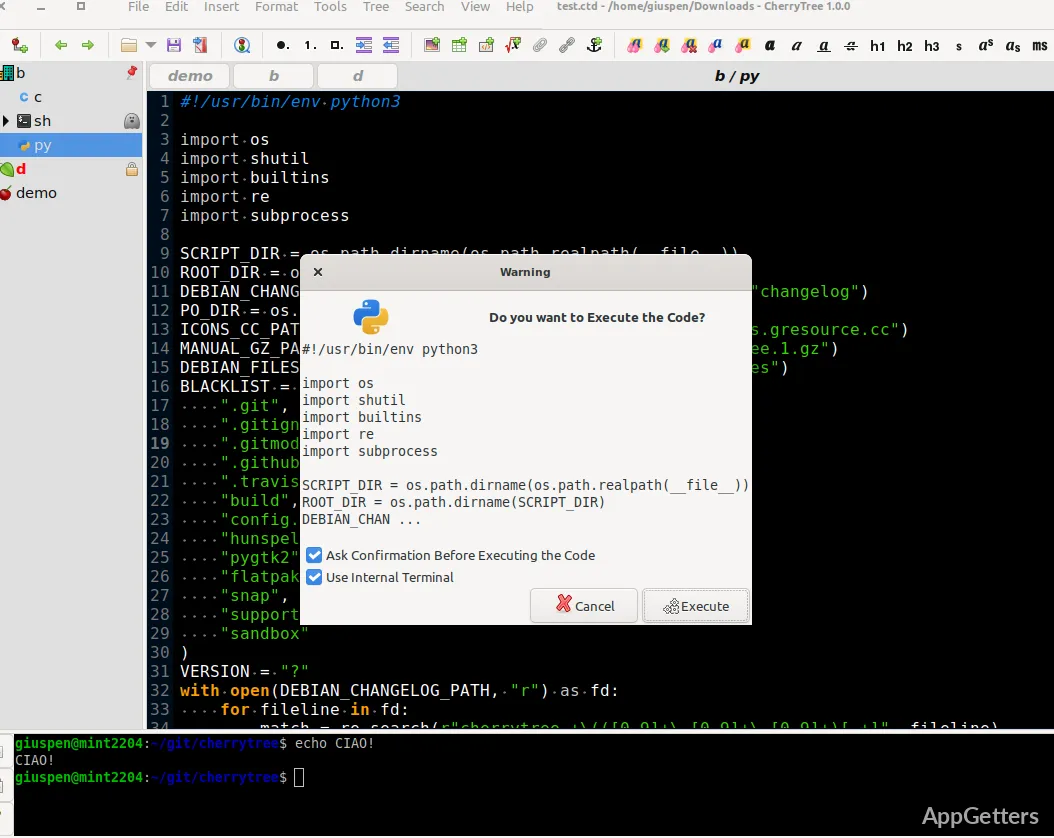
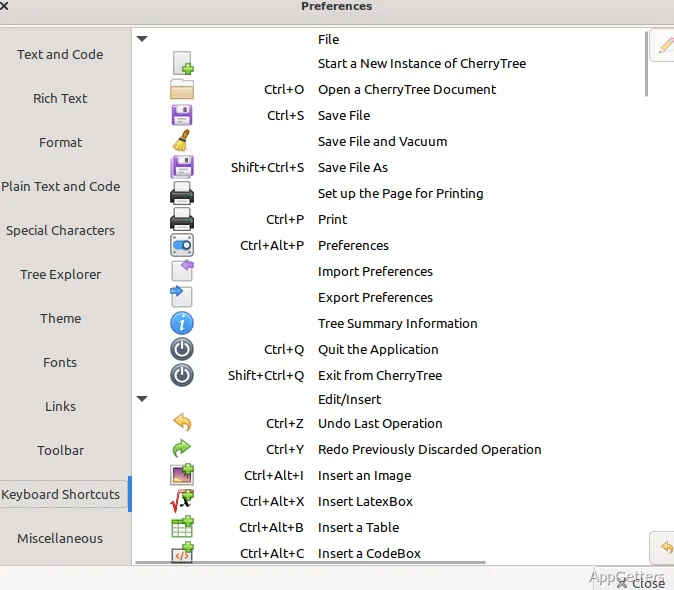
Codeboxes place plain text or syntax-highlighted code inside a rich-text node. Code nodes and codeboxes can also run code, with the terminal and command configured by syntax in preferences.
- Use numbered, bulleted, or to-do lists, with options to switch list styles.
- Import and export simple tables as CSV, or move codeboxes in and out as text files.
- Generate a table of contents from headings within a node or a larger part of the tree.
Storage, export, and protection
Choose a single XML or SQLite file for a notebook, or organize data across multiple files and directories. CherryTree can export selections, nodes with their descendants, or the full tree as HTML or plain text, and can print or save those scopes as PDF.
Password protection is available for single-file storage. While a protected document is open, CherryTree extracts an unprotected copy to a temporary folder and removes that copy when the program closes.
Pros
- Organizes notes in nested nodes and subnodes
- Stores data in XML, SQLite, or separate files and folders
- Supports rich text, codeboxes, and syntax highlighting
- Exports selected notes or entire trees to HTML and plain text
Cons
- Password-protected documents create an unprotected temporary copy while open
System requirements: 64-bit only
How are notes organized in CherryTree?
Notes are stored as nodes in a tree. Add subnodes beneath a node to build a deeper hierarchy.
Can CherryTree store programming notes and code?
Yes. Notes can include syntax-highlighted codeboxes, and code nodes and codeboxes support code execution.
What formats can CherryTree export?
It exports selections, nodes, or the full tree as HTML or plain text, and can print or save them as PDF.