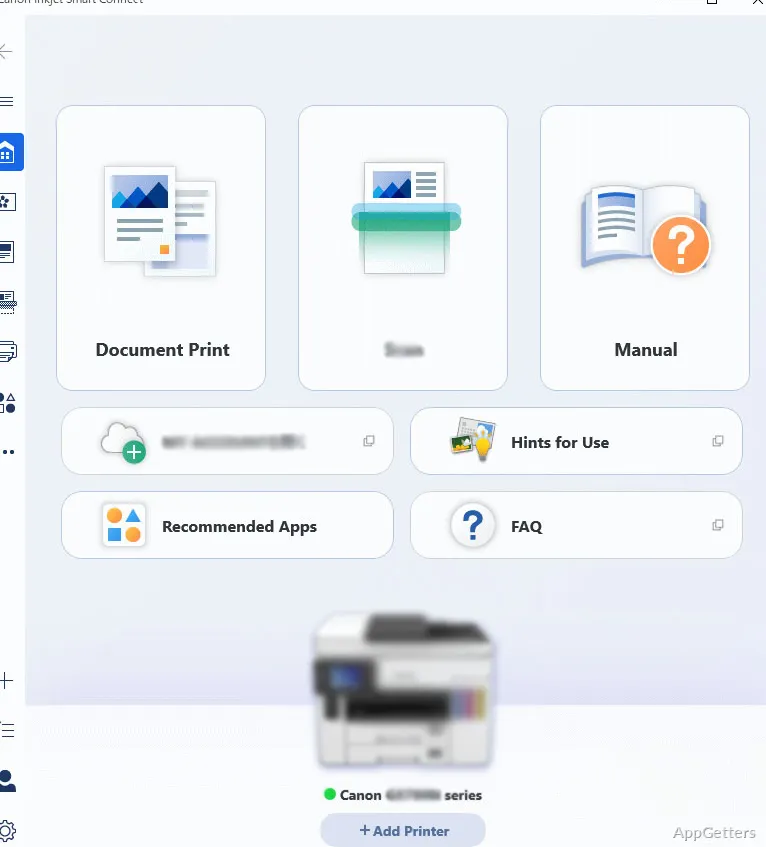
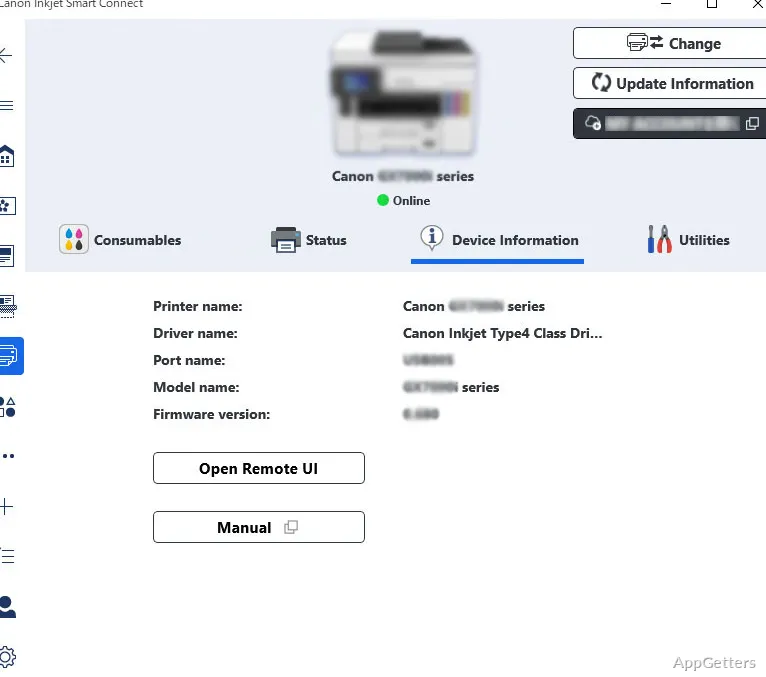
Need to adjust paper size, check ink, or scan a document from one place? Canon Inkjet Smart Connect is Canon’s Windows app for managing printer settings, printing, scanning, and related tasks.
Set print options and check ink levels
Choose print settings such as double-sided output, paper size, resolution, and black-and-white printing. The app also displays ink levels for supported cartridges, or toner levels when used with a compatible laser printer.
Scan and edit documents
For a scan, set the resolution, page size, and document type. After capturing the document, edit it in the app and export the resulting file to the computer.
Use photo and document tools
Easy-PhotoPrint Editor provides tools for arranging photos into collages and printing them. Other utilities help select an aspect ratio for documents and synchronize documents with cloud storage.
Add printers and troubleshoot connections
Add a printer connected through Wi-Fi, Ethernet, or USB. Network diagnostics can help identify connection problems, while the app’s printer controls bring print, scan, and device-management tasks together.
Pros
- Adjusts duplex, paper-size, resolution, and color settings for print jobs
- Shows cartridge or toner levels
- Lets you edit scans before exporting them
- Includes Easy-PhotoPrint Editor for photo collages
System requirements: Windows 10, Windows 11 · ARM64 and x64
Can Canon Inkjet Smart Connect change print settings?
Yes. It offers settings for duplex printing, paper size, resolution, and black-and-white output.
Can I edit a scan before saving it?
Yes. Set scan options, capture the document, edit it, and export the file to your computer.
What extra tools does the app include?
It includes Easy-PhotoPrint Editor for photo collages, document aspect-ratio tools, cloud synchronization, and network diagnostics.