Need live captions during a call, or a transcript from an audio or video file? Buzz Captions uses Whisper to transcribe speech on your computer, with options for live microphone transcription and translation.
Buzz Captions transcribes files and microphone audio
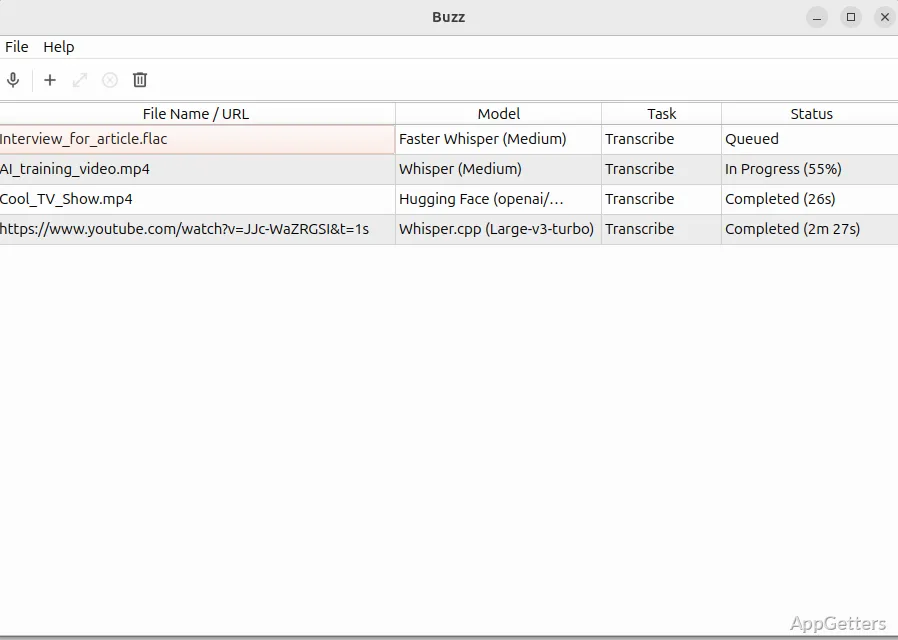
Import audio or video files to create a transcript, or capture speech from the computer’s microphone for live transcription. Buzz is powered by OpenAI’s Whisper speech-recognition technology and can work offline on the computer.
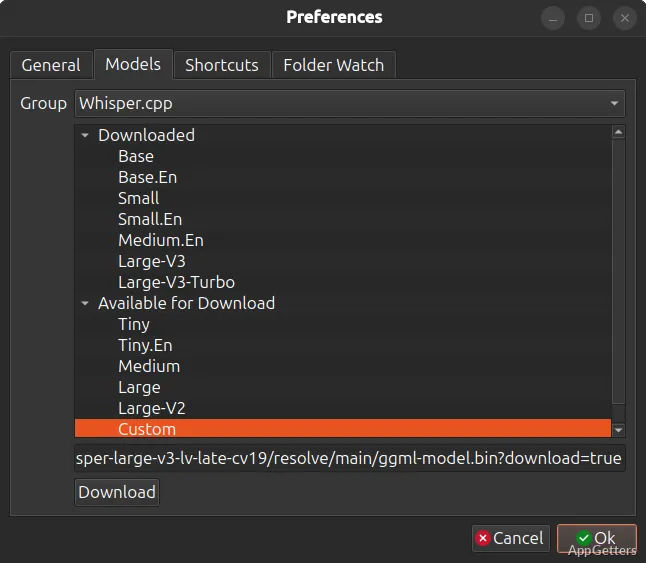
Transcription and translation cover more than 90 languages. The language direction can be set to convert speech into English text or to produce text in the same language as the audio. Live processing speed depends on the computer’s resources and the selected language and model size.
Review transcript text alongside audio playback
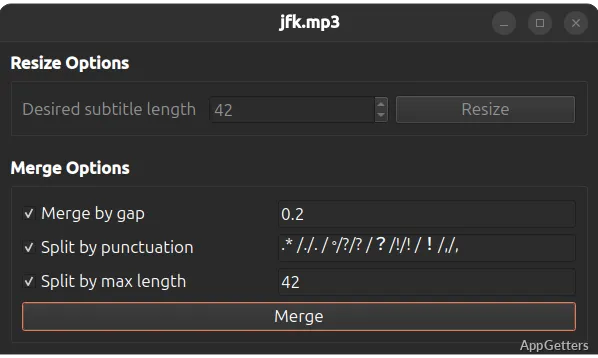
The transcript viewer includes search and audio playback controls, with inline editing for correcting recognized words. Playback speed controls and transcript navigation make it easier to locate a passage and adjust its text without losing track of the audio.
Export captions in common text formats
When the transcript is ready, export it as CSV, SRT, TXT, or VTT. SRT and VTT are caption formats; TXT provides plain transcript text, while CSV presents the transcript in a tabular form.
A typical workflow is to import a recording, choose transcription or translation, review the generated text in the viewer, and export the corrected transcript in the format needed for captions or further editing.
Pros
- Transcribes imported audio and video files
- Exports CSV, SRT, TXT, and VTT
- Supports live microphone transcription and translation
- Search, playback, and inline transcript editing
Cons
- Live transcription may lag depending on system resources, language, and model size
Can Buzz Captions transcribe speech as it happens?
Yes. It can transcribe and translate live audio from the computer’s microphone. Processing may not keep pace with speech on every system or with every language and model.
Which formats can Buzz Captions export?
It exports transcripts as CSV, SRT, TXT, and VTT.
Can it translate a recording into English?
Yes. Buzz Captions supports translating audio into English text, as well as transcribing audio into text in its own language.